

1. Superb 4K UVC to HDMI Conversion
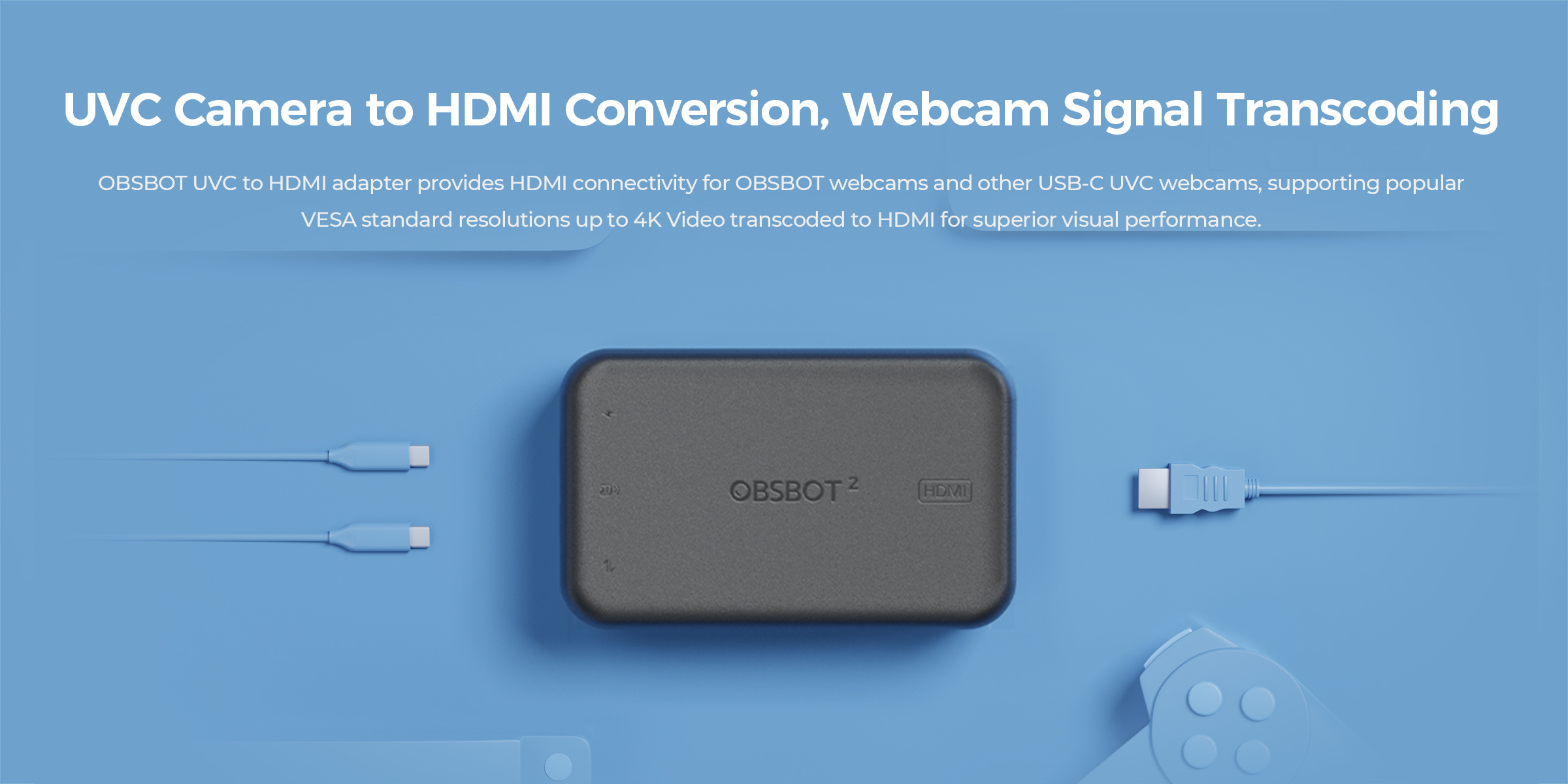
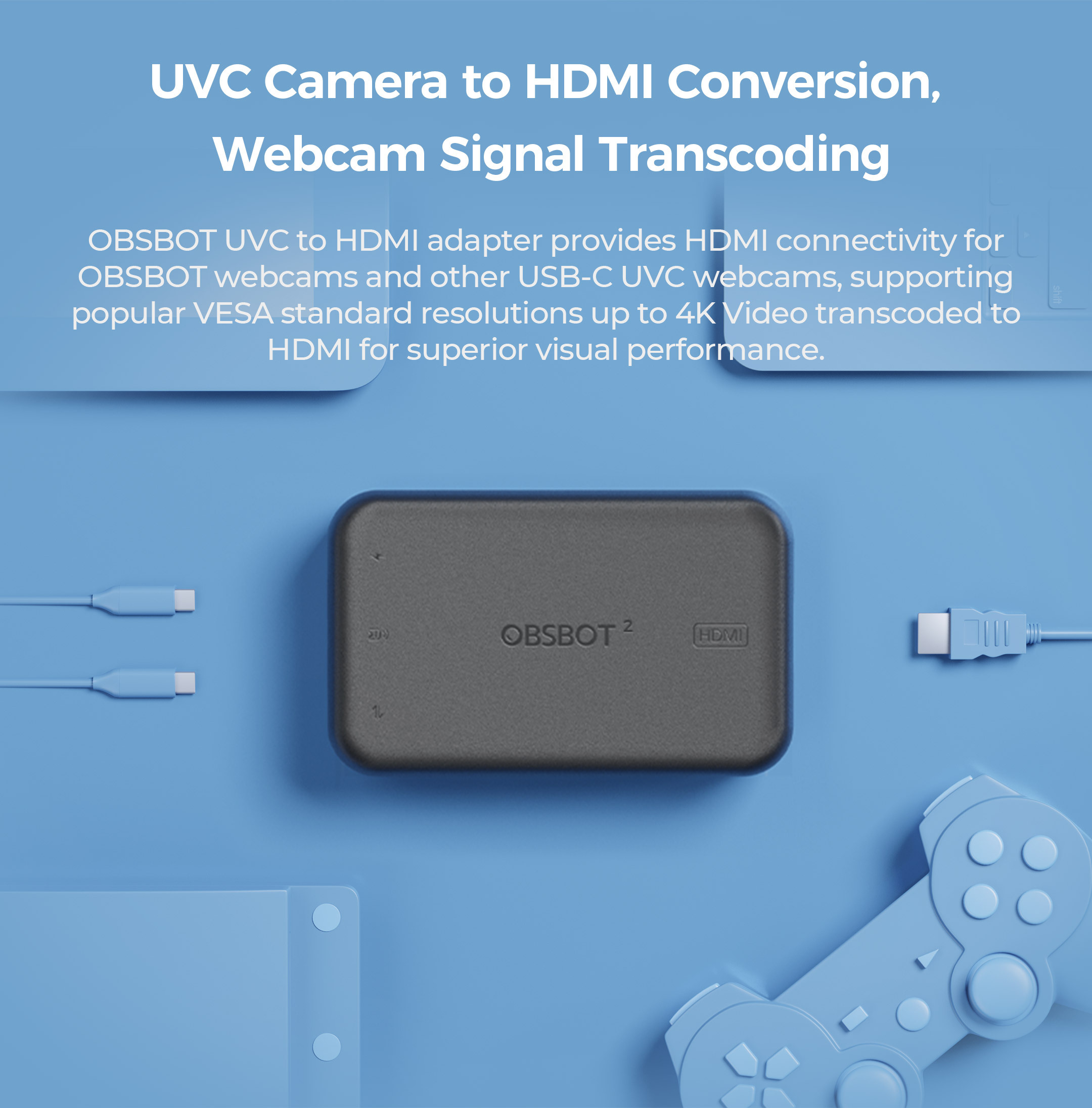
Supports conversion between UVC and HDMI, with up to 4K@30fps & 1080p@60fps resolution and decoding, the OBSBOT UVC to HDMI adapter allows you to unlock more possibilities for OBSBOT webcam devices.
2. Plug and Play
Simple installation, No Driver required, easily connecting your OBSBOT devices to a PC, Mac, Smart TV, or even an ATEM device.
3. Low Latency
Expand real-time video calls with ultra-low latency without a time limit or HDMI port limit.
4. OBSBOT Remote Control Support
OBSBOT remote controllers (Meet controller and Tiny controller) are available to control OBSBOT Tiny series and OBSBOT Meet series during your connection, level up your remote workflow.
5. Firmware Upgrade Support
OBSBOT UVC to HDMI adapter supports firmware update via software, good product, well supported.
*Note: Compatibility for ATEM Switchers' UVC input is now available.
What's in the Box
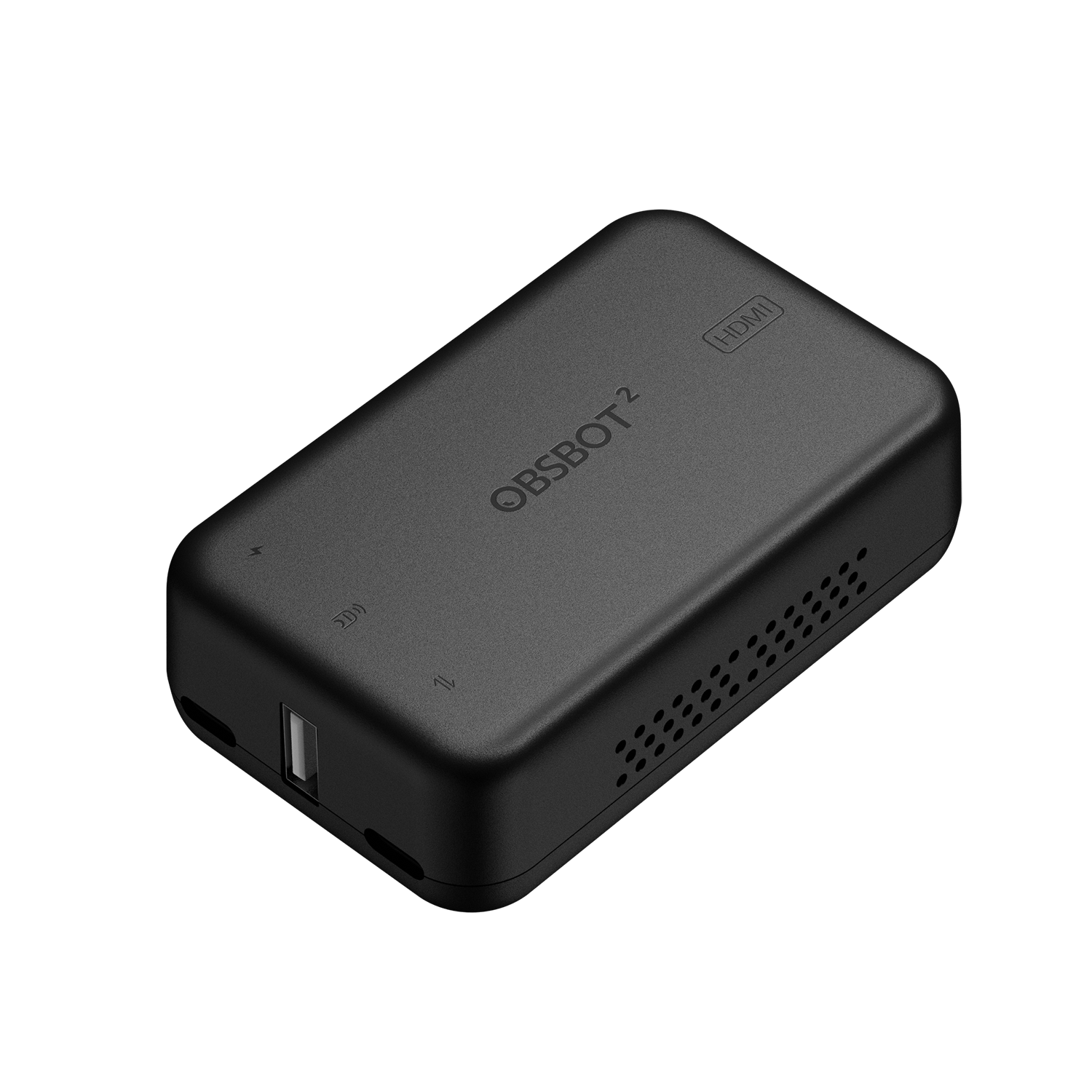
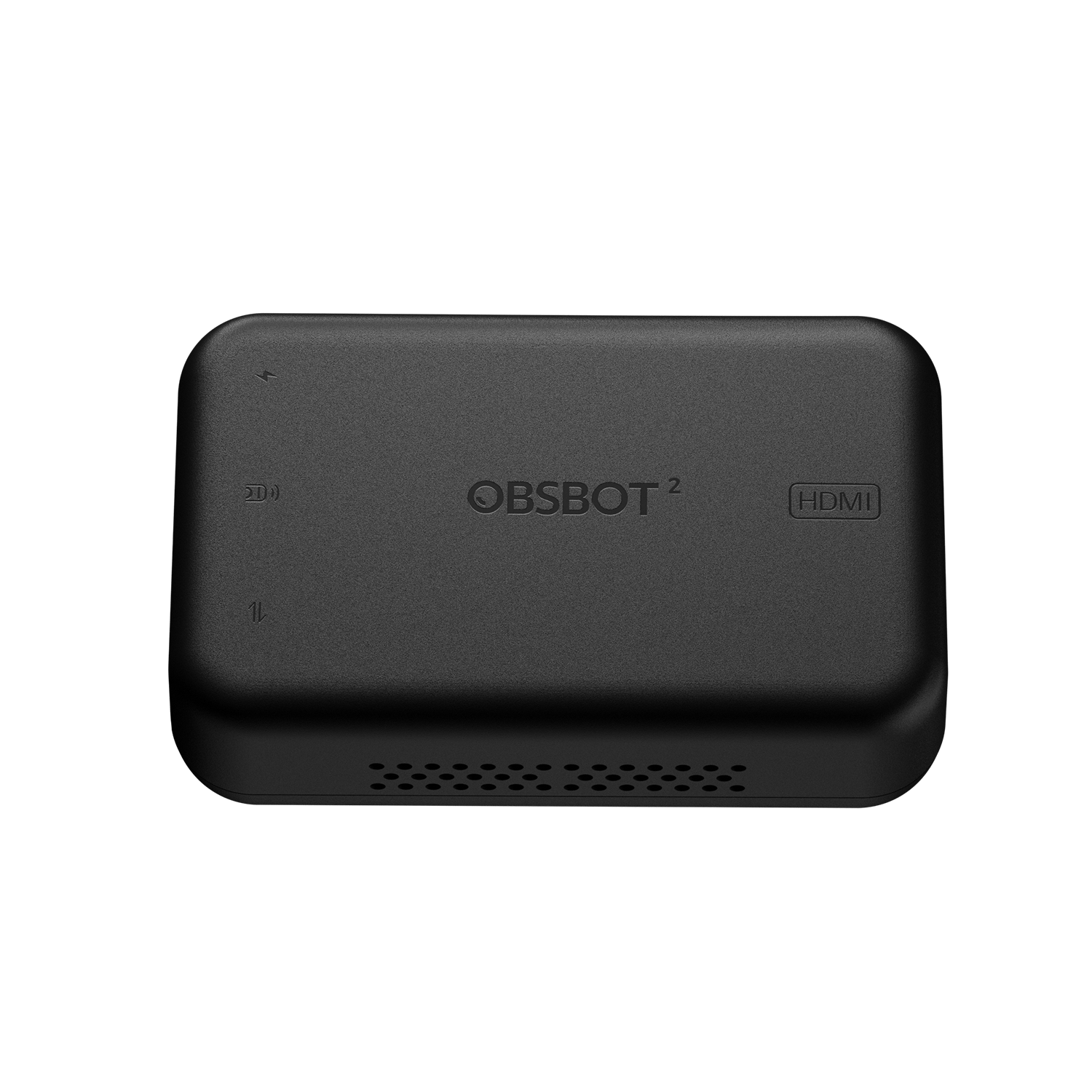
1 * OBSBOT UVC to HDMI Adapter 2nd Gen
1 * USB-C to USB-C Cable (1.5m)
Before You Use
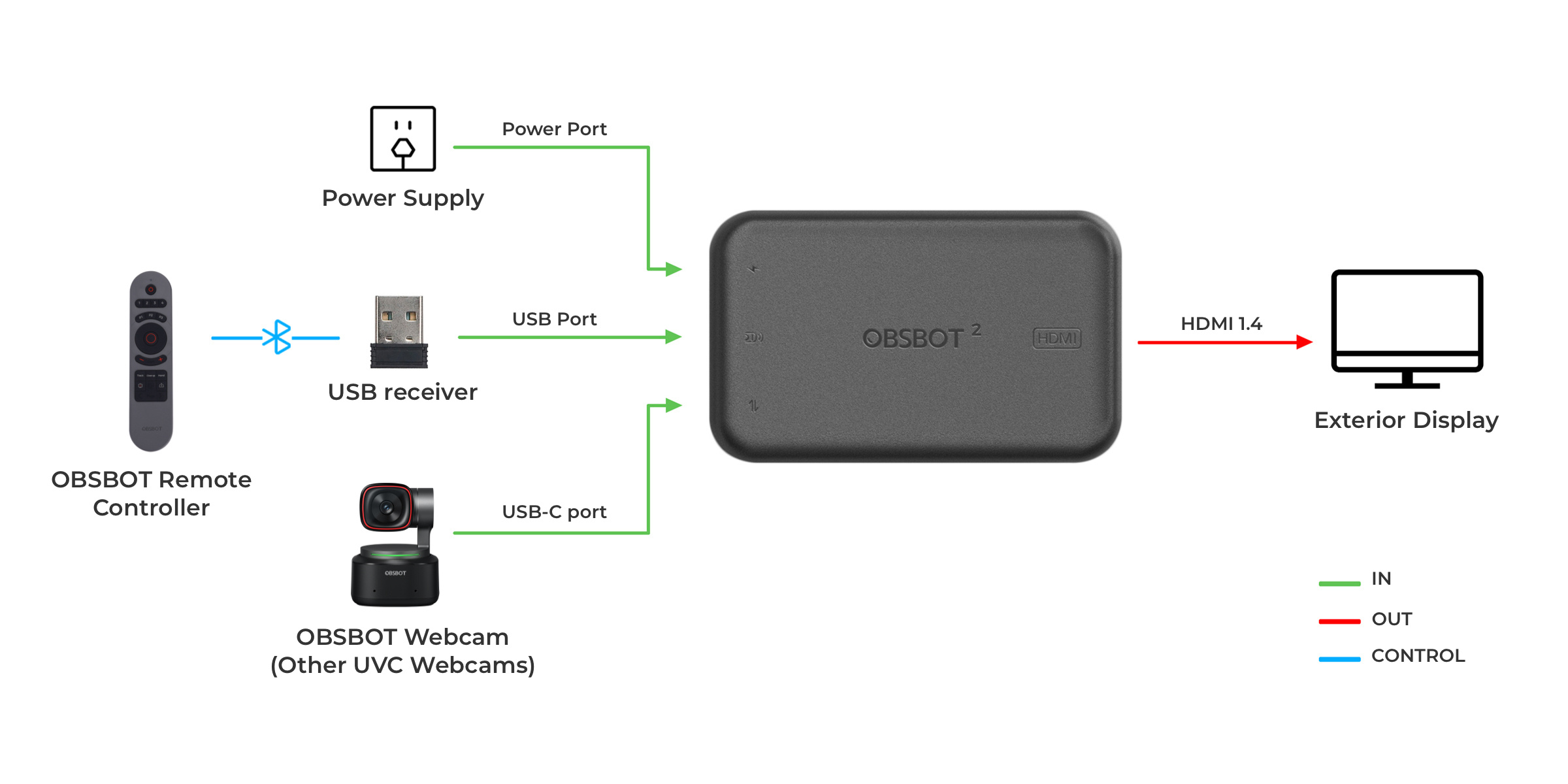
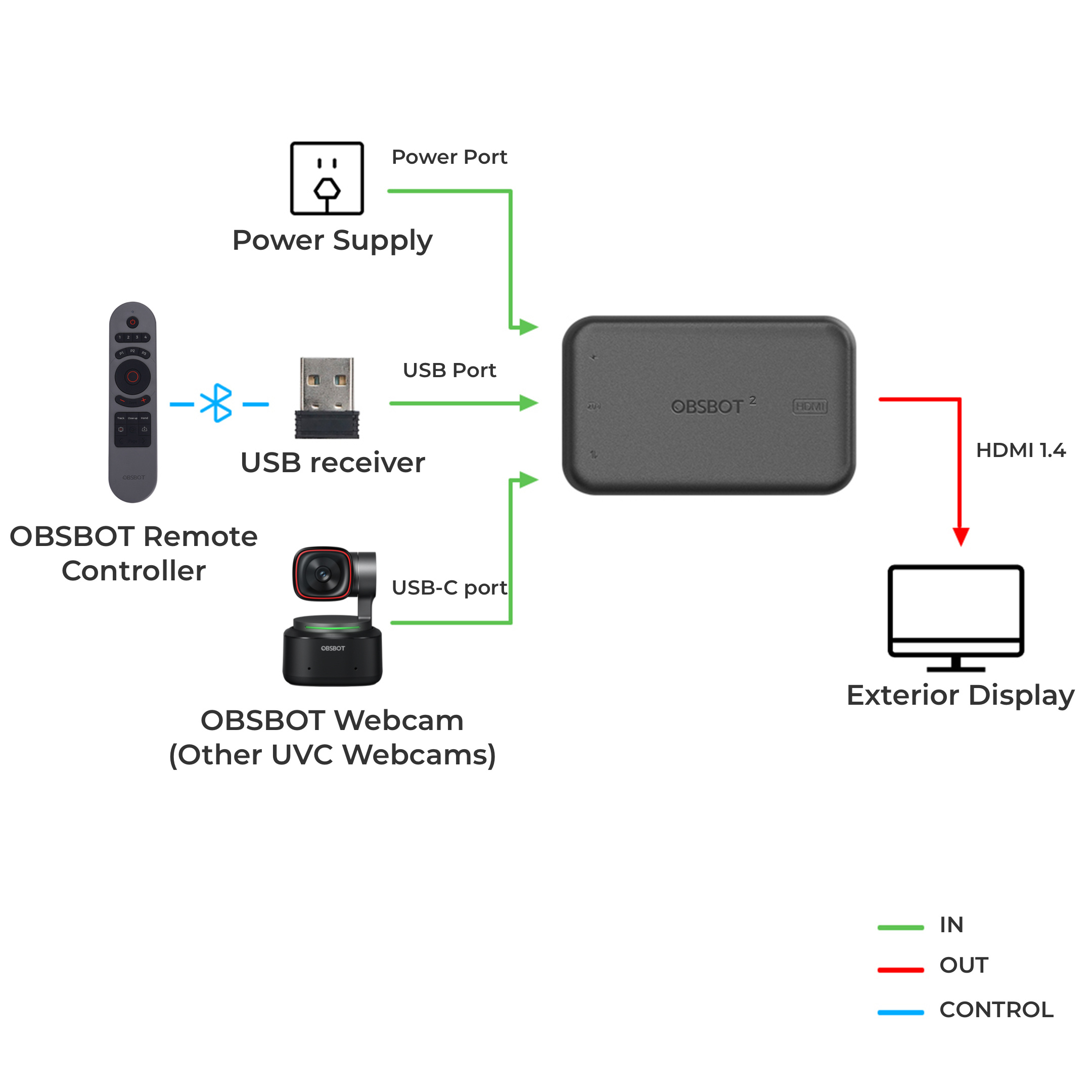
Please operate as shown in the following figure:
Step 1: Connecting Power Port with power supply.
Step 2: Connecting HDMI Output Port with monitor via HDMI cable.
Step 3: Connecting USB-C Input Port with USB camera via USB-C cable.
*Note:
a. If necessary, you can plug in the OBSBOT remote control (Meet control and Tiny control) Receiver into the USB port to control OBSBOT Tiny Series or OBSBOT Meet Series via remote control.
b. Power of the adapter is not less than 5V/2A/10W.
c. Do not use the USB port of the computer for the power supply.