Tutorial Videos & Articles

OBSBOT Center macOS Permissions Instructions
Article


QUICK SET UP: Switch Tracking Mode on OBSBOT Tiny Series
Video

QUICK SET UP: Portrait Mode on OBSBOT Tiny 4K
Video

QUICK SET UP: Sleep Mode on OBSBOT Tiny Device
Video

Introducing the AI Auto Tracking Modes on OBSBOT Tiny 2
Video

Introducing the Preset Positions on OBSBOT Tiny 2
Video

Introducing the Laser-Whiteboard Mode on OBSBOT Tiny 2
Video

Introducing the Sleep Background on OBSBOT Tiny 2
Video

How to Set up "Zone Tracking" on OBSBOT Tiny 2
Video

Connect Tail Air with Your Windows/macOS
Video
How to Use Virtual Voice in OBSBOT Center
Article
How to Use RTC Remote Interaction in OBSBOT Center
Article
How to Use AI Magic Notes in OBSBOT Center
Article

OBSBOT OSC
Article
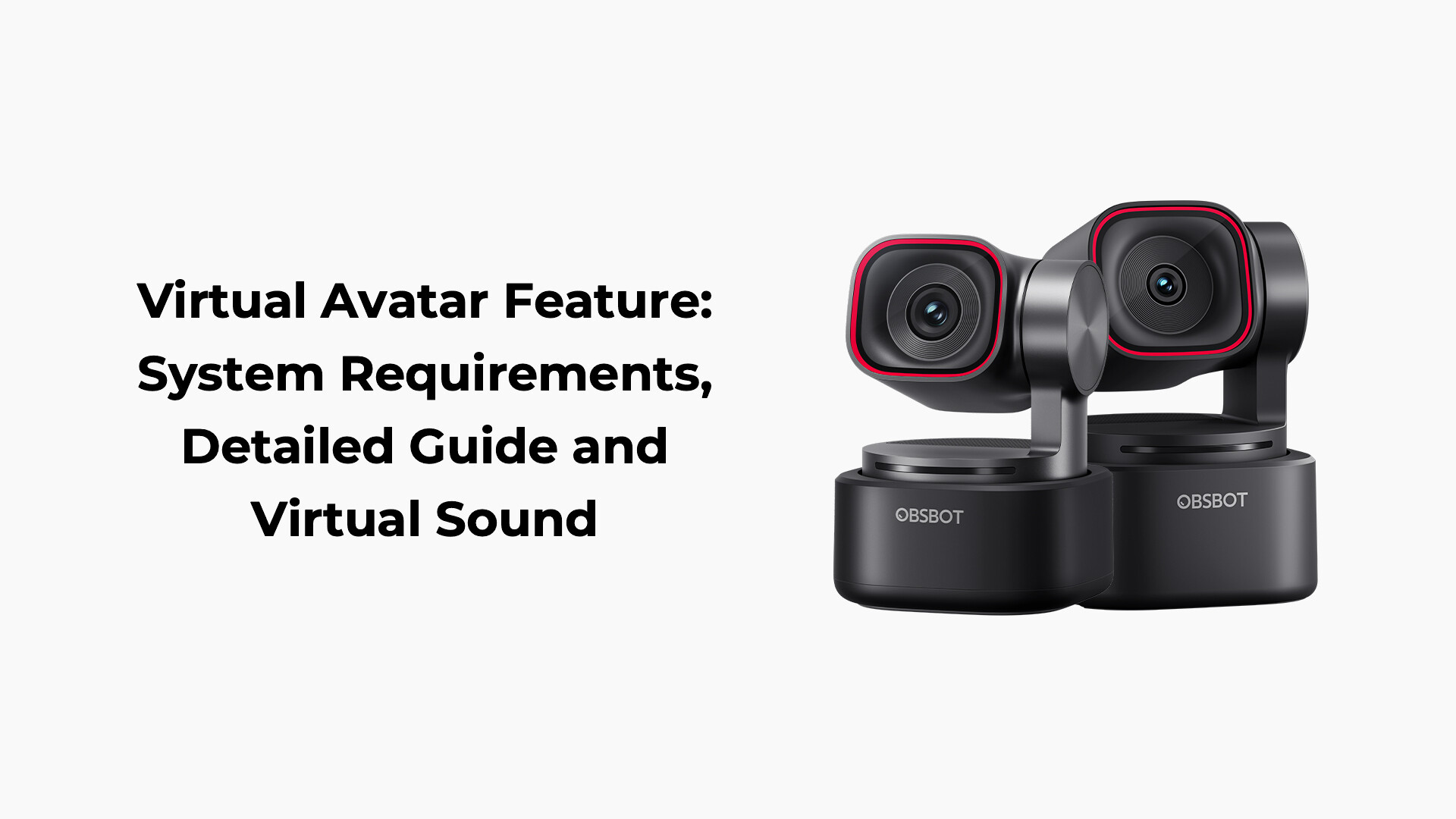
Virtual Avatar Feature: System Requirements、Detailed Guide and Virtual Sound
Article

OBSBOT Webcam Firmware Upgrade Manual
Article

How to Apply Beauty Effects in Third-Party Software
Article

QUICK SET UP: Use OBSBOT Center (Formerly OBSBOT WebCam) with Tiny Series
Video

QUICK SET UP: Use OBSBOT Center (Formerly OBSBOT WebCam) with Meet Series
Video

macOS,Virtual Camera,Compatibility
Article

OBSBOT Center Multi-Device Version Update
Article

OBSBOT Center Newly Launches [Lite Mode]
Article

Mastering the Preset Modes on OBSBOT Tiny 2 Lite
Video

OBSBOT Tail Air Firmware Upgrade via OBSBOT Center
Article
Reviews