How to Use Multi-App Monitoring & Cross-Screen Interaction on OBSBOT Talent 2
OBSBOT Talent 2 supports popular social and streaming apps such as TikTok and Instagram, allowing app content to become part of your live production. With HDMI and USB output options, you can also extend your workflow across external displays for more flexible monitoring and operation.
Install and Run Apps
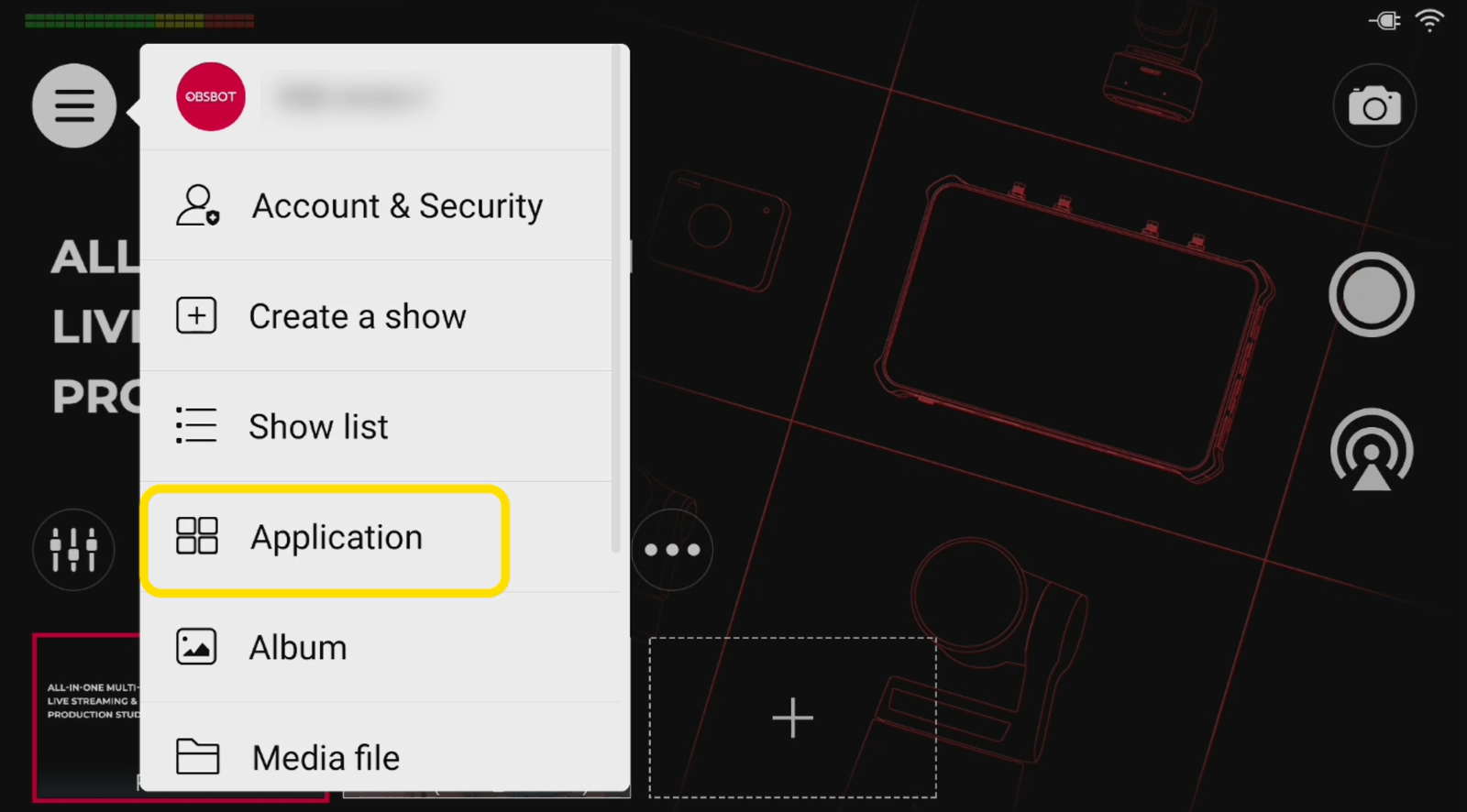
1. Open Menu > Apps and select Run App to launch your desired application.
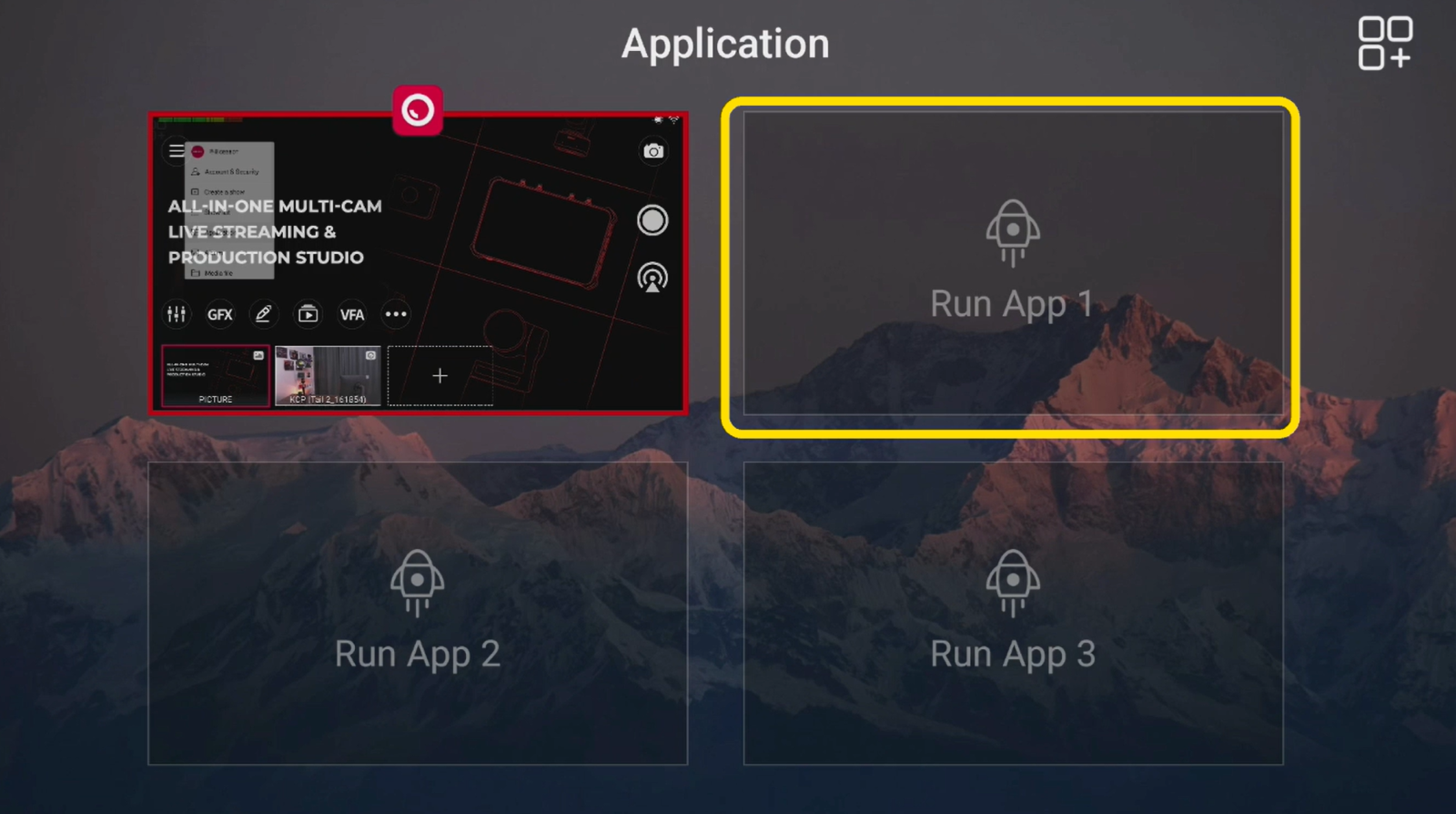
2. To install additional apps, tap the + icon, select the app you want, and tap Install.
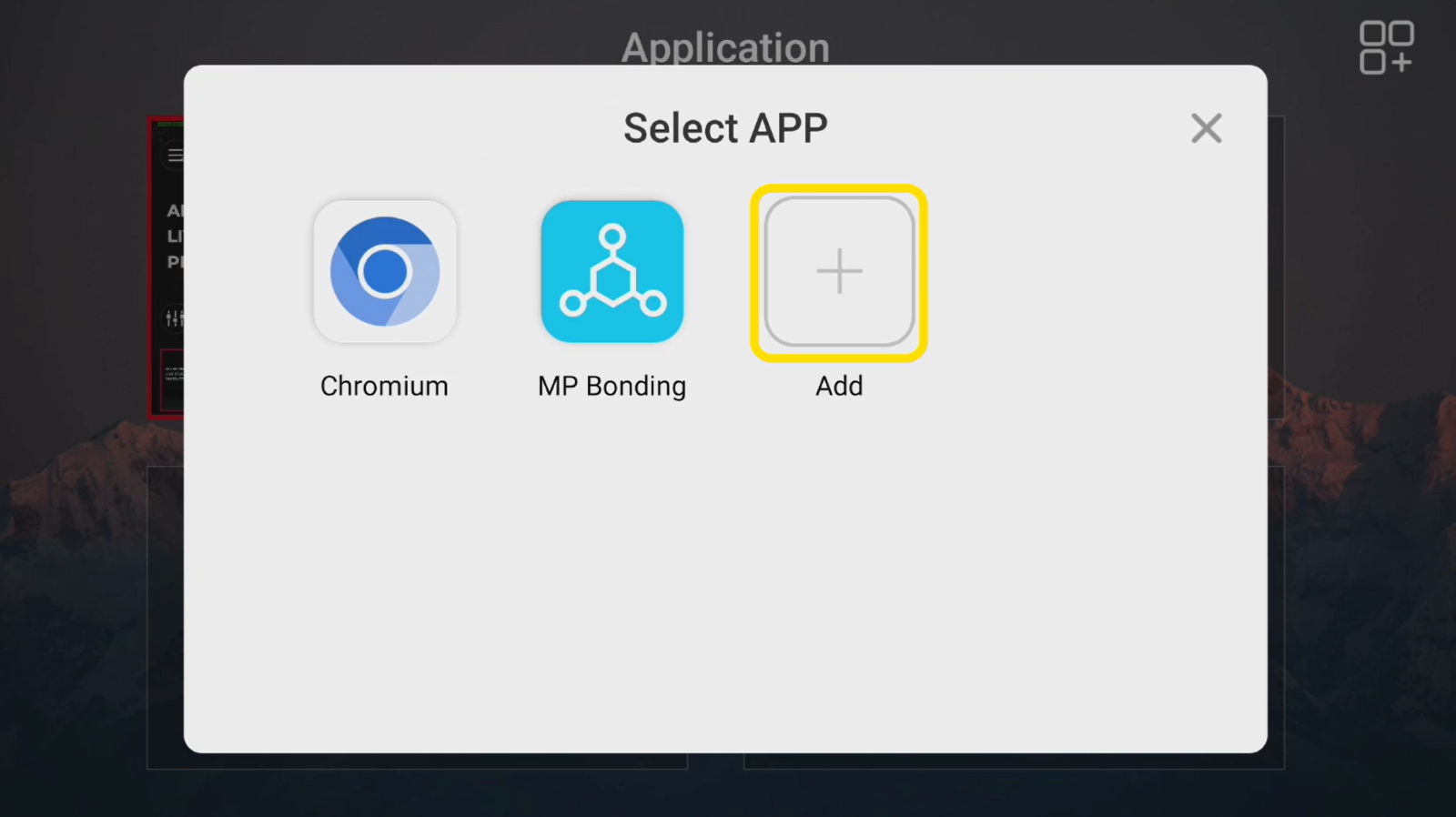
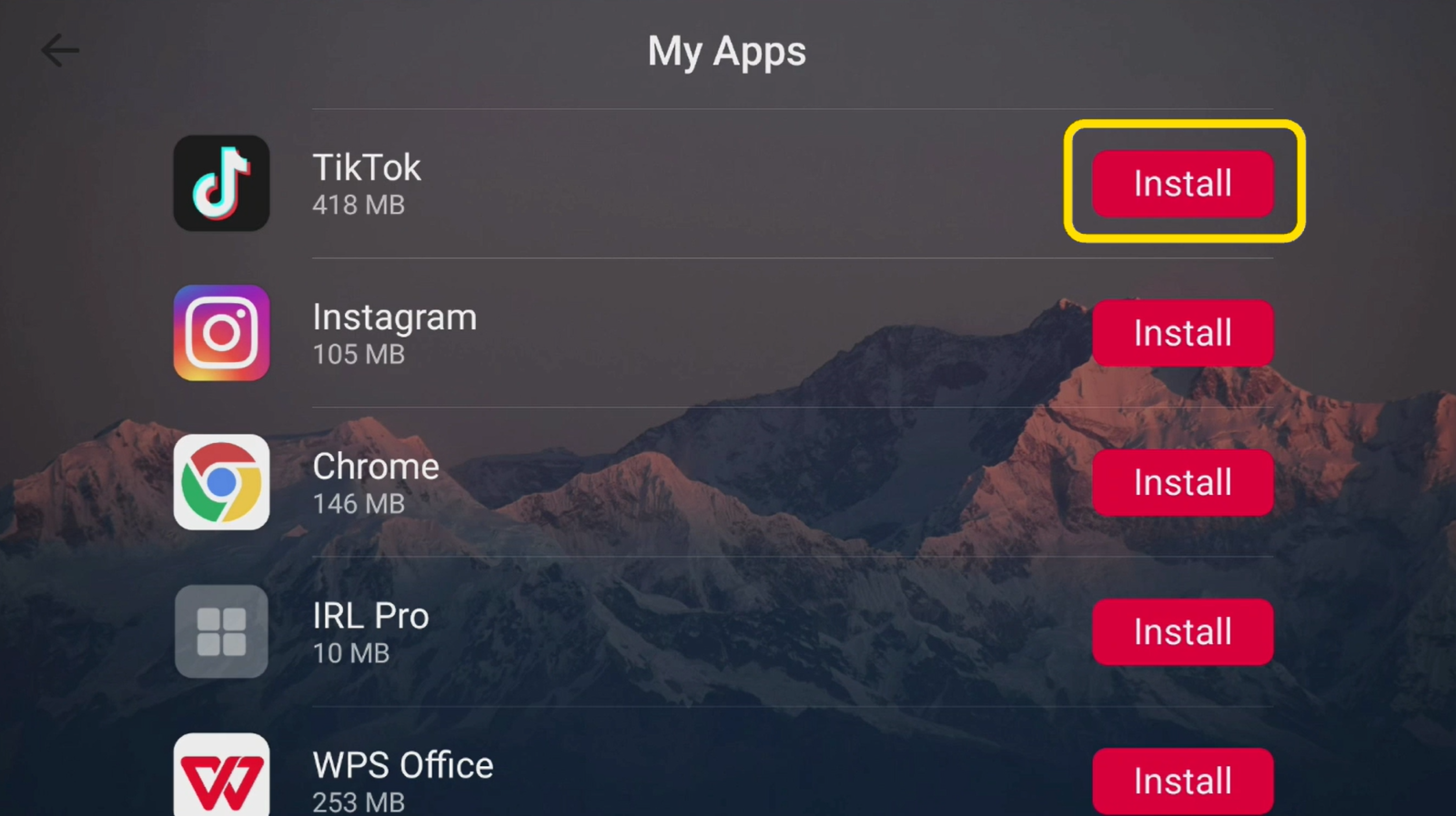
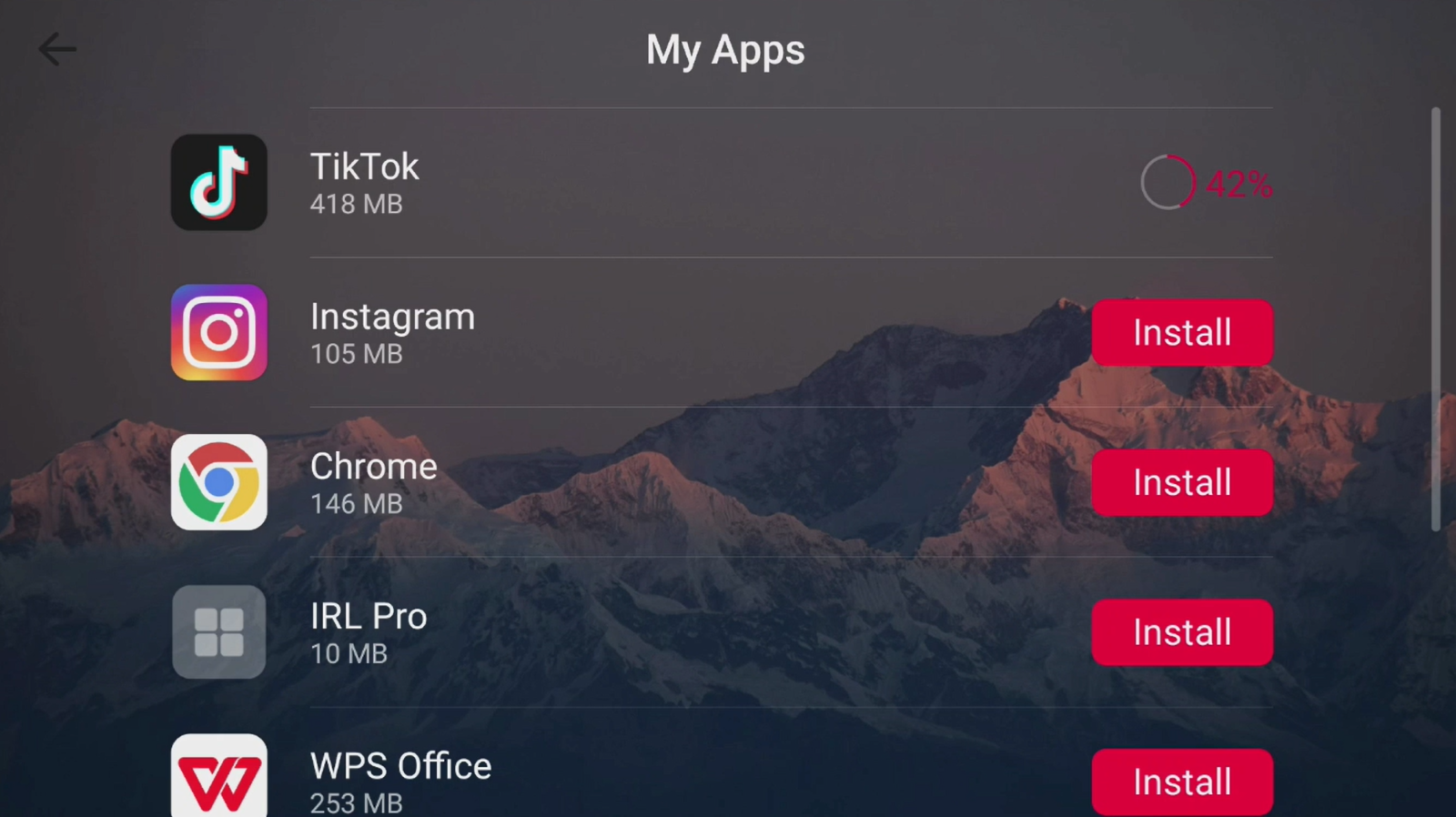
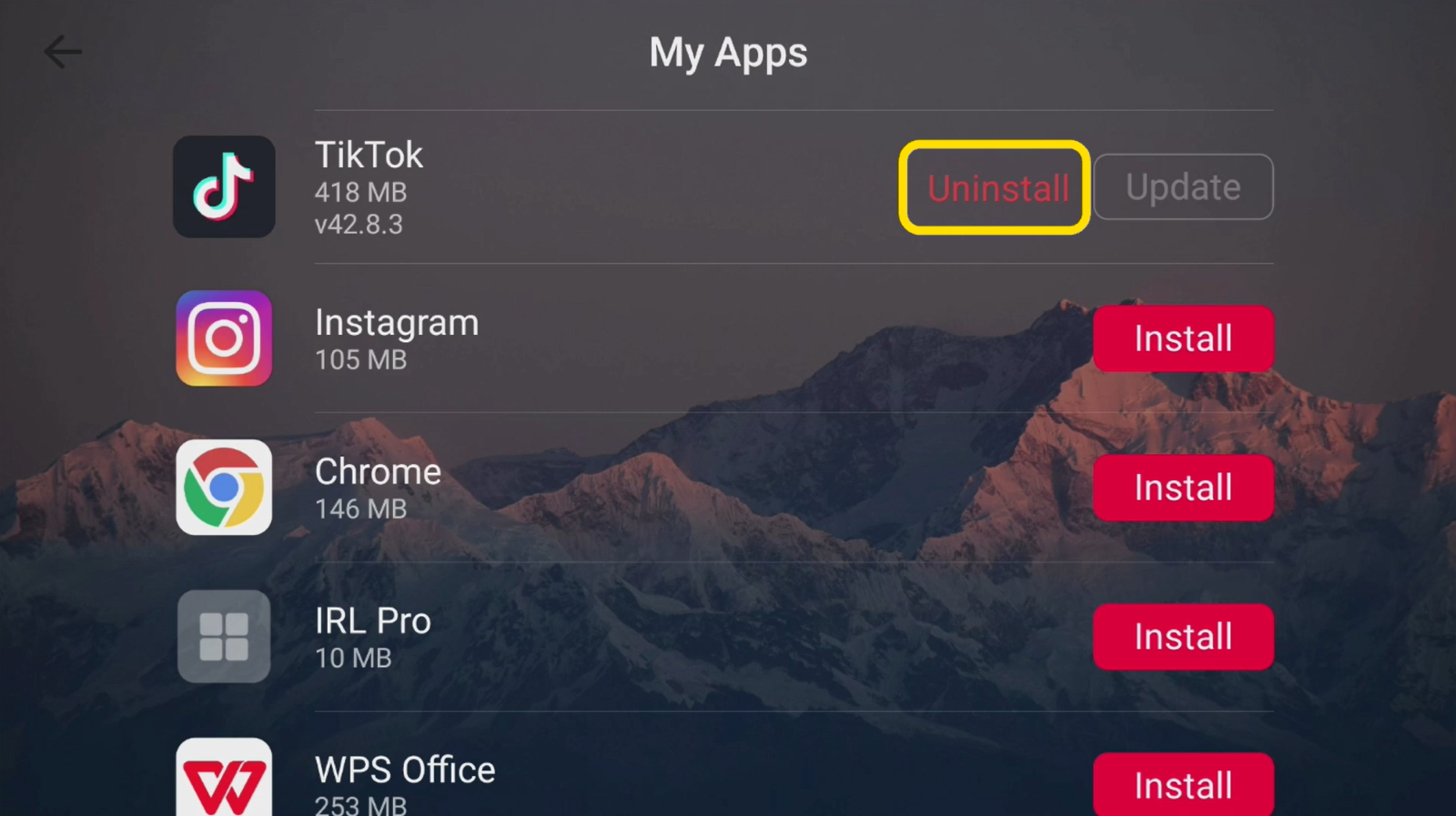
3. You can also uninstall apps you no longer need directly from the Apps page.
Add an App to Your Scene
1. After setting up the app, return to Apps > Run App and launch it.
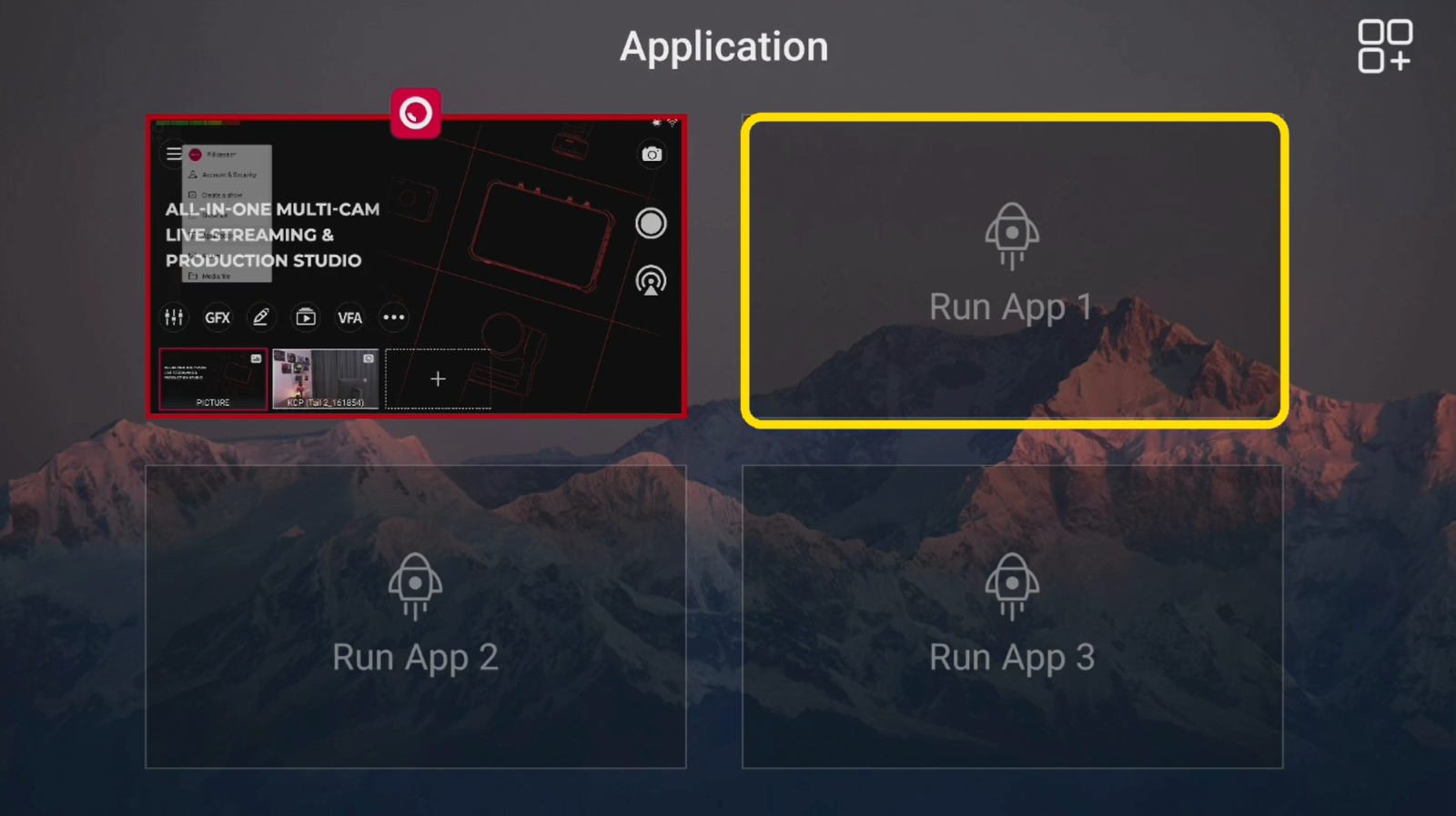
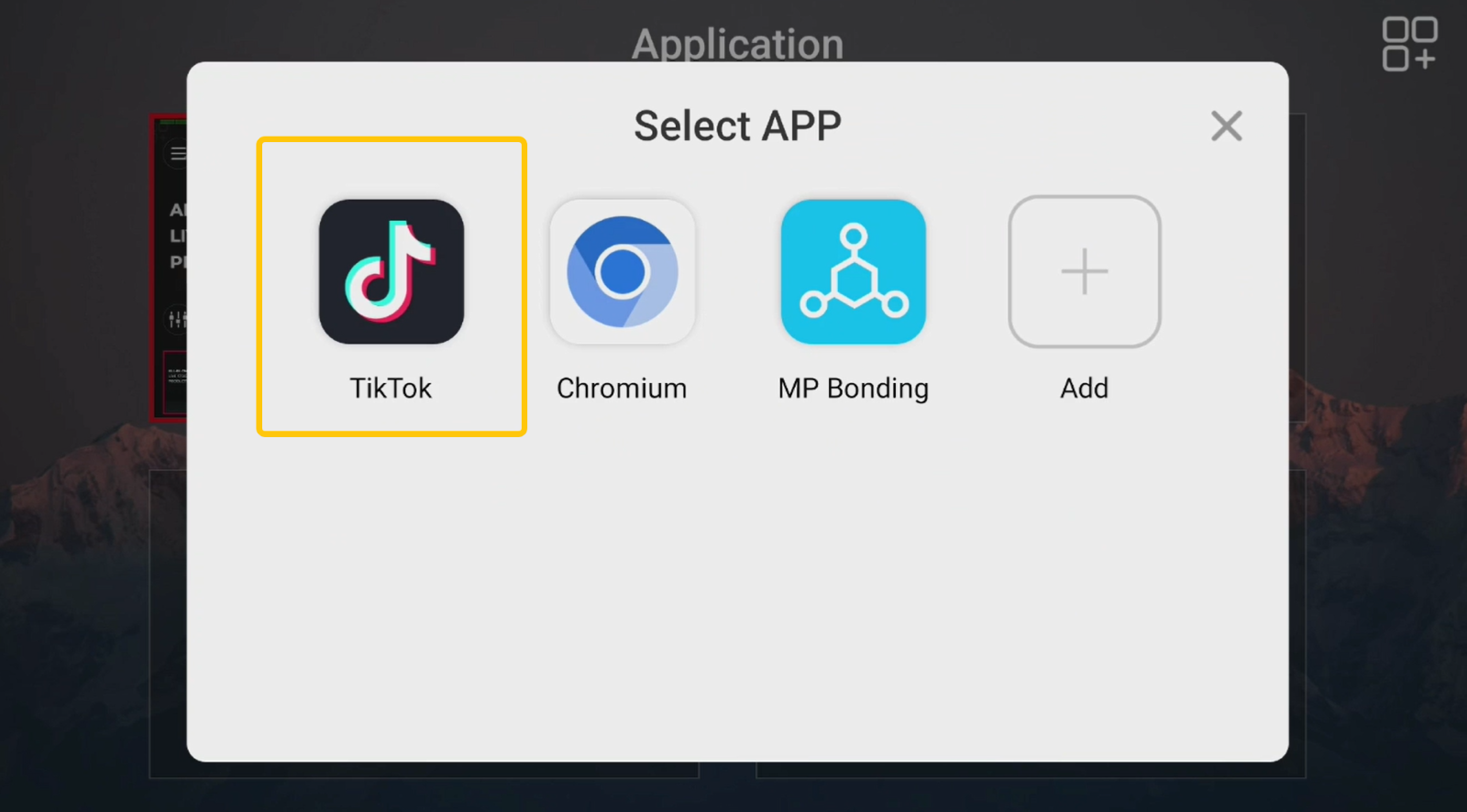
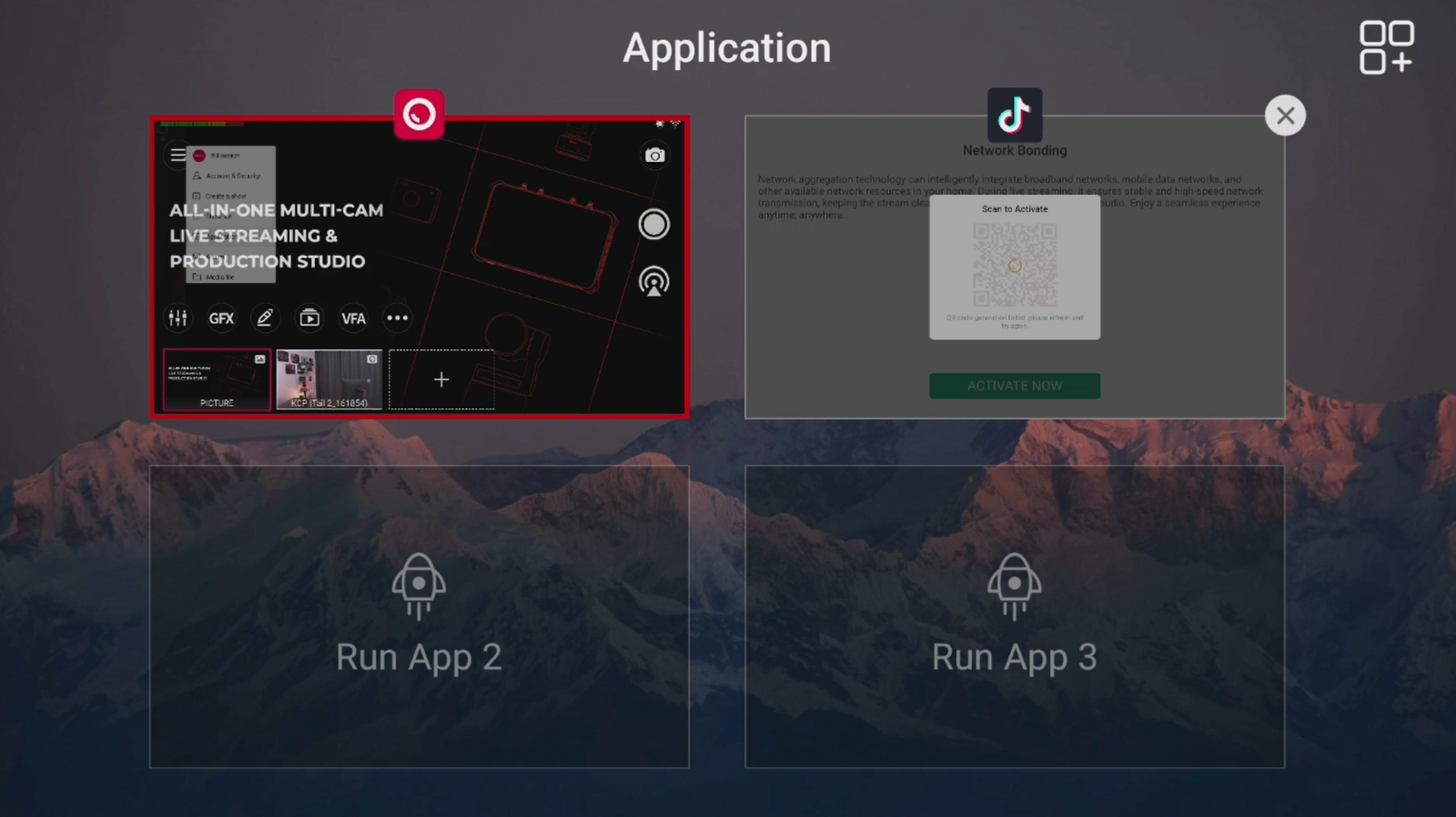
2. Then go to the Add Scene page, select your desired app, and add it to the scene.
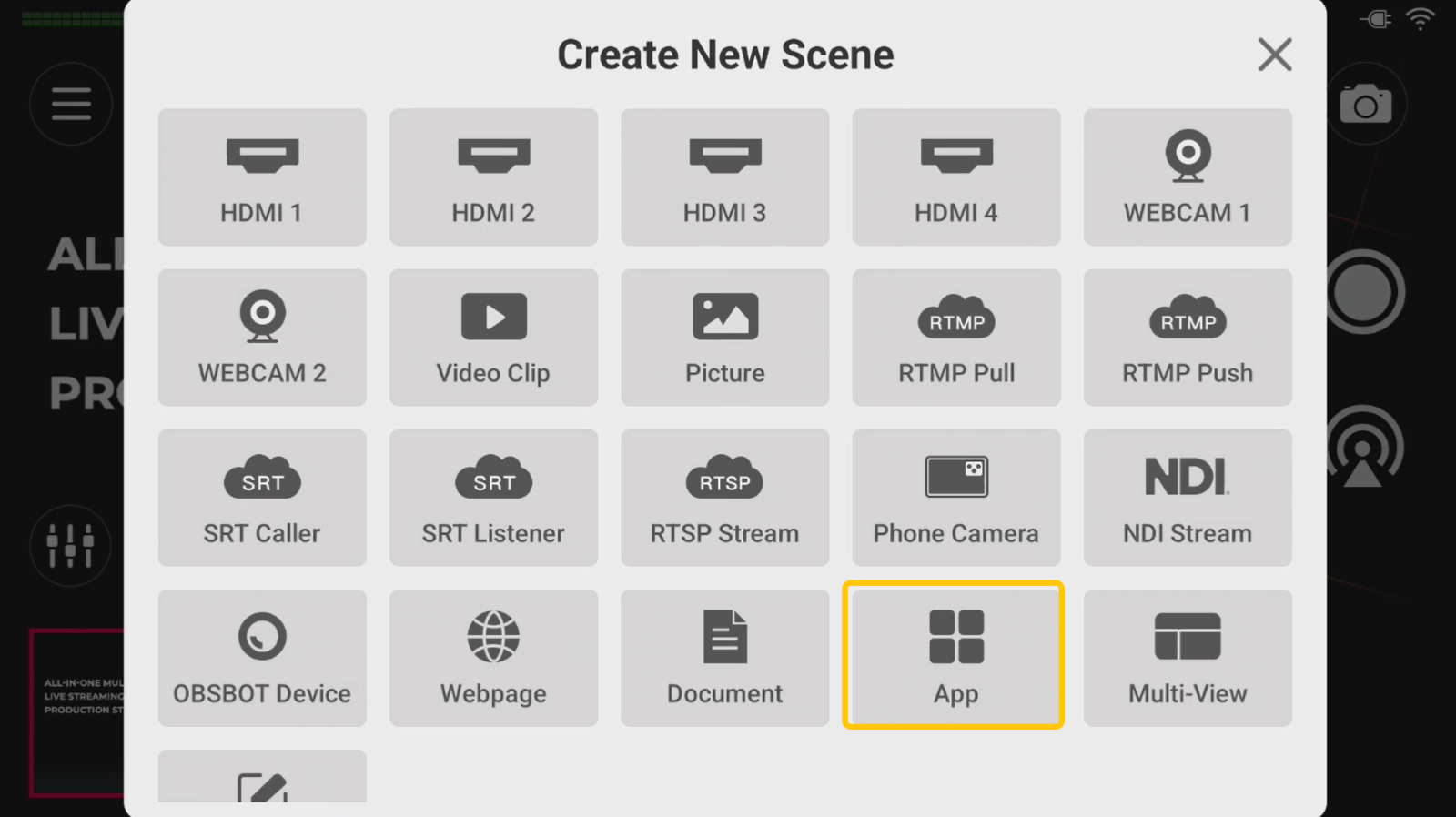
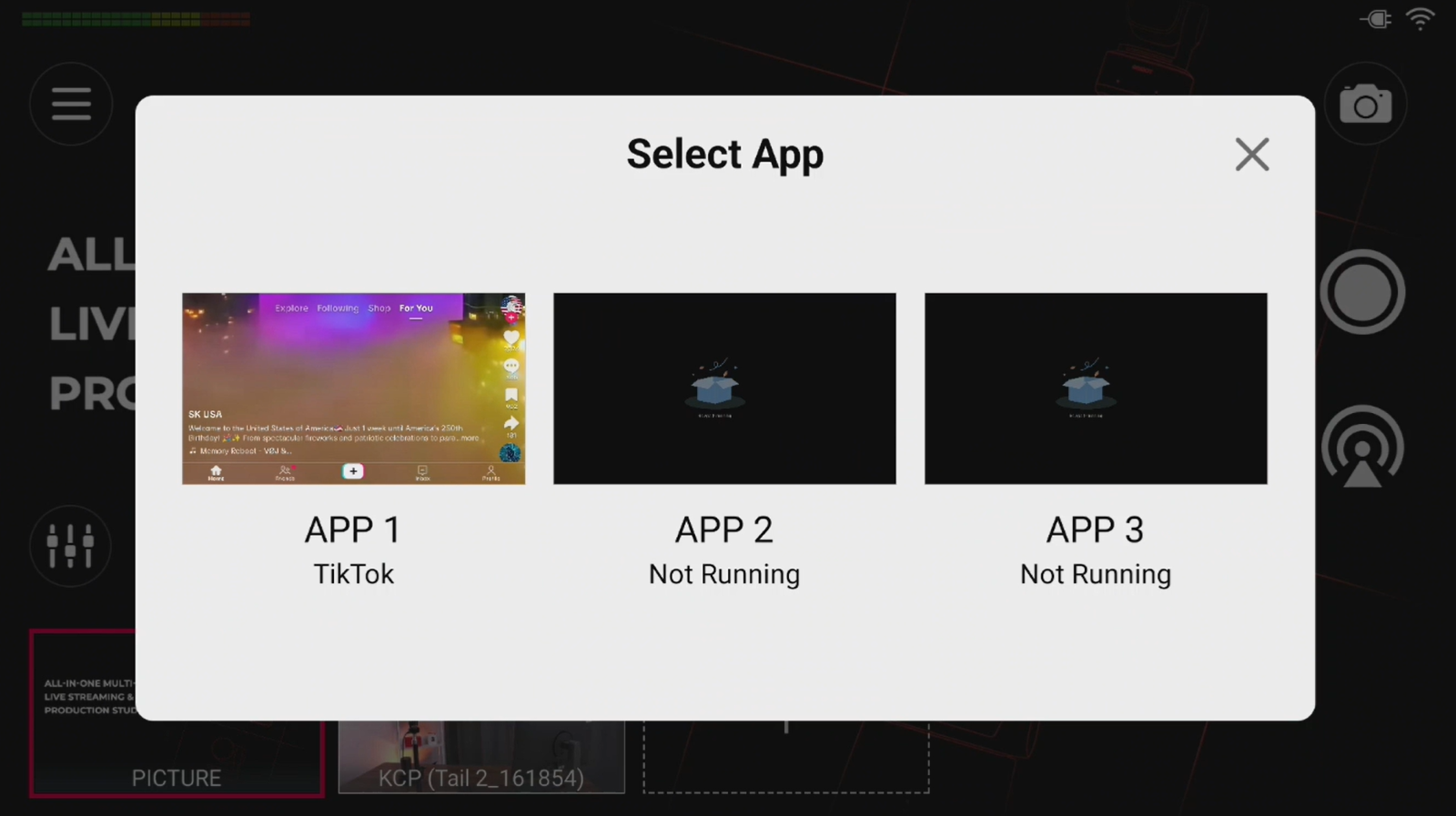
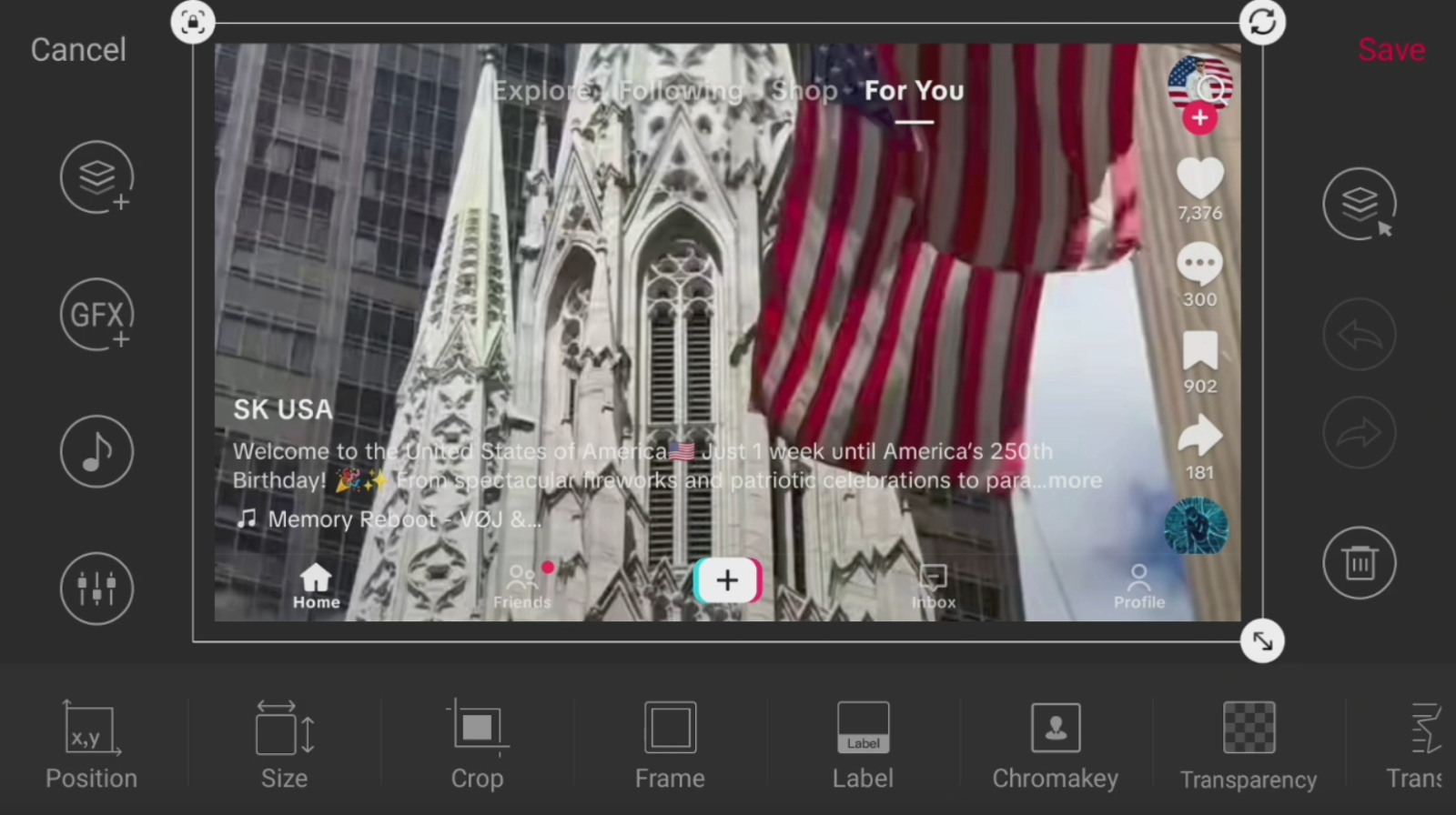
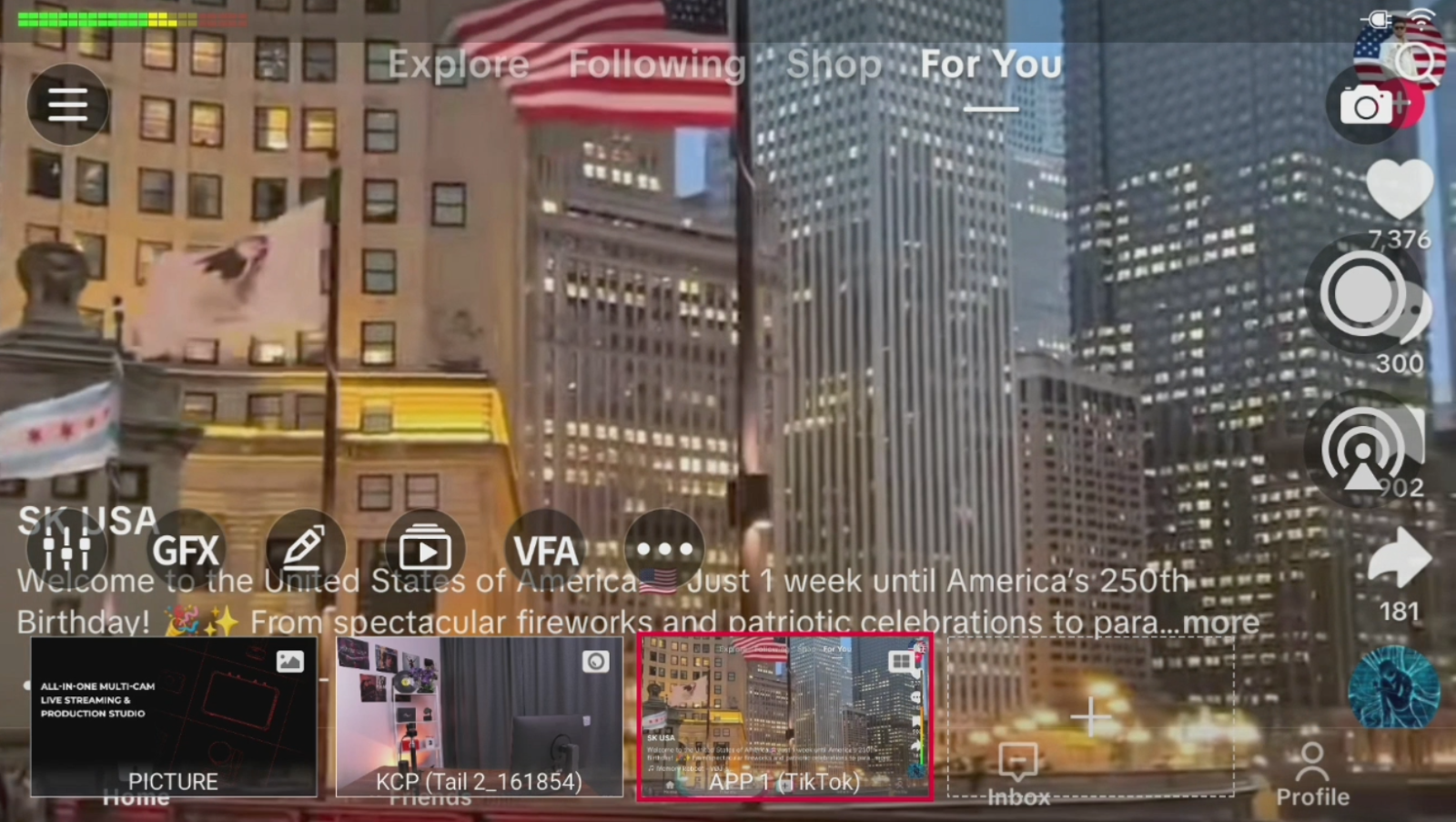
3. The app's screen content can then be used as a video and audio source in your live production.
Set Up HDMI Output and USB Output
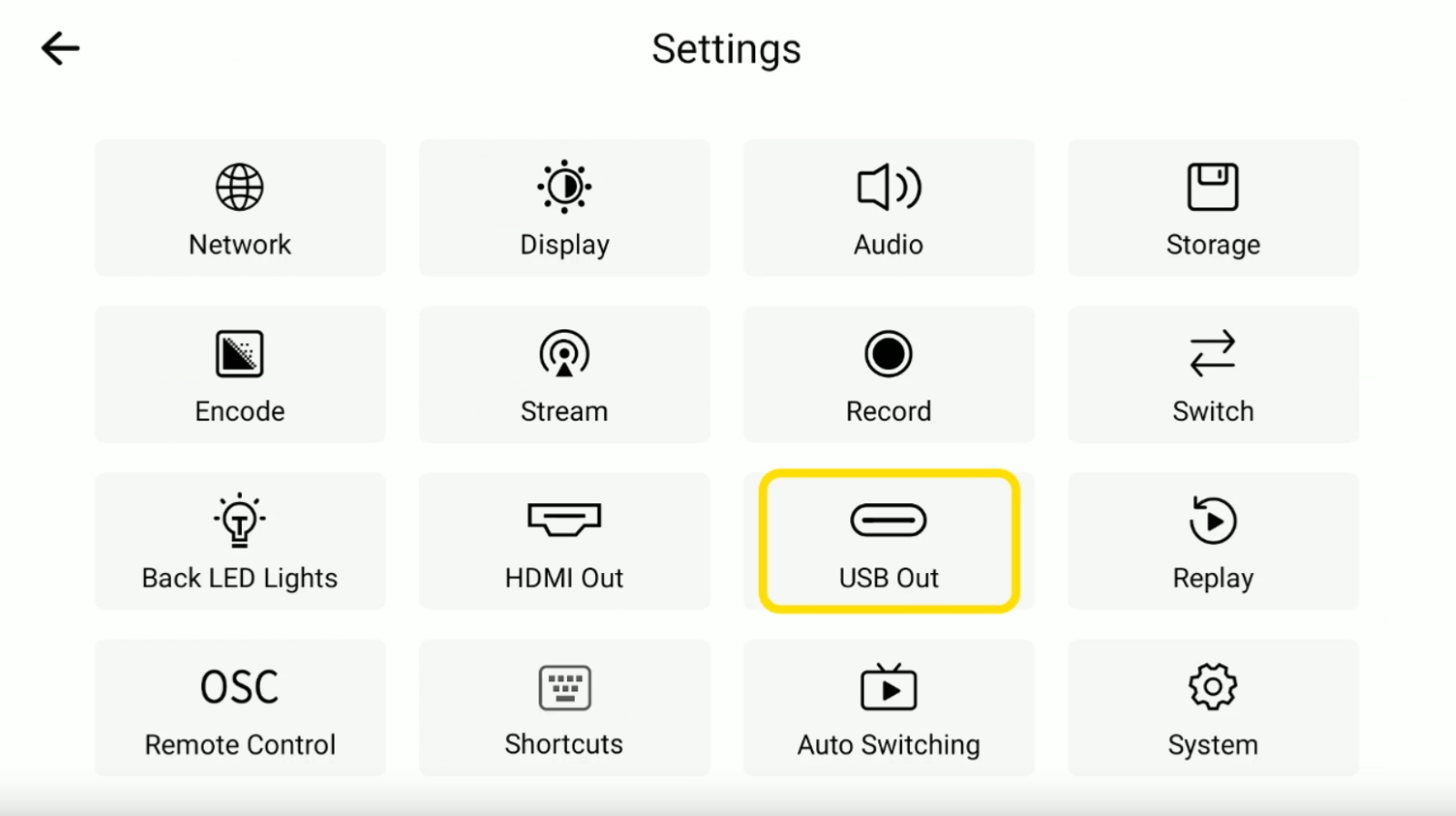
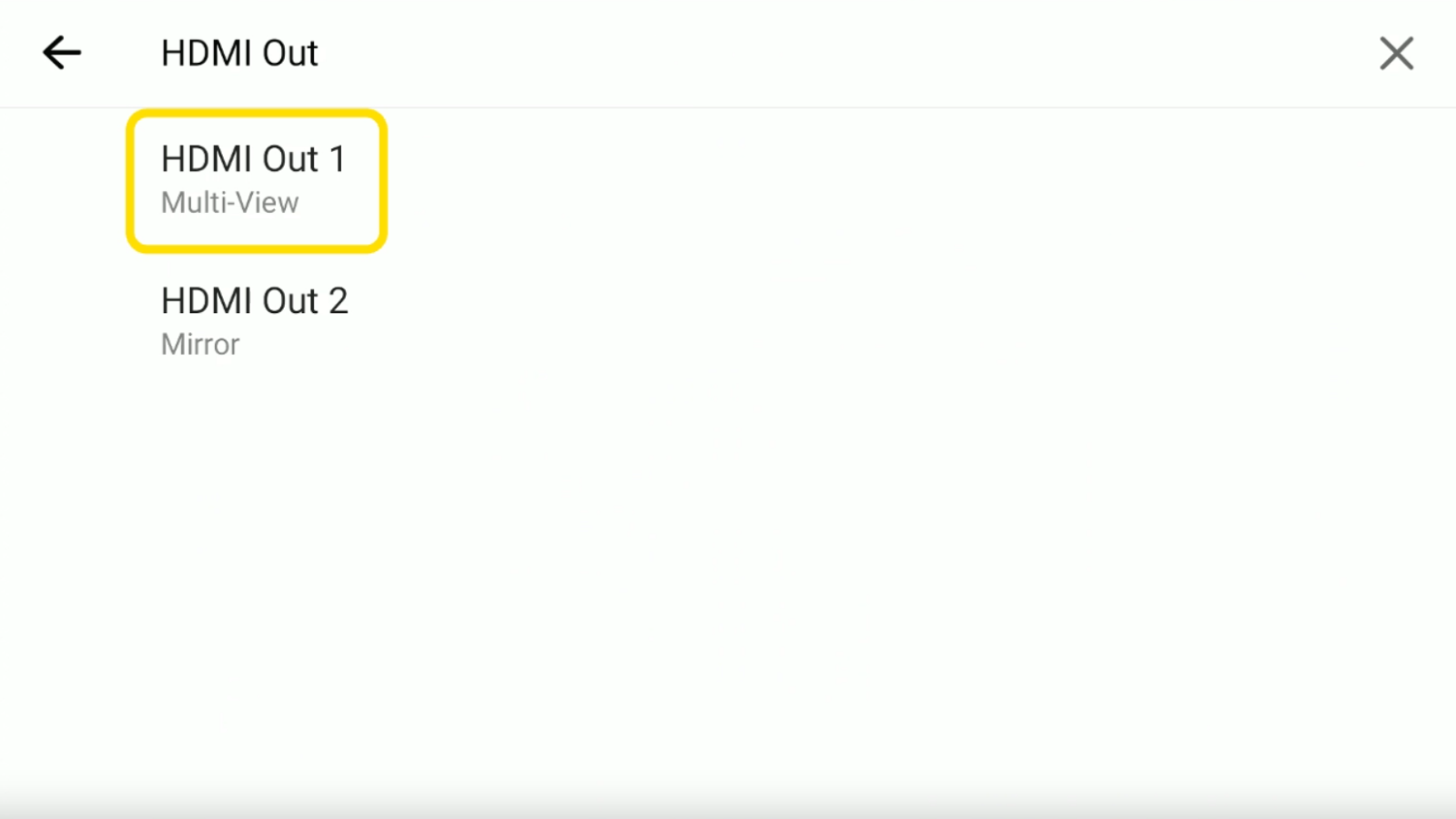
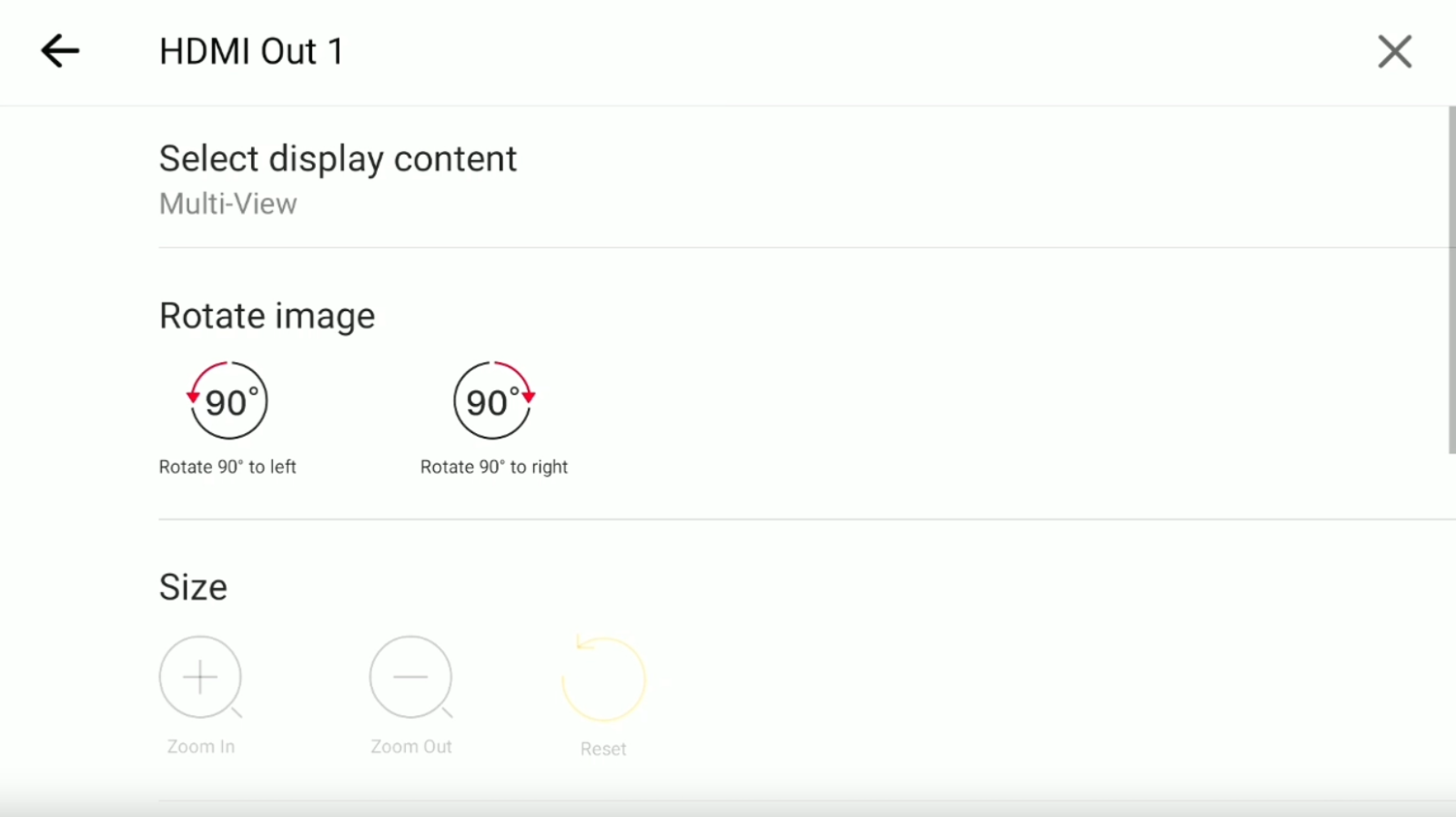
1. Talent 2 supports external displays for cross-screen operation and multi-screen monitoring. Go to Menu > Settings > HDMI Out to configure the output image for your connected display based on your production needs.
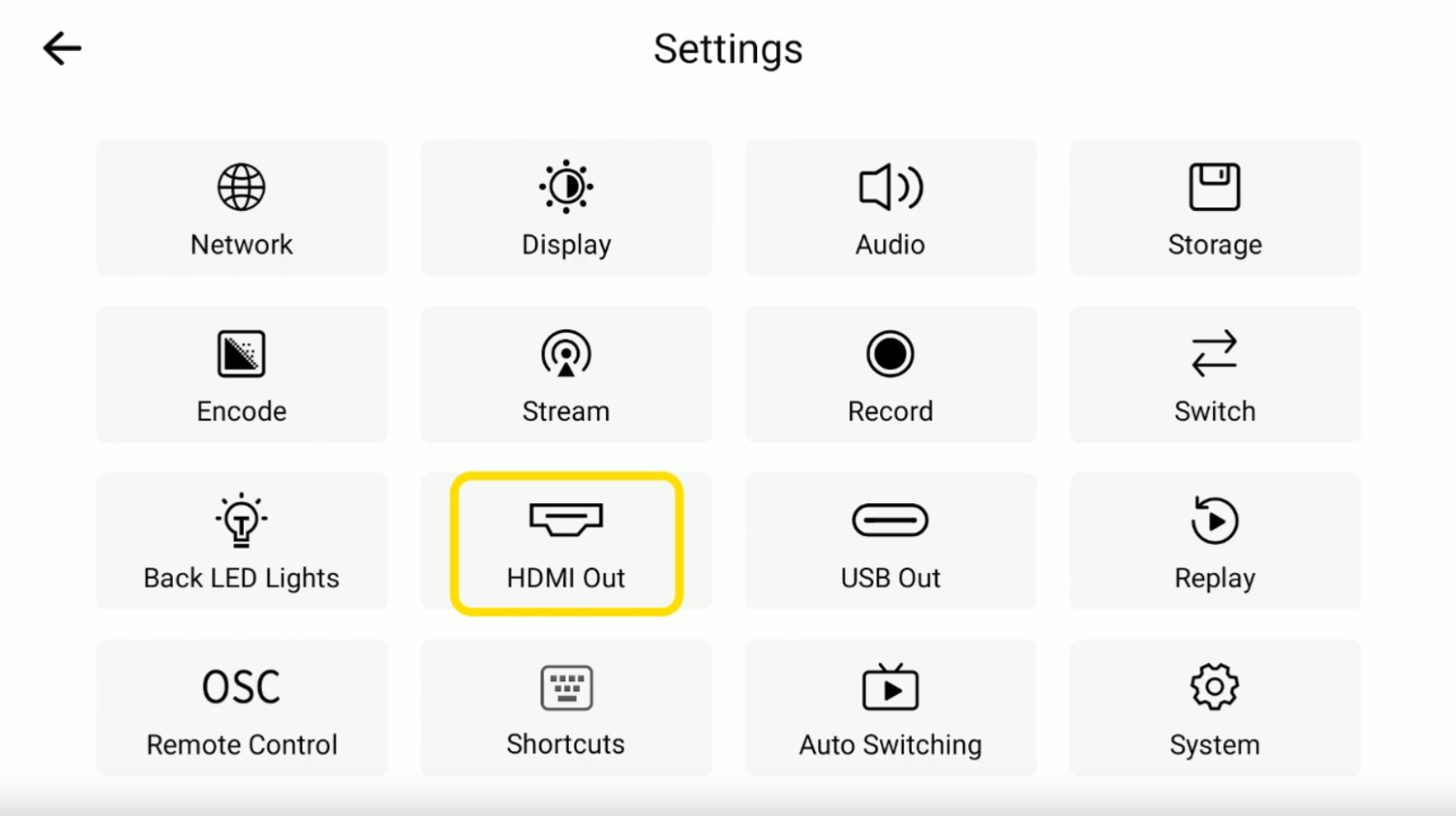
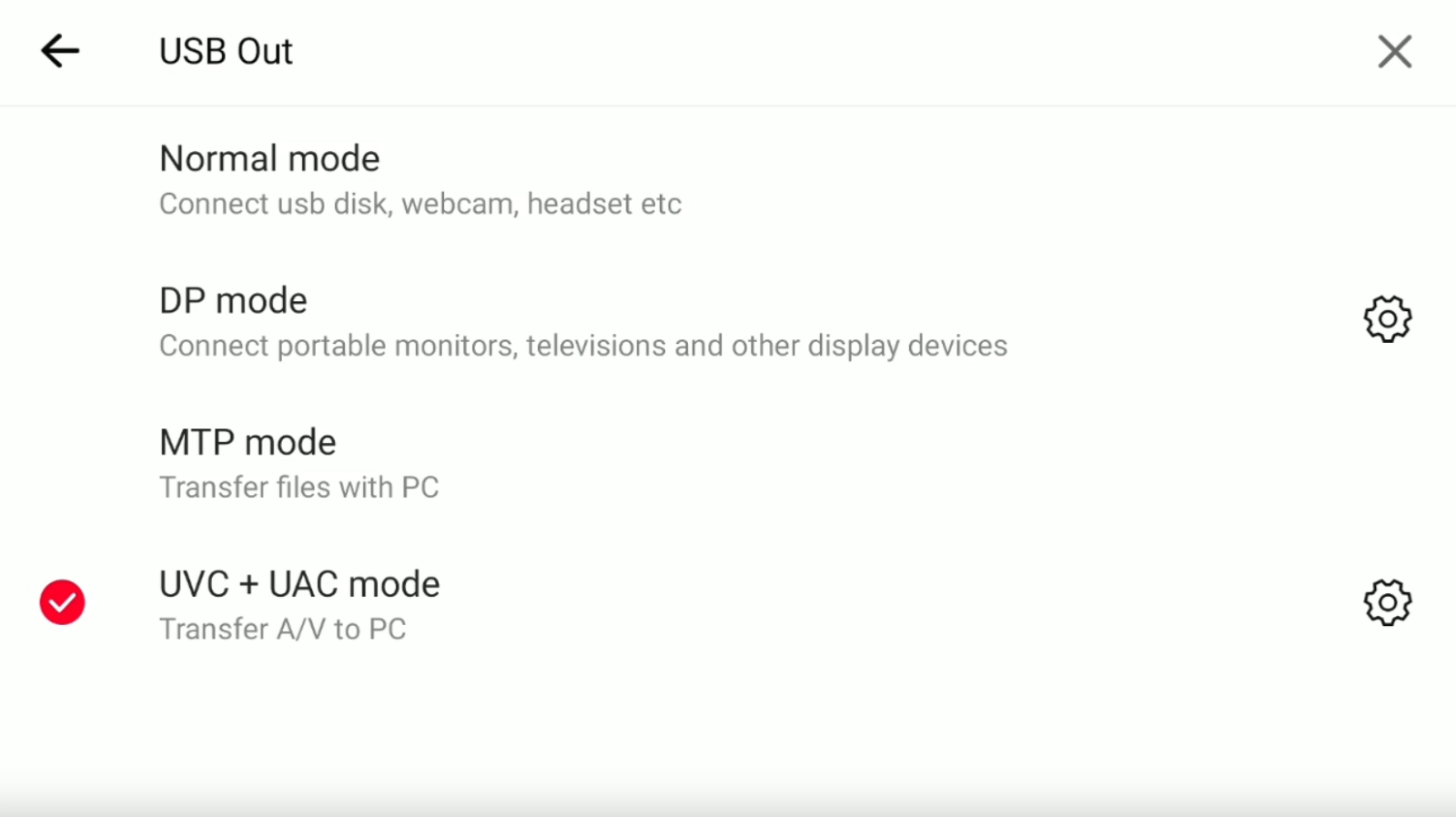
2. Talent 2 also supports multiple USB output modes for different connection scenarios. Go to USB Out and select the appropriate mode, including Normal, DP, MTP, or UVC + UAC, based on how you want to use the connected device.