This website requires JavaScript.
icon
DELIVERY PERIOD: 3-5 days (SHIP FROM USA)
1-YEAR WARRANTY
SECURE PAYMENT
GLOBAL SUPPORT

OBSBOT Tiny Smart Remote 2

TAX NOT INCLUDED
  • Combination of Remote Control and Presentation Clicker
  • Laser can be used for more convenient presentations
  • Remote one key to activate the various AI functions


*Click here to access the user manual for the smart remote controller.

Compatibility
Tiny 3
Tiny 3 Lite
Tiny 2
Tiny 2 Lite
Tiny 4K
Tiny
Tiny SE
Meet 2
Meet Flip
Meet SE 2
Meet SE
Worry-Free Delivery® available with seel
Select Product
image
Tiny Smart Remote 2
US$49
OBSBOT Tiny Smart Remote 2
image
Streaming Accessory Set
US$218
Select Accessories
image
Extendable Tripod
US$49.99
Details
This Extendable Tripod gives you an easy way to mount OBSBOT webcams to your ideal height for recording.
image
HQ Mic
US$38.99
Details
HQ Mic is a Microphone compatible with the computer and provides crystal-clean voice.
image
OBSBOT UVC to NDI Adapter
US$299
Details
This USB-C to NDI Adapter can transform your webcam devices into an NDI capture terminal by converting the UVC signal to NDI. With the Tally light and the added feature of Micro SD card recording, the adapter provides an efficient, real-time livestream solution.
US$49

Description

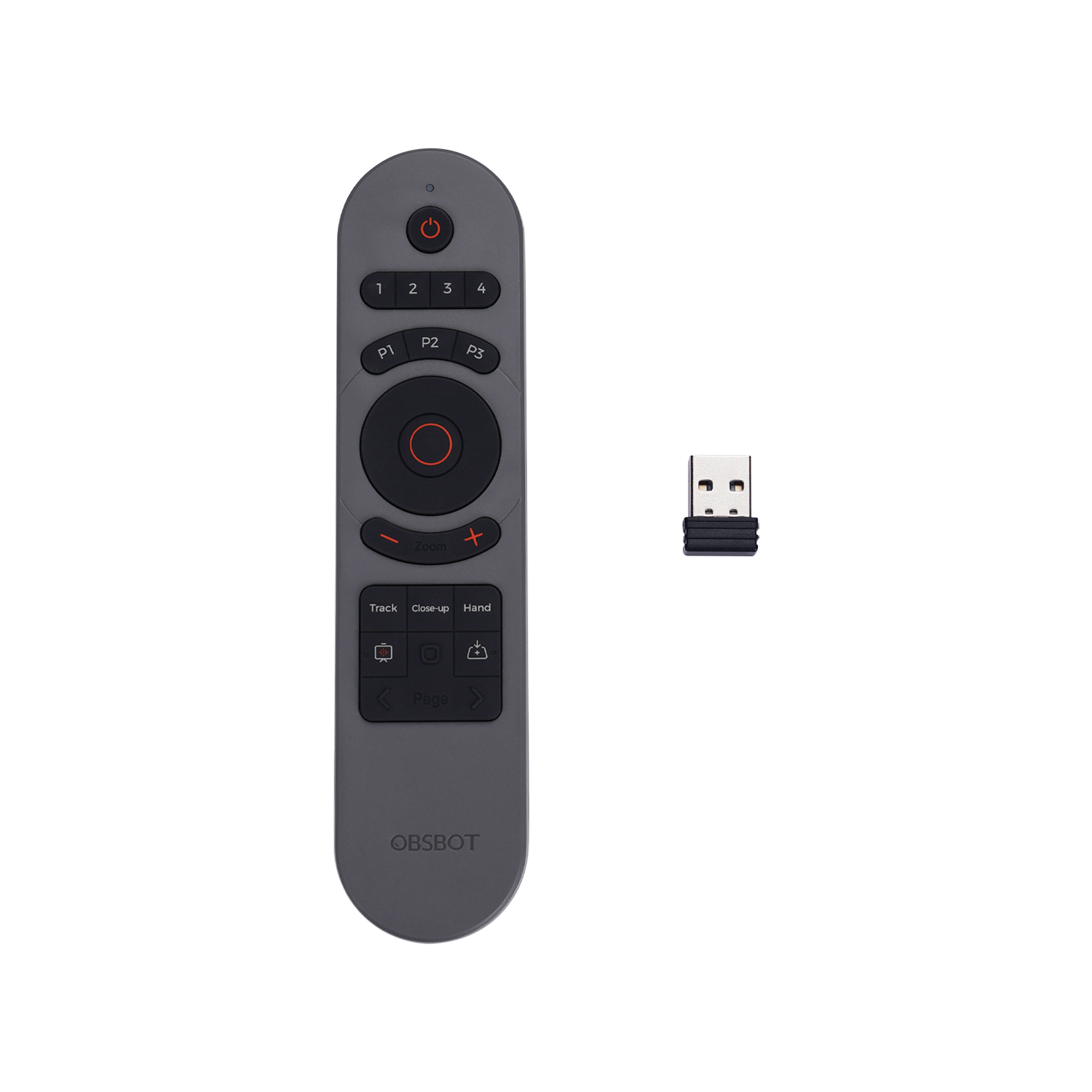
Designed for OBSBOT Tiny 2, an incredible upgrade of the OBSBOT Tiny remote controller, now added new smart features to the remote control. A fusion of a presentation clicker and webcam remote controller, controls the camera and presents with just one controller.


1. Elegant Design

Specially designed for the OBSBOT Tiny series, with intuitional buttons and elegant design, offer you a more pleasant and convenient usage.


2. Activate AI Features with A Push

Embedded more AI features into the remote controller, now you can easily control the OBSBOT Tiny 2 to enter Close-up mode, Desk Mode, and other AI features.


3. Combination of a Remote Control and a Presentation Clicker

Not just for remotely controlling the OBSBOT Tiny 2, we combined the feature of a presentation clicker with the remote, now you can use the remote control to better present your idea.


*Click here to access the user manual for the smart remote controller.

Compatibility

Note: Some keys on the remote controller will not work with OBSBOT Tiny 4K and OBSBOT Tiny, since the features that control by those keys aren't integrated to the OBSBOT Tiny 4K and OBSBOT Tiny


  • [Close-up] 

  • [Hand]

  • [Laser-Whiteboard]

  • [Desk Mode]