How to Become a Content Creator: A Beginner’s Guide
Becoming a content creator sounds simple until you sit down to start: What should you post? Which platform should you choose? Do you need expensive gear?
This guide gives you a practical path for turning an idea into a repeatable content workflow, so you can start creating with focus instead of guessing every week.
What Does a Content Creator Actually Do?
A content creator plans, produces, publishes, and improves content for a specific audience. That content can be videos, short-form clips, livestreams, podcasts, newsletters, blog posts, tutorials, reviews, or social posts.
The real job is not just “posting online.” A good creator connects three things:
- Audience: who you want to help, entertain, teach, or inspire.
- Format: the type of content you can make consistently.
- Outcome: what the viewer gets after watching, reading, or listening.
For example, a fitness creator might help beginners build home workout habits. A tech creator might explain gear in plain English. A beauty creator might show realistic routines for specific skin types. The more clearly you define the audience and outcome, the easier it becomes to create useful content.
| Creator Type | Typical Content | Best Starting Platform | First Skill to Build |
|---|---|---|---|
| Educator | Tutorials, explainers, how-to videos | YouTube, TikTok, blog | Clear teaching |
| Reviewer | Product tests, comparisons, buyer guides | YouTube, Instagram, blog | Honest evaluation |
| Lifestyle Creator | Daily routines, style, wellness, travel | Instagram, TikTok, YouTube Shorts | Visual storytelling |
| UGC Creator | Brand-style photos and videos | Portfolio, TikTok, Instagram | Product storytelling |
How to Become a Content Creator Step by Step
The best way to start is to build a small, repeatable system. You do not need a perfect brand, expensive camera, or viral idea on day one. You need a clear topic, a simple format, and enough published work to learn from real audience response.
1. Pick One Audience Before You Pick a Platform
Start with the viewer. A platform is only useful if you know who you are trying to reach. Instead of choosing a broad niche like “fitness,” narrow it into a real audience such as busy parents, beginners over 40, college students, or home workout beginners.
A simple audience statement can help:
- I help [specific audience] do [specific outcome].
- I make [content type] for people who struggle with [problem].
- I review [category] for buyers who care about [decision factor].
2. Choose a Content Format You Can Actually Repeat
Consistency becomes easier when your format is simple. If you hate editing long videos, start with short-form clips. If you explain ideas better in depth, start with YouTube or blog content. If you enjoy live interaction, consider livestreaming or community-driven formats.
Choose one primary format for your first 60 days:
- Short videos: fastest for testing hooks, ideas, and audience reactions.
- Long videos: stronger for tutorials, reviews, education, and evergreen traffic.
- Written content: useful for search traffic, guides, newsletters, and product comparisons.
- Livestreams: good for Q&A, teaching, gaming, music, shopping, and community building.
3. Build 3 to 5 Content Pillars
Content pillars keep you from staring at a blank page every week. They are recurring topic categories that your audience expects from you.
For example, a beginner creator teaching home video production could use:
- Simple gear setups
- Lighting and audio fixes
- Editing tutorials
- Creator mistakes
- Budget equipment comparisons
Once you have pillars, turn each one into repeatable post ideas. “Lighting and audio fixes” can become “how to light a desk setup,” “how to reduce echo,” “best microphone placement,” and “why your video looks flat.”
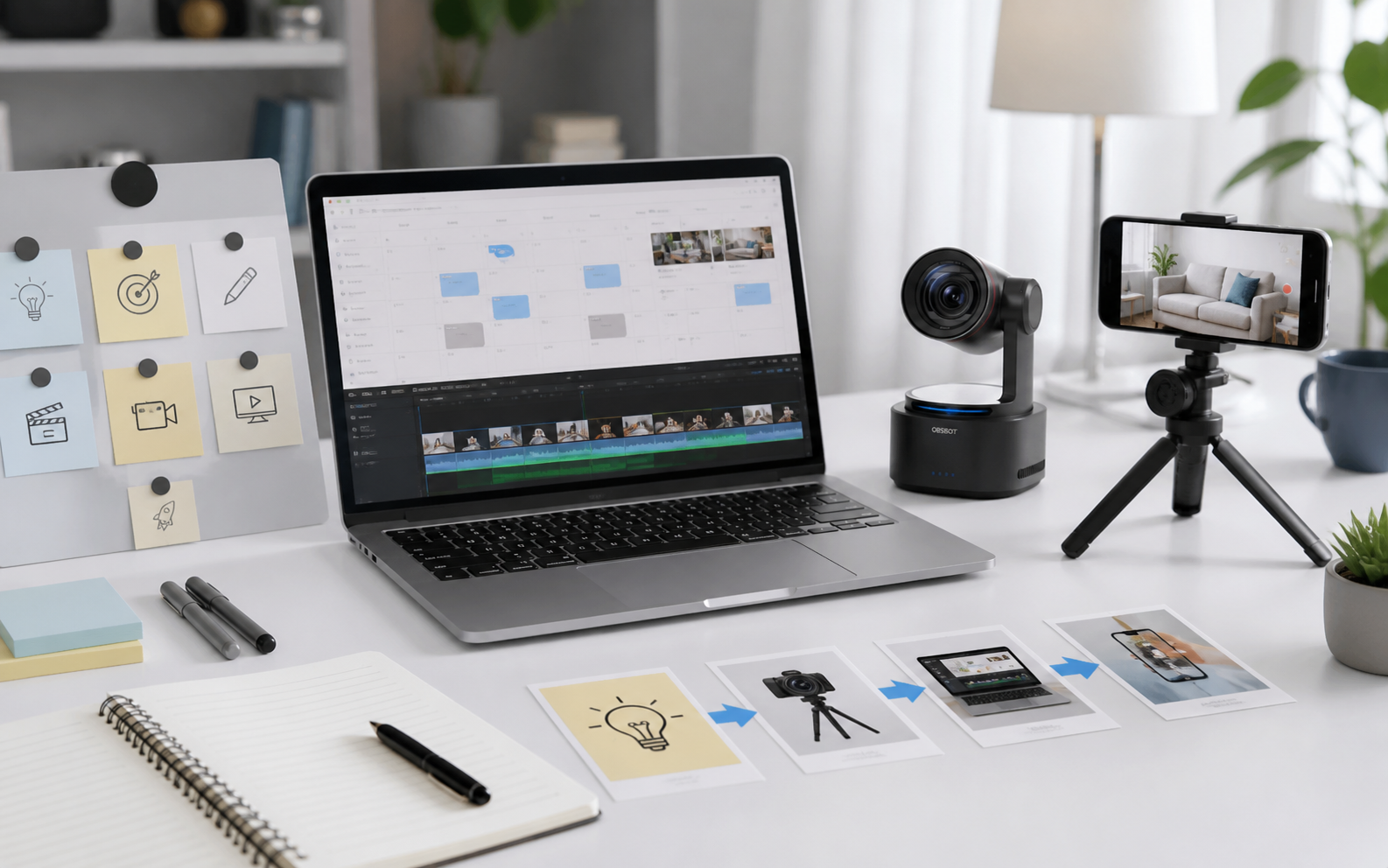
4. Make Your First 20 Content Ideas Before You Start Filming
Plan before you produce. Your first content list should include simple ideas you can make quickly, not huge projects that take weeks.
Use this idea formula:
- Beginner mistake: “Stop doing this if you want better videos.”
- Step-by-step help: “How to set up your first filming corner.”
- Comparison: “Phone camera vs webcam for beginner creators.”
- Personal lesson: “What I wish I knew before posting my first video.”
- Answer content: “What does a beginner content creator need?”
5. Publish on a Schedule You Can Keep
You do not need to post every day to become a content creator. You need a schedule that lets you improve without burning out.
A realistic beginner schedule might be:
- 2 short-form videos per week
- 1 longer video or blog post every two weeks
- 1 weekly idea-planning session
- 1 weekly review of comments, saves, watch time, and clicks
After 30 to 60 days, look for patterns. Which topics get comments? Which videos hold attention? Which titles or hooks make people stop scrolling? Use those signals to decide what to make next.
6. Improve One Skill at a Time
Trying to master filming, editing, writing, lighting, thumbnails, analytics, and monetization all at once is exhausting. Improve one bottleneck at a time.
A practical order for beginners is:
- Idea clarity: Can viewers understand the promise quickly?
- Hook: Does the first line or visual make people stay?
- Audio: Can people hear you clearly?
- Lighting: Can people see the subject clearly?
- Editing: Does the content move without dead space?
- Packaging: Does the title, caption, or thumbnail match the viewer’s need?
What Equipment Does a Beginner Content Creator Need?
A beginner content creator needs clear audio, stable framing, usable lighting, and a simple editing workflow. You can start with a phone, but your setup should remove friction so you can record more often.
| Item | What It Solves | Beginner Recommendation |
|---|---|---|
| Camera | Clear video and stable framing | Start with a phone or webcam; upgrade when recording becomes regular |
| Microphone | Cleaner voice and fewer distractions | Use a USB mic, lav mic, or webcam with strong built-in audio |
| Lighting | Better face detail and more polished video | Use window light first, then add a soft LED light |
| Tripod or Mount | Stable shots and repeatable framing | Use a phone tripod, desk arm, or monitor-mounted camera |
| Editing App | Trimming, captions, music, and pacing | Choose one app and learn basic cuts before advanced effects |
Bonus: Simple Camera Upgrade for Solo Creators - OBSBOT Tiny 3 Lite
If your content involves tutorials, desk videos, product demos, online teaching, podcasts, or livestreams, your camera setup can either help you stay in flow or interrupt every recording session. A beginner-friendly creator setup should keep you framed, help your voice stay clear, and avoid constant manual adjustment.
For solo creators who want webcam simplicity with stronger tracking and audio, OBSBOT Tiny 3 Lite fits the daily recording workflow well. It is especially useful when you move while explaining, demonstrate objects on camera, or record content without another person operating the camera.
Why It Helps Beginner Creators:
- 4K video for clearer tutorials: The 4K image helps faces, products, desk setups, and small details look sharper than a basic laptop camera.
- AI tracking for solo filming: Auto tracking keeps you framed while you teach, move, point to objects, or switch between sitting and standing.
- Built-in spatial audio: Three MEMS microphones and directional capture help your voice stay clearer when you do not want to set up a separate mic every time.
- Hands-free control: Voice and gesture control make it easier to adjust framing while recording without breaking your flow.
- Creator software tools: Features such as background blur, overlay tools, teleprompter support, and PiP can help beginners build a more polished workflow.
How to Grow and Get Paid as a Content Creator
Growth usually comes from repeated audience trust, not one viral post. The creators who last tend to understand their audience, publish consistently, improve packaging, and build income streams that match their content style.
Use a Simple Growth Loop
Publish, read the response, improve, repeat. That loop matters more than guessing what the algorithm wants.
- Post content around one clear promise.
- Watch where people drop off, comment, save, share, or click.
- Turn the best topic into a stronger version.
- Test a clearer hook, title, caption, or thumbnail.
- Build a series when one topic keeps working.
For example, if a video about “3 lighting mistakes beginners make” performs well, turn it into a series: lighting for small rooms, lighting under $50, lighting for product videos, and lighting for livestreams.
Build a Small Portfolio Before You Pitch Brands
A portfolio does not need to be fancy. It should prove you can create useful content in a consistent style. Include 6 to 12 strong examples that show your niche, video quality, editing ability, and audience fit.
If you want UGC or brand work, create sample videos around products you already own. Show a problem, demonstrate the product, explain the result, and keep the video natural. Brands care less about your follower count than whether your content can communicate clearly.
Understand the Main Ways Creators Make Money
Content creators usually get paid through a mix of income streams. Platform ads are only one option, and they are not always the fastest path for beginners.
- Brand deals: paid posts, sponsored videos, product demos, or campaign content.
- UGC work: creating photos or videos for brands to use in ads or social posts.
- Affiliate income: earning a commission when people buy through your link.
- Digital products: templates, presets, courses, guides, or memberships.
- Services: consulting, editing, coaching, photography, or content strategy.
- Platform monetization: ad revenue, subscriptions, tips, shopping, or fan funding.
Do Not Wait Until You Feel Like an Expert
Many beginners delay because they think they need a finished personal brand first. You do not. You need a focused starting point and enough repetitions to develop judgment.
A helpful mindset is to document your learning while creating value for someone slightly behind you. If you are learning video editing, show the beginner shortcuts you wish you had known. If you are learning skincare, explain what you tried, what changed, and what you would avoid. Your early content can be useful even while you are still improving.
FAQs About Becoming a Content Creator
How can I become a content creator with no experience?
Start with a niche you understand or are actively learning, then publish simple content around common beginner questions. You do not need credentials to start, but you do need honesty, consistency, and a willingness to improve your ideas, audio, visuals, and editing over time.
What does a beginner content creator need?
A beginner needs a clear audience, a repeatable content format, basic recording tools, and a posting schedule they can maintain. Gear helps, but the most important starting tools are a phone or webcam, clear audio, stable lighting, and a list of content ideas.
How does a content creator get paid?
Creators get paid through brand deals, UGC projects, affiliate links, platform monetization, digital products, memberships, services, and sometimes live events. The best path depends on your niche, platform, audience trust, and whether your content helps people make decisions.
How long does it take to become a successful content creator?
There is no fixed timeline. Some creators gain traction in a few months, while others need a year or more to find the right topic, format, and audience. A useful goal is to publish consistently for 90 days, study what works, and improve one skill at a time.
Can you become a content creator with no money?
Yes. You can start with a smartphone, natural light, free editing software, and free social platforms. Spend money only when a specific upgrade removes a real bottleneck, such as poor audio, unstable framing, slow editing, or inconsistent lighting.
Conclusion
Learning how to become a content creator is less about chasing a perfect first post and more about building a repeatable system. Choose a specific audience, publish simple useful content, improve from feedback, and add better tools only when they support the workflow. Start small, keep the promise clear, and let your body of work become your proof.