Baseball Videography: The Complete Guide to Filming Games Like a Pro

Most baseball footage looks terrible — shaky, blurry, or zoomed in so far the image turns to mush. The problem usually isn't effort. It's not knowing which gear actually matters, where to physically stand, and how the type of video you're making should change your entire approach. This guide covers all three. Whether you're filming a youth league game or building a recruiting reel, mastering the fundamentals of baseball videography before you hit record is what separates watchable footage from something nobody revisits.
What Gear Do You Need for Baseball Videography
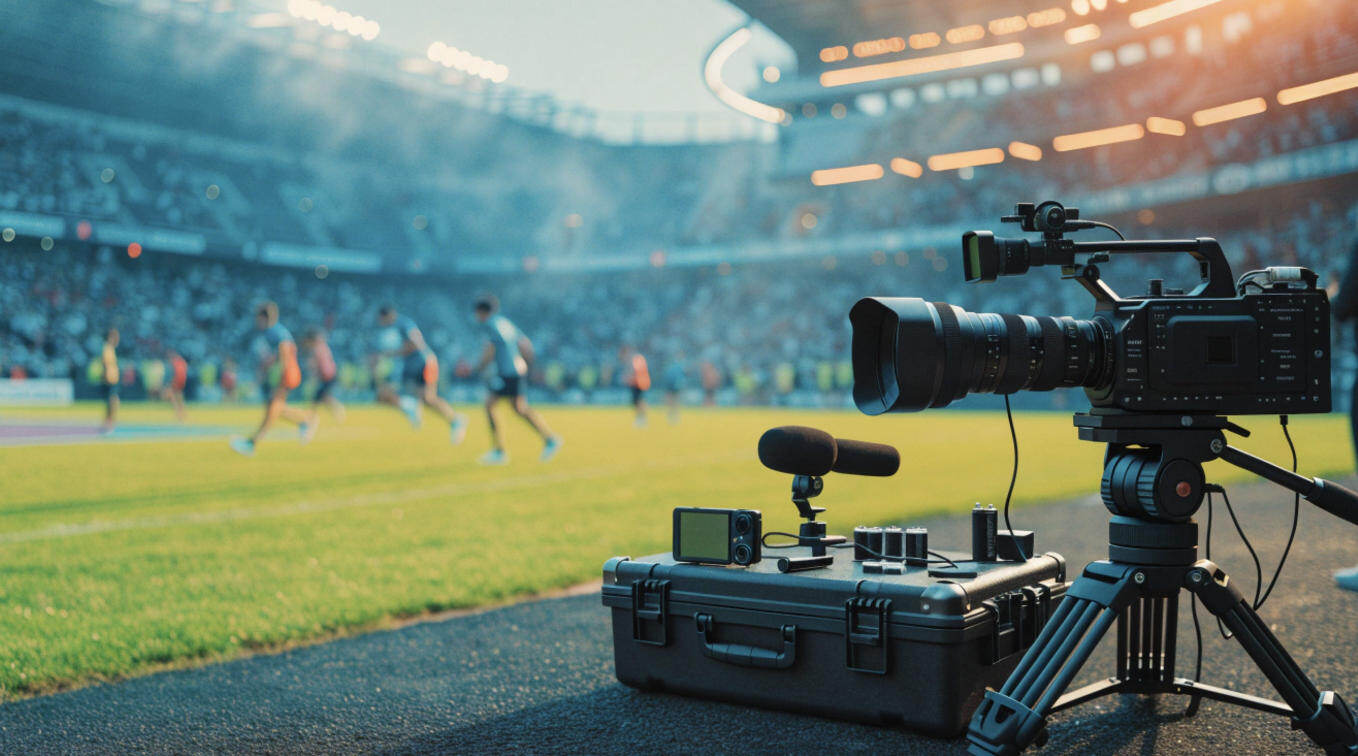
The lens matters more than the body. Baseball fields are large — from the stands, you're often 150+ feet from the action. A 200mm lens is the bare minimum to fill the frame with a batter; 400mm+ is what you want for full-field coverage. Pair that with a body that has reliable continuous autofocus, and you're most of the way there.
Here's a quick breakdown by budget:
| Tier | Budget | Camera | Lens Range | Best For |
|---|---|---|---|---|
| Entry | $0–$1000 | iPhone 17 Pro / Sony ZV-E10 | 70–200mm | Youth league, casual games, recruiting video |
| Enthusiast | $500–$2,000 | Canon R6 Mark II / Sony A7 IV | 100–400mm | Travel ball showcases, high-end game highlights, tournament coverage |
| Pro | $2,000+ | Sony A9 III / Canon R5 | 400–600mm | Broadcast, multi-cam, livestream |
A few other things worth having:
- Monopod over a tripod — you need to pan fast; a tripod locks you in place
- Shotgun mic (e.g., Rode VideoMicro, ~$80) if you're making fan-facing content — the crack of the bat matters
- Extra batteries — a doubleheader will drain two full charges
Bonus: OBSBOT Talent 2 All-In-One Multi-Cam Live Streaming Studio
When you're ready to step up from single-camera recording to a full multi-angle production — livestreaming a tournament, for example — the workflow gets complicated fast. Switching between feeds, monitoring output, encoding for the stream, and recording locally all at the same time is hard to manage with separate devices.
The OBSBOT Talent 2 is an all-in-one live streaming studio that combines an encoder, switcher, recorder, and monitor into a single portable unit. For a travel ball team filming weekend tournaments, it replaces a laptop, capture card, and separate switcher in one device.
- Handles up to 16 simultaneous video inputs — 4 HDMI, 2 USB, and up to 10 IP sources, enough to cover home plate, both baselines, and the outfield at once
- 7" AMOLED touchscreen at 800 nits stays readable in direct afternoon sun, so you can monitor every angle without a separate shaded monitor
- Instant replay captures key moments in slow motion mid-game — a diving catch or a close play at the plate — without stopping the stream
- ISO recording saves up to 4 individual camera feeds alongside the live broadcast, giving you full raw material for a highlight reel after the game
- Smart Network Bonding combines 4G/5G, Wi-Fi, and Ethernet into one uplink, keeping the stream alive at fields with weak or crowded networks
- Hot-swappable dual batteries mean no production stops between innings to recharge
How to Film Highlight and Recruiting Baseball Videos
The camera settings and shooting position that work for a highlight reel are completely different from what a college coach needs to evaluate a pitcher. Get clear on your goal before you show up.
How to Film a Game Highlight Reel
A highlight reel is built in the edit — but you can only cut what you captured. The goal on game day is to come home with enough raw material across all phases of play: pitching, hitting, and defense.

Camera setup:
- Shutter speed: 1/1000s minimum. This freezes a 90 mph fastball mid-flight and keeps bat-to-ball contact sharp. On a bright afternoon, push to 1/2000s.
- Aperture: f/2.8–f/5.6. This blurs the fence, the bleachers, and the other team's dugout — everything that competes with your subject for attention.
- Frame rate: Shoot at 60fps. It gives you clean slow-motion in the edit when you drop it to 24fps on impact moments.
- ISO: Keep it at 400 or below in daylight. Night games under stadium lights typically demand ISO 1600–3200. Modern full-frame bodies handle this without destroying the image.
- Autofocus: Use continuous AF with subject tracking. For bodies without AI tracking, single-point AF gives you more precise control when multiple players appear in the same frame.
- Two-camera setup: One camera locked behind home plate (elevated if possible), one handheld or monopod-mounted along the first or third base line. The backstop camera covers the pitcher-batter duel and home plate plays. The baseline camera gets base runners, sliding, and infield defense.
Where to stand:
| Position | Location | What It Covers |
|---|---|---|
| Primary | Behind home plate, elevated | Pitcher-batter matchup, catcher framing, home plate collisions |
| Secondary | 1st or 3rd base line | Base running, slides, infield double plays |
| Optional | Outfield warning track / fence | Batter silhouette, outfield fly ball catches |
The anticipation — stop reacting, start predicting:
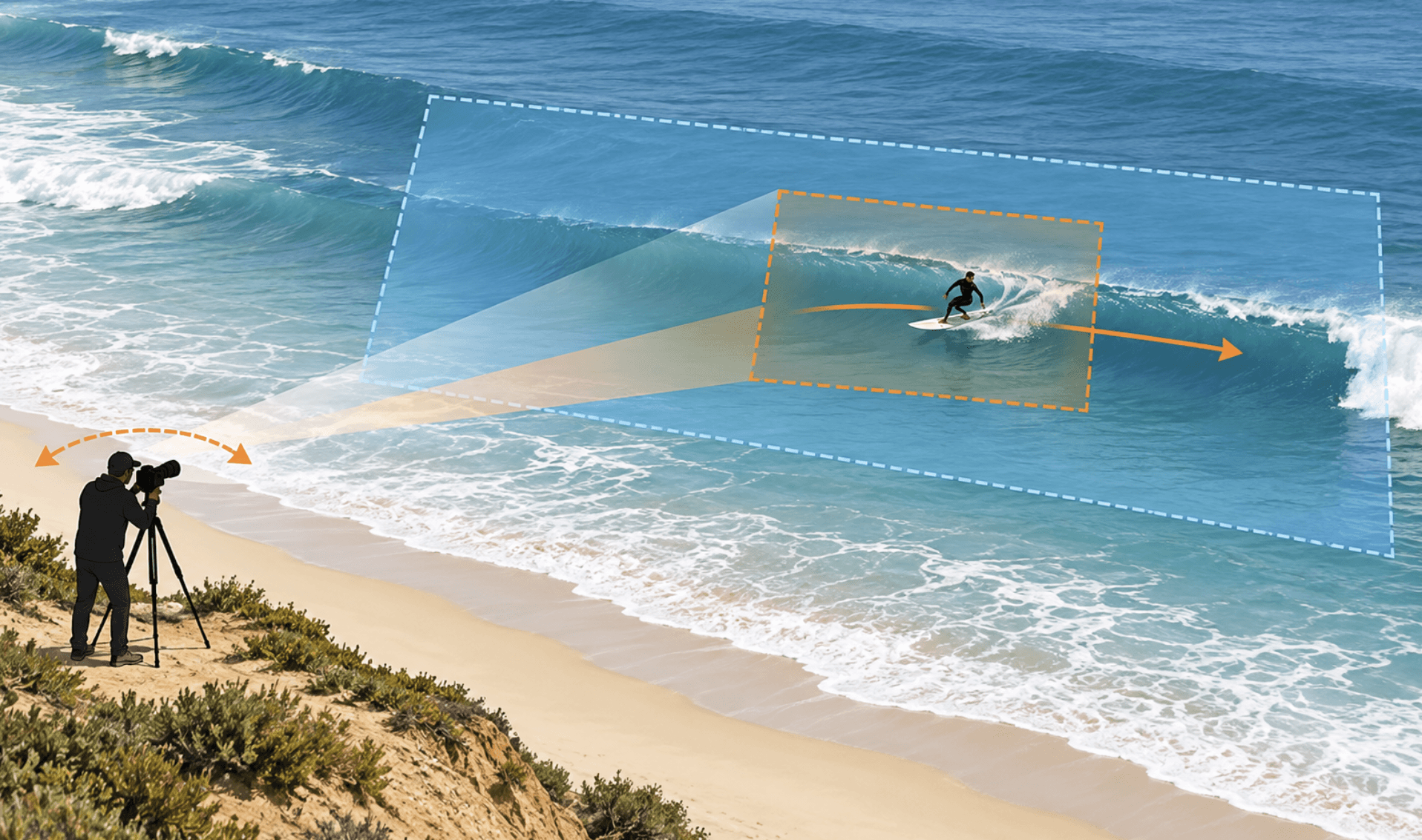
Broadcast camera operators never miss the play because they don't wait for it to happen. Before every pitch, read three things: where the runners are, what the count is, and how the defense is positioned. Runner on first with a left-handed pull hitter? Pre-aim your frame at the first baseman. Full count with two outs? The runners are going on the pitch — pan your baseline camera toward second before the ball is thrown.
This is the single skill gap between amateur and professional baseball videography. Reaction always lags action by at least a half-second. Prediction doesn't.
Editing workflow:
- Open with your strongest clip — a walk-off hit, a diving catch, a strikeout with a big reaction
- Mix clip types: never show three at-bats in a row without cutting to a pitching or fielding sequence
- Use slow motion on impact moments only — the swing, the catch, the throw — not on players walking to the dugout
- Add lower-third text: player name, position, and key stats give the reel context for anyone who doesn't know the team
- Keep the total runtime to 3–5 minutes; anything longer loses most viewers before the end
- Close with a team celebration or an emotional reaction — it sticks in memory better than another home run
How to Film a Baseball Recruiting Video
College coaches watch hundreds of recruiting videos. According to the NCSA Sports recruiting network, a skills video is one of the most effective ways to get on a coach's radar — but only if the footage clearly shows mechanics without obstruction.
Unlike making highlight video, you need clean, unobstructed, well-lit footage of mechanics. A coach evaluating a pitcher's arm action or a hitter's hip rotation cannot work with shaky footage, a fence in the foreground, or a busy background.

Camera setup:
- While an enthusiast mirrorless camera will give you the sharpest, most professional-looking footage with a clean blurred background, don't panic if you don't own one. A smartphone with optical zoom (iPhone 17 Pro, Samsung Galaxy S25 Ultra) on a tripod is completely sufficient.
- Shoot in color with good lighting — natural daylight is ideal. AI-powered analysis tools used by many coaches and recruiting platforms struggle with low contrast or black-and-white video.
- Keep the camera stationary during each drill. No panning, no zooming in mid-motion. Let the player perform the skill, then reframe for the next clip.
- Avoid filming through nets, fences, or batting cage frames. If the mesh blocks the lens at all, move.
Where to stand — by skill type:
- Hitting: Stand in the opposite batter's box, facing the hitter directly. This gives the coach a front-on view of the full swing path, hip rotation, and follow-through. Do not film from behind or from the pitcher's mound — you lose the hip and hand mechanics entirely.
- Pitching: Use two angles. Behind home plate shows pitch movement and ball trajectory. From the arm-side dugout (for a right-handed pitcher, that's the first base side) shows arm path, hip drive, and release point.
- Fielding / outfield: Film from the arm-side direction so the throwing arm is always visible. A coach evaluating an outfielder's arm strength needs to see the full throwing motion — if the glove arm is facing camera, half the evaluation is gone.
What to include:
- Live BP (live batting practice against a real pitcher)
- Tee work and front toss
- Live pitching with full mechanics on display
- Defensive fundamentals: ground balls, fly balls, throws to bases
- Wear your team uniform; keep the background uncluttered
Runtime: 3–7 minutes. Leaving coaches wanting to see more — end the video before the footage runs out of strong material, not after.
FAQs About Baseball Videography
How do I avoid shaky footage when panning between pitcher and batter?
Use a fluid-head monopod, not aball head. Ball heads are designed for still photography — they lock in one position. A fluid head lets you pan smoothly at the speed baseball demands.
Should I film in log or standard color profile?
For most people, shoot standard. Log footage looks flat and requires color grading in post. Unless you have a dedicated colorist or strong editing skills, standard color straight out of the camera is easier to manage and still looks good.
What's the best way to share a baseball recruiting video with coaches?
Upload to YouTube or Vimeo, then paste the link directly into your recruiting emails. Avoid sending large video files as attachments — many school email systems block them. Platforms like NCSA and Hudl also host and distribute recruiting videos directly to college programs.
Conclusion
Start with the gear tier that matches your use case, nail the position before the pitch, and edit with the viewer's attention span in mind. Those three things will put your baseball videography well ahead of most of what's on YouTube.