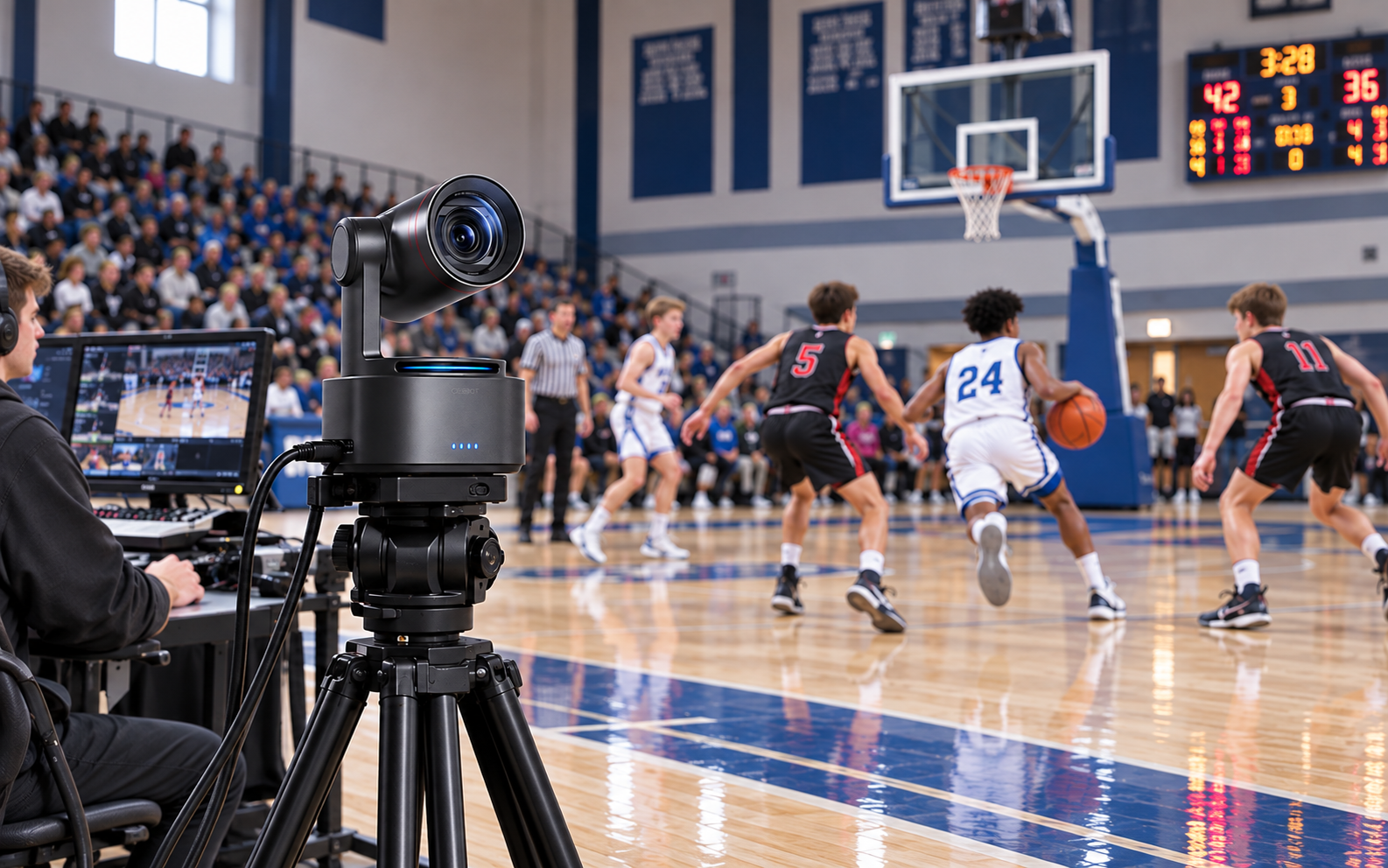
Best Baseball Camera: 7 Picks for Recording Games in 2026

The best camera to record baseball games depends on what you want to bring home: a full-game replay, close-up footage of your player, or a live stream for family watching from elsewhere. Those jobs call for different setups.
Compare seven baseball cameras by their strengths, operating requirements, and complete setup costs. Already own a suitable phone? Try a secure fence mount and reliable power first. Upgrade when distance, battery life, or streaming becomes a problem.
7 Best Baseball Cameras for Recording Games
Quick Comparison
| Camera | Main use | Recording and reach | Camera price reference | What else to budget for |
|---|---|---|---|---|
| OBSBOT Tail 2 | Player-focused filming and controlled live production | 4K60; 5x optical zoom | $1,298 for the NDI-activated pack | Support, storage, power, and network accessories as needed |
| Mevo Start | Regular GameChanger streaming | 1080p; digital cropping | $449.99 | Mount, microSD for local recording, power, and internet access |
| Canon VIXIA HF G70 | Close-up player footage from the stands | 4K30; 20x optical zoom | $1,299 | SD cards, tripod, and backup power; no recording subscription |
| GoPro HERO13 Black | Fixed backstop view and additional angles | Up to 5.3K60; wide-angle lens | $429 | Fence mount, microSD, and suitable external power; cloud plans optional |
| Veo Cam 3 | Team recording with a follow-cam view | Wide-field capture; software-directed view | $1299 for Standard version | Tripod, subscription, and any streaming add-on |
| XbotGo Falcon | Fixed wide-angle baseball recording | 4K30; manual zoom in Baseball Mode | $699 | Tripod, V30-or-faster microSD, and power; optional paid features may apply |
| Mevo Core | Upgrading a Mevo production with different lenses | 4K30 recording; reach depends on lens | $999.99, body only | Compatible lens, mounting, storage, power, and internet access |
1. OBSBOT Tail 2
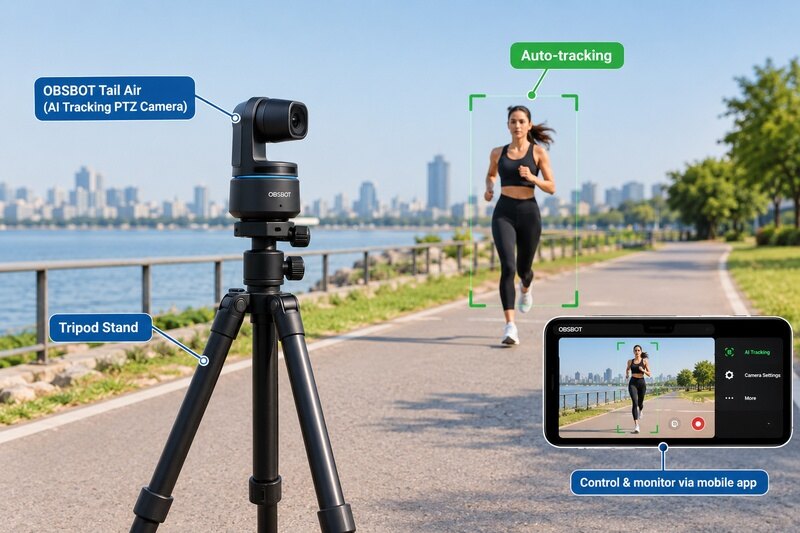
The OBSBOT Tail 2 suits creators who want controllable camera movement and AI assistance for following a selected subject. Its 5x optical zoom helps frame a batter or pitcher more closely, while 4K60 recording leaves room for modest cropping.
Useful features for baseball include:
- 1080p120 recording for slow-motion practice clips, such as batting drills.
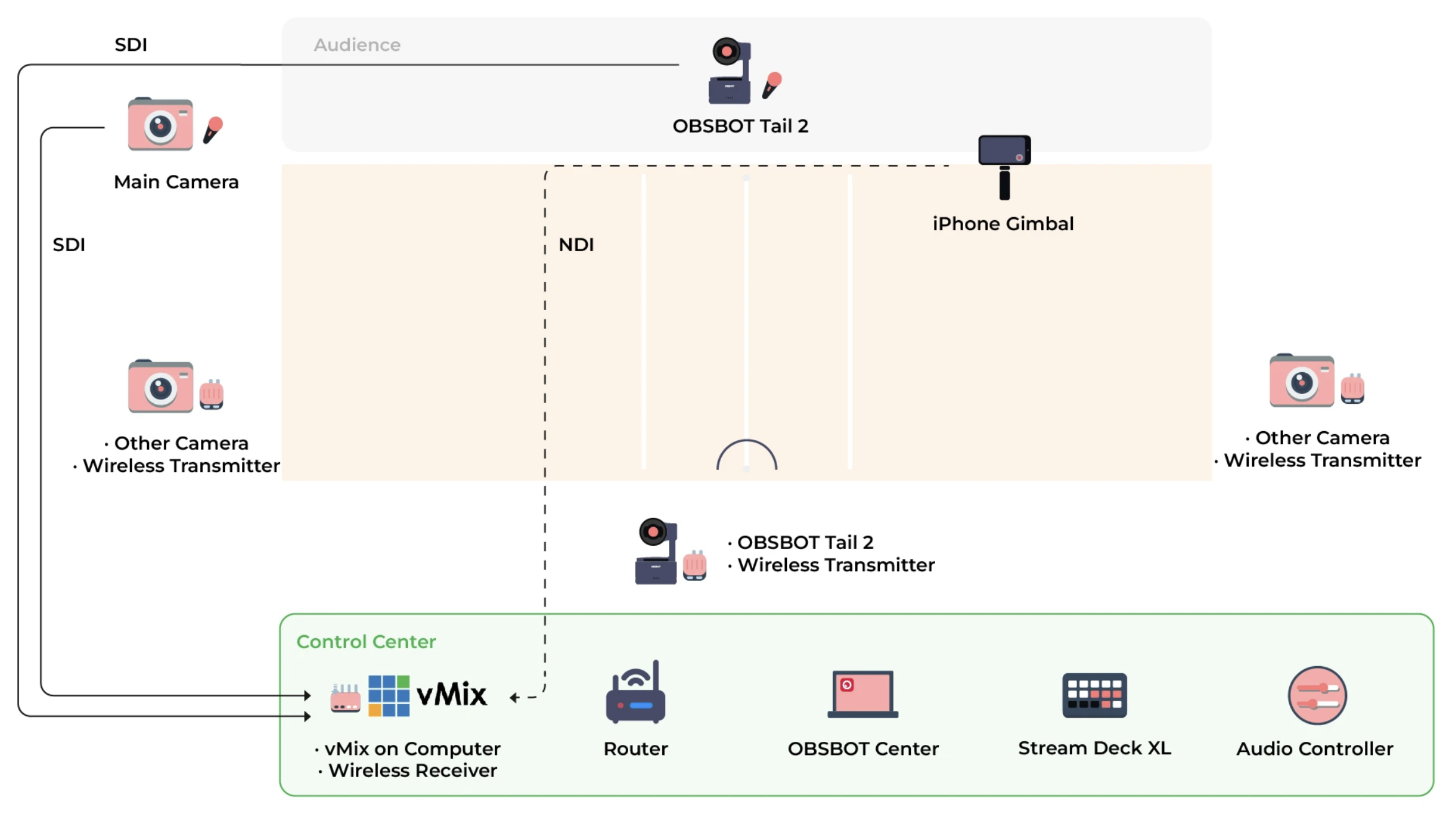
- HDMI and SDI connections for production equipment, plus network workflows for streaming.
- Pan, tilt, and zoom control for changing views between plays.
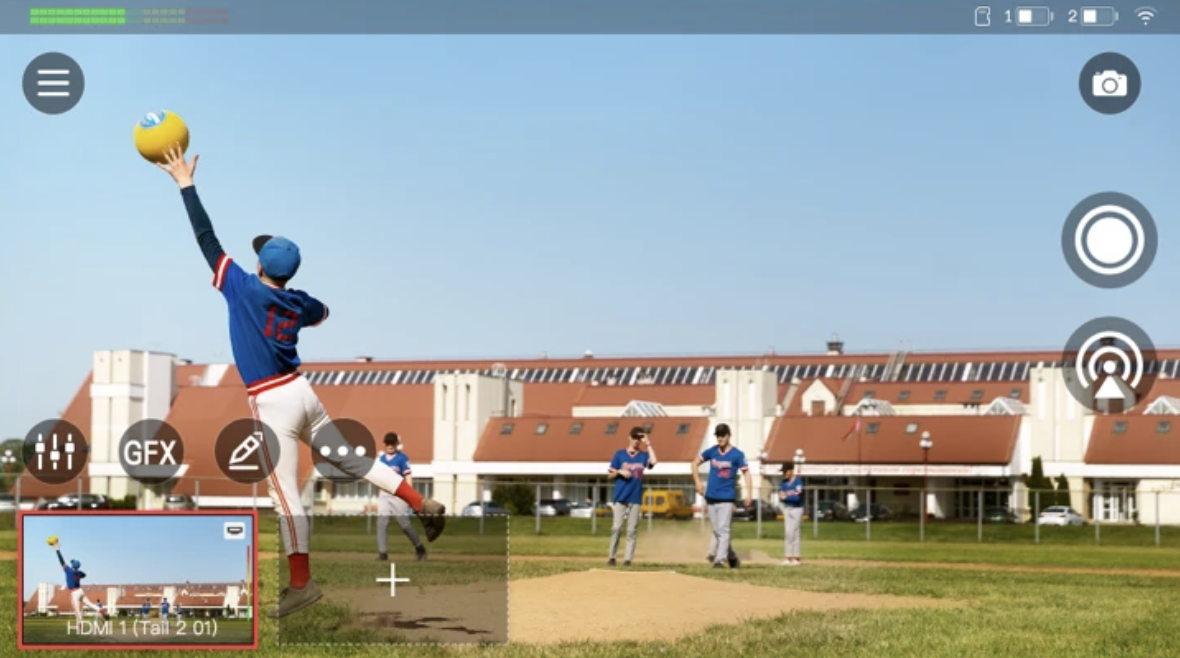
With its RTMP workflow, OBSBOT Tail 2 can be configured for platforms such as GameChanger or SidelineHD using the platform's stream URL and key. Its built-in battery provides up to 3 hours and 40 minutes of continuous recording, which is enough for most single games; use USB-C power for tournament days or doubleheaders.
Set the tracking target and framing carefully. Following one player may leave another play off-screen; use a wider view or an additional camera when complete coverage matters.
Besides, also need to leave budget for support, storage, and your chosen network setup. A sturdy tripod or mount, memory card, and basic network accessories typically add about $150-$400; a dedicated router or cellular plan costs extra. For live production, test the RTMP workflow before game day and have someone monitor the shot.
2. Mevo Start
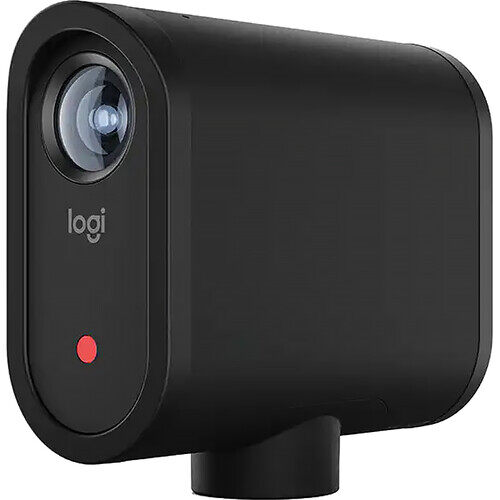
For parents streaming through GameChanger every weekend, the Mevo Start deserves a close look. GameChanger lists it among its supported cameras. It streams in 1080p and can simultaneously save footage to microSD.
A local copy keeps your footage independent of the viewing platform. The built-in battery is rated for more than six hours, and USB-C power can cover longer tournament days.
In GameChanger community, some parents favor Mevo's workflow, while others report dropped connections or soft player detail from a wide 1080p image. Weak field internet makes local backup essential, while a distant mounting position favors a camera with optical zoom.
Digital cropping will not replace a telephoto lens for distant outfield footage. Check that your backstop position includes first and third base. A mount, microSD card, and power bank typically add about $70-$200 when you already have a phone and data plan; a hotspot or new service plan costs extra.
3. Canon VIXIA HF G70
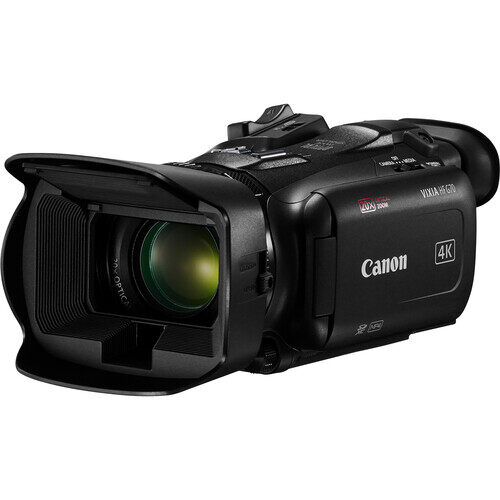
A camcorder with optical zoom can be the best video camera for baseball games when you want close-up footage of players from the stands. The Canon VIXIA HF G70 combines a built-in 20x optical zoom with 4K30 recording, so you do not have to choose or buy a separate lens.
Frame an at-bat, follow a runner, or record pitching practice. Stabilization helps at longer zoom settings; a steady tripod remains valuable.
The catch: someone must follow the play and work the zoom. Autofocus does not turn it into an automated game camera.
Add SD cards, support, and backup power to the $1,299 camera price. Local recording needs no camera subscription. USB-C UVC output supports computer-based streaming, but does not carry audio. G70 is not a direct GameChanger app workflow.
4. GoPro HERO13 Black

The GoPro HERO13 Black works well as a wide fixed view behind home plate. It also suits families wanting one sports camera for baseball and other activities.
Its high-resolution local recording gives you some room to crop highlights. However, distant players remain small, and tight crops lose detail. Use the stream for a wide live view and the local recording when you want the highest-quality highlights.
Parent discussions describe mixed GoPro experiences, including heat and connection problems, alongside successful setups using external power.
For full games, external power is more dependable than swapping the internal battery. GoPro rates more than 2.5 hours at 1080p30 under specified conditions, while 4K or 5.3K recording, stabilization, and hot sun reduce practical runtime. Use a secure mount, microSD card, and compatible power source, and keep the camera out of a sealed sun-facing enclosure so heat can escape.
5. Veo Cam 3

Veo Cam 3 is worth considering when a team wants game footage for shared review and an automated follow-cam view. Veo's sport-specific guidance lists follow-cam, an interactive player, and drawing tools for baseball.
Those tools help coaches revisit positioning and discuss plays. For baseball, Veo's value is the follow-cam replay and annotation workflow rather than a full baseball analytics package.
Compare the full season's cost:
- Price the tripod, subscription term, and recording allowance together.
- Select a plan whose download and sharing permissions fit the team's review workflow.
- Add livestreaming only when the quoted baseball plan supports it.
Someone must position the camera, start recording, and manage uploads. Ask to see footage from a comparable baseball field.
6. XbotGo Falcon
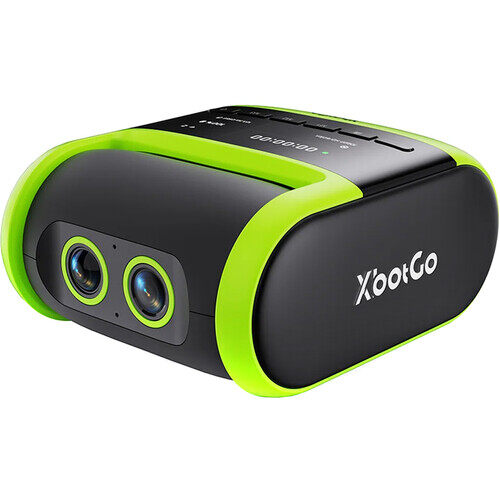
The XbotGo Falcon is a self-contained option for families who would rather keep their phone available during the game. Its Baseball Mode records a fixed wide view and offers manual framing adjustments and a baseball scoreboard.
The important limitation is clear: Baseball Mode does not provide AI tracking or automatic zoom. It suits a wide game record, rather than automatic close-ups following your player.
The standard edition launched at $699. Add a tripod and a V30-or-faster microSD card, which is not included; allow about $70-$220 for both, depending on tripod height and card capacity. Core recording does not require a monthly subscription, while optional services are paid separately.
Note that the Baseball Mode is available on Falcon, not Chameleon.
7. Mevo Core
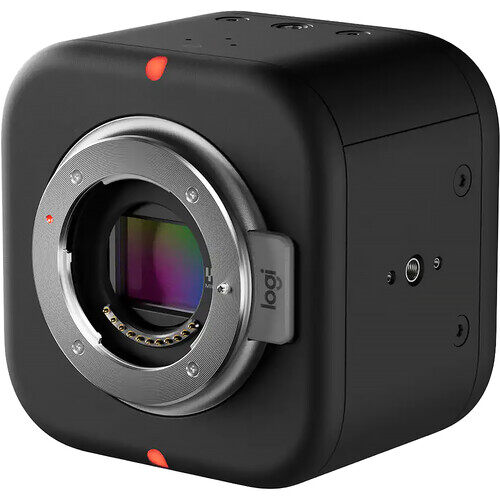
The Mevo Core is an upgrade to consider if you like the Mevo workflow but want interchangeable lenses and 4K recording. A suitable telephoto lens can help frame the pitcher and batter from a more distant position.
Phone or tablet control does not eliminate lens decisions: your lens determines reach and available controls.
The $999.99 price is body-only. If your compatible lens costs $400, that brings the camera-and-lens budget to about $1,400, before mounting, storage, power, and internet equipment.
Users weigh improved framing against body-and-lens costs in a Mevo Core discussion. Choose recording and live-output settings together because some image settings change the available resolutions.
How to Choose the Best Camera for Baseball Games
Decide what you are recording
For a whole-game replay, frame the pitcher, batter, first base, and third base in one fixed shot. Recruiting clips need optical reach and an operator; livestreaming needs stable upload speed.
Match the lens to your position
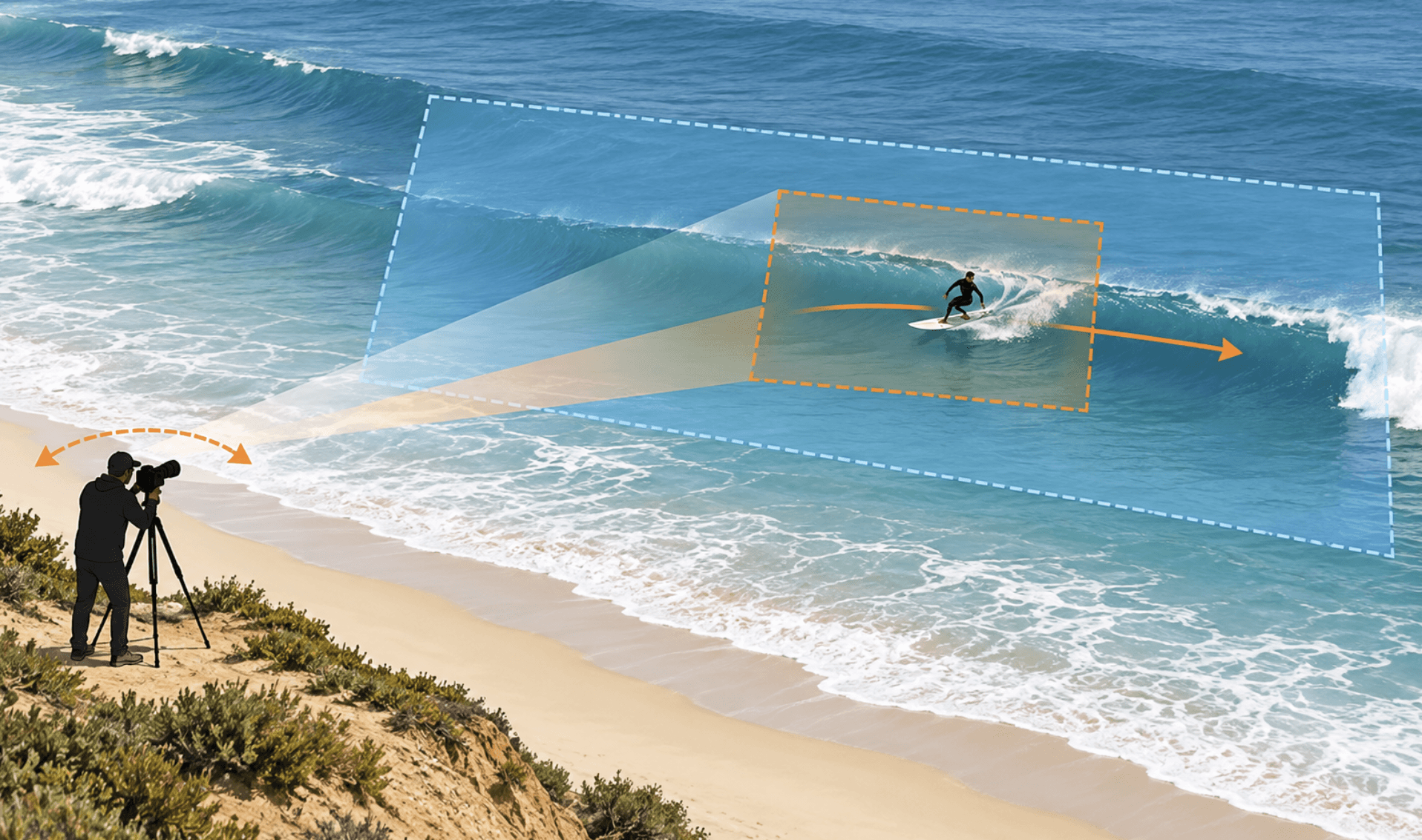
Use 12-24mm full-frame equivalent behind the backstop, 70-200mm from the stands for batter and pitcher detail, and 200-300mm for distant outfield shots.
Be realistic about operating the camera
If one parent is also scoring, use a fixed backstop view. Close-ups need an operator; selected-subject AI still needs monitoring when the ball or another runner becomes the focus.
Compare the complete cost
A basic mount, card, and power kit adds $70-$200. Lenses can add $300-$1,000 or more; compare team systems by first-year cost and annual subscription.
Check evening and long-game performance
For two- to four-hour night games, compare field-light samples for noise and autofocus, use external power, and complete one full-length warm-weather recording before tournament day.
Tips for Recording Baseball Games
Choose the Right Position and Check the Fence
Behind home plate is a useful starting point for a wide game view. Check the pitcher, batter, first base, and third base in the preview. Adjust height and distance if the camera focuses on netting. Use suitable support; a moving PTZ camera needs clearance to turn.
Choose Settings for the Footage You Need
Use 1080p60 when supported if smooth motion is the priority. Choose 4K when extra detail or cropping matters, and higher frame rates for short slow-motion practice clips. For streaming, match the camera's live-output options to the platform and available upload connection.
Prepare Power and a Local Recording
Test your match settings, remaining storage, and external power. Follow the manufacturer's battery instructions. If streaming, confirm that local backup recording is enabled and the saved file plays properly.
Test the Live View Before First Pitch
Check framing after the stream starts, not only in recording preview. Confirm that a viewer can see and hear it. Keep the network device within reliable range, monitor the feed, and test how to restart it. For multiple angles, check the camera-switching workflow in advance.
FAQs About Baseball Cameras
What is the best camera for recording baseball games?
For close-up player footage from the stands, a camcorder such as Canon's VIXIA HF G70 is a practical choice if someone can operate it. For regular GameChanger streaming, consider Mevo Start. For a fixed wide recording, an existing phone or GoPro may be enough. Choose according to the view you need.
What is the best AI camera for recording baseball games?
Veo Cam 3 is a strong option for teams seeking an automated follow-cam view and shared review, provided the subscription fits their budget. OBSBOT Tail 2 suits selected-subject tracking and controlled live production. Check baseball-specific functions: For example, Falcon's Baseball Mode uses a fixed view without AI tracking or automatic zoom.
Can I use my phone instead of a baseball camera?
Yes. A suitable phone on a secure mount can record a wide view or stream through GameChanger. Add dependable power, manage heat, and check field coverage. Consider a dedicated camera when you need more optical reach, or find your current workflow difficult to manage.
How can I reduce overheating during a doubleheader?
Keep the camera out of direct sun where possible, maintain ventilation, and test your recording settings in advance. Use manufacturer-approved power arrangements. Remove an internal battery only when the manufacturer permits that operation; some cameras require a battery to remain installed during external power use.
How do I connect a baseball camera to GameChanger?
Use GameChanger's current instructions for your device. Phones, Mevo, and GoPro have their own workflows; other compatible setups can use RTMP/RTMPS. Verify how the camera reaches the internet and test the live stream, audio, and local recording. Camera recording specifications do not determine the resolution viewers will receive.
Conclusion
Choose a baseball camera around the footage you will use. A fixed view preserves the game, optical zoom helps with player clips, and a supported streaming workflow makes sharing easier. Compare the complete cost and test it at your field, so you can bring home useful footage and enjoy the game.