Best Videography Cameras for Creators in 2026

The best videography camera depends on what you shoot. A solo YouTuber, wedding filmmaker, sports shooter, studio creator, and live event team all need different things from a camera. The right choice is not always the most expensive body; it is the one that gives you the right sensor, autofocus, recording format, stabilization, lens options, and workflow for your videos.
Best Videography Cameras Comparison
Start with your workflow first. If you shoot interviews, short films, events, sports, livestreams, or YouTube videos, the specs that matter most will change. This table focuses on the practical differences that help you narrow the list quickly.
| Product | Best Use | Sensor | Max Video | Slow Motion | Price |
|---|---|---|---|---|---|
| Panasonic Lumix S5 IIX | Best overall value | 24.2MP full-frame CMOS | 6K30, 4K60 10-bit | FHD 120p | $1,898 |
| OBSBOT Tail 2 | Best for live production | 1/1.5-inch CMOS | 4K60 | 1080p120 | $1,199 |
| Sony ZV-E10 II | Best beginner creator camera | 26MP APS-C CMOS | 4K60 10-bit | Full HD 120p | $998 |
| Canon EOS R6 Mark II | Best hybrid photo and video camera | 24.2MP full-frame CMOS | 4K60 10-bit | Full HD 180p | $1,999 |
| Sony FX30 | Best compact cinema camera | APS-C / Super 35 CMOS | 4K120 10-bit | 4K120 | $2,098 |
| Fujifilm X-H2S | Best for action and sports | 26.1MP stacked APS-C | 6.2K30, 4K120 | 4K120, FHD 240p | $2,900 |
| Blackmagic Pocket Cinema Camera 6K Pro | Best for RAW and grading | Super 35 HDR sensor | 6K50, 6K 2.4:1 60 | 2.8K 120p | $2,835 |
| Sony FX3 | Best full-frame cinema camera | Full-frame CMOS | 4K120 10-bit | 4K120 | $3,900 |
8 Best Videography Cameras
Best Overall Value: Panasonic Lumix S5 IIX

The Panasonic Lumix S5 IIX is the safest all-around pick for creators who want serious video tools without jumping into a larger cinema rig. It gives you full-frame image quality, strong internal recording, phase-detect autofocus, and video-focused features at a price that still leaves room for lenses, audio, and lighting.
Price: $1,898.
Key Features:
- 6K30 recording: Useful when you want extra resolution for reframing, cropping, or delivering sharper 4K.
- 4K60 10-bit: Gives editors more color flexibility for interviews, product videos, short films, and YouTube content.
- Full-frame sensor: Helps with low-light scenes, shallow depth of field, and cinematic background separation.
- Phase Hybrid AF: Improves focus reliability compared with older Panasonic contrast-only systems.
- Active I.S. stabilization: Helps handheld shooters capture smoother walking shots and run-and-gun footage.
Tradeoff: L-mount lens choices are strong, but some creators may find Sony or Canon ecosystems easier if they already own lenses.
Best Camera for Live Production: OBSBOT Tail 2
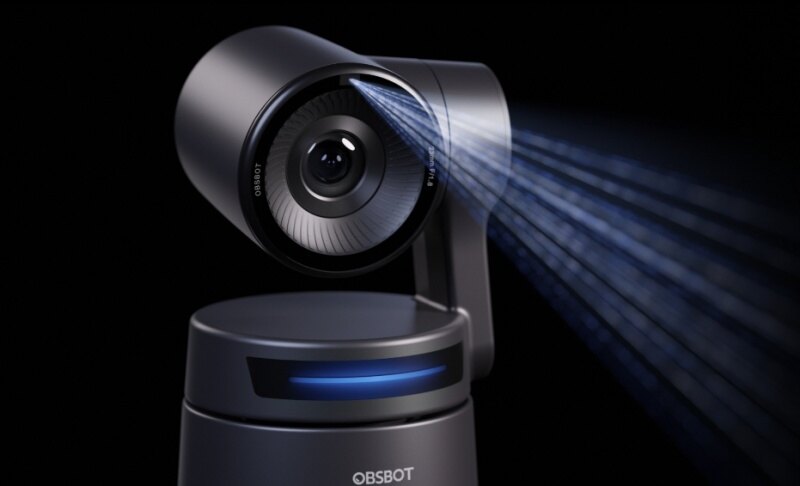
The OBSBOT Tail 2 fits a different kind of videography workflow: live production. If you shoot events, classes, worship services, product demos, music performances, or creator studio content, a camera that can frame and follow the subject can reduce the need for a dedicated operator.
Price: $1,199.
Key Features:
- PTZR design: Pan, tilt, zoom, and rotation help support both horizontal and vertical production setups.
- 4K60 capture: Delivers clean video for live streams, event recordings, teaching, and studio content.
- AI Tracking 2.0: Keeps people, groups, animals, or selected objects framed during movement.
- 5x optical zoom: Helps cover stages, classrooms, and demo spaces without placing the camera too close.
- Pro connectivity: HDMI, 3G-SDI, Ethernet, USB 3.0, PoE+, NDI, RTMP, RTSP, and SRT support make it practical for live workflows.
Tradeoff: Tail 2 does not replace a mirrorless or cinema camera for lens-based filmmaking. It is best when live framing, remote control, and production connectivity matter more than interchangeable lenses.
Best Beginner Creator Camera: Sony ZV-E10 II

The Sony ZV-E10 II is a strong entry point if you are upgrading from a phone and want interchangeable lenses, better autofocus, and 10-bit video in a compact body. It fits solo creators who shoot YouTube videos, tutorials, product demos, travel clips, and social content.
Price: $998.
Key Features:
- 4K60 recording: Lets beginners shoot sharper video and smoother motion than basic 4K30 cameras.
- 10-bit 4:2:2 options: Gives more room for color correction than older 8-bit creator cameras.
- APS-C sensor: Offers a meaningful image-quality jump from phones and small-sensor camcorders.
- Fast Hybrid AF: Keeps faces, eyes, and moving subjects easier to track during solo shooting.
- Small body: Works well for desk setups, travel kits, handheld filming, and lightweight gimbals.
Tradeoff: It does not have in-body stabilization, so handheld shooters may need stabilized lenses, a tripod, or a gimbal.
Best Hybrid Photo and Video Camera: Canon EOS R6 Mark II

The Canon EOS R6 Mark II is a smart choice when you need one body for both client photos and professional video. It is especially useful for weddings, events, interviews, corporate content, and creators who need reliable autofocus across stills and motion.
Price: $1,999.
Key Features:
- Full-frame 24.2MP sensor: Balances strong stills quality with manageable file sizes for hybrid work.
- 6K oversampled 4K60: Produces detailed 4K video from the full sensor width.
- Canon Log 3: Gives editors a flexible profile for color grading and matching multiple cameras.
- Dual Pixel CMOS AF II: Helps keep people, animals, and vehicles in focus during dynamic shoots.
- Dual SD card slots: Adds practical security for paid events and longer production days.
Tradeoff: It uses micro-HDMI instead of full-size HDMI, which is less ideal for heavy external monitor or recorder workflows.
Best Compact Cinema Camera: Sony FX30

The Sony FX30 is built for creators who care more about video production than photography. It gives you a cinema-style body, strong codecs, 4K slow motion, and Sony's E-mount lens ecosystem at a lower price than full-frame Cinema Line models.
Price: $2,098.
Key Features:
- Super 35 / APS-C sensor: Matches a familiar cinema field of view and keeps lens costs lower than many full-frame systems.
- 4K120 recording: Supports detailed slow-motion footage for action, music videos, product shots, and creative B-roll.
- 10-bit 4:2:2 internal recording: Makes it better suited for grading than basic creator cameras.
- 16-bit RAW output: Gives advanced users a path to external recording workflows.
- Cage-free body design: Multiple mounting points make it easier to build a compact rig.
Tradeoff: It is not the right pick if you need a strong stills camera, because the body is clearly optimized around video work.
Best for Action and Sports: Fujifilm X-H2S

The Fujifilm X-H2S is a strong fit for sports videography, fast movement, wildlife clips, and hybrid creators who need speed. Its stacked sensor helps reduce rolling shutter, while its high-frame-rate options make action footage more flexible.
Price: $2,900.
Key Features:
- Stacked APS-C sensor: Helps capture fast movement with better readout performance than many standard sensors.
- 6.2K30 open gate: Gives extra framing flexibility for horizontal and vertical edits.
- 4K120 recording: Useful for sports, action, dance, fitness, and fast product motion.
- Internal ProRes support: Speeds up editing workflows for creators who want less transcoding.
- 7-stop IBIS rating: Helps handheld shooters when tripods or gimbals are not practical.
Tradeoff: Fujifilm's video ecosystem is capable, but rental houses and larger crews may be more standardized around Sony, Canon, or Blackmagic systems.
Best for RAW and Color Grading: Blackmagic Pocket Cinema Camera 6K Pro

The Blackmagic Pocket Cinema Camera 6K Pro is for filmmakers who want image control more than hybrid convenience. It is a strong pick for short films, music videos, controlled shoots, film school projects, and teams that already plan to color grade heavily.
Price: $2,835.
Key Features:
- 6K Super 35 sensor: Captures detailed footage with room for reframing and cinematic delivery.
- Blackmagic RAW: Gives editors deep control over exposure, color, and metadata in post-production.
- Built-in ND filters: Helps maintain shutter angle and aperture outdoors without extra front filters.
- Mini XLR audio inputs: Makes professional microphone workflows easier than small hybrid bodies.
- DaVinci Resolve Studio included: Adds real post-production value if you edit or grade in Resolve.
Tradeoff: Autofocus and handheld convenience are not its strengths. It works best when you can light, rig, monitor, and operate more deliberately.
Best Full-Frame Cinema Camera: Sony FX3

The Sony FX3 is the higher-end choice for solo filmmakers, documentary crews, travel productions, and commercial shooters who want a compact full-frame cinema body. It is more expensive than the FX30, but it brings stronger low-light performance and a more professional full-frame video workflow.
Price: $3,900.
Key Features:
- Full-frame sensor: Helps with low light, shallow depth of field, and premium commercial visuals.
- 4K120 recording: Supports detailed slow motion without moving into a larger cinema body.
- 15+ stops dynamic range: Gives more room for high-contrast scenes and color work.
- Active cooling: Helps reduce overheating risk during longer video shoots.
- Cinema Line controls: Makes it easier to build a serious rig for professional work.
Tradeoff: It is overkill for casual creators and does not make sense if your budget still needs lenses, lights, audio, and support gear.
How to Choose the Best Camera for Videography
Choose the camera type before comparing specs
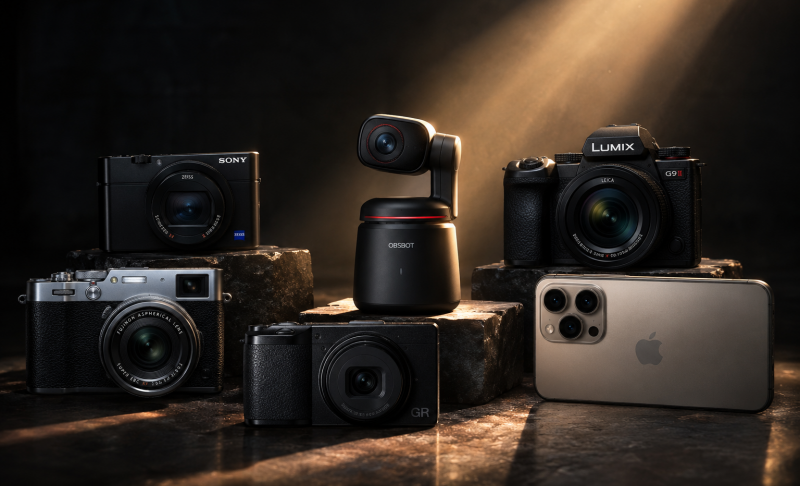
The best videography camera starts with the job. A mirrorless camera is usually best for hybrid creators. A cinema camera is better for controlled filmmaking. A vlogging camera is easier for solo content. A PTZ or PTZR camera is better for livestreams, stages, classes, and repeatable event coverage.
Check the sensor size and lens ecosystem
Full-frame cameras help with low light and shallow depth of field. APS-C and Super 35 cameras can be easier to rig and less expensive to lens. Smaller-sensor live production cameras can still be excellent when you need zoom, tracking, and remote control instead of interchangeable lenses.
Look beyond 4K
Many cameras can shoot 4K now, so the useful differences are frame rate, bit depth, color sampling, crop, overheating behavior, and recording limits. A 4K60 10-bit camera is often more useful than a basic 6K or 8K camera if you need reliable editing flexibility.
Match autofocus to how you shoot
If you film yourself or unpredictable subjects, autofocus matters a lot. Sony and Canon are often strong for face and subject tracking. Blackmagic is better when you control focus manually. OBSBOT Tail 2 solves a different problem by tracking the subject and moving the camera head during live production.
Do not spend the full budget on the body
A camera body is only part of the setup. Leave room for lenses, ND filters, microphones, lights, memory cards, batteries, tripods, gimbals, cages, and storage. For many creators, a balanced kit produces better video than an expensive body with weak audio and poor lighting.
FAQs About the Best Videography Cameras
What type of camera is best for videography?
For most creators, a mirrorless camera is the best starting point because it balances image quality, autofocus, lens choice, and portability. For controlled filmmaking, a cinema camera is better. For live events or teaching, a PTZ or PTZR camera can be more practical.
What is the best camera brand for videography?
There is no single best brand for everyone. Sony is strong for autofocus and compact cinema bodies, Canon is strong for hybrid creators and color, Panasonic is strong for video value, Fujifilm is strong for compact high-speed video, Blackmagic is strong for RAW workflows, and OBSBOT is strong for AI-powered live production.
Is a 4K or 8K video camera better?
For most creators, 4K is enough. 8K can help with cropping and high-end post-production, but it also increases storage, editing power, heat, and workflow demands. A reliable 4K60 10-bit camera is usually a better practical choice than an 8K camera you cannot edit smoothly.
What camera do most YouTubers use to film?
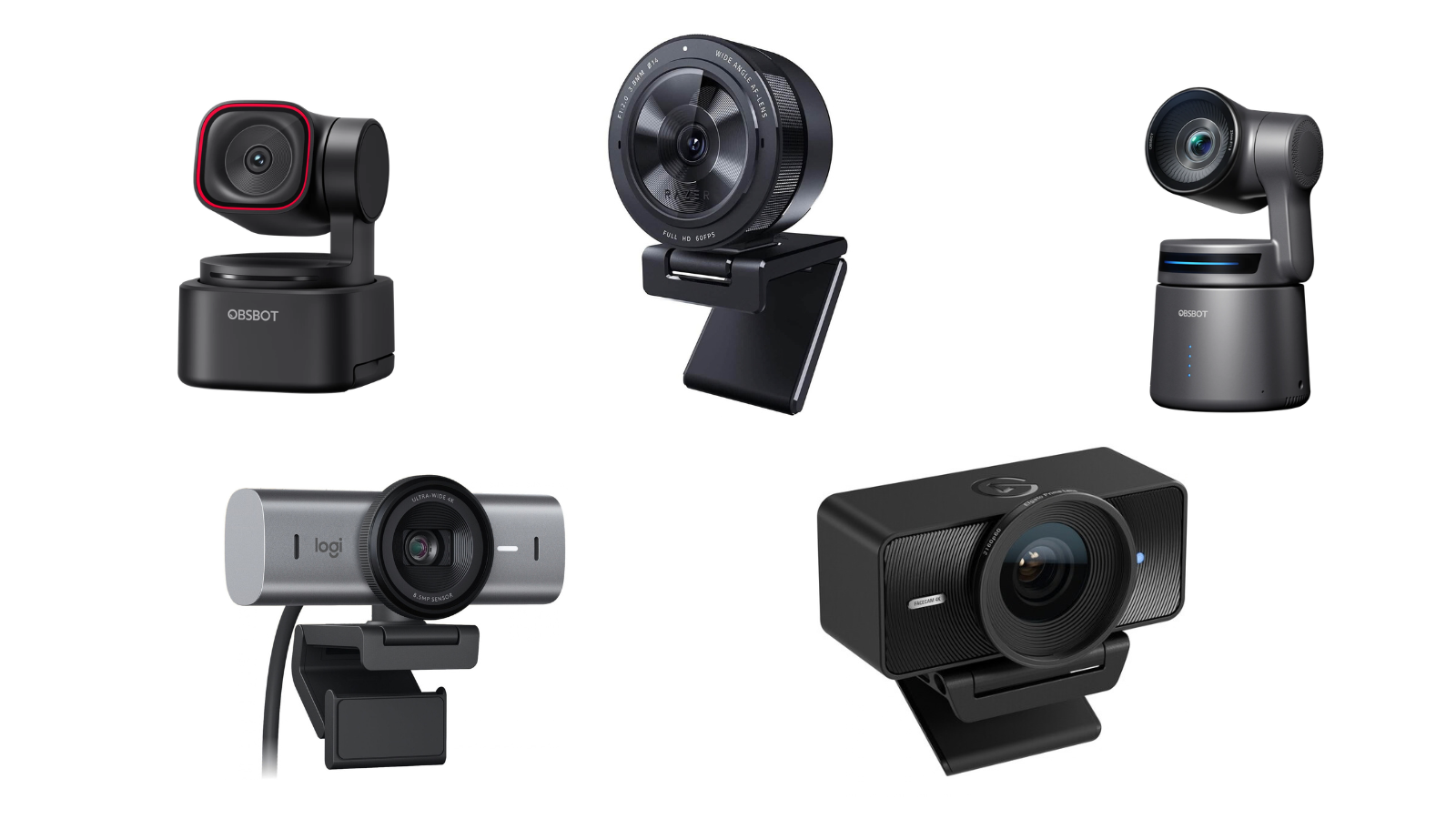
Many YouTubers use Sony ZV-series cameras, Canon EOS R-series cameras, Panasonic mirrorless cameras, or compact cinema cameras depending on their channel style. Desk creators may also use webcams or PTZ cameras when they need hands-free framing and streaming reliability.
What is the best camera for both photography and videography?
The Canon EOS R6 Mark II and Panasonic Lumix S5 IIX are both strong hybrid choices. Choose Canon if autofocus and still-photo workflow matter more; choose Panasonic if video features and value are your top priorities.
Conclusion
The Panasonic Lumix S5 IIX is the best overall value for many videographers, while the Sony ZV-E10 II is easier for beginners, the Sony FX30 is stronger for compact cinema work, and the OBSBOT Tail 2 is the better fit for live production. Choose by workflow first, then compare sensor, recording format, frame rate, autofocus, audio, and total system cost.