PTZ Broadcast Camera Guide: How to Choose and 7 Best Models
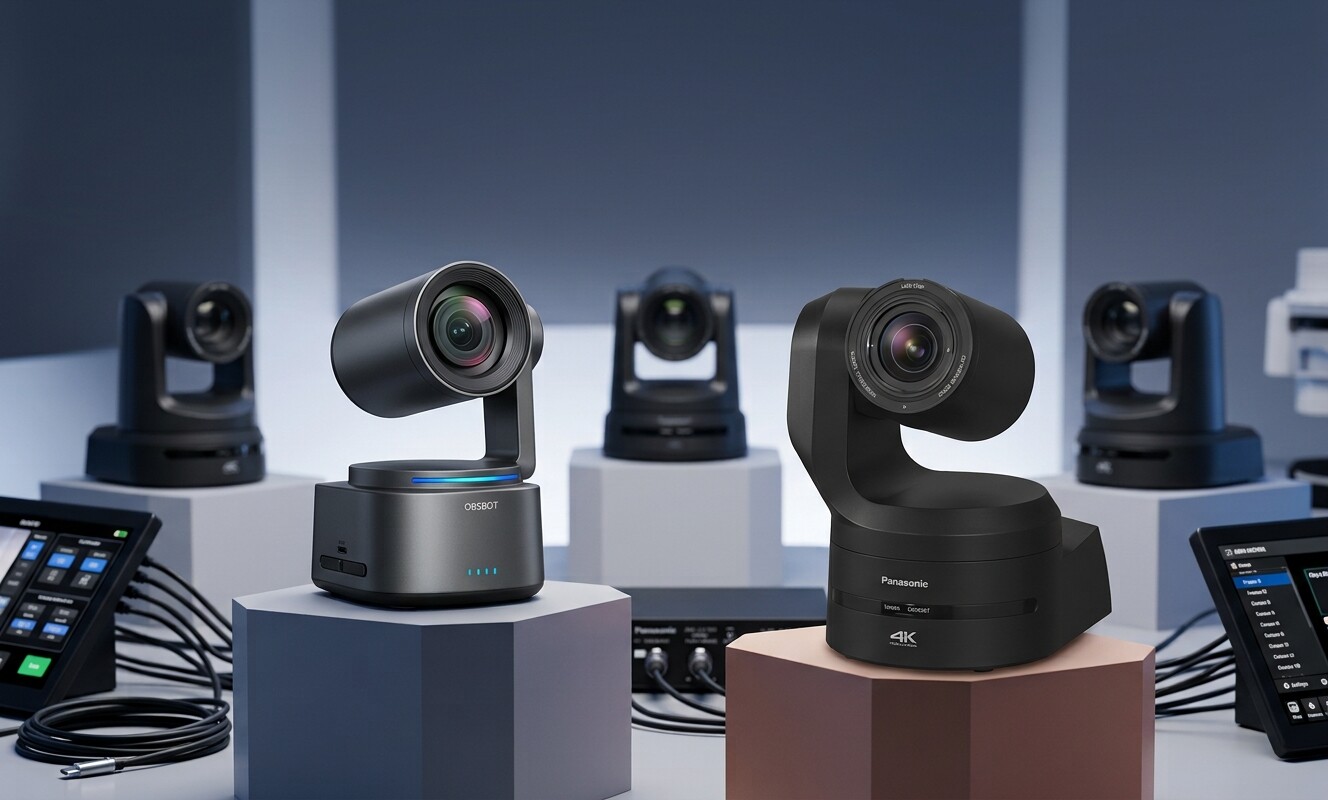
A PTZ broadcast camera offers several possibilities. It combines remote pan, tilt, and zoom control with live production features, letting you cover a stage or studio from multiple angles without moving a tripod.
When choosing one PTZ broadcast camera, you need to consider your venue, image requirements, signal chain, tracking needs, and current budget.
This guide compares seven options and explains how to find the ideal camera for your production system.
What Is a PTZ Broadcast Camera?
A PTZ broadcast camera is a remote-controlled camera built for live production. What sets it apart from other PTZ cameras is the image quality, connects, and control it provides in a live production chain. A small crew can use it to cover wide shots, close-ups, and different angles from one position.
Some of the features of a PTZ broadcast camera include:
- Larger sensors for cleaner low-light images
- Professional outputs, such as SDI, HDMI, NDI, and SRT
- Presets and IP control for repeatable shots
7 Best PTZ Broadcast Cameras for Live Production
Each camera suits a different venue, crowd size, signal chain, and budget. Explore this quick comparison of the 7 best broadcast PTZ cameras before choosing one for your workflow.
| Camera | Resolution | Optical Zoom | Notable Connectivity | Price | Best suited to |
|---|---|---|---|---|---|
| OBSBOT Tail 2 | 4K/60p | 5x | HDMI, SDI, NDI, IP | $1,199 | Portable and small-crew production |
| Panasonic AW-UE160 | 4K/60p | 20x | 12G-SDI, HDMI, NDI, SRT, IP | $12,500+ | Broadcast facilities |
| Canon CR-N500 | 4K/30p | 15x | HDMI, SDI, IP, NDI | $5,699+ | Studios and live production |
| Sony BRC-AM7 | 4K/60p | 20x | Professional IP and broadcast connections | $13,900+ | High-end automated production |
| AVer TR615 | 4K/60p | 19x | 12G-SDI, HDMI, USB, NDI HX3 | $7,285+ | Presenter and stage tracking |
| PTZOptics Move 4K | Up to 4K | Up to 30x | SDI, HDMI, USB, IP/NDI | $1,799+ | Churches and mid-range production |
| BirdDog P4K | 4K/60p | 12x | 6G-SDI, HDMI, Full NDI | $6,699+ | NDI-based production |
OBSBOT Tail 2 ($1,199)
Best AI-powered portable broadcast PTZ camera
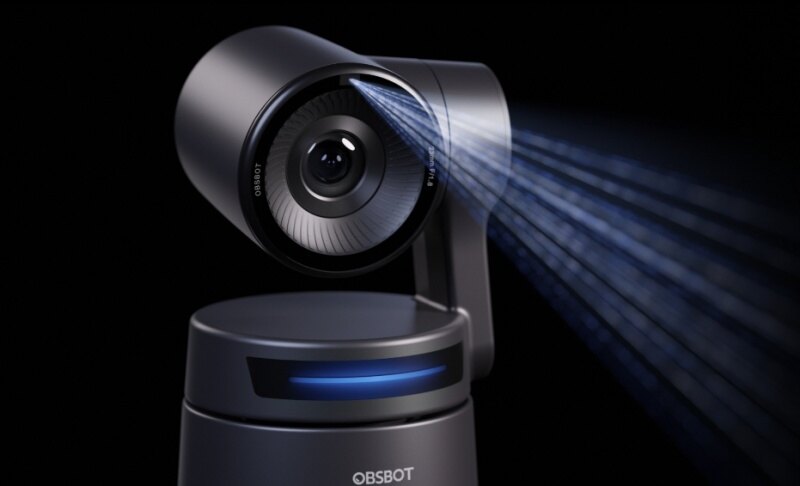
The OBSBOT Tail 2 offers a very flexible and less costly approach to professional PTZ broadcast production, especially for small crews. Instead of using the traditional fixed-body PTZ design, it combines a 1/1.5-inch CMOS sensor with a three-axis PTZR mechanism.
This comes in handy for podcast recording where one compact camera can follow a host who leans, stands, or moves around the desk without a camera operator, and the rotating lens can switch to vertical framing for short clips on social platforms.
Key features of the Tail 2 include:
- 4K resolution at up to 60fps
- 5x optical zoom and 12x hybrid zoom
- AI Tracking 2.0 to automatically follow a subject
- HDR, dual native ISO, and low-light processing
- NDI support for network-based production
Fstoppers highlighted the "Only Me" mode, which keeps the camera on one chosen subject even when other people walk through the shot. Group Tracking can also frame several people at once.
For broadcasts, this keeps a presenter or preacher framed throughout without a dedicated operator, and passing crew or guests are less likely to pull the shot away mid-show.
However, you might need to use a powered microphone, as the Tail 2 does not come with a built-in microphone.
Panasonic AW-UE160 ($12,500+)
Best for professional broadcast facilities
You'll find the Panasonic AW-UE160 useful for professional podcast studios and interview setups that require multiple camera angles and consistent image quality. Its 20x optical zoom lets you capture close-ups of individual speakers from a distance, while its 4K/60p capability delivers detailed footage for high-quality video podcasts.
The camera's 12G-SDI, HDMI, and IP connectivity also gives production teams flexibility when connecting it to video switchers and other recording equipment.
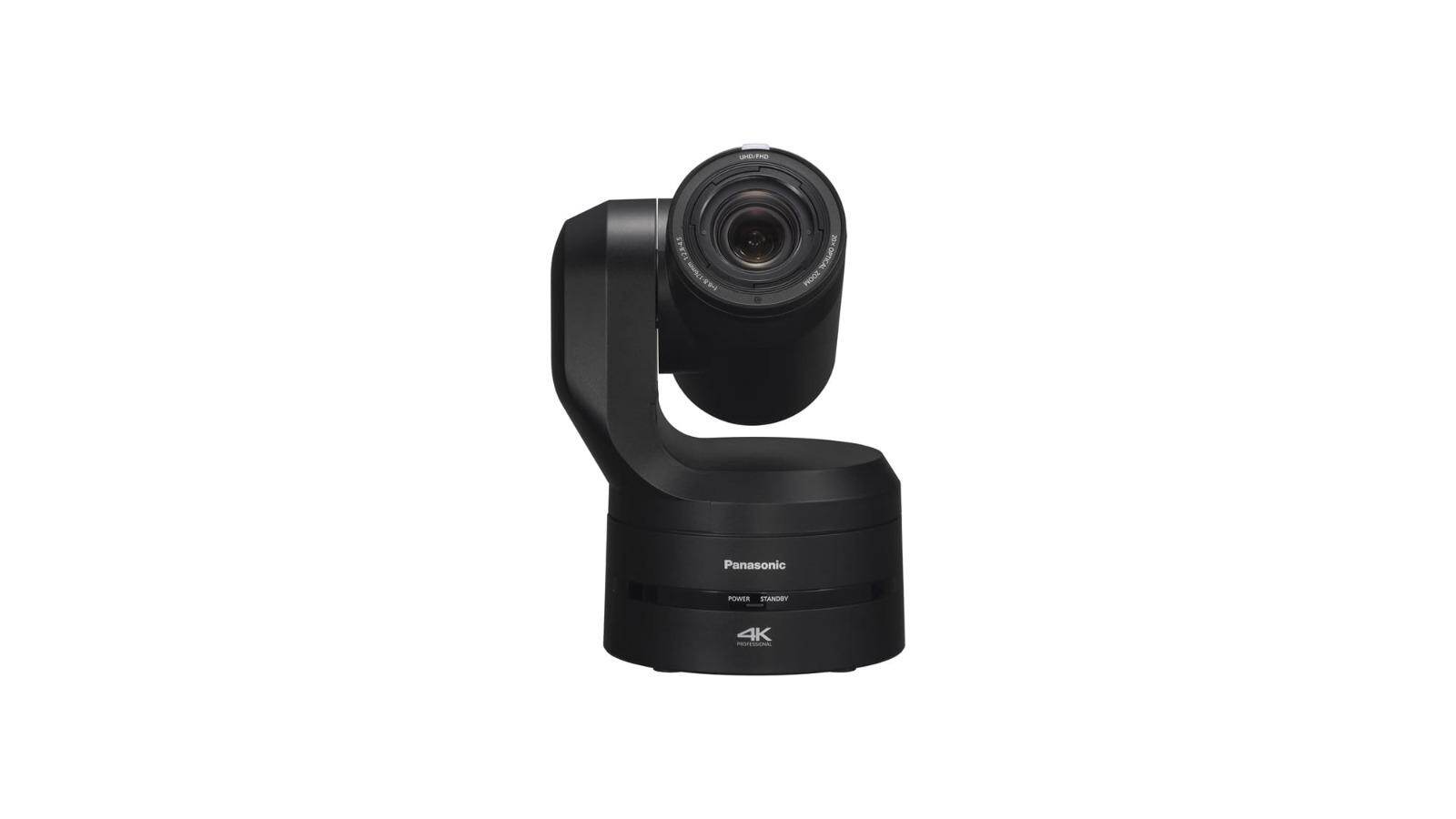
These features make the AW-UE160 a strong option for larger podcast studios and productions that need to integrate multiple cameras into an established workflow.
A B&H customer specifically praised the image quality, which is important for video podcasts where clear, detailed footage helps presenters look professional on screen. Its smooth camera movement can also help producers switch between wide shots and individual speaker close-ups without distracting viewers during a recording.
However, many of these professional features may be unnecessary, particularly in smaller productions. Its size, infrastructure requirements, and higher cost make more sense when your production can take advantage of them.
Canon CR-N500 ($5,699+)
Best for studios and live production
The Canon CR-N500 is ideal for productions where professional imaging, reliable autofocus, and broadcast connectivity are crucial, without having to move to the largest PTZ systems. These productions may include studios, houses of worship, conferences, and live events.
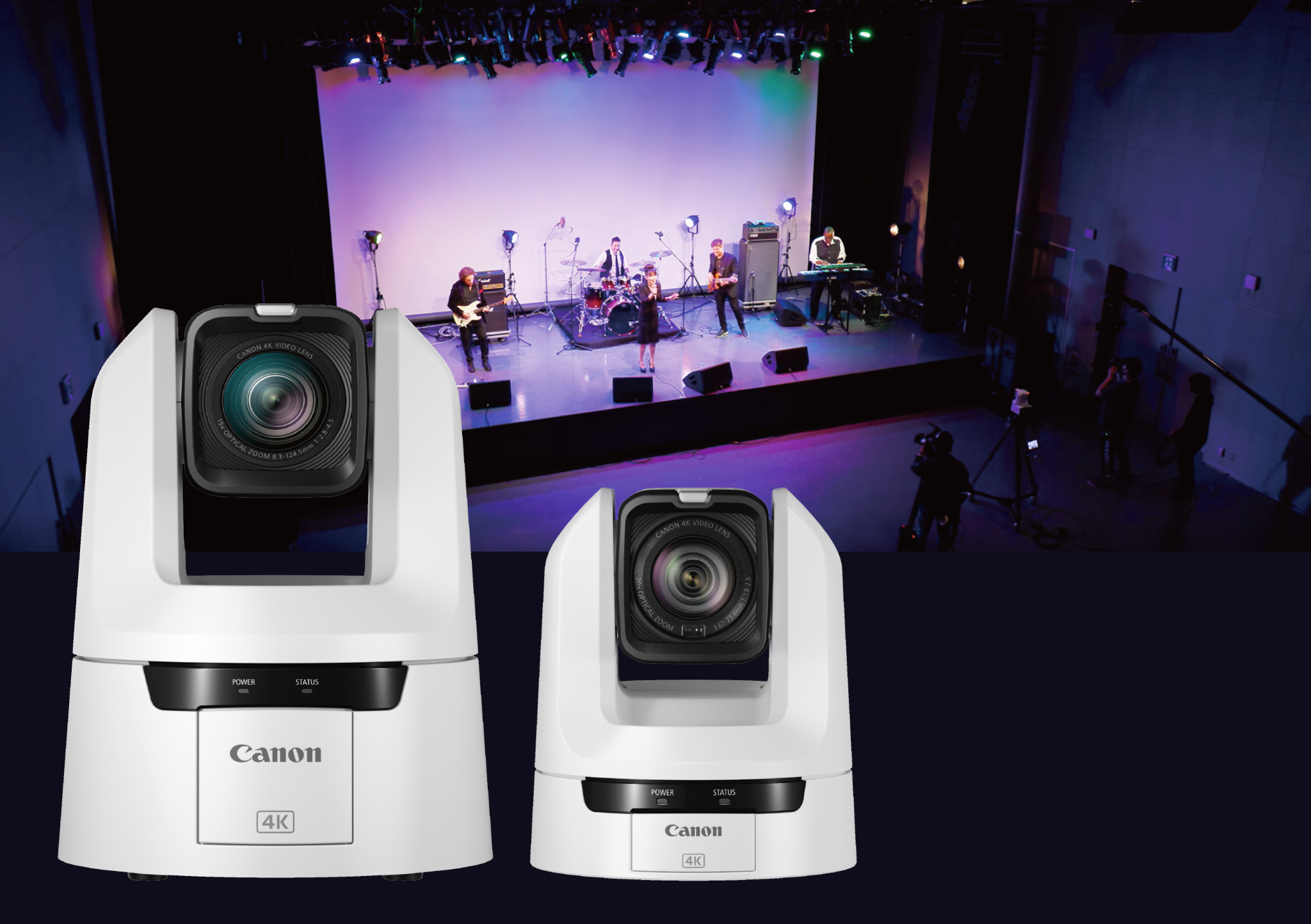
Some notable features of the CR-N500 and their benefits for live production include:
- 1-inch CMOS sensor: Helps capture detailed footage with better control over image quality in dimly lit podcast studios.
- 15x optical zoom: Lets you capture close-ups of individual speakers from a distance without moving the camera or sacrificing image detail.
- Dual Pixel CMOS AF and face tracking: Helps keep speakers in focus as they turn, lean forward, or move during conversations.
- Wide DR and Canon Log 3: Give production teams more flexibility to manage challenging lighting and adjust footage during post-production.
- HDMI, SDI, IP streaming, and NDI support: Make it easier to integrate the camera into different podcast recording and live-streaming setups, depending on the production system.
User feedback on this camera, however, is mixed. Some users highlighted its NDI workflow, low-light image quality, XLR inputs, and low NDI latency, while others noted that the initial setup could be confusing.
Sony BRC-AM7 ($13,900+)
Best for AI-assisted high-end live production
The BRC-AM7 earns this title because its AI-assisted framing system recognizes subjects and adjusts composition as they move. You can also set up the framing before the event, then start tracking at the venue with the infrared remote, with no network setup needed.
- Its 1-inch Exmor RS sensor and BIONZ XR processor help capture detailed footage in different lighting conditions
- 20x optical zoom lets operators move from wide stage views to close-ups of performers or speakers without changing the camera position.
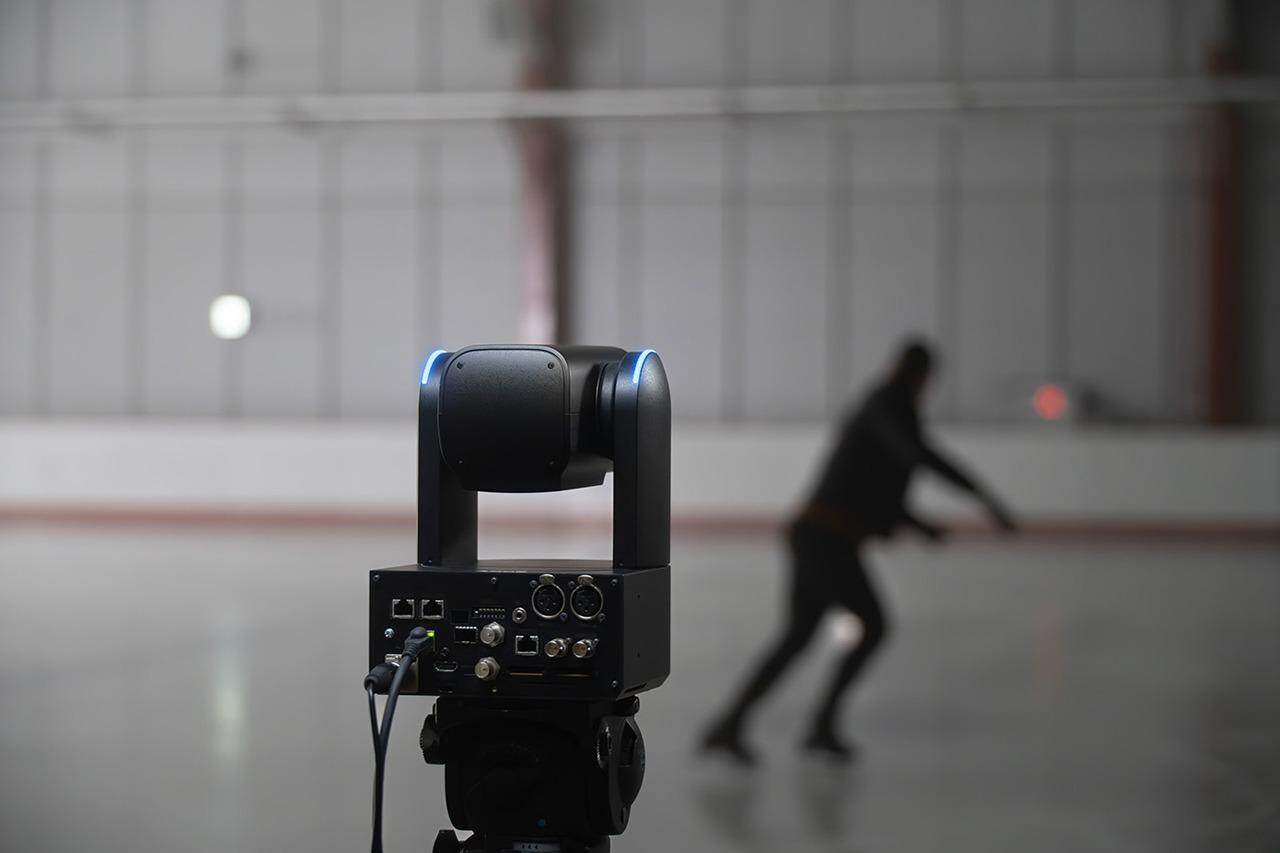
For podcast streaming, the AM7 keeps a host framed as they lean or gesture without an operator, and its XLR inputs let a podcast mic connect directly. The notable downside is cost: at $13,900+, this can be quite expensive for most podcast setups.
A B&H customer praised its clear image and 20x optical zoom. The camera also supports ITU709, 709tone, S-Cinetone, and S-Log3 for colour matching. In a multi-camera broadcast, this makes it easier to blend the AM7 with other Sony cameras, so cuts between angles look consistent.
AVer TR615 ($7,285+)
Best for presenter and stage tracking
The AVer TR615 is ideal for broadcast work where one operator may be running several cameras. It is built around hands-free tracking and the connections a multi-camera chain needs, and these features matter most on air:
- AI tracking: This follows the presenter through several auto-tracking modes, keeping a speaker framed without a dedicated operator.
- Smooth motion: Direct-drive motors give 0.05° positioning accuracy, so moves between presets look steady on air.
- Genlock: It supports precisely timed multi-camera switching and synchronized tally lights, keeps cuts clean and let the crew see which camera is live..
- Connections: Dual 12G-SDI, NDI HX3, and SRT fit both SDI and IP workflows.
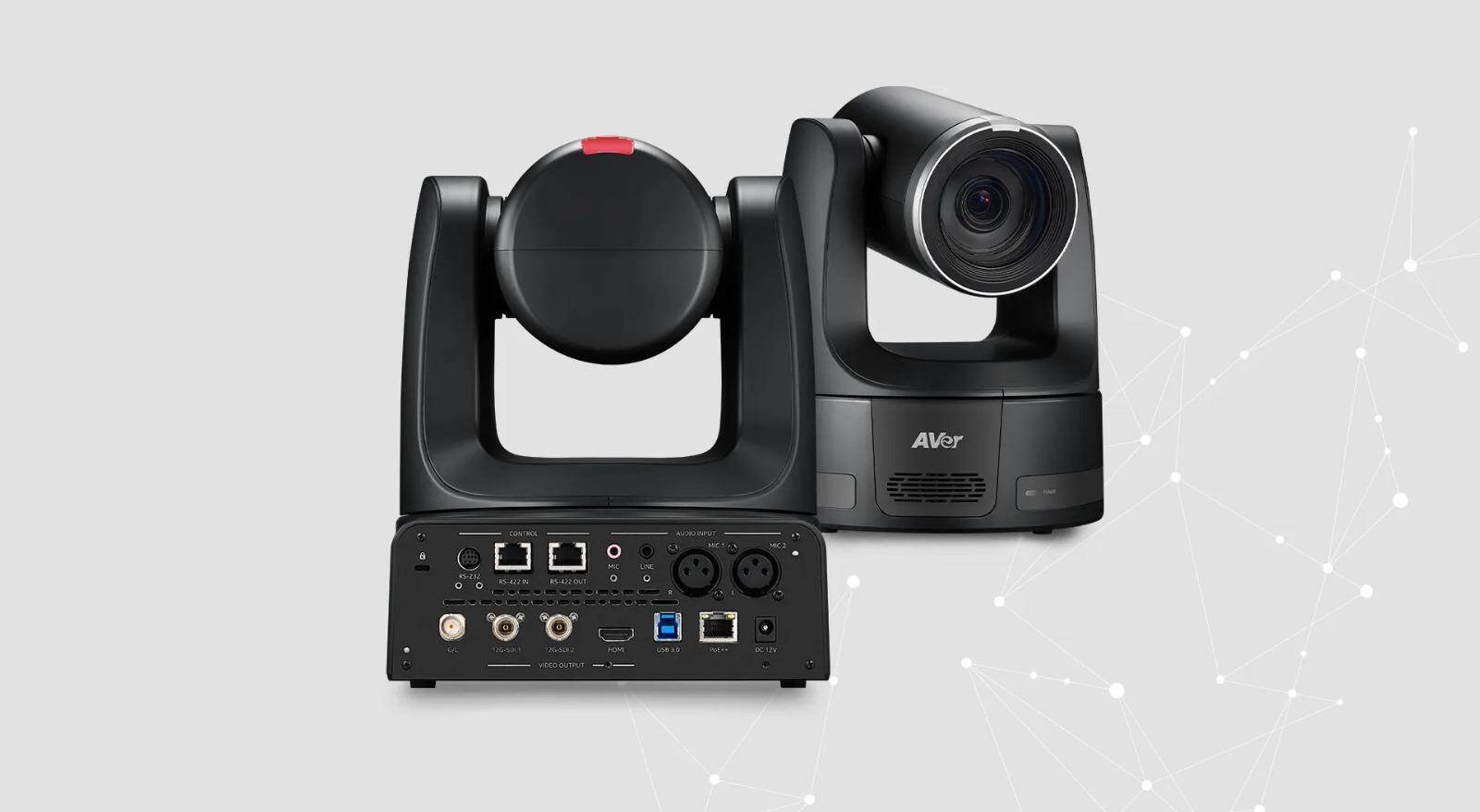
The main limitation is that tracking accuracy depends on the environment. Stage lighting, obstructions, and several people moving at once can all affect how well it follows a subject.
PTZOptics Move 4K ($1,799+)
Best for churches and mid-range production
If you need flexible connectivity, as well as optical zoom in your production without moving into the price range of flagship broadcast cameras, the PTZOptics Move 4K might just be the right fit for you.
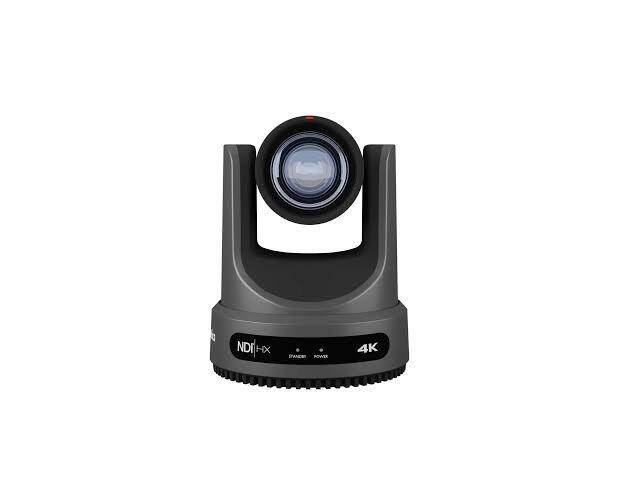
Depending on its configuration, this broadcast PTZ camera is available with 12x, 20x, or 30x optical zoom and supports up to 4K video. Its connections include SDI, HDMI, USB, and IP, with NDI support for network-based production.
In a live broadcast chain, the PTZOptics Move 4K can serve as:
- Church livestreaming cameras for wide, pulpit, and choir shots
- Lecture and campus event coverage for school broadcasts
- Presenter cameras for corporate town halls and conference streams
BirdDog P4K ($6,699+)
Best for full NDI workflows
The BirdDog P4K combines a 1-inch sensor with 4K output and 12x optical zoom. In a broadcast, the larger sensor gives cleaner images in dim venues, and the zoom lets you frame performers or speakers from a distance.
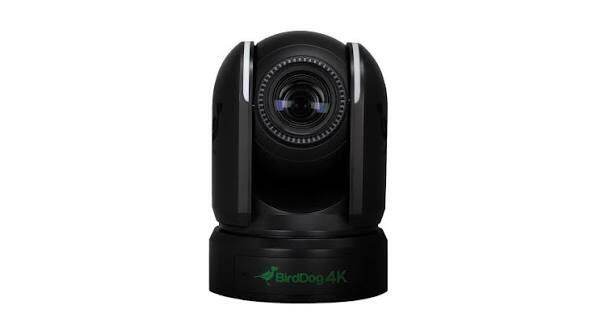
The P4K sends full-quality video over a single network cable, so your switcher gets a clean picture without using up a pile of SDI cables. But there is a catch: your network has to keep up, and BirdDog says a gigabit cable handles about six HD streams.
The P4K has a Genlock input to synchronize cameras into an NDI vision mixer. In a live show, synced cameras give clean cuts between angles, and the tally lights show presenters and crew which camera is on air.
What to Look for in a PTZ Broadcast Camera
You need to do more than just compare brands when choosing a PTZ camera for broadcast. Your existing switcher, network, venue, lighting, camera positions, and production crew should all influence your choice.
1080p vs. 4K, Sensor Size, and Low-Light Performance
4K provides more detail and gives you additional flexibility for cropping during post-production or live production. If your venue has controlled lighting, you can still go for a 1080p PTZ broadcast camera.
However, resolution alone does not determine image quality.
You also need to consider sensor size. Larger sensors, including 1-inch-class sensors used in the Panasonic AW-UE160, Canon CR-N500, Sony BRC-AM7, AVer TR615, and BirdDog P4K are more flexible in low-light conditions and can produce cleaner images at higher gain.
Optical Zoom and Field of View
When comparing cameras for distant objects, their optical zoom should be your main reference. A 20x or 30x optical zoom, for example, can frame a presenter from the back of a large auditorium without relying heavily on digital enlargement.
Also consider both ends of the lens. A wide field of view is useful for establishing shots, while a narrow telephoto view comes in handy for close-ups from distant camera positions.
SDI, HDMI, NDI, and IP Connectivity
Your existing production infrastructure should determine which connections matter.
- SDI: Useful for dedicated video connections and longer cable runs.
- HDMI: Convenient for smaller production systems and switchers. You can check out this guide on how to connect multiple monitors with HDMI.
- NDI: Useful for transporting video and control over an IP network.
- SRT: Useful when video must travel across less predictable networks.
- IP control: Allows operators to manage cameras remotely.
- Genlock: Important when multiple cameras need precise synchronization.
Modern cameras such as the AW-UE160 support several of these simultaneously, while OBSBOT Tail 2 also supports NDI for network production.
Camera Control, Presets, and AI Tracking
Presets allow operators to recall predefined positions quickly. This is useful when you regularly switch between wide, presenter, audience, and close-up shots in your production.
AI tracking is another important feature you should look for. It can reduce the need for constant manual control. However, tracking should be tested in the actual production space. Stage lighting, multiple people, screens, obstructions, and fast movement can all affect tracking behavior.
Multi-Camera and On-Air Reliability
Consistency is crucial when it comes to multi-camera production. Look for matching resolution, frame rates, color settings, exposure controls, and synchronization options.
A camera that produces an excellent image on its own may still be difficult to use if it does not integrate smoothly with your switcher, controller, network, or existing cameras. See OBSBOT's guide to multi-camera live streaming to learn more about building a setup.
How to Keep a PTZ Broadcast Reliable On Air
A reliable live broadcast PTZ camera setup begins long before the production starts. Here are some steps you can take to reduce the risk of technical issues during your broadcast.
Plan Camera Roles and Presets
Define a role for each camera to simplify switching during the production. For example:
- Camera 1: Covers the main wide shot.
- Camera 2: Handles the presenter or speaker.
- Camera 3: Captures audience or secondary angles.
- Additional cameras: Cover close-ups or special areas.
Then create and test presets for each position before the event.
Match Every Camera Before Going Live
Set the cameras to consistent frame rates, shutter speeds, white balance, exposure, and color profiles where possible.
Then switch between cameras on the production monitor. If one camera appears noticeably warmer, darker, or sharper, correct it before going live. This is particularly important in multi-camera productions where different camera brands are used together.
Prepare Power, Network, and Backup
Check every power connection, Ethernet cable, SDI line, HDMI connection, and network port before the show. If your cameras depend on network video, confirm that the network can handle the required traffic. Also prepare a backup path if the production is important enough to justify one.
FAQs About Broadcast PTZ Camera
The right camera depends on your production chain as much as the camera itself. These answers cover some of the most common technical questions users ask about PTZ broadcast cameras.
What makes a PTZ camera broadcast quality?
A broadcast-quality PTZ typically combines high-quality imaging with precise pan, tilt, and zoom movement, professional video outputs, remote control, presets, and reliable integration in production systems. You may also find genlock, tally, NDI, SRT, and SDI in higher-end models.
Is a 1080p PTZ broadcast camera still enough?
Yes. A 1080p PTZ broadcast camera can be sufficient for productions delivered in Full HD. However, if you need 4K delivery, significant cropping, or additional detail, a 4K model might be a more flexible option.
Is SDI or NDI better for PTZ broadcasting?
We would not say one is better than the other for PTZ broadcasting. It depends on your existing equipment and how you plan to use each connection. SDI, for example, is useful for dedicated point-to-point video infrastructure. NDI, on the other hand, is useful when video and camera control need to travel through an IP network.
Does every PTZ broadcast camera need Genlock?
No. Genlock becomes more important when several cameras must remain precisely synchronized, particularly in professional broadcast environments. Smaller productions can often operate without it if their switcher and cameras do not require external synchronization.
Conclusion
With a suitable PTZ broadcast camera, you can improve video quality, simplify camera control, and support a more reliable live production workflow.
Ensure that your choice reflects your production needs, budget, and technical setup. Compare each model's image quality, tracking capabilities, connectivity, and ease of use to find a camera that fits your workflow and long-term requirements.