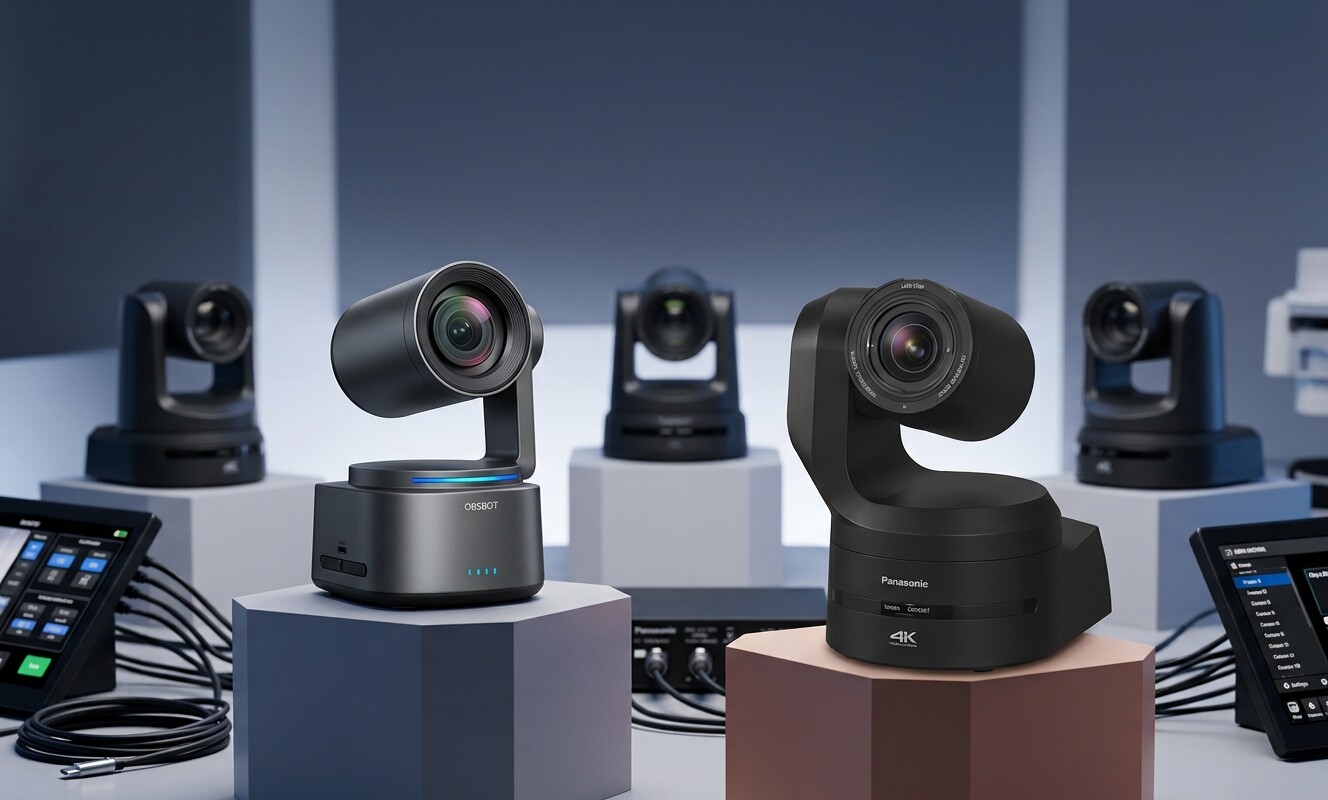
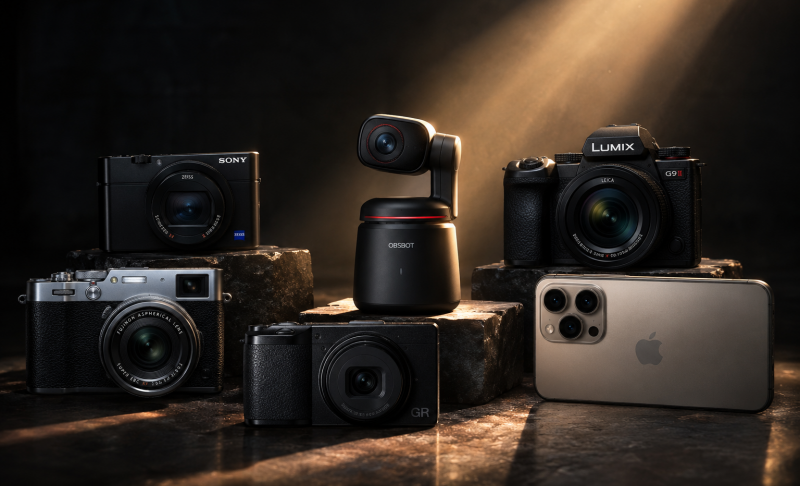
Best Camera for Sermon Recording in 2026
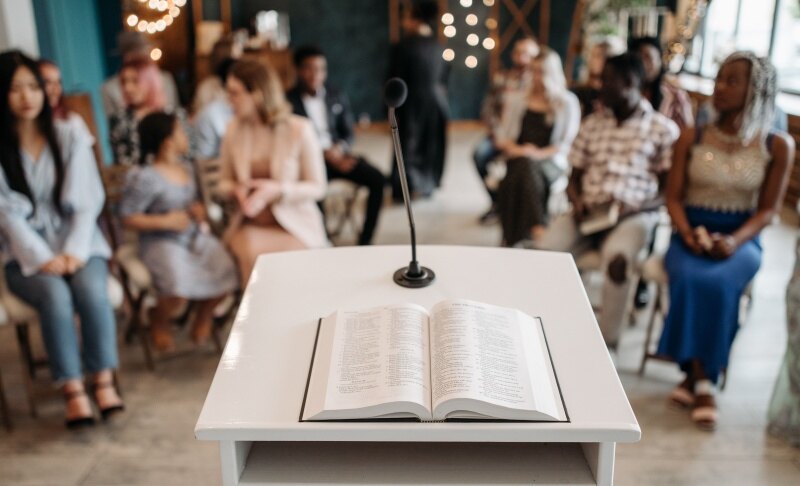
Church sessions can be difficult to attend for some people, so churches have started streaming the sermons. Using the right camera for sermon recording can make the videos clear and easy to watch for everyone. However, the camera size depends on the church because a small chapel doesn't need the same setup as a huge sanctuary. This article includes 5 best cameras that you can use to stream your church sermons.
Part 1: Which Camera Type Fits Your Church?
The best camera type depends on the size of your sanctuary, where the camera will sit, and whether someone can operate it. In this section, we are sharing different types of cameras that you can choose from.
| Camera Type | Best For | Approx. Price Range | Main Limitation |
|---|---|---|---|
| Smartphone | Very small churches or a first setup | $0-$1,200 | Weak audio, limited zoom, storage limits, and possible overheating |
| USB webcam | A fixed sermon-only view | $50-$300 | Small sensor and little useful zoom in large rooms |
| Camcorder | One camera placed near the center or rear | $500-$3,000+ | Less cinematic image than many large-sensor cameras |
| PTZ camera | Remote operation, presets, and multi-camera systems | $500-$5,000+ | Costs more and may need control software or hardware |
| Mirrorless/DSLR | Better low-light quality and a cinematic image | $700-$4,000+ before lenses | Lens costs, greater setup skill, and possible heat or record-time concerns |
Decision shortcut: Choose a camcorder for one volunteer and one steady angle, choose a PTZ camera if there is no one to operate the camera, and choose a smartphone or webcam if it's your first time trying church videos.
Part 2: 5 Best Cameras for Sermon Recording
Different churches need different tools. In this section, we are sharing the 5 best picks for different sermon recording needs.
Quick Comparison Table
| Camera | Best For | Camera Type | Resolution | Optical Zoom/Lens | Low-Light System | Streaming Support | Price |
|---|---|---|---|---|---|---|---|
| Logitech Brio 4K | Small churches and first setups | USB webcam | 4K@30fps 1080p@60fps |
Fixed lens with 5x digital zoom | RightLight 3 with HDR | USB connection to streaming software | $169.99 |
| Canon VIXIA HF G70 | Single-camera sermon recording | Camcorder | 4K UHD@30fps 1080p@60fps |
20x optical zoom approx. 29.3–601mm equivalent in 4K |
1/2.3-inch CMOS sensor | UVC livestreaming through USB-C to PC or Mac | $1,699.99 |
| OBSBOT Tail Air | AI-tracked sermon recording | AI PTZ camera | 4K@30fps 1080p@60fps |
Fixed lens with PTZ movement and digital zoom | 1/1.8-inch StarLight CMOS sensor | NDI, Micro HDMI, USB-C, Wi-Fi, and Ethernet | $599 |
| Sony ZV-E10 II | Higher-quality sermon video | Mirrorless camera | 4K@60fps | Interchangeable E-mount lenses 16–50mm kit option |
APS-C Exmor R CMOS sensor with 26.0MP | USB and wireless/network streaming | $1,199.99 |
| PTZOptics Move 4K | Large churches and multi-camera setups | PTZ camera | 4K@60fps | 12x, 20x, or 30x optical zoom options | Built-in Sony sensors | NDI HX3, SDI, HDMI, USB, and IP | $2,699 |
1. Best Budget Option for a Small Church or First Setup: Logitech Brio 4K
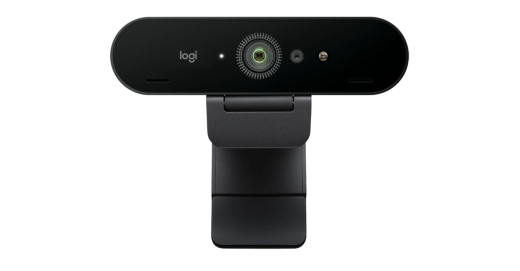
For churches needing a simple fixed sermon camera, this webcam offers straightforward operation and dependable desktop-based recording. The Brio 4K fits small sanctuaries where volunteers need quick setup without managing complex camera gear. Its compact design also suits permanent pulpit-facing stations or portable recording carts used across ministry spaces easily, making it the best budget camera for live streaming church.
Key Features:
- Autofocus keeps the speaker sharp without manual adjustment
- Three FOV presets simplify framing different sanctuary views
- Windows Hello adds secure facial recognition login access
- Privacy shutter blocks camera view between services
- Dual microphones capture speech with active noise cancellation
- Logitech Sync centralizes firmware updates and device management
2. Best Camcorder for Single-Camera Sermon Recording: Canon VIXIA HF G70
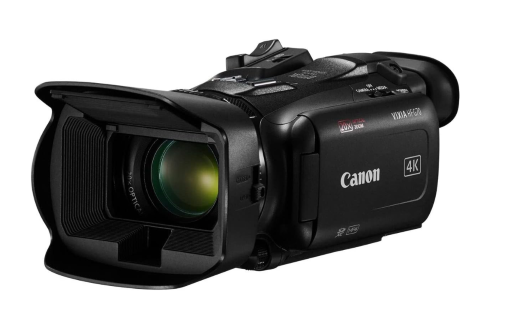
Designed for churches that record long services, this is the best camera for church live streaming that gives volunteers straightforward controls and dependable operation from a fixed sanctuary position. Dual-card recording adds useful protection for important services. With the Canon VIXIA HF G70, teams also get touch-based control, a tilting viewfinder, and manual adjustment options for weekly production.
Key Features:
- Advanced autofocus keeps moving speakers consistently sharp
- Optical-electronic stabilization reduces shake during handheld repositioning
- External microphone support improves sermon audio capture
- Fast-motion recording condenses lengthy setup or event sequences
- Mini Advanced Shoe accepts compatible production accessories
- MP4 recording simplifies common editing and archiving workflows
3. Best PTZ Camera for Sermon Recording and Streaming: OBSBOT Tail Air Streaming Camera
Smooth sermon coverage does not always require a large production team. A compact PTZ setup can handle changing camera angles while keeping the sanctuary less cluttered. For churches wanting more automation without a full control-room buildout, the OBSBOT Tail Air offers a practical way to simplify weekly video production, as it's the best PTZ camera for church live streaming and recording.
Key Features:
- High-End Video: Records 4K@30fps and 1080p@60fps, giving churches detailed sermon footage or smoother motion when pastors move across the stage.
- Human AI Tracking: Automatically follows the pastor and keeps them framed, reducing manual adjustments when a speaker walks between the lectern and other stage areas.
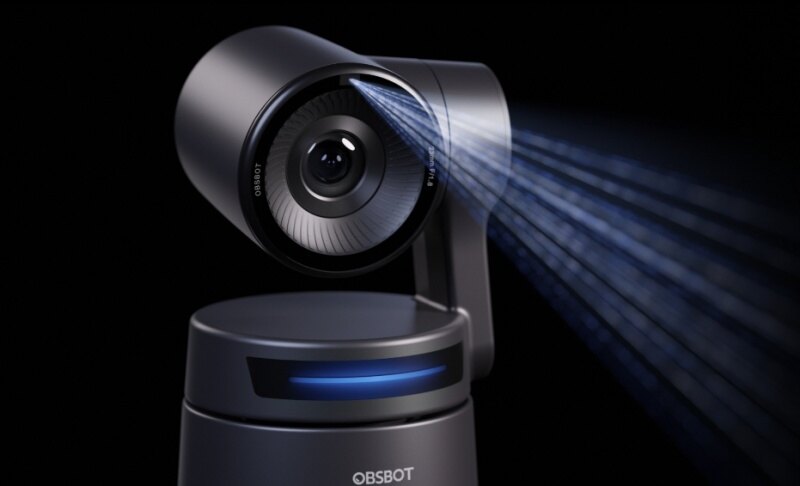
- Time-of-Flight Autofocus: Uses infrared light to measure subject distance, helping maintain faster, more accurate focus during sermons under changing sanctuary lighting.
- PoE Support: With a USB-C Ethernet adapter, Power over Ethernet can carry power through the network connection, reducing cable clutter in permanent installations.
- Preset Positions: Let volunteers return quickly to common sermon angles, such as the pulpit, center stage, or a wider worship view.
4. Best Mirrorless Camera for Higher-Quality Sermon Video: Sony ZV-E10 II
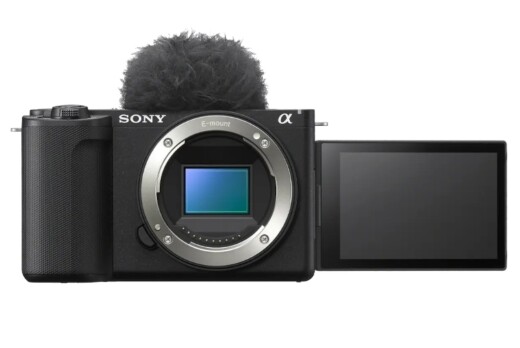
Church teams needing flexible sermon coverage can benefit from fast autofocus, stable handheld operation, and simple touch controls of this camera for church streaming. For weekly production, Sony ZV-E10 II also offers a high-capacity battery and a vertical-friendly interface. Its customizable in-camera looks help volunteers create polished footage without relying heavily on post-production adjustments during editing.
Key Features:
- 759 autofocus points improve speaker tracking accuracy
- Active Mode reduces shake during handheld repositioning
- Breathing compensation keeps framing steadier during refocusing
- Vari-angle touchscreen simplifies high or side mounting
- NP-FZ100 battery supports longer church recording sessions
- Phase-detection system tracks moving speakers with precision
5. Best PTZ Camera for Large Churches: PTZOptics Move 4K
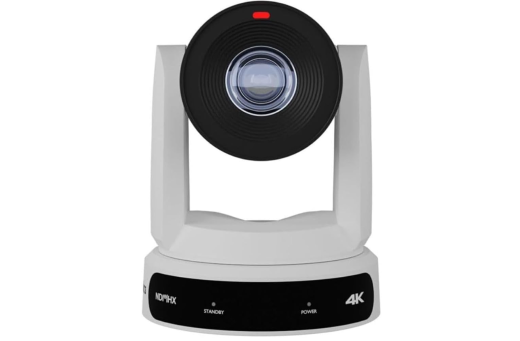
Large churches can reduce operator workload with automated subject tracking, browser-based control, and preset-driven camera movement. Horizon software also lets teams adjust framing and image settings remotely, and you can also use this best 4K camera for live streaming church services if you need permanent installations. These features make complex sanctuary production easier to manage with the PTZOptics Move 4K.
Key Features:
- Presenter-Lock tracks designated speakers up to 300 feet
- Horizon control enables browser-based movement and presets
- PoE+ carries power through a single network cable
- Visual presets speed repeatable framing during weekly services
- 3.5mm audio input supports soundboard-fed sermon audio
- Firmware updates extend features across changing production needs
Part 3: What to Look for in a Camera for Sermon Recording
Do not choose a church camera from resolution alone. Zoom range, distance, lighting, sound connections, reliability, volunteer skill, and video outputs can matter even more. Let's have a look at the important factors.
1. Optical Zoom and Shooting Distance
Optical zoom is more useful than digital zoom when the camera is far from the pulpit. Optical zoom uses the lens to bring the speaker closer while keeping more detail. Digital zoom only enlarges the image, which can reduce quality.
A small sanctuary may need little zoom. A medium room may need around 10x to 20x optical zoom, while a large sanctuary may need 20x to 30x. The camera should be able to capture both a full pulpit view and a tighter shot of the speaker.
2. Low-Light Performance
Church sanctuaries are often dim, while the stage may use bright or colored lights. Poor low-light performance can cause grainy video and weak skin tones. Look for a larger sensor, a wider maximum aperture, and a good low-lux rating. A larger sensor can collect more light. A wider aperture, such as f/1.8, lets more light reach the sensor. A lower lux rating usually means the camera can work better in darker spaces.
3. Resolution and Frame Rate (1080p vs. 4K)
1080p is enough for many churches, especially when the main goal is livestreaming. It uses less storage, less bandwidth, and less computer power. 4K is useful when you want to crop the video later, create closer shots from a wider frame, or keep higher-quality footage for future use. For most sermons, 30 fps is enough. Recording at 60 fps creates smoother motion, but it is rarely needed for a pastor speaking on stage.
4. Audio Inputs and Recording Reliability
A sermon needs clear audio. The camera should accept an external audio source through XLR, 3.5mm, USB, or another connection. Many churches get better results by sending audio directly from the soundboard. Built-in camera microphones are not suitable for sermons because they can pick up echo, movement, coughing, and other room noise. Also check for long recording support, dual memory-card slots, or another backup recording option. For long services, continuous AC power or PoE is safer than relying only on batteries.
5. Ease of Use for Volunteers
Church cameras should be simple enough for different volunteers to operate. Reliable autofocus helps keep the pastor sharp. Image stabilization can reduce unwanted movement. Simple menus make setup easier. PTZ cameras can also save preset positions, so volunteers can quickly switch between common views. Some PTZ systems include AI auto-tracking, which can follow the pastor as they move across the stage. This reduces the need for a dedicated camera operator.
6. Connectivity and Streaming Compatibility
Choose a camera with connections that match your streaming system.
- HDMI works well with capture cards and video switchers.
- SDI is useful for longer cable runs and permanent installations.
- USB can connect some cameras directly to a computer.
- IP and NDI send video over a network and can make multi-camera setups easier.
Your choice should depend on whether the camera connects to a switcher, capture card, or directly to streaming software. Some cameras also support direct livestreaming through Wi-Fi, Ethernet, or a cellular hotspot.
7. Budget Planning
Plan your budget around the full setup, not just the camera.
- Under $500: Good for smartphones, webcams, and basic streaming cameras.
- $500-$1,500: Suitable for better camcorders, entry-level PTZ cameras, and some mirrorless models.
- $1,500+: Better for long-zoom PTZ systems, professional camcorders, and larger multi-camera setups.
Remember to include the cost of a tripod or mount, microphone, lighting, cables, storage, capture device, and any switcher or controller you may need.
Part 4: FAQs About Camera for Sermon Recording
1. Can I use my smartphone to record sermons?
Yes, a modern smartphone can produce good sermon video in a small church. Use a tripod, connect audio from the sound system, keep continuous power available, and check storage before every service.
2. Camcorder vs. PTZ vs. mirrorless: which is better for church?
Choose a camcorder for simple long-range recording, PTZ when remote operation or automatic tracking matters, and mirrorless when low-light performance and image quality are priorities. Your room size should guide the choice.
3. How many cameras do I need to record a sermon?
One camera is enough for a basic sermon recording. Two cameras allow wide and close views. Three or more cameras are useful for larger productions that also cover worship teams, musicians, and congregation reactions.
4. Where should I place the camera in the sanctuary?
Place the main camera near the center line with a clear view of the platform. Raise it above standing heads when possible, and avoid locations where people regularly walk between the lens and the pastor.
5. How do I get good audio when recording a sermon?
Take a clean feed from the church soundboard instead of relying on the camera microphone. Monitor levels before worship begins, prevent clipping, and make a separate backup recording whenever your audio equipment allows it.
Conclusion
A dependable camera for sermon recording should match the building, production crew, lighting conditions, and available funds. Smaller congregations can begin with straightforward USB gear, while growing ministries may gain more from long-range video equipment or remotely controlled systems. You should evaluate where the unit will be installed, how sound reaches the recording system, and who handles Sunday production. Selecting around those needs will create consistent footage without adding unnecessary complexity.