Best Cameras for Live Streaming: Top 8 Picks
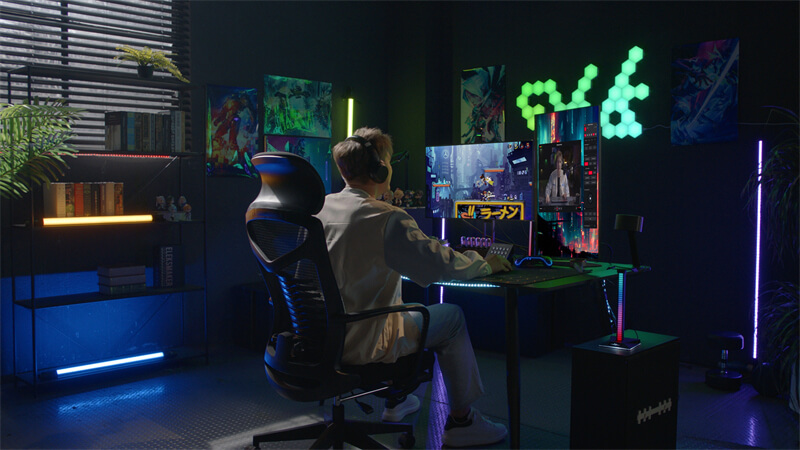
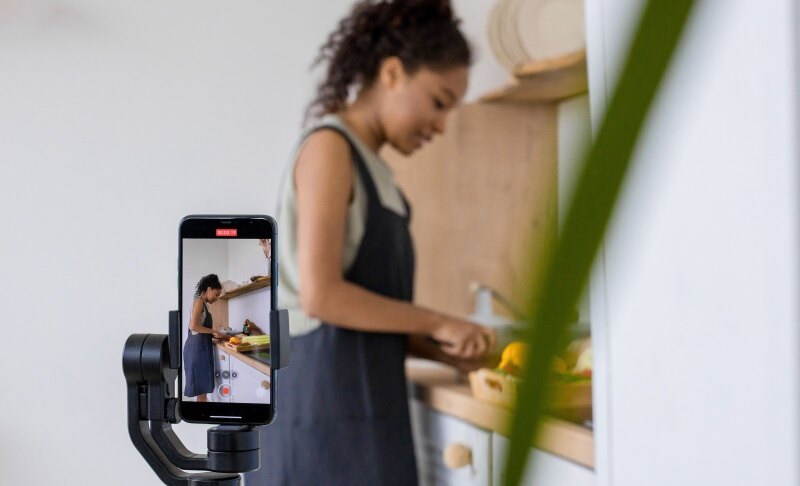
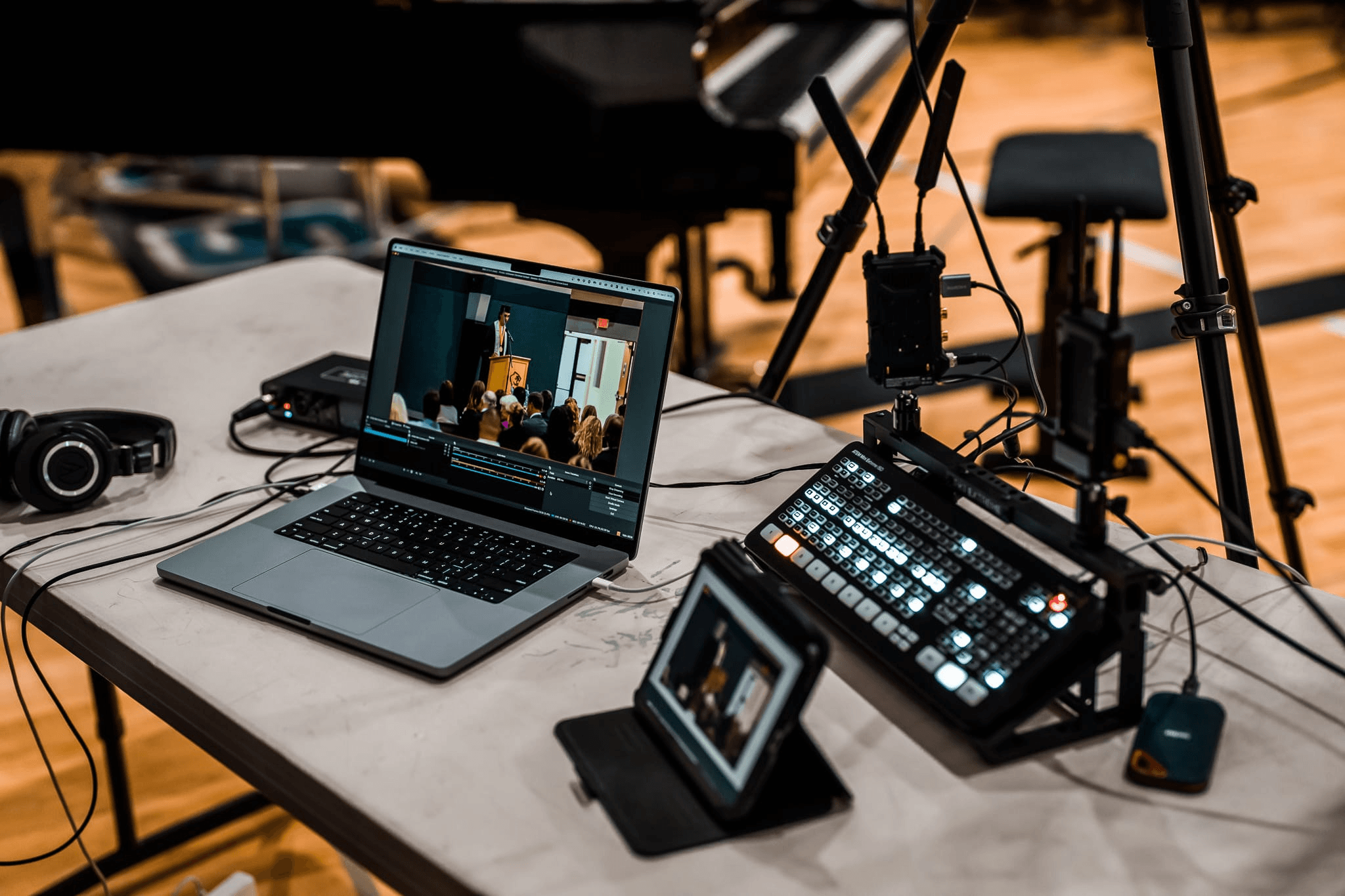
Live streaming has become a powerful way to connect, teach, entertain, and grow an audience. If you're looking for the best camera for twitch streaming, YouTube, or IRL content, choosing the right setup can completely change your video quality and viewer engagement. Before buying, you should consider your platform, content style, and budget. In this guide, you will discover carefully selected options, from beginner webcams to professional cinema cameras, so you can find the best camera for live streaming that fits your needs.
- Top Live Streaming Cameras at a Glance
- Best Camera for Gaming Face-Cam and IRL Streaming
- Best Camera for Twitch, YouTube, and TikTok Live
- Best Camera for Zoom, Webinars, and Online Teaching
- Best Camera for Business, Church, and Event Streaming
- Recommended Live Streaming Camera Setup
- FAQs about The Best Cameras for Live Streaming
Top Live Streaming Cameras at a Glance
| Product Name | Best For | Resolution & Frame Rate | FOV | Autofocus (Type/Specs) | Low-Light (Sensor & Aperture) | Streaming Method |
| OBSBOT Tiny 2 | AI-Powered PTZ Tracking | 4K @ 30fps / 1080p @ 60fps | 85.5° | All-Pixel Dual Pixel PDAF | 1/1.5'' CMOS, f/1.9 | USB 3.0 (Plug-and-Play) |
| Insta360 Link 2 Pro | High-End Professional Meetings | 4K @ 30fps / 1080p @ 60fps | 83.9° | Phase Detection (PDAF) | 1/1.3'' CMOS, f/1.8 | USB-C (UVC/UAC) |
| Sony ZV-E10 II | Enthusiast Vlogging & Streaming | 4K @ 60fps (10-bit) | Lens Dependent (APS-C) | 759-Point Phase Detection | APS-C 26MP, ISO 100-32000 | USB (UVC/UAC) / Capture Card |
| Sony FX30 | Professional Cinema Production | 4K @ 120fps / 6K Oversampling | Lens Dependent (Super 35) | 495-Point Focal Plane Phase | Dual Base ISO (800/2500), 14+ Stop | HDMI / Capture Card |
| OBSBOT Meet SE | Affordable AI Framing | 1080p @ 30fps | 86° | Phase Detection (PDAF) | 1/2.7'' CMOS, f/2.2 | USB 2.0 |
| Logitech Brio 500 | Standard Office Collaboration | 1080p @ 30fps / 720p @ 60fps | 90°/78°/65° | Hardware-based Auto-focus | 4MP Sensor, RightLight 4 | USB-C (Plug-and-Play) |
| Canon EOS R50 | Entry-Level Content Creation | 4K @ 30fps (Uncropped) | Lens Dependent (APS-C) | Dual Pixel CMOS AF II | APS-C 24.2MP, ISO 100-25600 | USB (UVC/UAC) / Capture Card |
| Panasonic GH6 | Advanced Video & Hybrid Work | 5.7K @ 60fps / 4K @ 120fps | Lens Dependent (M43) | 315-Area DFD (Contrast AF) | M43 25.2MP, 13+ Stop Dynamic Range | HDMI / Capture Card |
Best Camera for Gaming Face-Cam and IRL Streaming
OBSBOT Tiny 3 4K PTZ Webcam
Price: $349.00
Overview:
The OBSBOT Tiny 3 4K PTZ Webcam combines a compact design with advanced AI-powered features for modern streamers. Despite being smaller and lighter, it delivers strong imaging performance and intelligent tracking. It suits gaming face-cam setups and IRL streaming where mobility and automation matter. If you want a high quality camera for streaming without complex setup, this model fits well.
Why we choose it:
- Compact "Tiny Titan" build with a 1/1.28" CMOS sensor, delivering strong image quality in a smaller, lighter body.
- 4K@30FPS and 1080p@120FPS with Dual All-Pixel PDAF, ensuring sharp, smooth video in different lighting conditions.
- AI Tracking 2.0 that follows people, groups, or objects precisely, ideal for dynamic streaming cameras for Twitch.
- Tri-mic array with multiple audio modes, offering clear voice capture and effective noise reduction.
- Hands-free control and OBSBOT software tools, including gesture/voice commands, auto-framing, and advanced video customization.
This is a strong contender if you're searching for a best web cam for streaming that feels intelligent and responsive.
Best Camera for Twitch, YouTube, and TikTok Live
Insta360 Link 2 Pro

Price: $249.99
Overview:
The Insta360 Link 2 Pro is a powerful webcam built for creators who want high-end visuals without switching to a mirrorless camera. It combines strong 4K image quality with intelligent tracking and professional audio. The camera adapts well to streaming, meetings, and content creation. It's a reliable choice if you need a good webcam for live streaming with advanced features.
Why we choose it:
- Flagship 4K image quality powered by a 1/1.3" sensor, delivering sharp visuals and strong low-light performance.
- Dual-mic system with directional beamforming, improving voice clarity while reducing background noise.
- AI tracking with physical pan and tilt, keeping you centered during movement for smooth streaming.
- Natural DSLR-style bokeh effect, adding depth and a more professional look directly from the software.
- Gesture and smartphone control + Stream Deck integration, enabling faster workflow, remote operation, and flexible camera control.
Sony ZV-E10 II

Price: $949.00 (body only)
Overview:
The Sony ZV-E10 II is a creator-focused mirrorless camera designed for high-quality streaming and video production. It combines a large sensor with flexible lens options to deliver professional visuals. With advanced autofocus and creative controls, it adapts well to different content styles. It's a strong option if you want a mirrorless camera for streaming with room to grow.
Why we choose it:
- 26MP APS-C Exmor R CMOS sensor, significantly larger than smartphone sensors, delivering detailed and professional-looking video.
- Interchangeable Sony E-mount lenses, including compatibility with G Master and G Lens series for creative flexibility.
- Real-time Eye AF and subject tracking, ensuring precise and reliable focus on people, animals, or moving subjects.
- Up to 4K 60fps and Full HD 120fps, with slow-motion and time-lapse capabilities for dynamic content creation.
- Creative Look and My Image Style features, allowing easy in-camera customization of color, brightness, and background bokeh.
Sony FX30

Price: $1799.00
Overview:
The Sony FX30 is a cinema-line camera built for creators who want professional-grade video quality in their live streams. It delivers cinematic visuals, advanced color science, and strong low-light performance. With flexible shooting modes and high dynamic range, it adapts well to complex production setups. It's ideal if you're aiming for a high quality camera for streaming with a cinematic edge.
Why we choose it:
- 20.1MP Exmor R APS-C (Super 35) sensor with 14+ stops of dynamic range, delivering detailed and balanced footage.
- S-Cinetone color profile, producing cinematic visuals straight out of the camera without heavy grading.
- Flexible ISO with Cine EI modes, optimizing image quality across different lighting environments.
- User LUT support, allowing real-time preview and embedding of custom looks via LCD and HDMI output.
- Dual Base ISO, ensuring cleaner images and better low-light performance for professional streaming setups.
Best Camera for Zoom, Webinars, and Online Teaching
OBSBOT Meet SE Full HD Webcam
Price: $69.00
Overview:
The OBSBOT Meet SE is a lightweight, plug-and-play webcam designed for everyday streaming, meetings, and online teaching. It combines high frame rates with smart AI features to deliver smooth and clear video. With improved low-light performance and simple controls, it fits well into beginner and budget setups. It's a practical choice if you want a good camera for live streaming without complexity.
Why we choose it:
- High frame rate performance with 1080P@100FPS, 60FPS, and 720P@150FPS, delivering smoother video for live sessions.
- AI Framing with group recognition, automatically adjusting composition for individuals or multiple participants.
- Enhanced low-light performance using a 1/2.8" CMOS sensor, Dual Native ISO, and HDR, ensuring clear visuals in different lighting conditions.
- Gesture control and beauty features, allowing hands-free operation and easy customization through OBSBOT Center software.
- Plug-and-play USB-C with advanced compatibility, including support for Stream Deck, hotkeys, and SDK for flexible workflows.
Logitech Brio 500

Price: $129.99
Overview:
The Logitech Brio 500 is a reliable webcam built for professionals who need consistent video quality for meetings and streaming. It combines smart framing, clear audio, and simple usability in a compact design. With automatic lighting adjustments and privacy features, it fits well into home and office setups. It's a dependable option if you want a good web cam for streaming and video calls.
Why we choose it:
- Full HD 1080p resolution with RightLight 4, automatically adjusting brightness for clear visuals even in low light
- Auto-framing (RightSight) keeps you centered while moving, making it ideal for dynamic presentations
- Dual noise-reduction microphones, improving voice clarity by filtering background noise
- Show Mode and flexible tilt design, allowing you to present documents or objects easily during streams or meetings
- Built-in privacy shutter and broad compatibility, including support for devices like the Nintendo Switch 2.
Best Camera for Business, Church, and Event Streaming
Canon EOS R50

Price: $679.00
Overview:
The Canon EOS R50 is a compact mirrorless camera designed for creators who want strong image quality and smooth video performance. It combines a high-resolution sensor with Canon's advanced autofocus system for reliable results in streaming and content creation. With strong low-light handling and flexible video options, it suits both beginners and growing creators. It's a solid choice if you want the best live streaming video camera for content production.
Why we choose it:
- 24.2MP APS-C CMOS sensor with DIGIC X processor, delivering sharp and detailed 4K image quality
- Dual Pixel CMOS AF II covering up to 100% frame area, with intelligent tracking for people, animals, and vehicles
- Up to 4K 30fps (6K oversampled) and Full HD 120fps, enabling smooth video and slow-motion recording
- High-speed burst shooting up to 15 fps, useful for dynamic content and fast-moving scenes
- Advanced A+ Assist low-light processing, improving image quality in night or challenging lighting conditions
Panasonic Lumix GH6

Price: $2,199.00
Overview:
The Panasonic Lumix GH6 is a professional hybrid camera designed for creators who need maximum flexibility in video production and live streaming. It delivers extremely high resolution, strong stabilization, and advanced recording formats. Built for demanding workflows, it performs well in both studio and outdoor environments. It is a strong option for users seeking the best camera for live broadcast with pro-level control.
Why we choose it:
- 25MP sensor with Venus Engine processing, delivering high-resolution imaging and 100MP handheld high-resolution shots.
- 5.7K 60p and 4K 120p 10-bit video recording, with no recording time limit for extended streaming and production.
- Internal Apple ProRes 422 HQ/422 support, offering high-quality footage with efficient compression.
- Pre-installed V-Log/V-Gamut with 13+ stops of dynamic range, ensuring cinematic flexibility in post-production.
- Advanced 5-axis Dual I.S. 2 stabilization, providing up to 7.5 stops of correction for steady footage.
- High-frame-rate Full HD up to 300fps, enabling ultra-slow-motion capture for creative streaming content.
Recommended Live Streaming Camera Setup
If you want to maximize your streaming quality, your camera is only part of the equation. You can explore a detailed setup guide on streaming setup.
Basic Live Streaming Setup (Beginner)
Start with a webcam, USB microphone, and basic lighting. This setup works well if you're looking for the cheapest webcam for streaming or starting a small channel.
Mid-Range Setup
Upgrade to a mirrorless camera, capture card, and ring light. This level offers better image quality and suits creators searching for a best 4k camera for live streaming.
Professional Streaming Setup
Use cinema cameras, dedicated lighting rigs, and audio mixers. This setup delivers studio-quality production and is ideal for advanced users.
FAQs about The Best Cameras for Live Streaming
Q1: What are the best live streaming cameras?
The best cameras for live streaming depend on your needs. Webcams are great for beginners, while mirrorless and cinema cameras offer higher quality for professional streams.
Q2: What cameras do streamers use to live stream?
Most streamers use webcams like OBSBOT or Logitech, while advanced creators prefer mirrorless models like Sony or Canon.
Q3: What is the best camera for a beginner streamer?
A webcam is the easiest option. Models like OBSBOT Meet SE or Logitech Brio are simple, affordable, and reliable.
Q4: Is a 4K or 8K camera better?
4K is more than enough for streaming platforms today. It provides excellent clarity without requiring excessive bandwidth.
Conclusion
Choosing the best cameras for live streaming depends on your goals, budget, and platform. If you want simplicity, go for a webcam. If you need professional-quality visuals, consider a mirrorless or cinema camera. The key is balancing performance with ease of use so you can focus on creating engaging content. By selecting the right best camera for live streaming, you can improve your production quality and build a stronger connection with your audience.