AI-Powered Sports Camera: How to Choose the Right Type in 2026
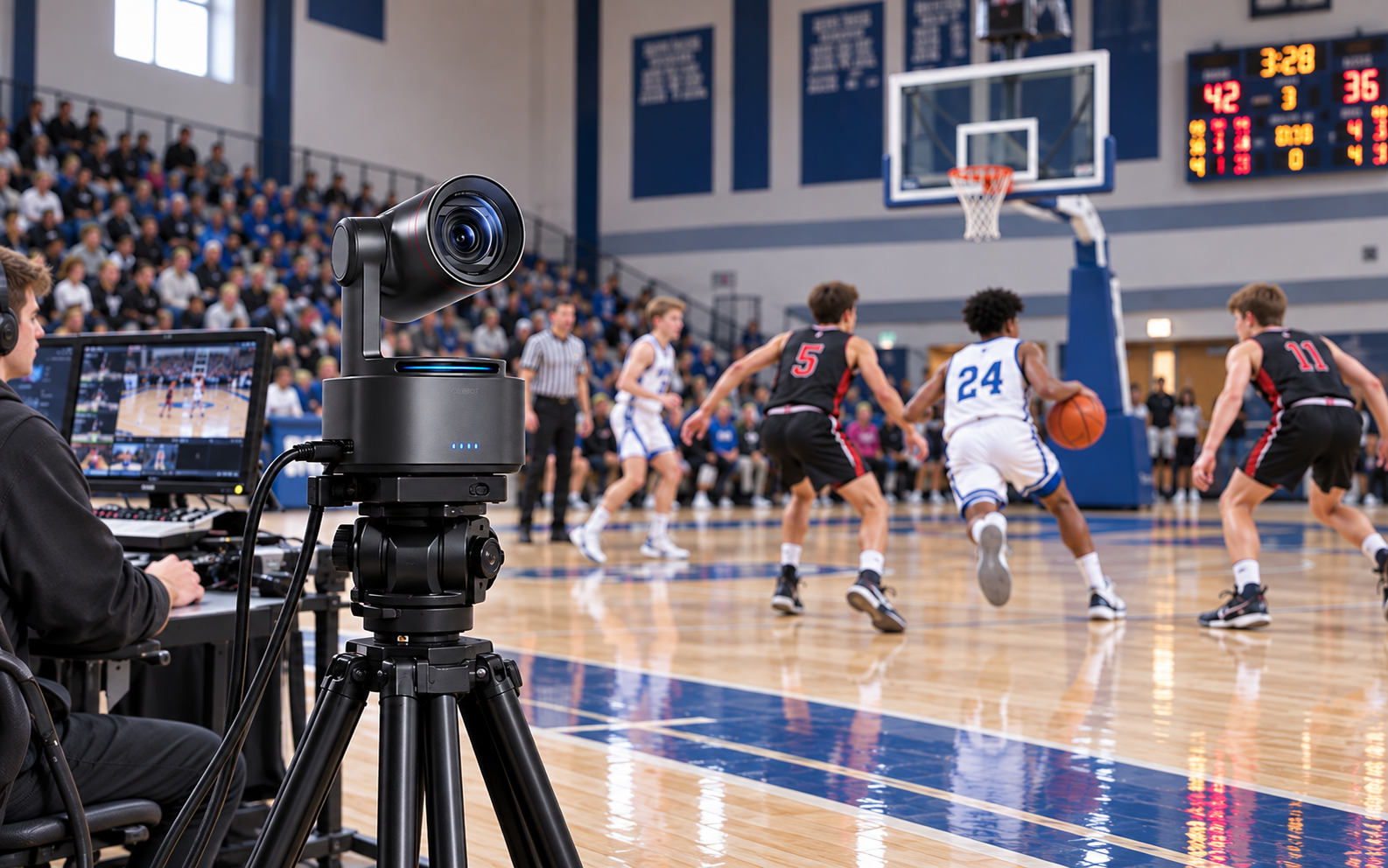
An AI-powered sports camera can remove the need for a camera operator, but that does not mean every system captures a game in the same way. Some cameras rotate a phone, some record the full field and crop it with software, and others use a motorized lens to follow a selected subject. If you are still comparing individual products, this guide to sports tracking cameras provides a broader roundup of available options. The right type depends on whether you need family highlights, coaching footage, athlete close-ups, or a polished live broadcast.
Choose the Footage First, Then the Camera
Start with the video you need to keep. A coach who needs to review off-ball movement has a different requirement from a parent who wants shareable highlights or a producer building a multi-camera livestream.
| Camera Type | Best For | What It Captures | Example Cameras | Main Tradeoff |
|---|---|---|---|---|
| Phone-powered tracker | Parents and casual teams | Automatic game view using a phone | XbotGo Chameleon; BallerCam | Depends on phone compatibility and lens quality |
| Wide-angle AI crop | Coaching and full-field review | Full playing area plus a software-generated view | Veo Cam 3; Veo Go | Tight shots rely on digital cropping |
| AI PTZ or PTZR | Close-ups and live production | The view selected by the moving camera | OBSBOT Tail 2; Tail Air | May not preserve action outside the frame |
| Fixed multi-camera system | Venues, leagues, and schools | Persistent panoramic or multi-angle coverage | Pixellot Show S3; Spiideo S-Line | Higher setup and platform commitment |
If missing part of the field would ruin the value of the recording, prioritize full-area coverage. If viewers care more about faces, technique, or broadcast-style close-ups, a PTZ camera with optical zoom may be the better tool.
The Four Types of AI Sports Cameras
1. Phone-Powered Tracking Systems
This is usually the easiest entry point. Your phone supplies the main camera and much of the processing, while a mount, wide-angle lens, or app helps follow the game.
Systems in this group do not all work the same way. The XbotGo Chameleon physically rotates a mounted phone as its tracking system follows the action. BallerCam uses an iPhone, a wide field of view, and software framing to produce a game view.
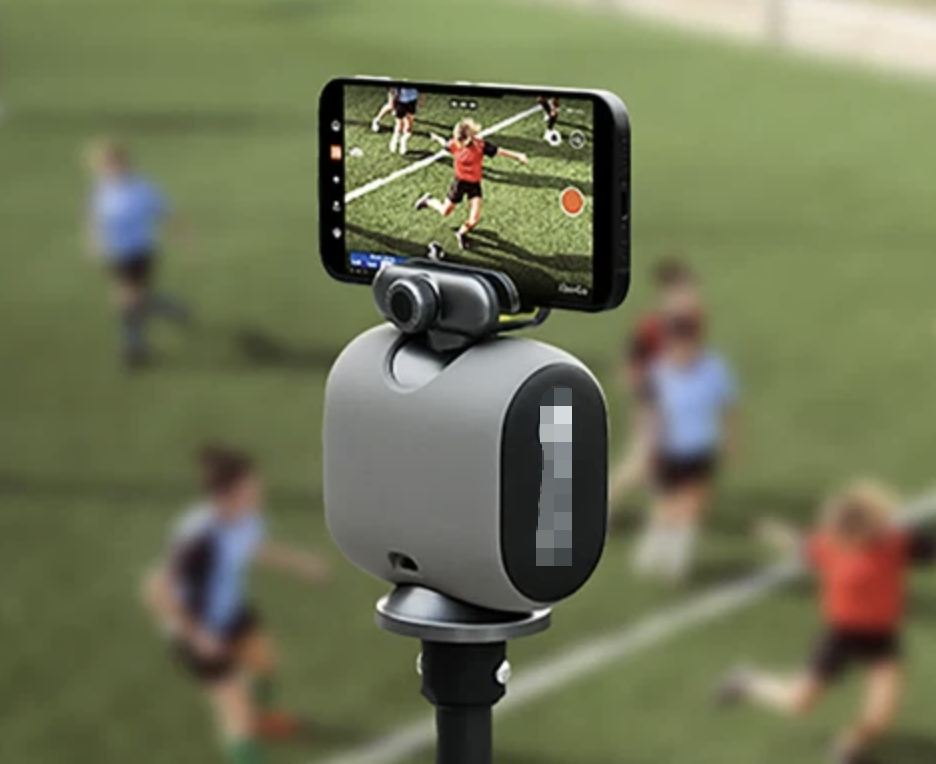
Phone-powered systems make sense when portability, simple sharing, and a lower equipment commitment matter most. Check the supported phone list carefully. Recording resolution, heat, battery life, storage, and cellular upload speed can all depend on the phone you bring.
2. Wide-Angle Cameras with AI Cropping
Choose this type when the full field is evidence. A wide-angle camera records a large playing area, and software creates a closer follow view from that master recording.
This approach is useful for coaches because a missed run or defensive rotation may still exist in the wide master even when the generated view looked elsewhere. Platforms such as Veo combine full-field capture with editing, sharing, and coaching workflows.
The compromise is close-up quality. Digital framing uses only part of the original image, so distant players may look softer than footage captured with optical zoom. Cloud upload time and subscription requirements also deserve attention.
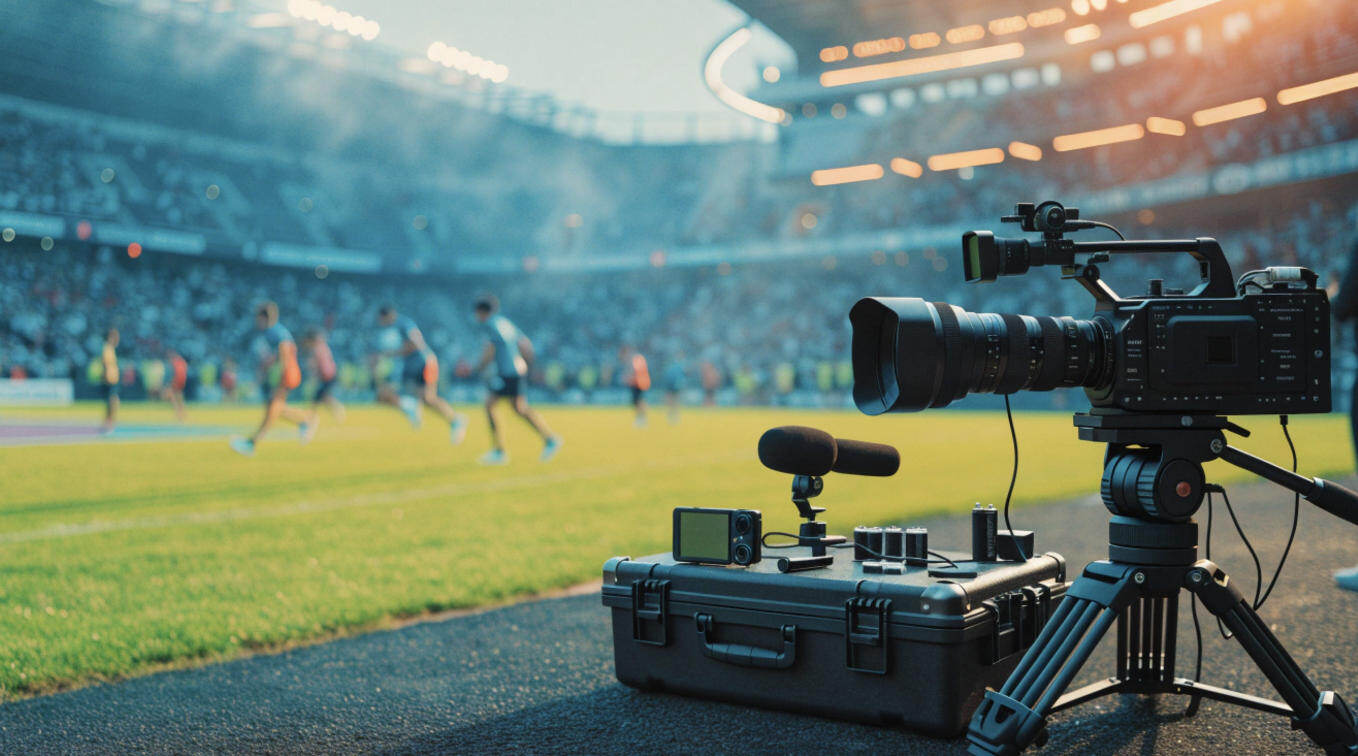
3. Motorized AI PTZ and PTZR Cameras
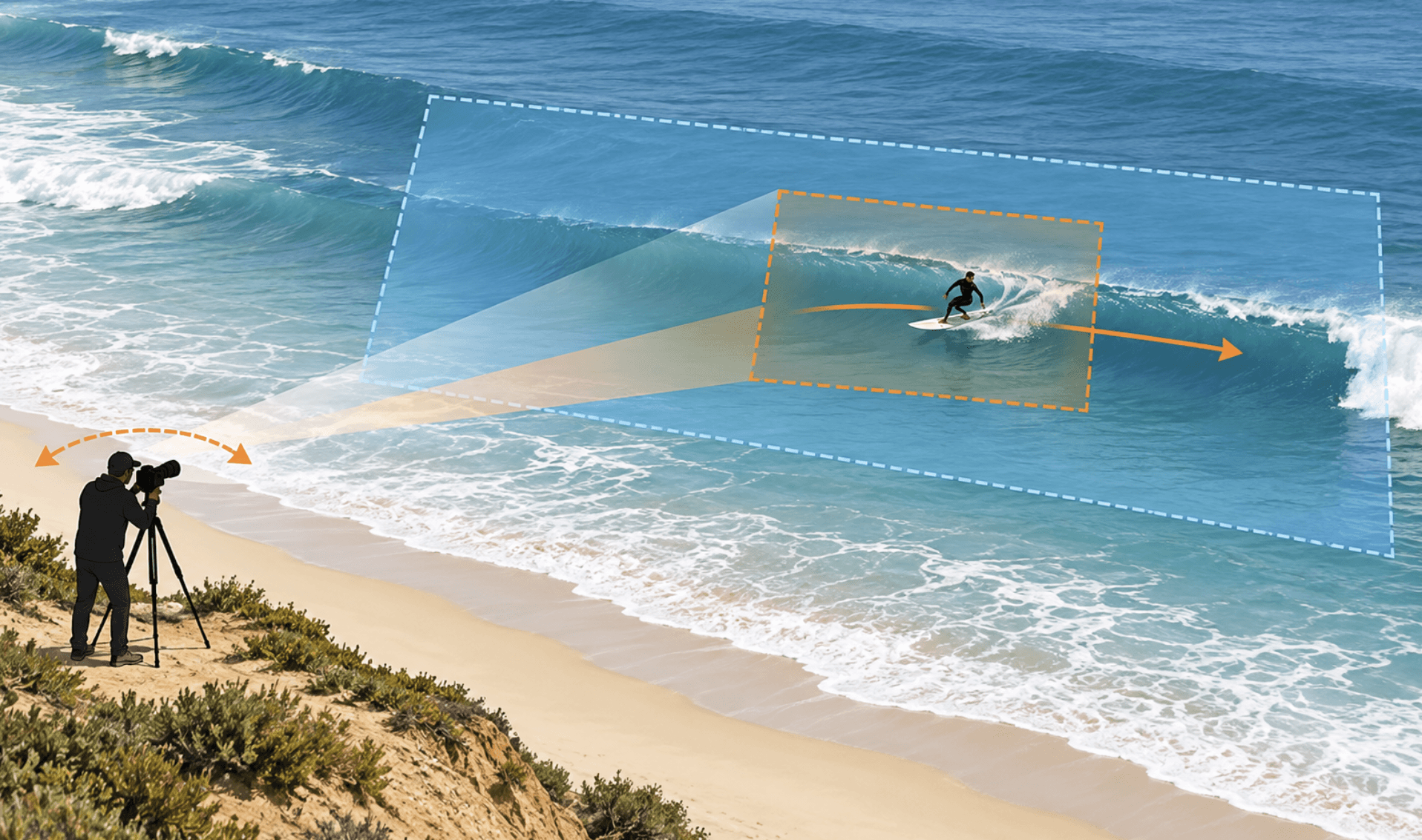
This type favors production quality and flexible framing. Pan, tilt, and zoom motors physically point the lens toward the selected action. A PTZR design adds rotation for switching between horizontal and vertical capture.
Optical zoom can deliver stronger close-ups from the sideline or stands without relying entirely on a digital crop. Professional outputs can also make the camera easier to connect to a switcher, encoder, network, or multi-camera setup.
The tradeoff is simple: the camera only records what the lens sees at that moment. If the tracker follows the wrong subject or pans too tightly, off-screen action may be lost. PTZ buyers should value presets, manual override, a safe wide shot, and fast target recovery—not just an impressive tracking demo.
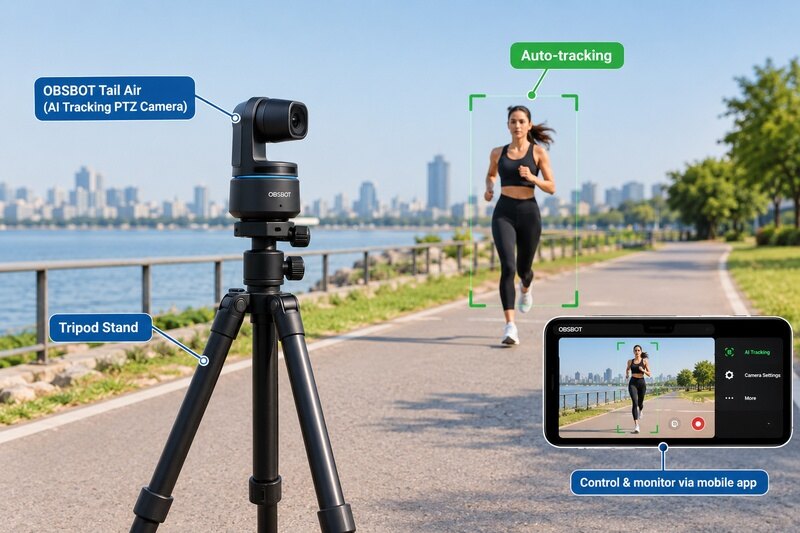
Within this category, OBSBOT Tail 2 4K PTZ Camera is a strong fit when production flexibility, clear close-ups, and direct camera control matter more than preserving a panoramic master. It is designed for athlete-focused filming, training demonstrations, indoor events, sideline highlights, and live productions in which the camera feeds a broader workflow.
Compared with a phone mount, OBSBOT Tail 2 provides a dedicated imaging system and professional connection options. Compared with a full-field coaching platform, it puts more emphasis on optical framing, live output, and camera control.
Why it fits sports live production:
- Smoother motion capture: 4K at up to 60 fps helps preserve detail during fast movement, while 1080p at up to 120 fps gives editors more flexibility for slow-motion review.
- Useful sideline reach: 5x optical zoom and 12x hybrid zoom make it easier to frame athletes from a practical working distance.
- Flexible subject tracking: AI Tracking 2.0 can follow selected people and supported objects during drills, demonstrations, or athlete-focused shots.
- Landscape and vertical production: The PTZR design can rotate the imaging system for full-resolution vertical content instead of relying only on a crop.
- Production-ready connections: HDMI, SDI, USB, Ethernet, RS-232, and network video options help integrate the camera with livestreaming and multi-camera equipment.
If your priority is a lighter portable setup for individual training rather than long-distance optical close-ups, compare the OBSBOT Tail Air as well.
4. Fixed Panoramic and Multi-Camera Platforms
Permanent systems are built for repeatable coverage at scale. They suit schools, clubs, leagues, and venues that record many games from the same location.
Pixellot combines automated capture with streaming, analysis, highlights, and distribution tools. Spiideo offers fixed and portable capture connected to cloud production and analysis workflows.
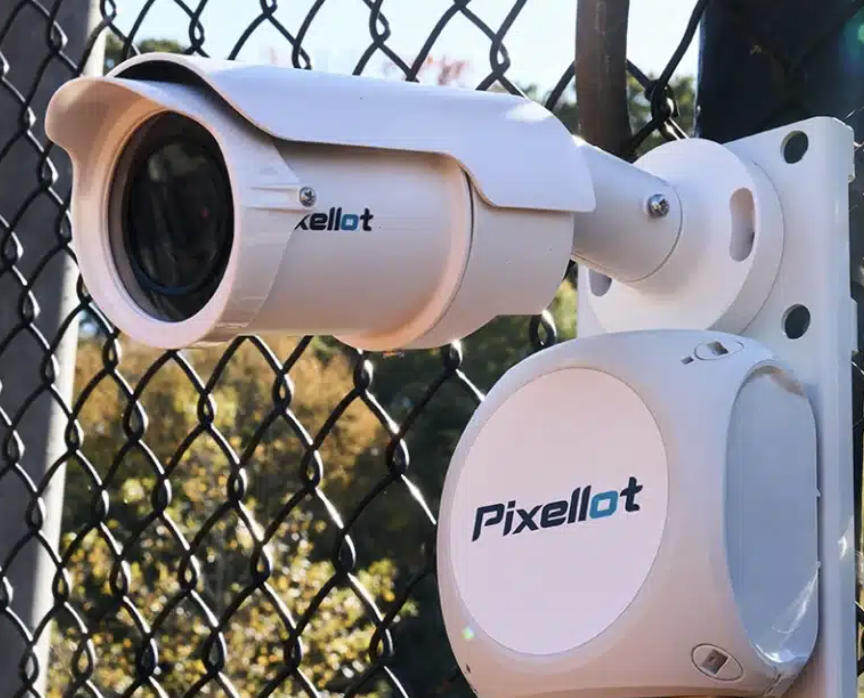
These systems can reduce repeated setup work, but they create a larger operational decision. Ask about installation, venue networking, account structure, storage, service terms, export options, and what happens if the organization changes platforms later.
Which Camera Type Fits Your Sport and Goal?
Your role is a better filter than the word "AI." Use the following starting points, then adjust for the speed and size of your sport.
| Your Goal | Best Starting Type | Typical Sports or Setting |
|---|---|---|
| Record a child's games; share highlights with family | Phone-powered system | Youth basketball, volleyball, or weekend soccer |
| Review team shape; analyze off-ball movement | Wide-angle or panoramic | Soccer, football, rugby, lacrosse, or hockey |
| Film one athlete; review technique or drills | AI PTZ | Tennis, fitness, dance, skating, or equestrian training |
| Produce a polished livestream; add commentary or score graphics | PTZ or multi-camera system | Indoor gyms, tournaments, or school broadcasts |
| Cover recurring events; manage footage for multiple teams | Fixed platform | Schools, clubs, leagues, or permanent venues |
For soccer, football, rugby, and lacrosse, field width and off-ball movement make full-area coverage valuable for coaching. Basketball and volleyball fit smaller spaces, but quick transitions can still expose slow tracking. For individual drills, dance, fitness, skating, or equestrian training, tracking one athlete may matter more than preserving every corner of the venue.
If you plan to publish live, also decide whether the camera is the finished production or one source inside a larger show. Scoreboards, commentary, replay, graphics, and multiple angles may require a switcher or production platform even when the camera can stream by itself.
Seven Things to Check Before You Buy
1. What Does the Camera Track?
Look for precise language: person, selected athlete, animal, object, ball, or overall game action. Then verify which sports and modes support each function. A feature available for basketball may not be available for soccer or hockey.
2. Does It Preserve the Full Field?
A tracked view is useful for watching, but coaches may need the areas the tracking algorithm ignored. If tactical analysis matters, require a full-field master or a panoramic recording in addition to the produced view.
3. What Is the Usable Image Quality at Your Distance?
Resolution alone does not answer this. A 4K wide shot can still make a distant athlete look small, while a camera with optical zoom can use more of its sensor for the subject. Ask for full-size samples filmed from a realistic sideline or bleacher position.
4. Is the Zoom Optical or Digital?
Optical zoom keeps more real detail. Digital zoom enlarges part of the captured image. That can work when the original view has enough resolution, but aggressive cropping reduces clarity, especially in low light.
5. How Will You Record or Go Live?
Phone-based systems may use a mobile app and cellular connection. Production cameras may offer HDMI, SDI, USB, Ethernet, RTMP, RTSP, SRT, or NDI. Match the outputs to your encoder, switcher, computer, and venue network before buying.
6. Can the Setup Survive a Full Game?
Check battery runtime, external power, tripod stability, heat management, rain protection, operating temperature, and setup time. A good camera on an unstable or poorly placed tripod will still deliver bad footage.
7. What Is the Total Cost Over Several Seasons?
Include the camera, phone, tripod, weather accessories, batteries, storage, cellular service, cloud subscription, analytics plan, and replacement cycle. A low hardware price can become expensive if every team needs a separate account or storage plan.
How to Test Your Setup Before Game Day
A full scrimmage is more valuable than a five-minute desk test. Sports expose framing, focus, network, and power problems that may never appear in a quiet room.
- Place the camera high enough to see through players. Start near the center line for team sports, then confirm that spectators and officials do not block the view.
- Select the correct tracking target. Test the exact person, object, or sport mode you plan to use. Do not assume the default mode understands the game.
- Create a safe wide preset. If tracking loses the subject, a wide view gives an operator or automated workflow somewhere useful to return.
- Test the complete signal path. Run the camera, audio, switcher, encoder, graphics, and livestream destination together. Check real upload bandwidth at the venue.
- Record for the length of a real game. Review missed action, focus changes, battery level, heat, storage, audio sync, and recovery after players overlap.
Repeat the test under the worst expected conditions: evening light, bright windows, a crowded gym, nearby fields, or weak cellular coverage. The best AI-powered sports camera is the one that remains predictable when the venue is not.
FAQs About AI-Powered Sports Cameras
Can an AI sports camera automatically follow the ball?
Some sport-specific systems can detect the ball or overall game action, but many general AI cameras primarily track people or selected objects. Check whether ball tracking is supported for your exact sport and recording mode, then review current full-game footage rather than a short demo.
Do AI sports cameras require a subscription?
Not always. Some cameras can track and record locally without a recurring plan, while cloud storage, analytics, automated highlights, or team management may require one. Compare the total cost over several seasons, not just the camera price.
Is a PTZ camera or a wide-angle camera better for sports?
A wide-angle system is usually better when you must preserve the entire field for coaching. A PTZ camera is often better for close-ups, optical zoom, and live production. Multi-camera setups can combine both approaches.
Can an AI-powered sports camera livestream without a computer?
Some phone systems and network cameras can stream through an app or supported protocol without a computer. More advanced productions may still need an encoder, switcher, or production hub for graphics, commentary, replays, and multiple camera angles.
Does 4K guarantee good sports footage?
No. Frame rate, shutter speed, sensor performance, lens quality, zoom method, focus, camera distance, and lighting all affect the result. A well-positioned 1080p camera can produce more useful footage than a poorly placed 4K camera.
Choose the System That Protects the Footage You Need
An AI-powered sports camera should solve a specific production problem. Choose a phone-powered tracker for simple family recording, a wide-angle or panoramic system for full-field analysis, an AI PTZ camera for close-ups and live production, or a fixed platform for repeat venue coverage. Once you know which footage cannot be missed, tracking claims, resolution, connections, and cost become much easier to compare.