Video Equipment for Sports: Best Setups by Sport and Filming Style
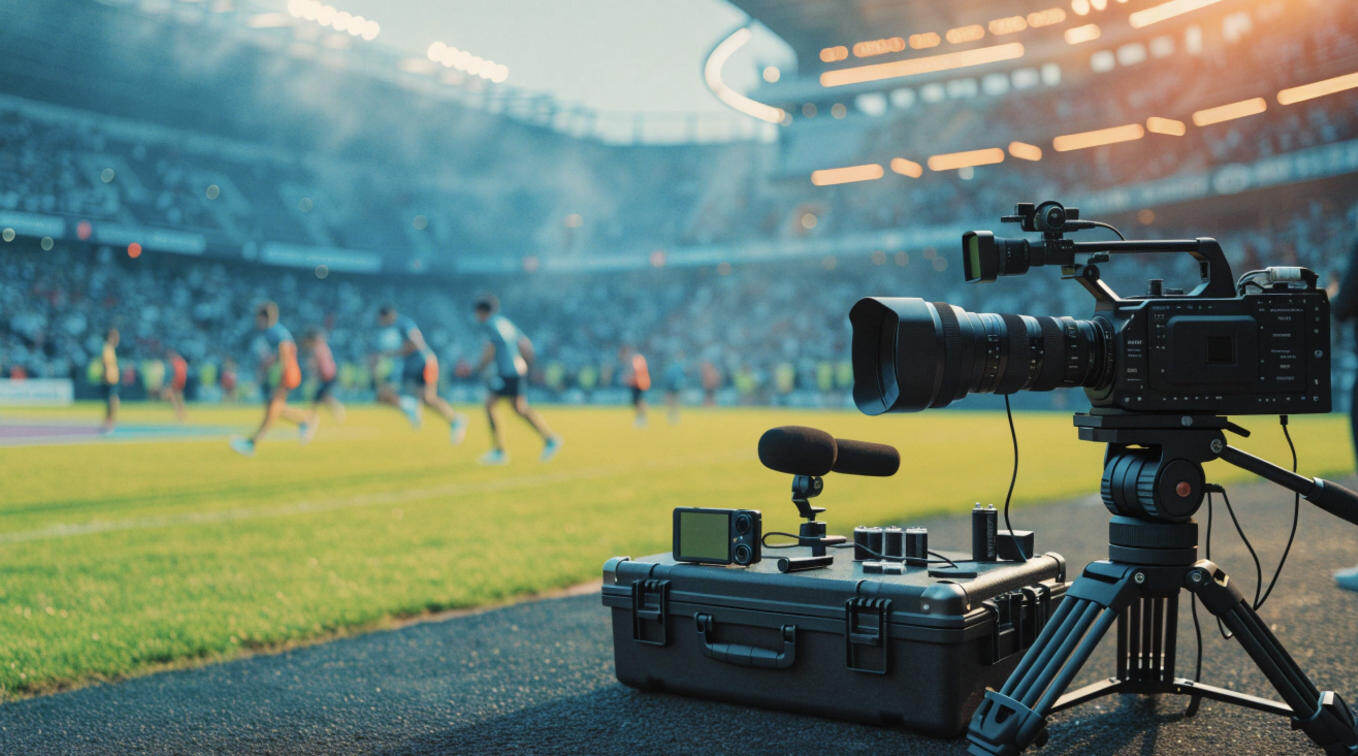
The best video equipment for sports depends on the specific sport and the kind of footage you want, whether it is automated full-match coverage, cinematic highlights, or point-of-view action.
Each game requires different cameras, lenses, mounting systems, and recording workflows—to achieve the best results.
In this guide, you'll find out how to match your gear to each sport and filming style so you can build the ideal setup.
What Type of Sports Footage Do You Need?
It is important to first consider the kind of sports footage you need before choosing the perfect sports video equipment. Let's explore the most common footage options you can shoot.
Automated Team-Game Recording
This kind of video recording is popular among parents, coaches, schools, and small teams that want to record an entire game, without assigning someone to operate the camera.
There are several ways to approach automated recording of a team game:
| Recording method | Recommended camera and accessories | Why it works |
|---|---|---|
| Fixed multi-camera setup | Two or three Canon XA60 camcorders, video switcher (optional), individual fluid-head tripods, SD cards, and external power. | This combination preserves wide coverage while providing additional angles for highlights and tactical analysis. |
| Software-cropped panoramic | Veo Cam 3, a compatible Veo tripod (5.2 m or 7.4 m), and the Veo Camera app. | The panoramic camera records a broad view of the game, allowing its software to generate follow views and other reframed footage. |
| AI PTZ/PTZR | OBSBOT Tail 2, a sturdy tripod, a high-endurance microSD card, and continuous power or spare batteries. | The Tail 2 offers motorized pan, tilt, zoom, and AI tracking for athlete-focused shots, training sessions, and smaller productions |
You may also want to use a safe wide preset or a second camera, with remote monitoring and local recording as backups if you're covering important matches.
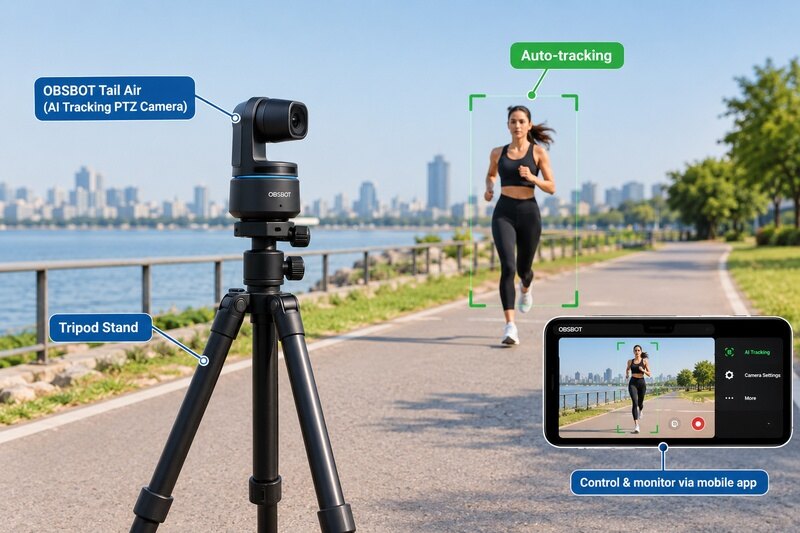
The OBSBOT Tail 2 is an AI-powered PTZR camera designed for situations where you want automated camera movement such as athlete-focused filming, indoor courts, training drills, sideline highlights, and small live productions.
Here's why it's the right fit for sports filming:
- AI tracking: AI Tracking 2.0 can follow selected people and supported objects, reducing the need for constant manual reframing.
- Flexible framing: It has a 5x optical zoom feature allowing it to capture athletes clearly from hundreds of metres away.
- High-frame-rate recording: The Tail 2 supports up to 4K at 60fps for smooth game footage and 1080p at 120fps for slow-motion analysis.
- Production connectivity: Its HDMI, 3G-SDI, USB, Ethernet, NDI HX3, RS-232, microphone, line-in, and microSD support allow it to fit different recording and live-production workflows.
- Remote control: Presets and remote-control options make it easier to manage recurring shooting positions and angles.
You can also explore other AI-powered sports camera options by comparing their stabilization in real sport conditions.
High-End Cinematic Sports Highlights
For cinematic sports highlights, you will need more manual control than an automated full-game system.
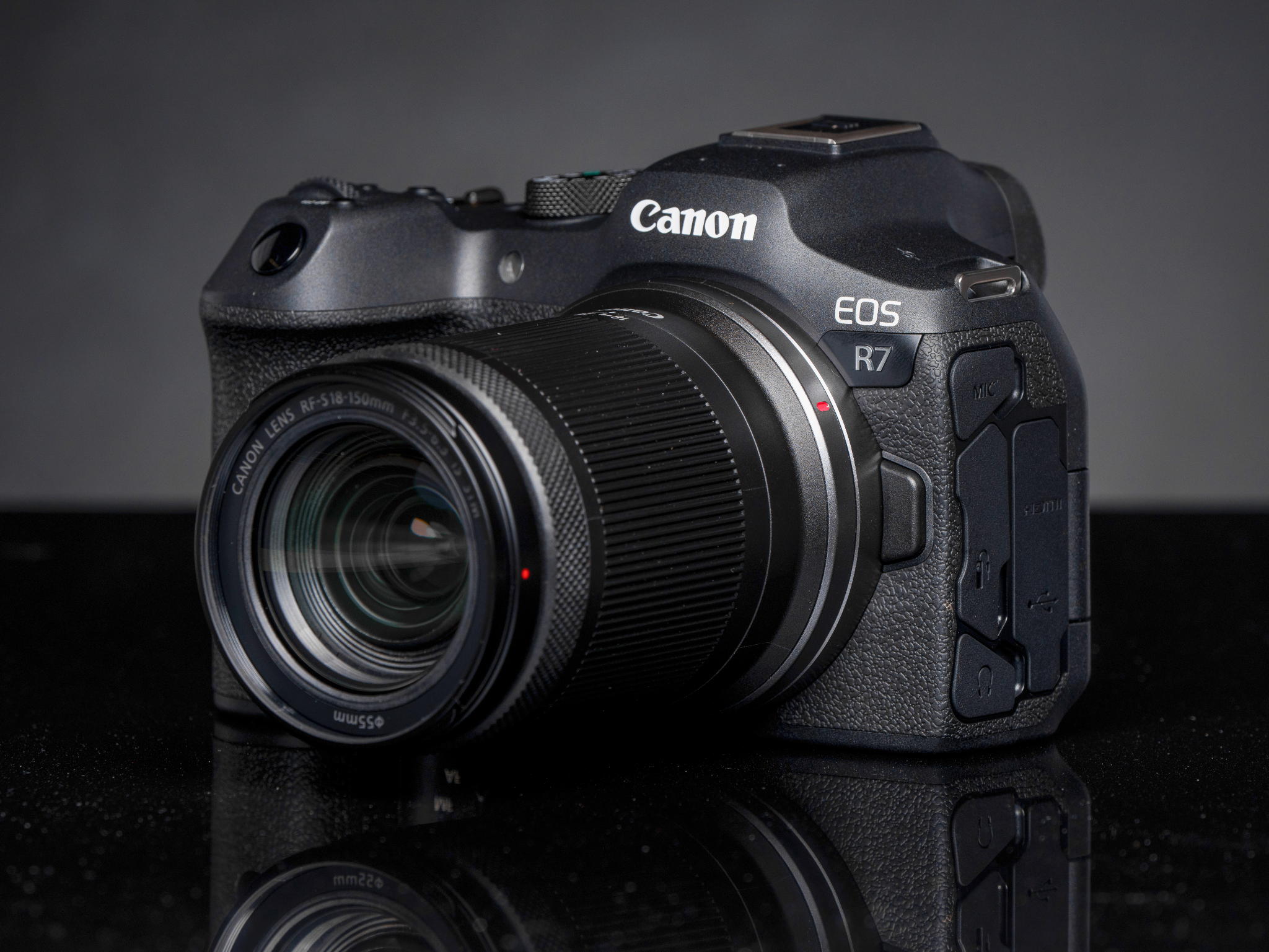
A high-frame-rate mirrorless camera such as the Canon EOS R7 works well for sports highlights when paired with the Canon RF 70-200mm f/2.8 L IS USM lens, a monopod, and spare batteries. This setup helps track players from the sidelines, capture action close-ups, and shoot indoor sports in challenging lighting.
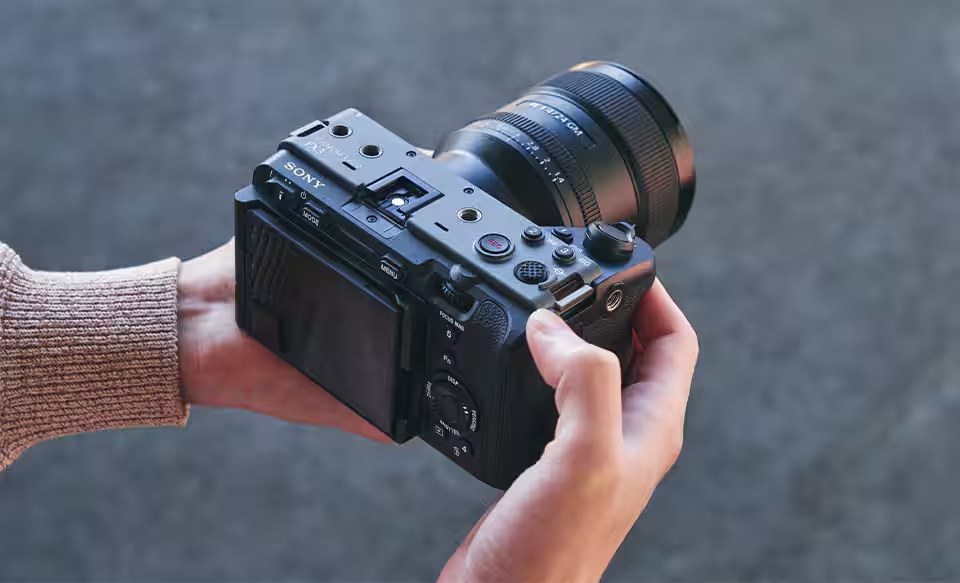
For a more cinematic setup, the Sony FX3 pairs well with the Sony FE 70-200mm f/2.8 GM OSS II lens and a fluid-head tripod for smooth pans during outdoor games. Add a cage, external monitor, spare batteries, and fast CFexpress Type A or compatible SD cards for longer shoots and more controlled productions.
In addition to your sports videographer camera, consider these accessories:
- Monitoring: Atomos Ninja external monitor for checking focus and exposure.
- Audio: RØDE VideoMic NTG for ambient sound and a separate recorder for commentary.
- Support: Fluid-head tripod for smooth pans or a monopod for mobile shooting.
- Power and storage: Spare batteries and high-speed memory cards for uninterrupted recording.
- Backup: Card reader and portable SSD for transferring and backing up footage.
Action-Packed POV Footage
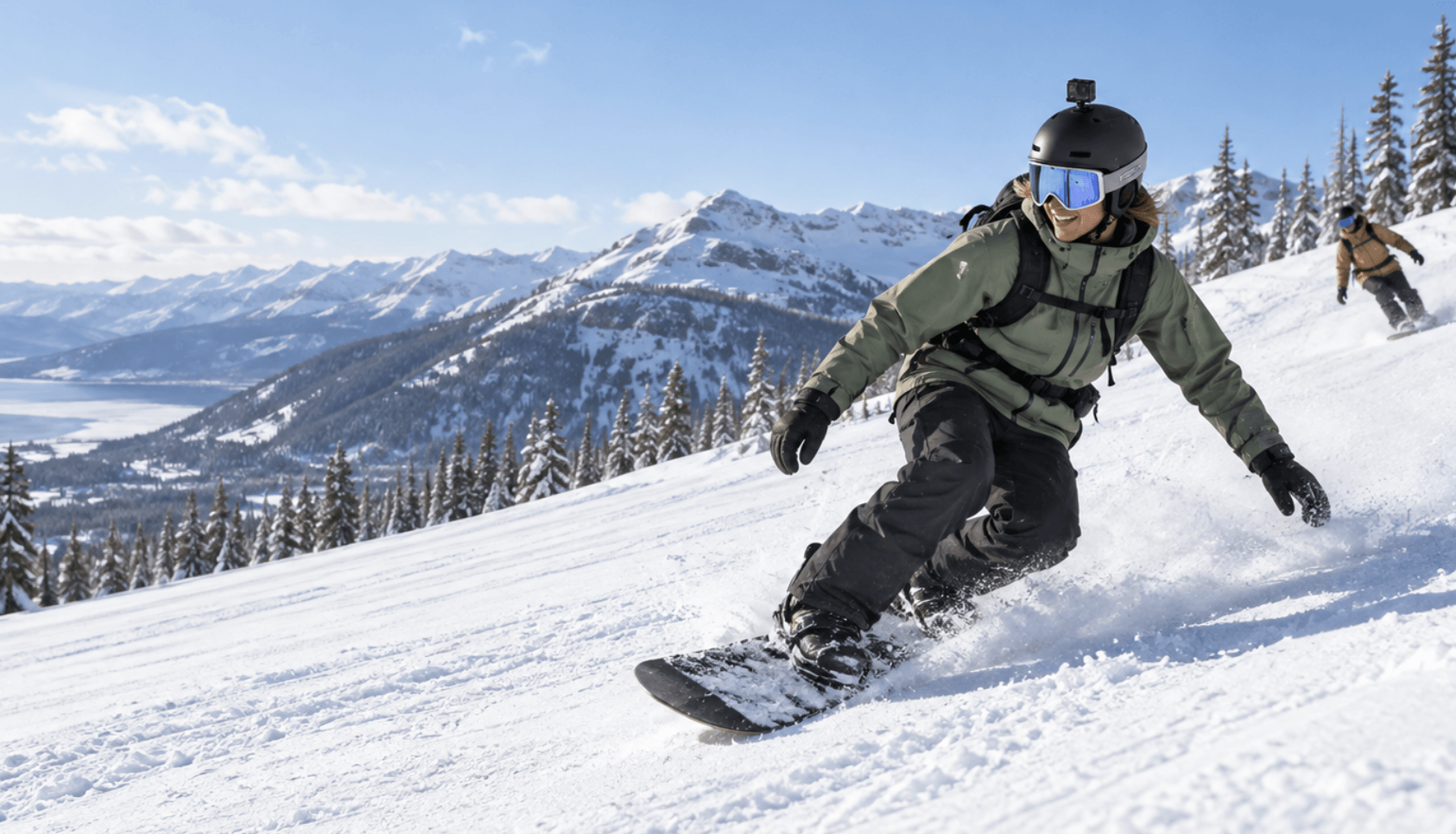
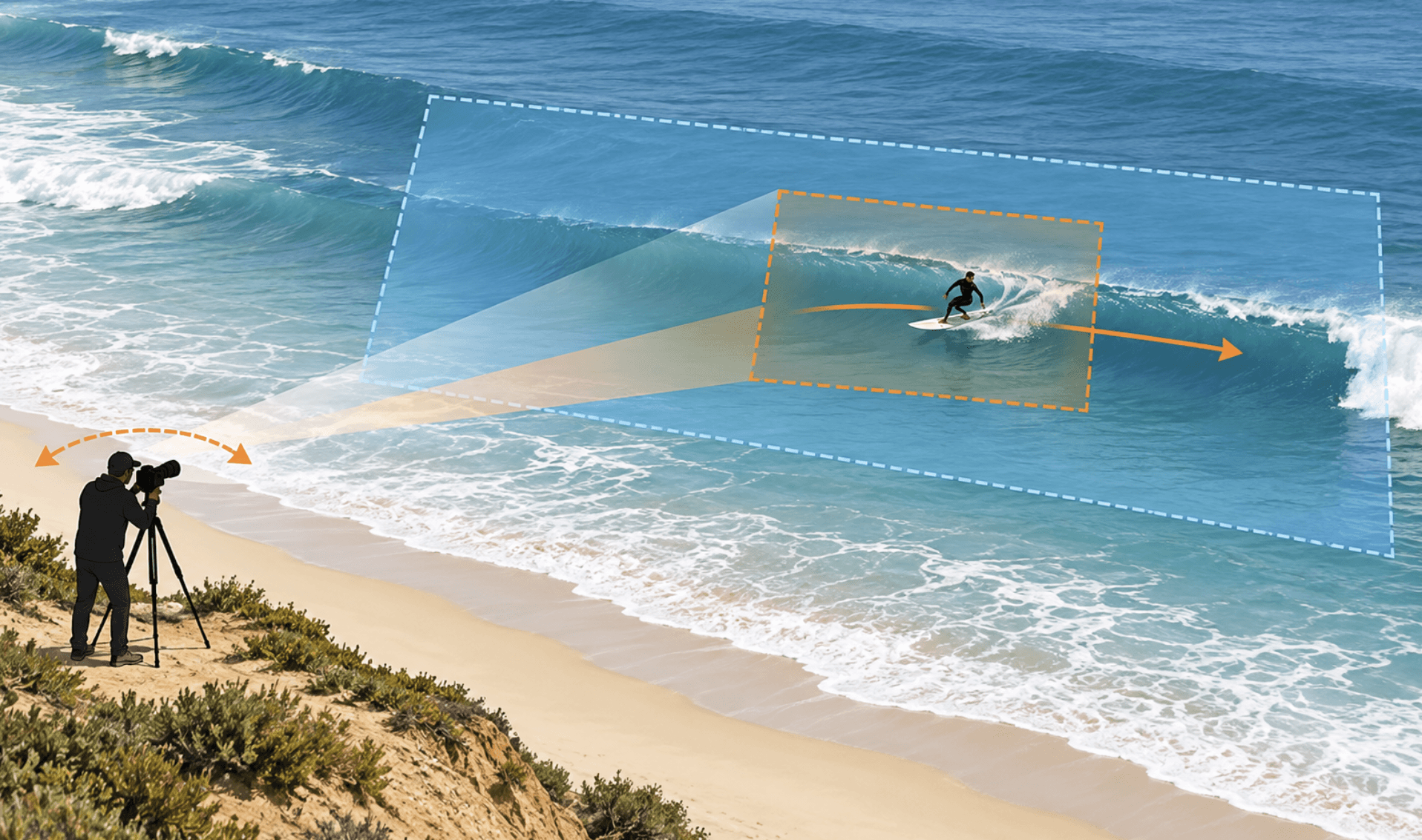
POV sports footage has different requirements. Cycling, skiing, surfing, mountain biking, skateboarding, and similar activities often require a compact camera that can survive movement, vibration, water, dust, or impacts.
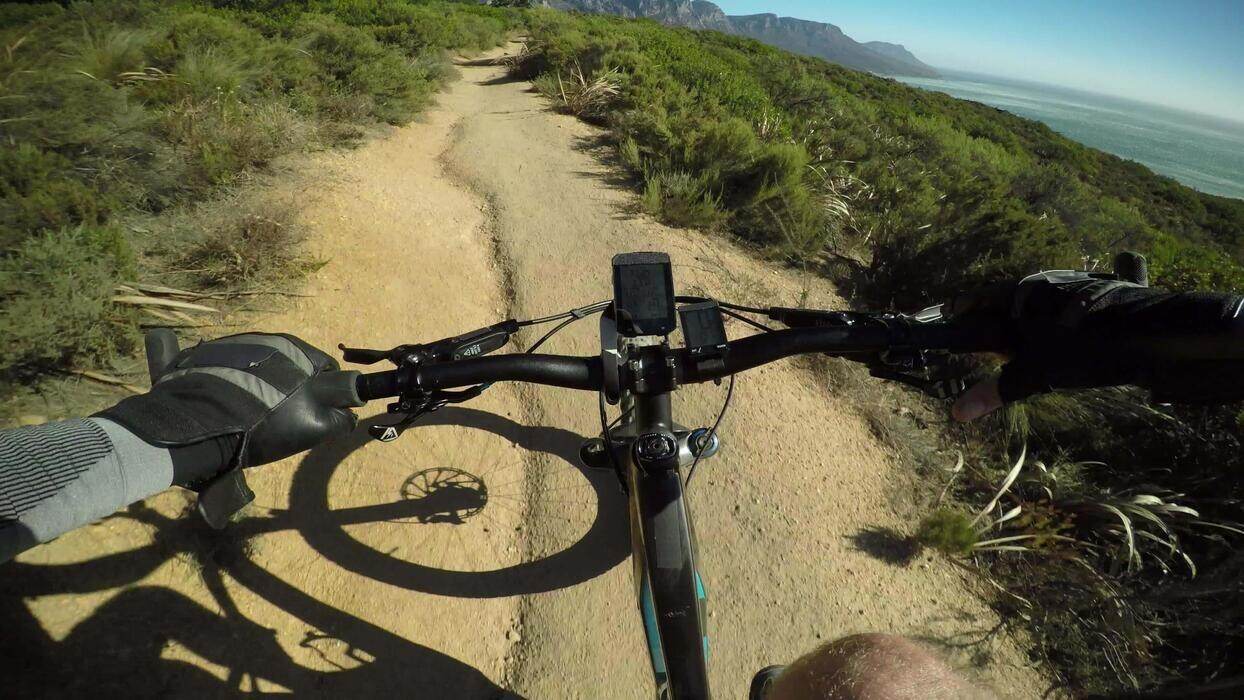
You can mount an action camera to a helmet, chest harness, bike, board, or vehicle. For sports video recording equipment used in POV filming, consider these equipment combinations:
- Cycling and mountain biking: GoPro HERO13 Black with a handlebar mount, chest mount, spare batteries, and a high-speed microSD card.
- Skiing and skateboarding: DJI Osmo Action 5 Pro with a helmet or chest mount, a protective frame, and spare batteries.
- Surfing: GoPro HERO13 Black with a surfboard mount and a floating grip for additional shots in the water.
- Accessories: Use the camera's built-in stabilization, carry high-capacity memory cards, and add waterproof housing when the camera's native water resistance is insufficient.
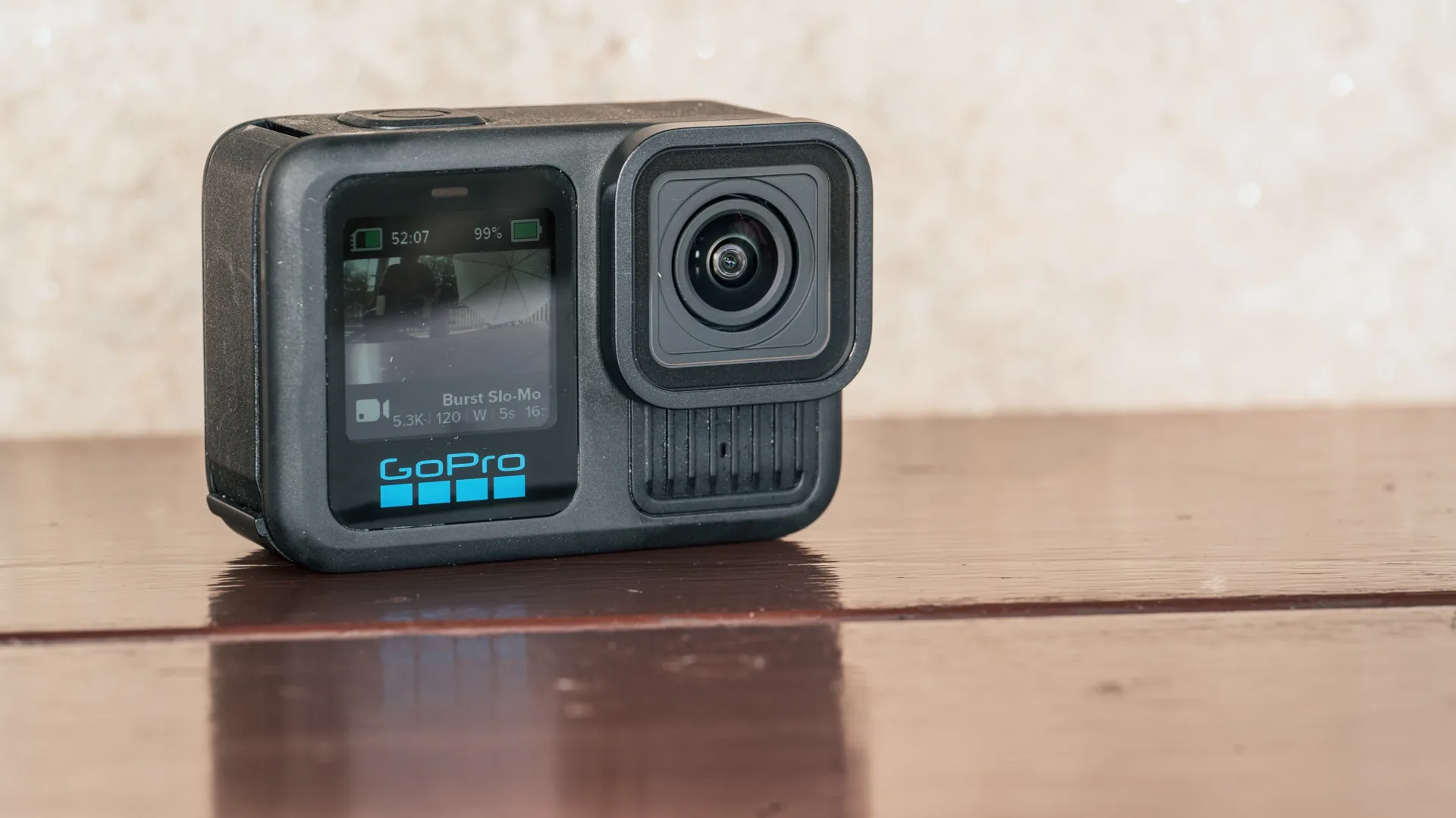
These compact setups capture the athlete's perspective while withstanding movement and changing conditions. Pair them with a sideline camera when you also need external views of the athlete and the wider event.
What Equipment Do You Need for Different Sports?
Different sports present different filming conditions and challenges for camera operators. Here is the sports video recording equipment that works well for these four high-demand sport groups.
Basketball and Volleyball
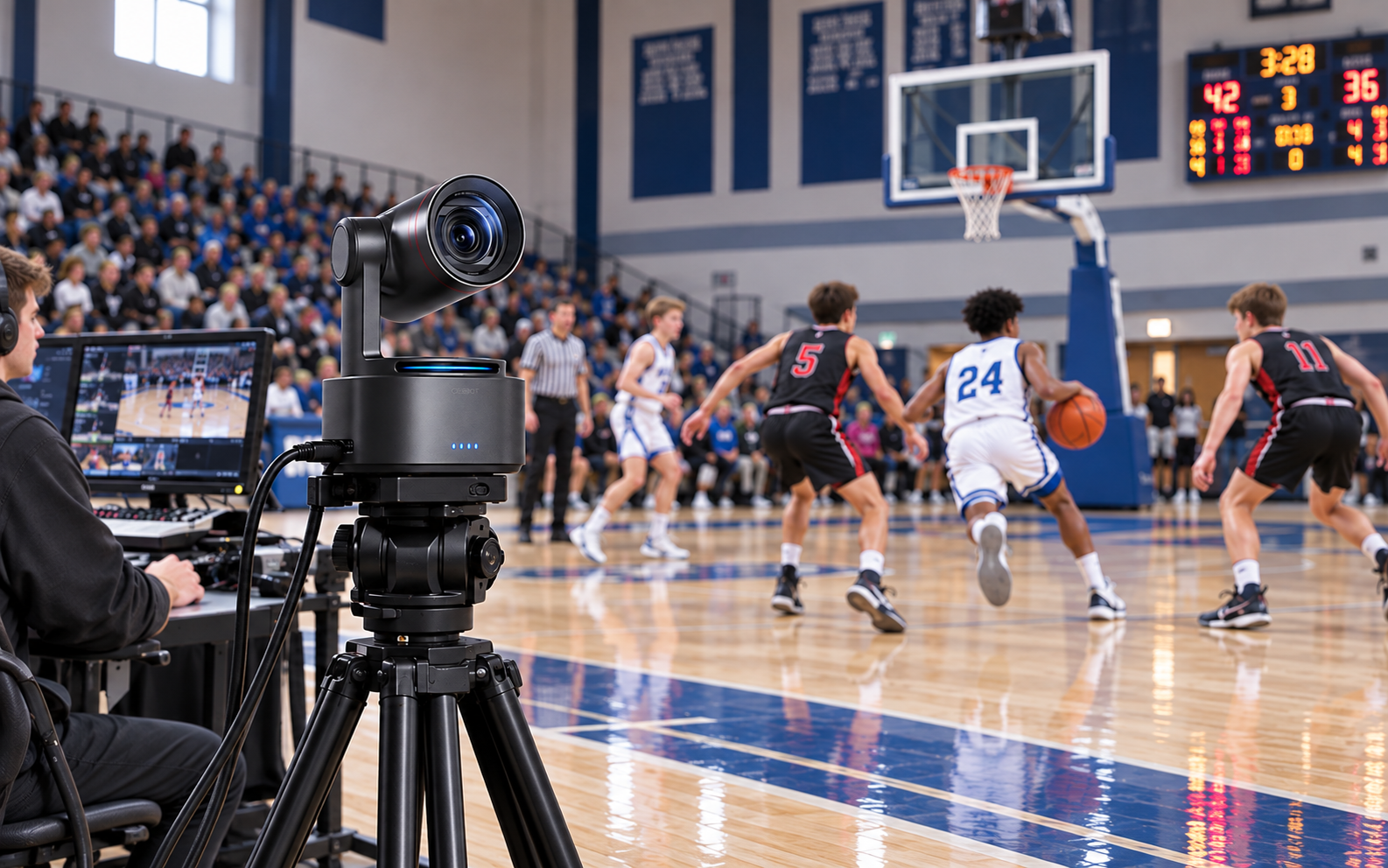
These sports involve very fast lateral movement and frequent player overlap. Games also run quite long, so reliability is as important as image quality.
For full-game coverage, place an elevated wide camera or a monitored AI PTZ/PTZR camera like OBSBOT Tail 2 near midcourt. Check our guide on basketball videography.
Budget another US$150–400 for accessories which may include a separate microphone and a sandbag.
Example gear:
- Basketball: Sony PXW-Z190 or Canon EOS R7 (4K, 60fps, reliable autofocus), Sony FE 70-200mm f/2.8 GM II for close-ups near the basket, a Manfrotto 504X fluid head on a 546B tripod for smooth pans, and a Rode VideoMic Pro+ to record whistles, sneaker squeaks, and crowd reactions.
- Volleyball: Sony PXW-Z190 or Canon EOS R7, Sony FE 16-35mm f/2.8 GM II for full-court coverage, a tall video tripod, and an on-camera microphone for ball contact and referee whistles. Your gear may also include a 70-200mm lens for serve and spike close-ups.
- OBSBOT Tail 2 PTZ camera for more automated recording.
Soccer and Football
Unlike indoor games, soccer and football cover much larger areas. These sports are also affected by weather and the distance between the camera and players, which means your equipment needs more reach and height.
Example gear:
- Soccer: Canon EOS R7 with a Canon RF 100-500mm lens for distant close-ups, a Manfrotto 504X fluid head on a 546B tripod for steady pans from the stand, and a Rode VideoMic Pro+ with a wind screen for crowd and sideline sound.
- Football: Sony PXW-Z190 for its long built-in zoom, a Sony FE 70-200mm f/2.8 GM II if you want cinematic highlights, a tall video tripod, and an AC line or high-capacity power bank for continuous power.
- Automated coverage: OBSBOT Tail 2, heavy-duty tripod, high-endurance microSD card, and continuous power.
Baseball and Softball
This category presents a completely different challenge because it involves short bursts around fixed positions such as pitcher, batter, and catcher.
Example gear:
- Automated coverage: OBSBOT Tail 2 on a sturdy tripod behind home plate, with a high-endurance microSD card and continuous power.
- Player close-ups: Sony PXW-Z190 camcorder with its built-in 25x optical zoom, tripod, and spare SD cards.
- Audio and protection: Compact microphone for crowd and field sounds, plus a rain cover and lens hood.
For more on angles and gear tiers, see our baseball videography guide.
Cycling, Skiing, Surfing, and Other POV Sports
POV sports require compact sports recording equipment with wide-angle views, strong stabilization, secure mounts, and protection against water, dust, and impact. Choose accessories based on the sport and carry spare batteries and high-capacity memory cards for extended recording.
The example gear has been introduced in the Action-Packed POV Footage section.
How to Keep Your Sports Filming Setup Reliable for a Full Game
You can have the best sports camera and still not capture good footage if you don't have a good plan. The support system, power, storage, audio, and pre-event testing can determine whether you produce quality footage.
Match the Support to the Shot
Use the support that fits the camera movement. For example:
- A sturdy tripod or fixed mount for a locked-off wide camera.
- A fluid-head tripod or monopod for a manually operated telephoto camera.
- Stable surface for an AI PTZR camera.
Also keep the camera outside areas where players, spectators, or equipment can knock it over and secure cables with tape or cable covers where necessary.
Plan Power, Heat, and Storage
A two-hour game, for example, can generate a large amount of footage, especially when you're recording at high resolution and frame rates.
Before the event:
- Estimate recording time and file size and charge every battery.
- Format memory cards before recording.
- Bring spare batteries or continuous power.
The OBSBOT Tail 2 has a 5,000mAh battery rated for up to five hours of continuous video shooting and live streaming, but you may still want to consider continuous external power for fixed installations.
Capture Useful Audio
Your sports videography equipment or camera's built-in microphone can capture useful ambient sound, but it may not provide clean audio for commentary or interviews. Instead, use:
- Dedicated microphone or mixer for live commentary.
- Wireless microphone for sideline interviews.
Keep the microphone away from handling noise and protect outdoor equipment from wind. Also record a backup source whenever practical.
Make Files Easy to Edit and Share
Use consistent file names and folder structures from the start. For example:
- 2026-09-29_TeamA-vs-TeamB_FullGame
- 2026-09-29_TeamA-vs-TeamB_Highlights
- 2026-09-29_TeamA-vs-TeamB_Audio
After the game, copy the footage to a computer or storage drive before formatting the original card. Keep a second backup for important matches. For multi-camera productions, label cameras by role, such as Wide, Follow, Close, and POV, to make editing much faster.
Test the Complete Setup Before the Event
Do not test only the individual pieces of equipment in your setup. Test the entire recording chain.
Record for at least several minutes using the same resolution, frame rate, storage, power source, tripod position, microphone, and connections you plan to use during the game.
Check the recorded file afterward and confirm that video, audio, autofocus, tracking, power, storage, and external connections all work together.
FAQs About Sports Video Equipment
These quick answers cover the most common questions users ask when preparing to shoot sports footage.
What is the best equipment for recording a full sports game?
The essentials for recording a full sports game includes a stable camera, reliable power, sufficient storage, and a wide tracking view. For solo recording, an AI PTZR camera can help reduce manual operation. A second fixed wide camera also provides useful backup coverage.
Is a sports camera or a smartphone with a gimbal better?
It depends on the shot you want to take. A smartphone and gimbal can work for short clips and mobile highlights. Dedicated sports cameras, on the other hand, generally provide better reach, recording controls, mounting options, and connectivity for complete games.
Can a gimbal automatically track the ball?
A standard gimbal mainly stabilizes and moves the camera. Some systems include tracking functions, but automatic ball tracking is not guaranteed across different sports. AI tracking capabilities vary by camera and supported subjects.
Is an AI sports camera better than a fixed wide-angle camera?
They serve different purposes. An AI powered sports camera can follow selected subjects and create closer views, while a fixed wide camera can cover the entire playing area. Use both cameras for important games to provide complementary coverage.
What lens is best for filming field sports?
A great starting point when it comes to sideline sports filming is the 70-200mm or 100-400mm telephoto lens. The ideal choice depends on the field size, shooting distance, sensor format, lighting, and how tightly you want to frame the athletes.
How do I record a two-hour game without overheating?
Here are some tips:
- Use a camera designed for external recording
- Keep ventilation clear
- Avoid unnecessary heat sources
- Use appropriate recording settings
- Test the complete setup beforehand
- Provide continuous power and adequate storage
Conclusion
To get the right video equipment for sports, consider the footage you need first, whether it is full-game coverage, cinematic highlights, or POV sports footage.
For automated or athlete-focused coverage, an AI PTZR camera such as OBSBOT Tail 2 can simplify operation while providing 4K60 recording, optical zoom, tracking, and professional connectivity.
For larger productions, however, you may want to add a fixed wide coverage with manually operated cameras to provide greater control over the final footage.