Best FPS for Video: 24, 30, 60, or 120?

Choosing the best fps for video is really choosing how motion should feel. A talking-head video, a sports clip, a cinematic short, and a slow-motion product shot should not all use the same frame rate. This guide shows when to use 24, 30, 60, and 120 fps so you can record cleaner footage and export it correctly.
Best FPS for Video by Use Case
For most videos, 30 fps is the safest default. It looks natural on YouTube, social media, tutorials, meetings, and general online content. Use 24 fps when you want a cinematic look, 60 fps when motion is fast, and 120 fps or higher when you plan to slow the footage down.
| Frame Rate | Best Use | Motion Look | Best Export |
|---|---|---|---|
| 24 fps | Films, music videos, cinematic B-roll | Soft motion blur, cinematic feel | 24 fps |
| 30 fps | YouTube, tutorials, vlogs, meetings | Natural and clean | 30 fps |
| 60 fps | Sports, action, gaming, live video | Smooth and sharp | 60 fps or 30 fps |
| 120 fps | Slow motion, product shots, sports replays | Very smooth when slowed down | 24, 30, or 60 fps timeline |
What Each Frame Rate Means
24 FPS: Best for a Cinematic Look
Use 24 fps when mood matters more than smoothness. It creates the traditional film-like motion people associate with movies, narrative videos, cinematic travel edits, and music videos.
The tradeoff is that fast motion can look less crisp. If you pan too quickly, record sports, or shoot handheld action, 24 fps can feel choppy unless your camera movement is controlled.
30 FPS: Best for Everyday Online Video
Use 30 fps for the easiest all-around choice. It works well for YouTube videos, tutorials, product explainers, talking-head clips, online courses, webinars, and most social videos.
For creators who do not need a dramatic film look or high-speed motion, 30 fps is usually the cleanest balance between smoothness, file size, editing speed, and low-light performance.
60 FPS: Best for Fast Motion
Use 60 fps when movement needs to stay clear. Sports, dance, fitness, gaming, live events, handheld camera movement, and fast product demos usually look better at 60 fps.
60 fps records twice as many frames as 30 fps, so motion appears smoother. The catch is that it often needs more light, more storage, and more editing power.
120 FPS and Higher: Best for Slow Motion
Use 120 fps when you plan to slow footage down. It is ideal for action replays, product splashes, sports drills, dance details, hair movement, fabric movement, and dramatic B-roll.
Do not shoot everything in 120 fps just because your camera can. High frame rates can reduce low-light quality, increase file size, and make normal-speed footage feel too sharp or unnatural.
How to Choose the Right FPS Before Recording
Start with the Final Platform
If the video is going to YouTube, keep the frame rate consistent from recording to export whenever possible. YouTube says content should be encoded and uploaded in the same frame rate it was recorded, with commonly accepted frame rates including 24, 25, 30, 48, 50, and 60 fps.
For most YouTube creators, that means recording and exporting in 30 fps for standard videos or 60 fps for gaming, sports, and high-motion content.
Match FPS to Motion Speed
Choose fps based on how much movement is in the shot:
- Low motion: use 24 or 30 fps for talking-head videos, interviews, and seated tutorials.
- Medium motion: use 30 fps for vlogs, handheld walkthroughs, and product videos.
- Fast motion: use 60 fps for sports, workouts, dance, gaming, and live action.
- Slow motion: use 120 fps or higher, then slow it down in a 24, 30, or 60 fps timeline.
Use the Right Shutter Speed
Set shutter speed around double your frame rate for natural motion blur. This is often called the 180-degree shutter rule.
| FPS | Natural Shutter Speed | Common Use |
|---|---|---|
| 24 fps | 1/48 or 1/50 | Cinematic video |
| 30 fps | 1/60 | YouTube and tutorials |
| 60 fps | 1/120 | Sports and action |
| 120 fps | 1/240 | Slow motion |
Consider Lighting Before Choosing High FPS
Higher fps usually needs a faster shutter speed, which means less light reaches the sensor. If your room is dim, 60 fps or 120 fps may look darker or noisier than 30 fps.
Simple rule: use 30 fps indoors unless you have enough lighting for 60 fps. Use 120 fps only when the slow-motion effect is worth the extra light and storage.
Use FPS as Part of the Full Camera Setup
Frame rate is only one part of video quality. Focus, exposure, lighting, stabilization, lens quality, bitrate, and camera movement all matter. A well-lit 30 fps video often looks better than a dark 60 fps video.
A Practical 4K60fps Camera Option: OBSBOT Tail 2 Live Production Camera
If your video work includes live teaching, product demos, events, sports analysis, or creator studio recording, a camera that supports smooth frame rates and subject tracking can make setup easier. The OBSBOT Tail 2 is useful when you need 4K60 capture and hands-free framing instead of manually operating the camera every time you move.
- 4K 60fps: useful for smoother motion in live production and creator workflows.
- 1080p 120fps: gives creators a slow-motion option for action details and replay-style shots.
- AI Tracking 2.0: keeps the subject framed when the presenter, coach, or performer moves.
- PTZR movement: supports pan, tilt, zoom, and rotation for flexible horizontal or vertical shooting.
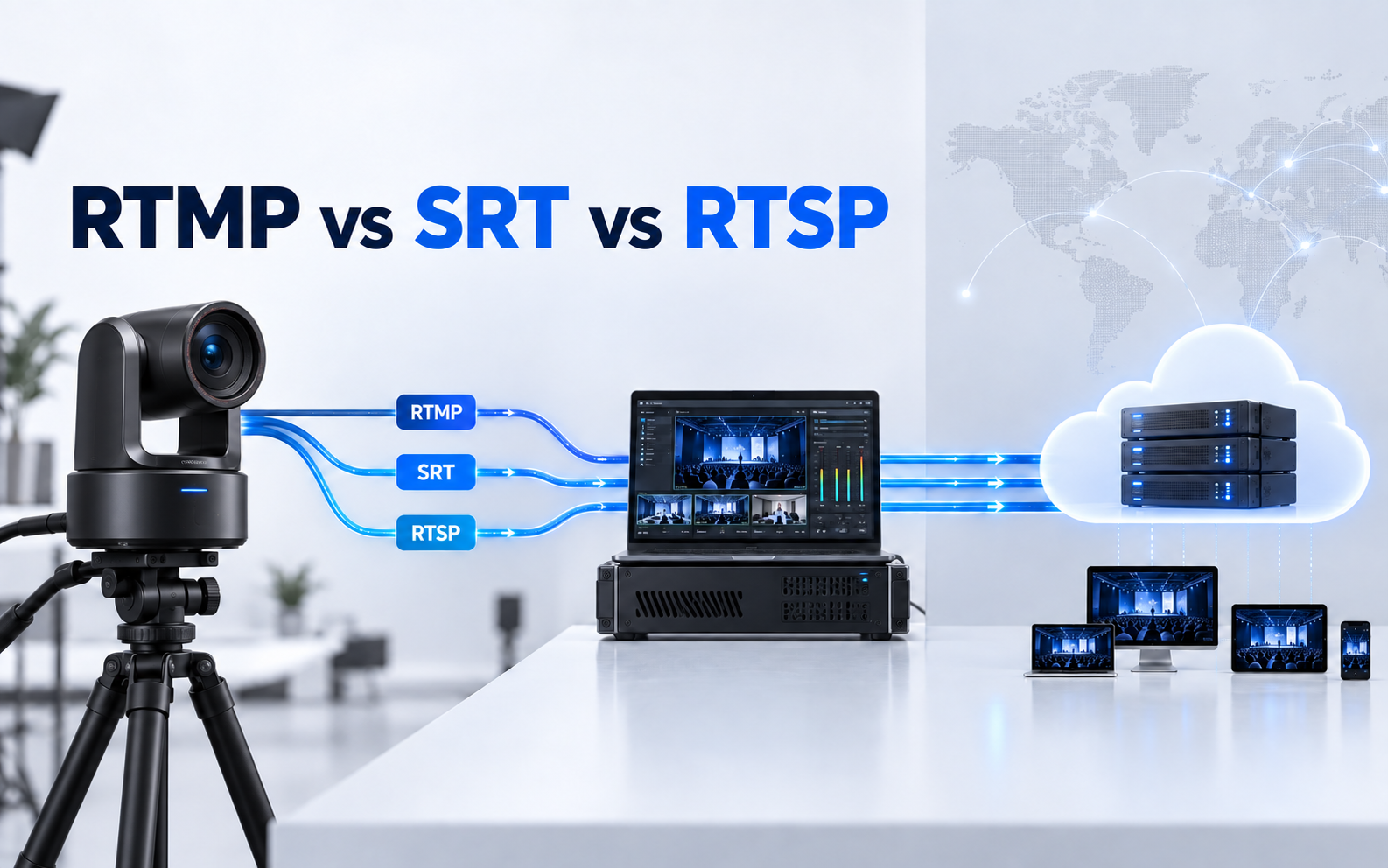
- Pro connectivity: HDMI, 3G-SDI, Ethernet, USB, RTMP, RTSP, SRT, and NDI support fit more serious production setups.
FAQs About the Best FPS for Video
Is 30 or 60 FPS better for video?
30 fps is better for most standard videos because it looks natural and is easier to shoot in normal lighting. 60 fps is better for sports, gaming, action, live events, and footage that needs smoother motion.
What FPS is best for 1080p?
For 1080p video, 30 fps is the safest default for YouTube, tutorials, and everyday content. Use 60 fps for fast motion or gaming, and use 120 fps only if you plan to slow the footage down.
What FPS should my video be?
Your video should usually be 24 fps for cinematic work, 30 fps for general online video, 60 fps for fast motion, and 120 fps for slow motion. The best choice depends on the look you want and how much movement is in the shot.
Is 4K at 60fps or 120fps better?
4K60 is better for most real-time video because it gives smooth motion while staying practical for editing and storage. 4K120 is better only when you need high-quality slow motion and have enough light, storage, and editing power.
Which frame rate is best for YouTube video?
For most YouTube videos, 30 fps works well. Use 24 fps for cinematic projects, 60 fps for gaming or sports, and keep your export frame rate consistent with the footage you recorded whenever possible.
Conclusion
The best fps for video depends on motion. Use 24 fps for cinematic footage, 30 fps for everyday YouTube and tutorials, 60 fps for fast movement, and 120 fps for slow motion. If you are unsure, record standard videos at 30 fps and switch to 60 fps only when the motion truly needs it.