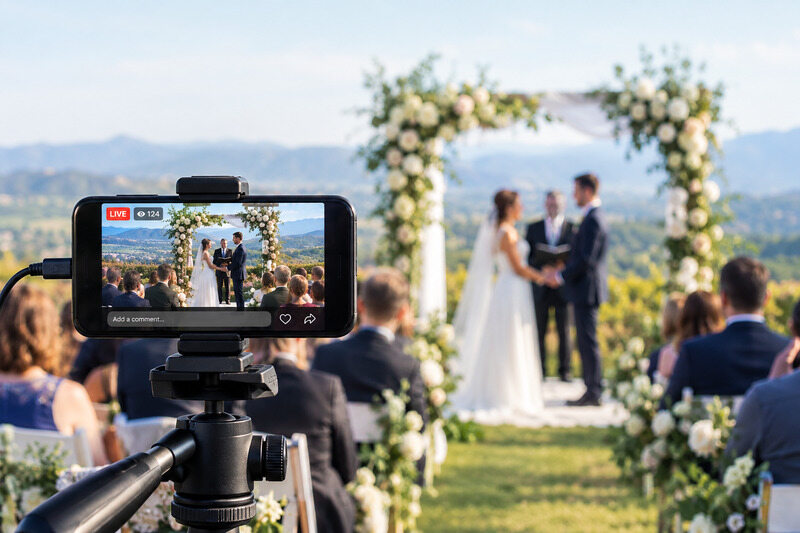
What Does Simulcast Mean? Definition, Examples, and How to Do It

What does simulcast mean? Simulcast means broadcasting the same content on multiple channels or platforms at the exact same time. The word combines "simultaneous" and "broadcast," coined in the 1940s when networks first aired the same program on both radio and TV at once. The core appeal was simple then and still is: one production, many audiences, zero extra effort.
How Does it Work?
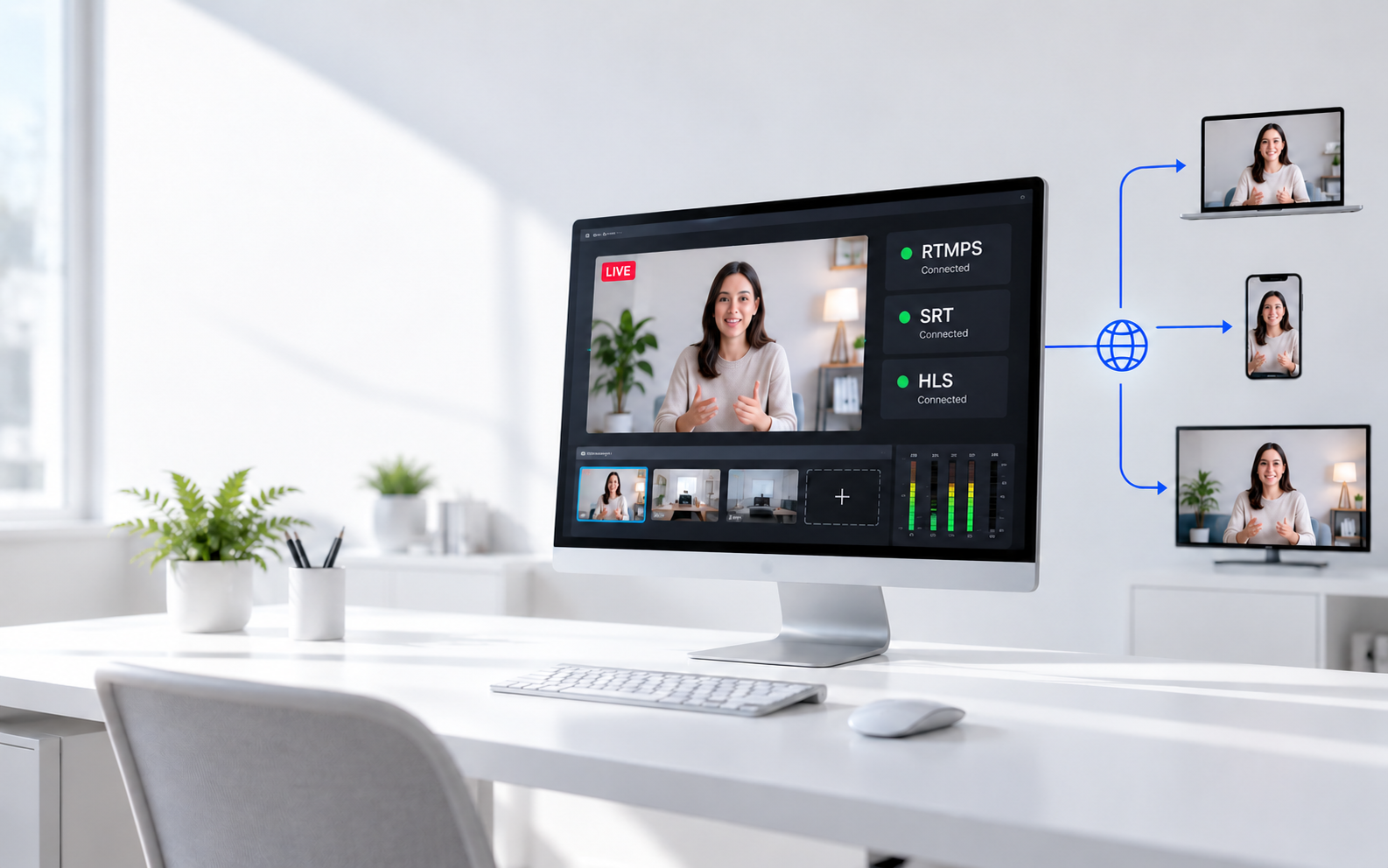
The mechanics are straightforward. An encoder captures your source, compresses it into a compatible format, and streaming software or hardware pushes that single signal to multiple destinations at once. No second shoot. Viewers on every platform get the same feed in real time.

Today it spans TV, streaming, anime, sports betting, and corporate events — same idea, different pipes. For viewers, that means watching on whichever platform they already use without missing anything. For creators and broadcasters, it means wider reach without filming twice, a backup if one platform goes down, and no spoiler gap between audiences on different channels.
Simulcasting vs. Multicasting vs. Standard Streaming
Simulcasting sends the same content to multiple public platforms simultaneously, one separate stream per destination. Multicasting works at the network level: a single packet replicates through routers to many recipients, making it efficient but limited to private networks like corporate IPTV or LAN-based training. Standard streaming is the simplest — one stream, one platform, one audience.
| Simulcast | Multicast | Standard stream | |
|---|---|---|---|
| Delivery | One-to-many platforms | One-to-many devices (network level) | One-to-one platform |
| Timing | Real time, simultaneous | Real time | Real time or on-demand |
| Audience reach | Widest — viewers pick their platform | Targeted group on a closed network | Limited to one platform |
| Bandwidth use | High — separate stream per platform | Efficient — single packet, many recipients | Low — single destination |
| Works on public internet? | Yes | Usually no | Yes |
| Typical use | Live sports, concerts, multi-platform creator streams | Corporate IPTV, LAN-based training, surveillance | Webinar, podcast, solo stream |
| Setup complexity | Medium — needs multistream software or hardware | High — requires network-level configuration | Low |
Simulcast Applications
The word shows up across completely different industries, and the meaning shifts slightly depending on context.
| Industry | What Does Simulcast Mean | Real Example |
|---|---|---|
| TV | Same show airs on two or more channels at once | NFL games on CBS + Peacock |
| Radio | Same station broadcast on FM and DAB simultaneously | BBC Radio 4 on FM and digital |
| Live Streaming | One stream pushed to YouTube, Twitch, Facebook at once | Creators using multistream tools |
| Anime | Episode released same day as the original Japan air date | Crunchyroll same-day simulcast |
| Sports Betting | Live race feed shown at off-track wagering venues | Horse racing simulcast windows |
| Corporate/Education | Keynote broadcast live to remote satellite rooms | Conference simulcast to 700 venues |
How to Simulcast

Setting up a simulcast takes less than most people expect. Here's the standard workflow:
Step 1: Set up your source. Connect your camera, screen capture, or encoder. This is your single input — everything flows from here.
Step 2: Choose your simulcast tool. Software options like OBS Studio, Restream, or StreamYard let you push to multiple platforms from a computer. For more demanding setups — multi-camera events, live productions, or professional broadcasts — a dedicated hardware solution handles the load far better than software alone.
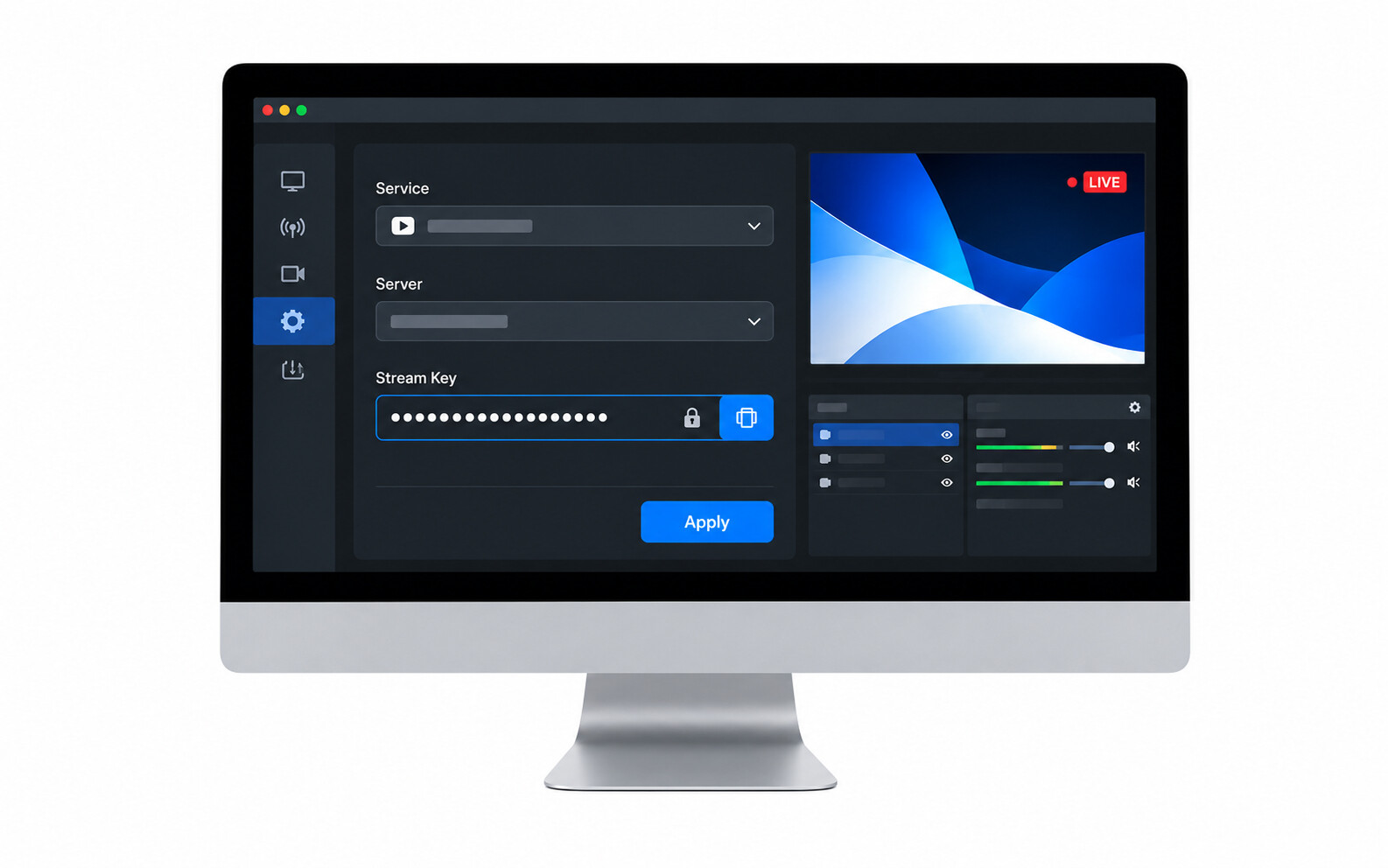
Step 3: Connect your destination platforms. Link your accounts: YouTube, Twitch, Facebook Live, LinkedIn, and others. Most tools support these natively.
Step 4: Configure stream settings. Set resolution and bitrate per platform. YouTube handles 1080p60 well; Twitch has its own recommended bitrate ranges. Match them individually.
Step 5: Go live. One click starts the broadcast across every connected platform simultaneously.
Bonus: OBSBOT Talent 2 All-In-One Multi-Cam Live Streaming & Production Studio
For creators, event teams, and broadcasters who want to simulcast beyond a basic software setup, OBSBOT Talent 2 brings the core production workflow into one dedicated device. Instead of relying on a computer, multiple apps, and separate routing tools, Talent 2 combines live switching, monitoring, recording, encoding, camera control, and multi-platform distribution in a portable production studio.
It is especially useful when a simulcast includes multiple cameras, presentation feeds, remote sources, and audience interaction across different platforms. From corporate livestreams and worship services to sports coverage and creator productions, Talent 2 helps teams manage the full broadcast from a single control center.
- Simulcast to up to 4 platforms — Stream to platforms such as YouTube, Twitch, and Facebook Live while supporting both 16:9 landscape and 9:16 vertical production formats.
- Up to 16 video sources — Combine 4 HDMI, 2 USB, and up to 10 IP-based sources through NDI, SRT, RTSP, RTMP, and local media playback for larger live productions.
- Reliable network options — Use 2.5GbE Ethernet, native SIM support, external cellular dongles, and smart network bonding to help stabilize demanding simulcast workflows.
- Built-in production control — Manage switching, OBSBOT camera control, overlays, monitoring, and audio from the 7-inch Full HD AMOLED touchscreen without building a separate software stack.
- Recording and replay tools — Record up to 4 independent 4K sources while streaming, add instant replay, and save isolated footage for post-production or repurposed content.
For simulcast workflows where stream quality, source management, and platform delivery all matter, Talent 2 gives production teams a cleaner way to go live everywhere at once without turning the setup into a chain of separate devices and apps.
FAQs About Simulcast
Do all platforms allow simulcasting?
Most major platforms do — YouTube, Facebook Live, LinkedIn, and X all accept third-party streams. Twitch is the exception worth watching: it relaxed its exclusivity rules for most streamers in 2024, but partner agreements can still carry restrictions. Always check a platform's current terms before going live.
What's the difference between simulcast and VOD?
Simulcast is live and simultaneous across platforms — it happens once, in real time. VOD (video on demand) is pre-recorded content that viewers can watch whenever they choose. Some platforms automatically archive a simulcast as VOD after the broadcast ends. (Note: The anime industry uses "simulcast" as a slight exception, where it refers to VOD episodes released with subtitles on local streaming apps at the exact same time they air on live TV in Japan.)
Does simulcasting affect stream quality on each platform?
Only if your upload bandwidth is limited. Software simulcasting multiplies how much data your connection needs to push out. Dedicated hardware encoders handle the processing independently and ease the load.
Conclusion
Simulcast is one of those concepts that sounds technical until you see it in action — then it's obvious. If you're a viewer, it just means more choice with no trade-off. If you're a creator or broadcaster, the math is simple: same effort, bigger audience. The only real variable is how well your tools handle the distribution.