Unicast, Multicast and Broadcast: What's the Difference? (With Examples)

Every packet on a network has to go somewhere, and "somewhere" usually means one of three places: one device, a specific group, or everyone at once. That's the core of unicast, multicast, and broadcast. Mix them up and you'll misconfigure a router, waste bandwidth, or wonder why your video call works but your IPTV feed doesn't. This guide breaks down what separates broadcast, multicast, and unicast, when engineers actually use each one, and where most explanations get too abstract to be useful. No jargon dump — just the differences that matter when you're building or troubleshooting a network.
What Are Unicast, Multicast, and Broadcast?
Unicast, multicast, and broadcast are three different methods of delivering data across a network. The key difference is how many devices receive a single transmission and how efficiently network bandwidth is used.
1. Unicast (One-to-One Connection)
- What it is: Data is sent from a single sender to exactly one specific receiver. It is a private, point-to-point conversation.
- Real-World Example: When an employee joins a standard Microsoft Teams or Zoom video call, or opens a browser to check emails.
- Network Behavior: The server establishes a dedicated, private tunnel for your device. If 50 people in the same office open 50 different webpages, the network must route 50 independent data streams. Consequently, bandwidth usage scales linearly with every single connection.
2. Multicast (One-to-Many Connection)
- What it is: Data is sent from one sender to a specific, defined group of receivers who have explicitly opted in. Think of it as a secure group chat rather than a public announcement.
- Real-World Example: A corporate IPTV system broadcasting an executive meeting live to the whole company, or a financial terminal pushing real-time stock ticker feeds to dozens of traders simultaneously.
- Network Behavior: The media server sends exactly one primary stream. As it travels, IGMP-enabled routers automatically clone the stream only at the specific branches where a device has subscribed. Bandwidth remains flat whether 10 or 1,000 employees tune into the same internal broadcast.
3. Broadcast (One-to-All Connection)
- What it is: Data is sent from one sender to every single device on the local subnet, whether they want it or not.
- Real-World Example: A laptop booting up, plugging into an Ethernet port, and yelling across the network via DHCP to request an IP address, or performing an ARP lookup to find the local gateway.
- Network Behavior: A single device shouts blindly to the entire subnet. Every machine on that local network is forced to receive and process the packet. Because of this massive local overhead, routers naturally block these packets from escaping the local LAN to prevent wider network disruption.
Unicast dominates everyday traffic — web browsing, email, most video calls. Multicast shows up in specialized scenarios like IPTV or stock feeds. Broadcast is mostly a local, low-level mechanism used by protocols like DHCP and ARP, not something applications choose on purpose.
| Feature | Unicast |
Multicast |
Broadcast |
|---|---|---|---|
| Recipients | One specific device |
A defined group of subscribed devices |
Every device on the local network |
| Bandwidth Usage |
Scales with each recipient |
Efficient — one stream, many receivers | High local network load |
| Common Protocols | TCP, UDP | IGMP, PIM | ARP, DHCP |
| Address Type | Standard IPv4 or IPv6 unicast address |
IPv4 Class D addresses (224.0.0.0–239.255.255.255) or IPv6 multicast addresses |
IPv4 broadcast address (such as 255.255.255.255); not supported in IPv6 |
| Typical Uses | Web browsing, email, cloud applications, video calls |
IPTV, live streaming, software distribution, financial market feeds |
Device discovery, DHCP address assignment, ARP requests within a LAN |
The bandwidth row is where most confusion starts. Multicast sends one copy of the data, and routers replicate it only where a receiver actually exists. Broadcast sends the full payload to every device, needed or not, which is why it can't scale past a local network.
Bonus -Applying Unicast and Multicast in Live Streaming with OBSBOT Talent 2 Live Streaming Studio
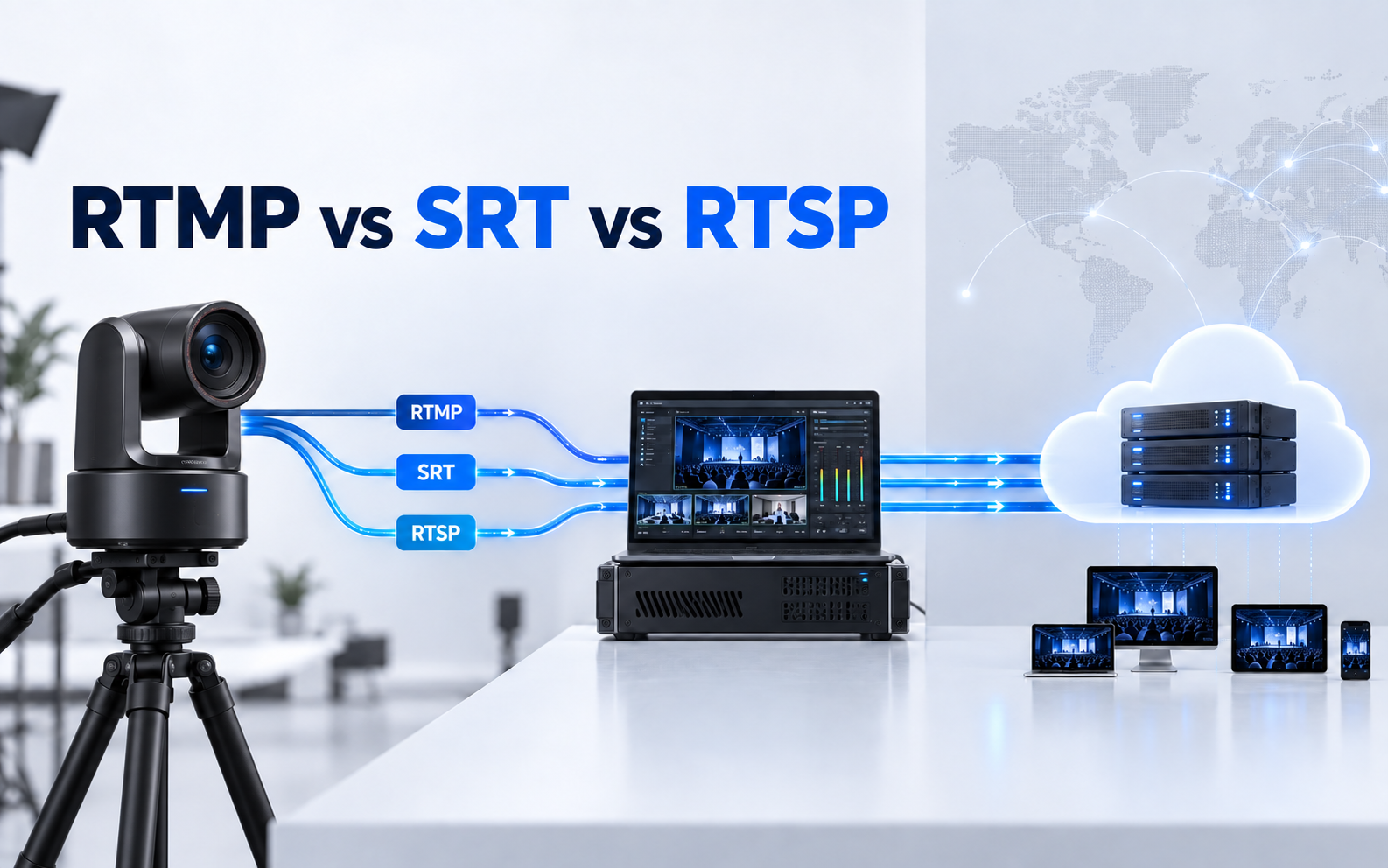
OBSBOT Talent 2 is an all-in-one live streaming studio designed for professional video production. Beyond video switching and hardware encoding, it supports protocols such as SRT for stable remote streaming over the public internet and NDI for transmitting high-quality video between compatible devices on the same local network. This allows creators to manage multiple camera sources more efficiently while reducing the complexity of traditional streaming setups.
Key Features:
- 16-Source Multi-Cam Input: Supports up to 16 video sources via 4 HDMI, 2 USB, and 10 IP inputs for multi-camera productions.
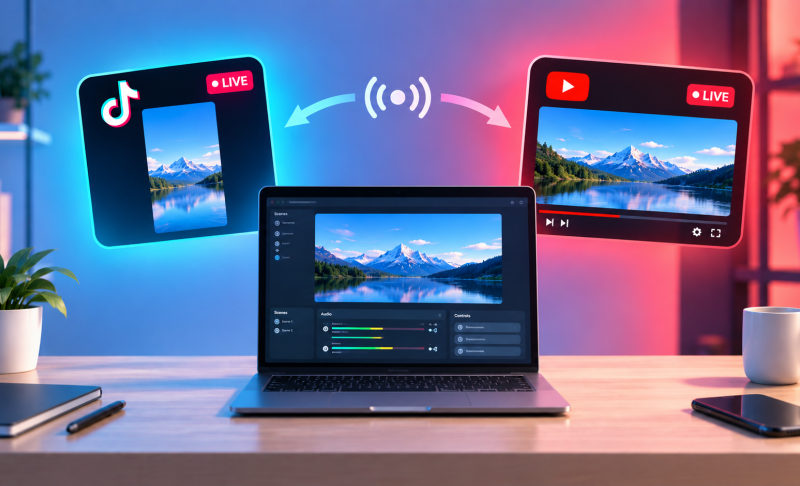
- True 4K Multi-Platform Streaming: Streams up to 4K to 4 destinations simultaneously without additional streaming hardware.
- SRT for Unstable Networks: Provides reliable, low-latency streaming over the public internet.
- NDI for Local Workflows: Sends high-quality video between compatible devices over the same LAN.
- Smart Network Bonding: Combines 4G/5G, Wi-Fi, and Ethernet into one uplink for more stable streaming.
How to Choose the Right Transmission Method
Network engineers don't choose a transmission method by checking a box; infrastructure constraints, scalability needs, and audience location dictate the choice. Use this framework to make the right architectural decision:
1. Managed LAN vs. Open Internet (The Infrastructure Limit):
If your traffic must traverse the public Internet, your baseline choice is Unicast. Public ISPs strictly block and refuse to route native multicast traffic.
Only choose Multicast if you fully own and control the network infrastructure end-to-end (e.g., an internal corporate LAN or a closed campus network).
2. Scalability vs. Overhead (The Bandwidth Dilemma):
Choose Unicast if the content is personalized, interactive, or asynchronous (e.g., standard Zoom calls, web browsing). Bandwidth scales 1:1 with every user.
Choose Multicast if you are pushing identical, simultaneous data to a massive internal group (e.g., corporate IPTV, stock tickers). Bandwidth remains flat at exactly one stream, preventing network congestion.
3. Modern Local Discovery (The IPv4 vs. IPv6 Shift):
Avoid building new systems around legacy Broadcast (DHCP/ARP). It forces every device on the subnet to process the packet, creating high local overhead.
Modern networks—and IPv6 entirely—eliminate broadcast completely, replacing it with targeted Multicast groups or Anycast (routing to the nearest available server to cut latency).
FAQs About Unicast, Multicast, and Broadcast
1. Does IPv6 Support Broadcast?
No. IPv6 does not support broadcast addressing. Instead, it uses multicast to deliver packets to multiple devices that have joined a specific group and anycast to route traffic to the nearest available destination. This approach reduces unnecessary network traffic and improves overall efficiency.
2. How Does Multicast Affect Network Bandwidth Compared to Unicast?
Multicast is much more bandwidth-efficient than unicast when sending the same data to multiple recipients. Instead of creating a separate stream for each receiver, the sender transmits a single stream, and routers replicate it only where the network paths to receivers diverge. This significantly reduces bandwidth consumption.
3. Can a Device Receive Both Unicast and Multicast Traffic at the Same Time?
Yes. A device can use its unicast IP address for one-to-one communication while simultaneously subscribing to one or more multicast groups to receive group traffic. Most modern operating systems and network devices support handling both traffic types concurrently.
4. Is Anycast Used in Real-World CDNs Like Cloudflare or Google?
Yes. Many large-scale content delivery networks (CDNs) and DNS providers, including Cloudflare and Google, rely on anycast addressing. Multiple servers share the same IP address, and network routing automatically directs users to the nearest or best-performing server, reducing latency and improving reliability.
5. What Role Does IGMP Play in Multicast Networking?
IGMP (Internet Group Management Protocol) enables hosts to join or leave multicast groups by communicating their membership status to local routers. This ensures multicast traffic is forwarded only to networks with interested receivers, helping conserve bandwidth and improve network efficiency.
Conclusion
Unicast, multicast, and broadcast solve three different delivery problems, and picking the right one usually isn't a choice you make by hand — it's built into the protocol or application you're using. What matters is knowing which one is running under the hood so you can troubleshoot bandwidth issues, plan network capacity, or pick streaming infrastructure that won't buckle under multiple video sources. If you're managing multiple camera feeds and need reliable delivery to a streaming platform, start with a device built for that workload, like OBSBOT Talent 2, rather than stitching together separate encoders and switchers.