Best 8 Video Switchers for Live Streaming in 2026

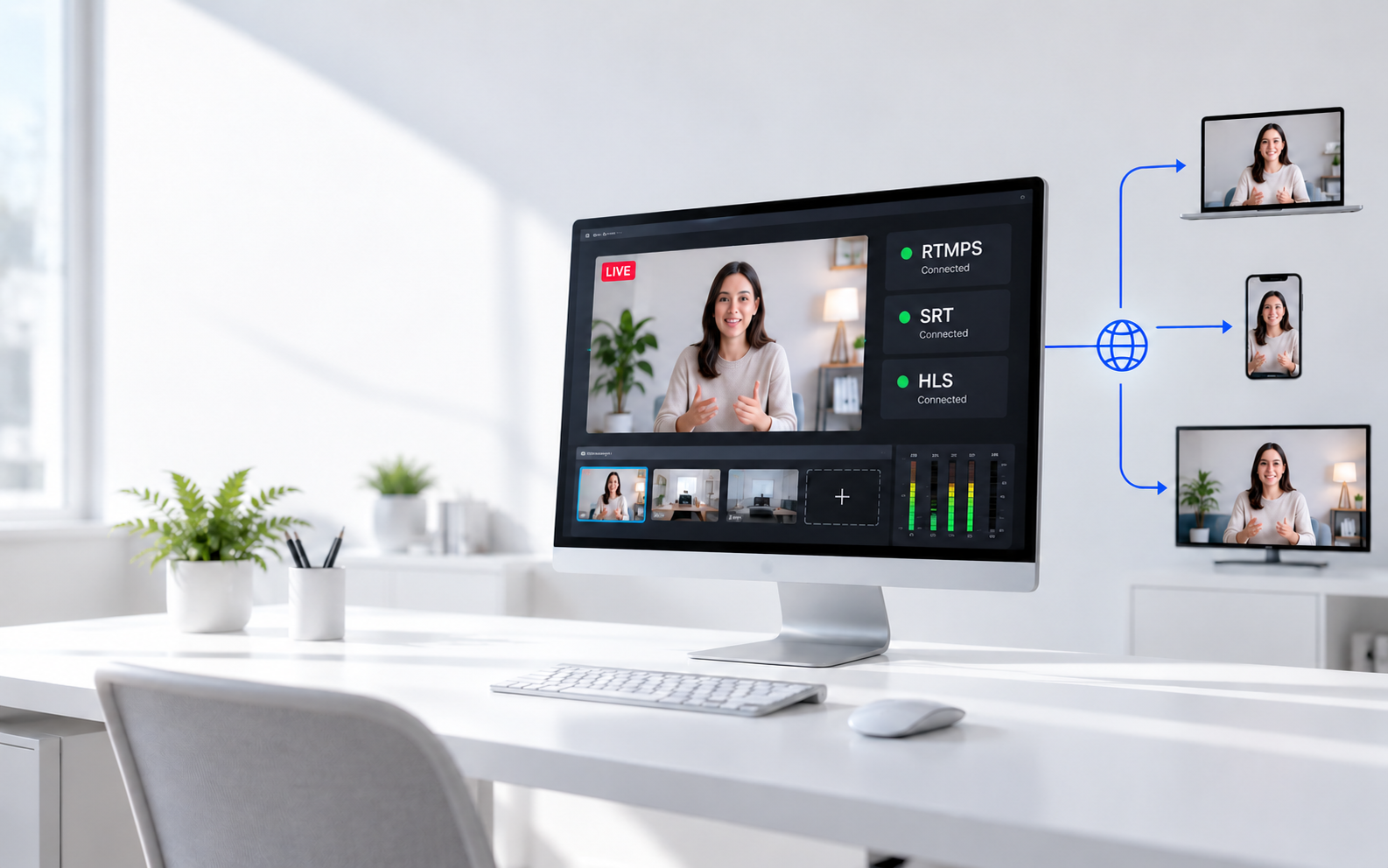
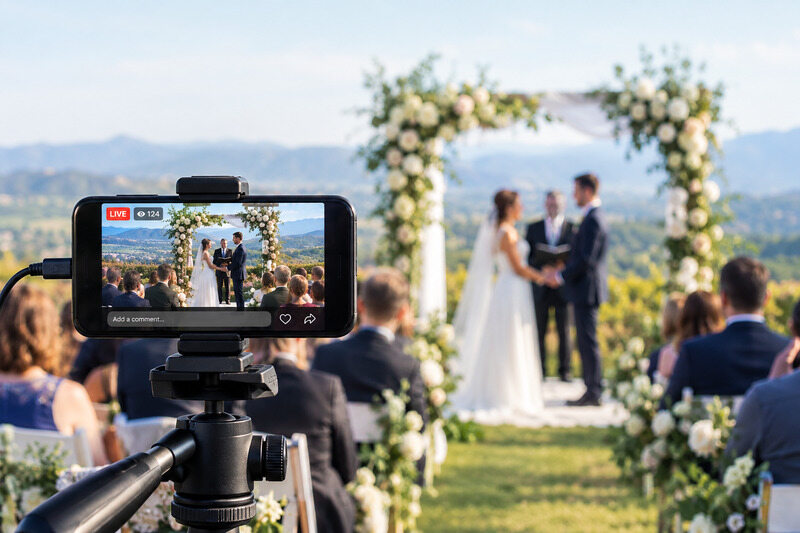
If you're a gamer, content creator, or marketer, a video switcher can help you create smoother and more professional live streams. It lets you switch between cameras, media sources, and computers without interrupting your broadcast, making it easier to stream on platforms like YouTube, Twitch, and Facebook. In this guide, we'll introduce 8 of the best video switchers for live streaming.
Part 1: What Is a Video Switcher?
A live video switcher is a device that helps you change the video sources during the live stream. It means you can work with gaming consoles, cameras, laptops, and media players. Video switchers are also available in software form and receive video from several devices.
You can press a button or use a touchscreen to switch between video sources with video switchers for live streaming. Many switchers also let you add graphics, text, transitions, and audio controls before sending the final video to your streaming platform.
Part 2: Best 8 Video Switchers for Live Streaming
Choosing the right video switcher depends on your production needs, budget, and level of experience. In this section, we've reviewed 8 of the best options for beginners, professionals, mobile creators, and others.
Comparison Table
| Product | Video Standard | Outputs | Recording Format | Network Connectivity |
Video Processing |
Price |
|---|---|---|---|---|---|---|
|
Blackmagic ATEM Mini Extreme ISO G2 |
1080p@60fps | 3 × HDMI, 2 × USB-C, Thunderbolt | H.264 (.MP4), ISO | 1G & 10G Ethernet | 10-bit 4:2:2 | $2,195 |
|
Blackmagic ATEM Mini Pro |
1080p@60fps | 1 × HDMI, USB-C | H.264 (.MP4) | 1G Ethernet | 10-bit 4:2:2 | $345 |
| OBSBOT Talent 2 | True 4K@60fps | HDMI, USB, Ethernet, Wi-Fi | ISO Recording (4 channels) | 2.5Gbps Ethernet, Wi-Fi 6, 5G/Cellular | H.264/H.265 Hardware Encoding | $2,099 |
| Roland VR-6HD | 1080p@60fps | 3 × HDMI, USB-C, Ethernet | H.264 (SDXC) | Ethernet, USB-C | Five-layer Video Engine | $2,749.99 |
| YoloBox Extreme | 4K@60fps | 2 × HDMI, USB-C | 4K ISO (SD Card) | Ethernet, Wi-Fi 7, 4G LTE |
Qualcomm Snapdragon 8 Gen 2 |
$2,249 |
| Datavideo SE-650 | 1080i@50, 59.94, or 60Hz 720p@50, 59.94, or 60Hz |
1 × SDI, 2 × HDMI | MP4 (H.264 + AAC) | Ethernet (Control Only) | 10-bit Video Processing | $1,319 |
| Roland V-8HD | 1080p@60fps | HDMI Program + HDMI Aux | Depends on external device (no built-in recording drive) | USB (Remote Control) | Five-layer Effects Engine | $1,465 |
|
Blackmagic ATEM Television Studio HD8 2TB |
1080p@60fps | 12 × SDI, HDMI, USB-C | H.264 (.MP4), 2TB Internal SSD | 4-Port Gigabit Ethernet | 10-bit 4:2:2 | $4,395 |
1. Best Overall: Blackmagic ATEM Mini Extreme ISO G2

Handling complex live productions becomes much easier with Blackmagic ATEM Mini Extreme ISO G2, which includes professional switching, hardware streaming, ISO recording, and advanced audio controls in one compact unit. Its extensive connectivity and broadcast-grade features make this switcher ATEM Blackmagic well-suited for high-quality multi-camera live streaming across various production environments.
Key Features:
- Eight HDMI inputs support seamless multi-camera live productions
- ISO recording captures all eight inputs for post-production
- Built-in RTMP and SRT streaming eliminates external encoders
- Thunderbolt enables fast playback, recording, and storage workflows
- Ten-gigabit Ethernet accelerates network recording and media transfer
- Four advanced chroma keyers create professional virtual backgrounds
2. Best Budget: Blackmagic ATEM Mini Pro

Affordable live streaming doesn't have to compromise on professional features. With hardware encoding, multi-camera switching, and direct recording, this streaming switcher delivers a streamlined production workflow that suits first-time streamers and experienced creators alike while keeping setup simple and production costs low.
Key Features:
- Four HDMI inputs simplify affordable multi-camera live productions
- Built-in hardware encoder streams directly without additional software
- USB recording enables immediate backup of live broadcasts
- Multiview display monitors cameras, audio, and streaming status
- Fairlight audio mixer delivers professional live sound control
- Integrated chroma key creates polished virtual presentation backgrounds
3. Best All-in-One: OBSBOT Talent 2 Live Streaming Studio
Engineered for creators who need a complete live production solution, OBSBOT Talent 2 features video switching, streaming, recording, monitoring, and encoding in one compact device. Its portable design, extensive connectivity, and integrated production tools make it an excellent choice for multi-camera live streaming without requiring a dedicated computer.
Key Features:
- Supports Massive Multi-Source Input: Switch between up to 16 video inputs, including 4 HDMI, 2 USB, and up to 10 network (NDI/SRT/RTSP/RTMP) sources connecting cameras, computers, and IP video sources.
- True 4K Multi-Platform Streaming: Live stream at up to 4K to up to 4 platforms simultaneously — YouTube, Twitch, custom RTMP destinations, and more — over 2.5Gbps Ethernet, Wi-Fi 6, or 5G cellular (SIM slot or dongle).
- Built-In Production Tools: PIP, chroma key, lower thirds, scoreboard, countdown timers, and an integrated audio mixer for broadcast-style live streams from a single device.
- Smart Auto Switching: Sequential, random, and audio-follow switching modes reduce manual camera cuts, letting a single operator run a full multi-camera show.
- OBSBOT Camera Integration: Supports PTZ, AI Tracking, and preset control for up to 3 connected OBSBOT cameras, with synchronized ISO recording of up to 4 isolated feeds.
4. Best for Professionals: Roland VR-6HD

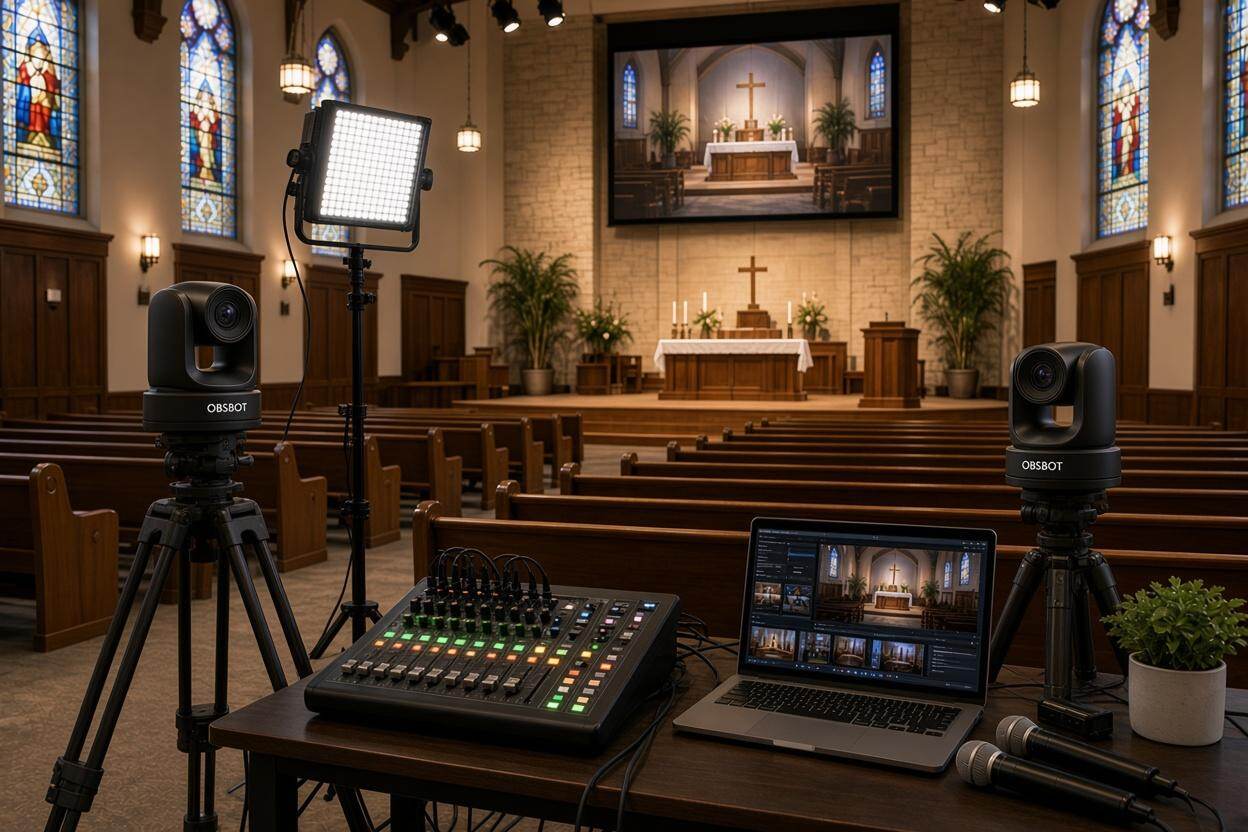
Managing worship services becomes far more efficient when video switching, audio mixing, streaming, and recording are handled from a single stream switcher. The Roland VR-6HD is purpose-built for this workflow, offering reliable operation, intuitive controls, and powerful automation that help small volunteer teams deliver polished live church broadcasts.
Key Features:
- 6 HDMI inputs simplify multi-camera worship service coverage
- Dual 1080p@60 streams reach multiple online audiences simultaneously
- Twenty-eight-channel mixer ensures balanced speech and music audio
- PTZ camera control reduces staffing during live productions
- Adaptive bitrate streaming maintains stable broadcasts over changing networks
- Scene memories automate recurring worship service production workflows
5. Best Portable: YoloBox Extreme

Freedom to produce professional live streams anywhere is the biggest advantage of YoloBox Extreme. Combining switching, streaming, recording, monitoring, and replay in a battery-powered unit, this live stream switcher eliminates the need for a laptop while delivering advanced 4K production capabilities for mobile creators, event teams, and outdoor broadcasters.
Key Features:
- Eight HDMI inputs support flexible multi-camera production setups
- Streams and records simultaneously in resolutions up to 4K@60fps
- Six NDI inputs enable efficient wireless IP camera workflows
- Ten-hour battery powers uninterrupted outdoor live streaming sessions
- Dual HDMI outputs provide independent program and multiview monitoring
- Built-in replay creates instant highlights during live sports broadcasts
6. Best for Churches: Datavideo SE-650

Reliable HD video production doesn't always require an expensive broadcast switcher. With the Datavideo SE-650, users can pair SDI and HDMI sources while benefiting from integrated audio mixing, professional video processing, and intuitive controls, making it a practical choice for churches with little to no production teams but need a good switcher for live streaming.
Key Features:
- Dual SDI and HDMI inputs maximize camera compatibility
- Ten-bit video processing preserves accurate broadcast image quality
- Integrated audio mixer simplifies synchronized live sound management
- Dual chroma and luma keyers enhance production creativity
- User memories automate complex switching with one-touch operation
- Assignable Multiview outputs improve real-time production monitoring
7. Best for Sports: Roland V-8HD

Fast-paced productions demand reliable switching, responsive controls, and flexible effects to keep every moment on screen with the help of a live switcher. Those strengths define the Roland V-8HD, which include extensive HDMI connectivity, production automation, and professional audio processing in a compact design that travels easily between sporting events and live venues.
Key Features:
- Eight HDMI inputs accommodate diverse sports camera angles
- Automatic switching reduces workload during fast-moving live events
- Five-layer effects engine creates dynamic broadcast-style presentations
- Eighteen-channel audio mixer delivers synchronized professional event sound
- Preset memories instantly recall complex production scene layouts
- Built-in multiview display streamlines real-time camera monitoring
8. Best IP Workflow: Blackmagic ATEM Television Studio HD8

Professional studios demand a switcher that pairs broadcast-grade reliability, extensive SDI connectivity, integrated recording, and flexible streaming in a single production hub. These capabilities make complex live workflows easier to manage across demanding environments. The Blackmagic ATEM Television Studio HD8 is built precisely for that role if you need a livestream production switcher.
Key Features:
- Eight 3G-SDI inputs support professional broadcast camera workflows
- Built-in 2TB NVMe storage enables standalone program recording
- RTMP and SRT streaming ensure flexible broadcast distribution
- Four advanced chroma keyers create polished virtual productions
- Integrated 58-channel Fairlight mixer delivers broadcast-quality audio control
- Twelve SDI outputs simplify complex multi-display production routing
Part 3: FAQs About Video Switcher for Live Streaming
1. How do I choose a video switcher for live streaming?
Choose a switcher for streaming based on the number of video inputs, supported resolutions, audio controls, and whether you need built-in streaming or recording. Match the features to your current setup and future needs.
2. Can I use a video switcher without a computer?
Yes, Many modern hardware switchers can stream directly to platforms like YouTube and Facebook using an Ethernet connection, so a computer is not required for basic live streaming.
3. What is ISO recording on a video switcher?
ISO recording saves each camera feed as a separate video file while also recording the live program. This lets you edit individual camera angles later without losing quality.
4. How many camera inputs do I need for live streaming?
Two to four inputs are enough for most podcasts, classes, and interviews, while sports, concerts, and large events often require six or more cameras for better coverage.
5. What's the difference between HDMI and SDI video switchers?
HDMI switchers are ideal for home studios and small events because they are affordable. SDI switchers support longer cable runs, secure connections, and are better suited for professional productions.
Conclusion
Choosing the right video switcher for live streaming can improve the quality of your broadcasts and make your production more professional. The best option depends on your budget, the number of video sources you use, and the features you need. Before making a decision, compare important factors like input types, streaming support, portability, and ease of use. Taking the time to understand these features will help you find a solution that fits your workflow today and continues to support your live streaming needs as your content grows.