Twitch Streaming Equipment: Complete Setup Guide for Beginners

Starting a Twitch channel requires more than just creating an account. The right setup can improve your video quality, audio clarity, and overall viewer experience. However, beginners often feel overwhelmed when choosing from different cameras, microphones, lighting, and streaming accessories. The good news is that you don't need expensive gear to begin. Understanding the essential Twitch streaming equipment can help you build a reliable setup based on your content type, budget, and streaming goals. In this guide, we'll explain the Twitch streaming equipment for beginners, including the hardware you need and how to create an effective live streaming setup.
Part 1: Essential Twitch Streaming Equipment for Beginners
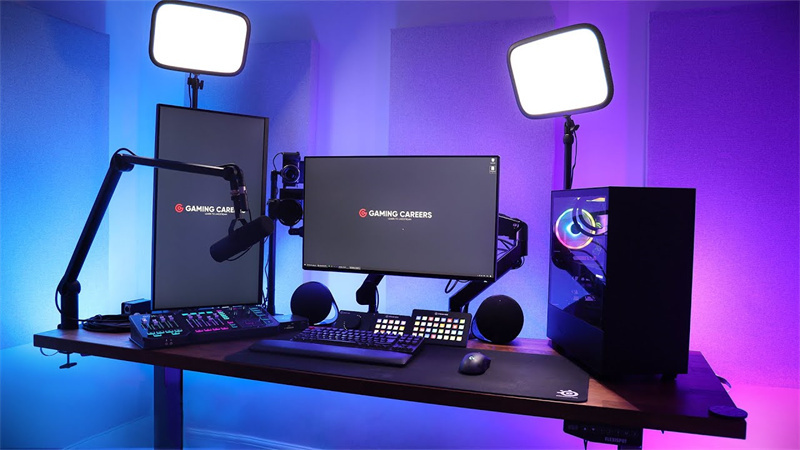
A basic Twitch setup requires a computer, camera, microphone, lighting, and streaming software. These are the core tools that help you create professional-looking streams and communicate clearly with your audience.
1. A Powerful Computer
The computer is the foundation of your Twitch setup. It needs enough processing power to handle your game, streaming software, and other applications at the same time.
For gaming streams, choose a PC with:
- A modern multi-core CPU
- A dedicated GPU
- At least 16GB RAM
- Stable internet connection
If you mainly stream chatting, tutorials, or creative content, you may not need the highest-end hardware.
2. A Webcam or Streaming Camera
A camera allows viewers to see your reactions and creates a stronger connection with your audience. While some beginners start without a camera, adding one can make your stream more engaging.
When choosing a camera, look for:
- 1080p or 4K video quality
- Good low-light performance
- Autofocus capability
- AI tracking features for flexible framing
Finding the best webcam for Twitch depends on your streaming style and budget. A webcam with high image quality, reliable autofocus, and smart tracking features can help creators maintain a professional appearance without constantly adjusting the camera.
Bonus: Best Webcam For Twitch Streaming - OBSBOT Tiny 3 Lite 4K PTZ Webcam
For beginners who want to improve their Twitch stream quality, the OBSBOT Tiny 3 Lite is a great choice. It combines smart tracking, high-quality video, and built-in audio features to help creators build a professional-looking stream with less setup effort.
Unlike traditional webcams that require frequent manual adjustments, Tiny 3 Lite can automatically keep you in the frame, making it ideal for gaming streams, tutorials.
Key Features:
- 4K Video Quality with HDR: Supports up to 4K@30fps video with HDR for clearer details, more accurate colors, and better low-light performance, ensuring smooth and high-quality livestreams.
- AI Tracking and Auto Framing: Keeps you perfectly framed even as you move, letting you stream, play games, or create tutorials naturally without worrying about repositioning your webcam.
- Built-In Intelligent Audio: Captures your voice clearly while reducing background noise, allowing beginners to create better streams without adding extra audio equipment.
- Voice Tracking and Hands-Free Control: Automatically follows the speaker and supports gesture and voice commands, making it easier to control the camera while focusing on your content.
- Easy Setup for Beginners: The compact PTZ design makes it simple to add Tiny 3 Lite to your streaming setup for Twitch and start streaming with minimal adjustments.
3. A Quality Microphone
Audio quality is one of the most important parts of streaming. Viewers may tolerate average video quality, but poor audio can quickly reduce watch time.
Common microphone options include:
- USB microphones: Easy setup for beginners
- XLR microphones: Better customization for advanced creators
- Headset microphones: Convenient for casual streaming
A clear microphone helps your audience hear commentary, reactions, and conversations without background noise.
4. Lighting Equipment
Good lighting improves camera quality and helps your face appear clearer on stream.
Popular lighting options include:
- Ring lights
- LED panels
- Softbox lights
Even a simple lighting setup can make a significant difference, especially when streaming in rooms with limited natural light.
Part 2: How to Set Up Your Twitch Streaming Equipment
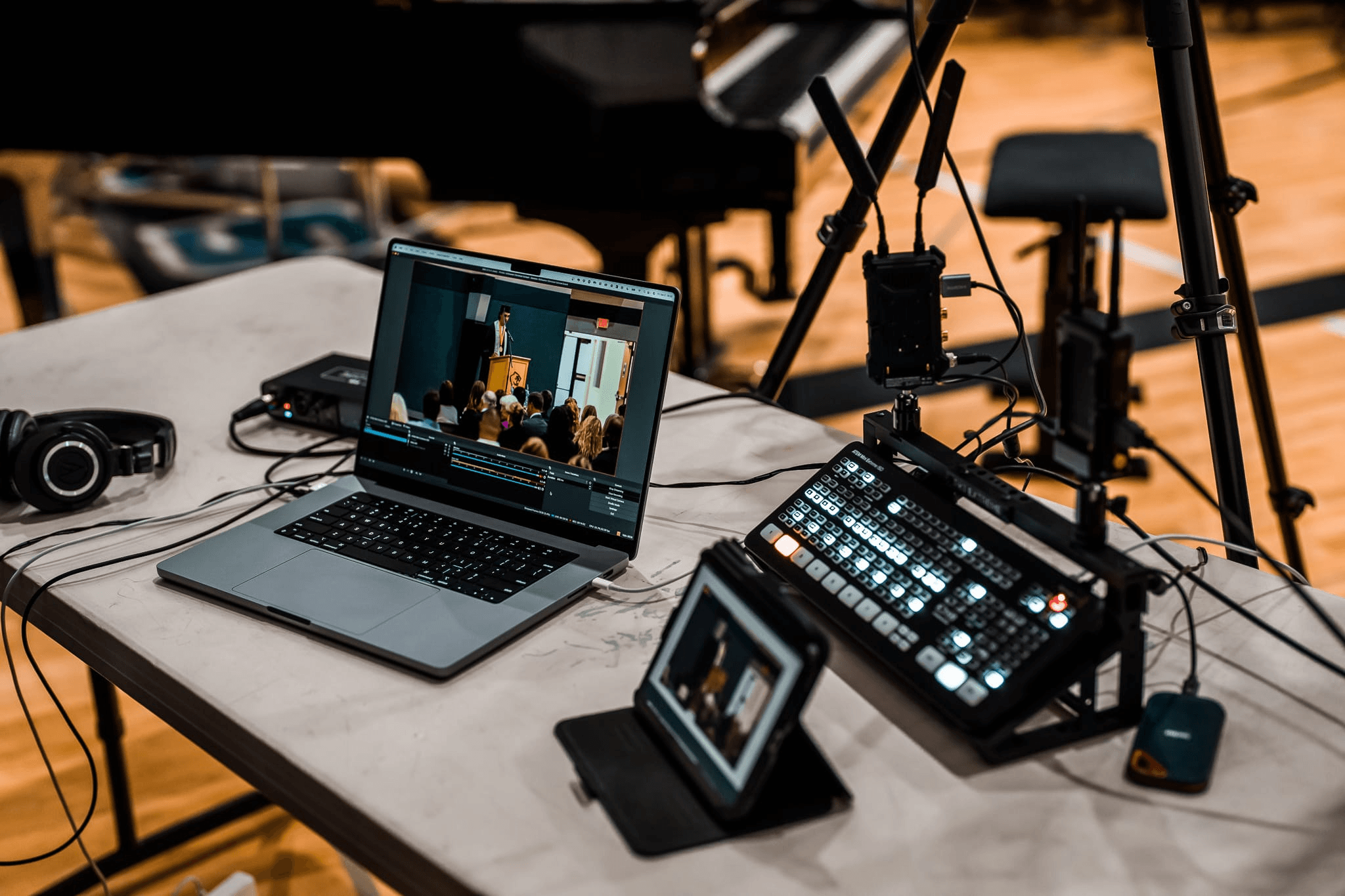
A proper live streaming equipment setup involves connecting your hardware, configuring streaming software, and testing your audio and video before going live.
Step 1: Connect Your Camera and Microphone
Connect your webcam and microphone to your computer using USB or other compatible connections.
After connecting:
- Open your computer settings
- Select your camera as the video source
- Select your microphone as the audio input
- Test your audio levels
Make sure your microphone volume is clear without distortion.
Step 2: Install Streaming Software
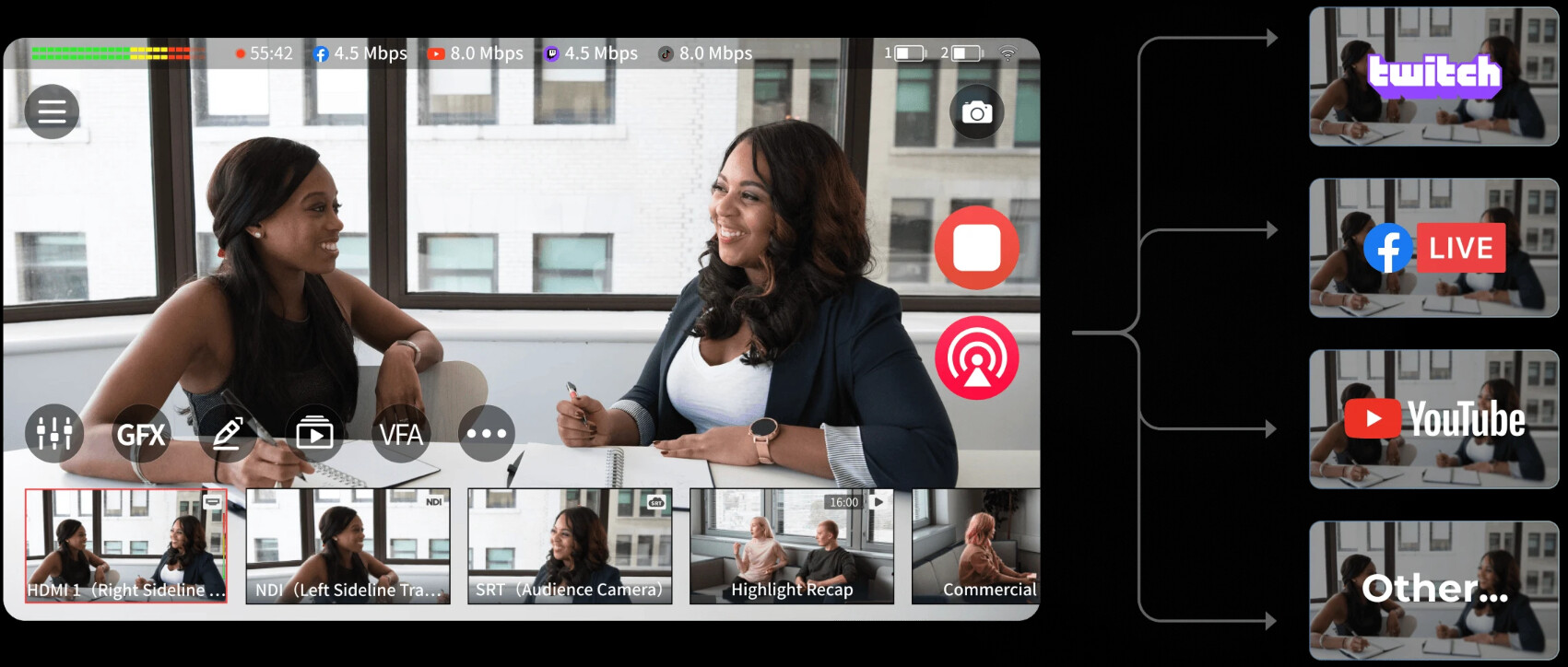
Most Twitch creators use dedicated broadcasting programs such as OBS Studio, Streamlabs, or other Twitch streaming software to manage their livestreams.
These programs allow you to:
- Add your camera feed
- Capture your game screen
- Display alerts and overlays
- Adjust audio sources
- Manage your livestream scenes
Create different scenes for gameplay, chatting, and breaks to make your stream more professional.
Step 3: Adjust Video Settings
Your streaming quality depends on your hardware and internet speed.
Common settings include:
- Resolution: 1080p for most beginners
- Frame rate: 30fps or 60fps depending on content
- Bitrate: Adjust based on your internet connection
Avoid choosing settings that your computer cannot handle, as unstable streams can negatively affect viewer experience.
Step 4: Test Your Complete Setup
Before your first livestream, check your camera angle, microphone quality, game audio levels, and overall stream performance. You should also confirm that your twitch stream key is correctly configured in your streaming software before going live.
Part 3: How to Choose the Best Twitch Streaming Equipment
The best equipment depends on your streaming style, budget, and content type. Beginners should focus on improving the most important parts of their setup first.
Choose Equipment Based on Your Content
Different stream types require different gear. Before purchasing equipment, consider what type of content you plan to create and build a streaming setup for Twitch that matches your needs.
Gaming Streams
Gaming creators usually need:
- Gaming PC or console capture setup
- Webcam
- Microphone
- Headset
- Lighting
For gaming creators, video quality and smooth performance are important because viewers want to clearly see gameplay and streamer reactions.
Just Chatting Streams
For talking streams, prioritize:
- High-quality camera
- Professional microphone
- Good lighting
- Comfortable background setup
A clean background and well-balanced lighting can help create a more professional appearance and improve viewer engagement.
IRL Streaming
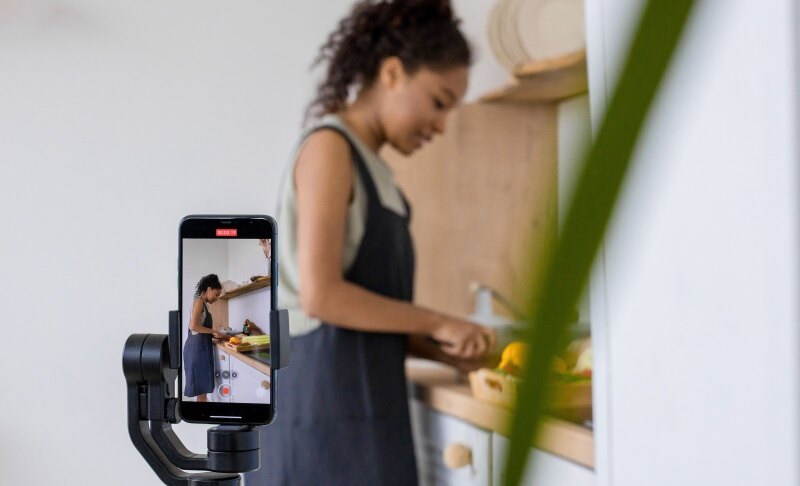
For outdoor content, IRL streaming gear usually focuses on portability, including:
- Compact cameras
- Wireless microphones
- Mobile streaming devices
- Portable power solutions
Upgrade Your Setup Step by Step
You don't need to buy everything immediately. A practical upgrade path is:
- Start with a reliable microphone
- Add a quality webcam
- Improve lighting
- Upgrade your computer or streaming accessories
This approach helps beginners create better streams without spending too much money upfront.
Recommended Beginner Setup
A simple Twitch equipment setup may include:
- Computer capable of running streaming software
- Webcam
- USB microphone
- Headphones
- Basic lighting
- OBS Studio or other streaming software
This setup is enough for most new creators to start building their Twitch channel. As your audience grows, you can gradually upgrade individual components based on your streaming goals.
Part 4: FAQs About Twitch Streaming Equipment
1. What equipment do you need to stream on Twitch?
The basic equipment needed to stream on Twitch includes a computer, microphone, webcam, headphones, stable internet connection, and streaming software. Additional equipment like lighting, capture cards, and stream controllers can improve your setup but are not required for beginners.
2. Can you make $1000 a month on Twitch?
Yes, it is possible to make $1,000 per month on Twitch, but income depends on factors such as viewer count, subscribers, donations, sponsorships, and advertising revenue. Building a consistent audience usually requires regular streaming, engaging content, and strong community interaction.
3. Do you need a camera to stream on Twitch?
No, a camera is not required, but using one can help create a stronger connection with viewers. Many successful streamers use webcams because facial reactions and personal interaction can increase engagement.
4. What is the most important equipment for Twitch streaming?
A microphone is often considered one of the most important pieces of Twitch streaming hardware because viewers need clear audio to enjoy your content. After audio, upgrading your camera and lighting can significantly improve stream quality.
5. How much does a beginner Twitch setup cost?
A beginner Twitch setup can range from a few hundred dollars to over $1,000 depending on the equipment quality. New creators can start with affordable Twitch streaming equipment and upgrade gradually as their channel grows.
Conclusion
Choosing the right Twitch streaming equipment is an important first step for anyone who wants to start livestreaming. A successful setup does not require the most expensive gear; it requires equipment that matches your content style and streaming goals. By focusing on essential items like a microphone, camera, lighting, and reliable computer, beginners can create a professional streaming experience. Whether you are building your first setup or upgrading your existing Twitch equipment, understanding your needs will help you choose the right tools and create better content for your audience.