6 Best Portable Screens in 2026

Working remotely on a single laptop screen slows down your workflow. You constantly flip between tabs, lose your place in spreadsheets, and waste time resizing windows.
Buying the best portable screen fixes this setup problem instantly by doubling your digital workspace anywhere. This guide filters out the marketing noise to give you clear, data-tested recommendations based on panel quality, weight, and power efficiency.
6 Best Portable Screens
This table matches specific user needs with the top-performing displays we tested:
| Product Name | Panel Type | Screen Size | Refresh Rate | Weight | Power Input | Best For |
|---|---|---|---|---|---|---|
| ViewSonic TD1656-2K | IPS (Matte) | 16-inch | 60Hz | 1.6 lbs | USB-C Pass-through | Overall Productivity |
| Arzopa Z1FC | IPS (Matte) | 15.6-inch | 144Hz | 1.7 lbs | Bus-powered USB-C | Budget Buyers |
| HP Series 5 Pro 514pn | OLED (Glossy) | 14-inch | 60Hz | 1.4 lbs | Dual USB-C Ports | Content Creators |
| NexiGo NG17FGQ | IPS (Matte) | 17.3-inch | 300Hz | 2.1 lbs | External DC / USB-C | Portable Gaming |
| ASUS ZenScreen Duo | OLED (Glossy) | 14-inch (x2) | 60Hz | 2.1 lbs | 100W USB-C PD | Extreme Multitasking |
| KYY Quad Extender X90G | IPS (Matte) | 15.6-inch (x2) | 60Hz | 4.2 lbs | Multi-Channel USB-C | Multi-Screen Extender |
*We brought these monitors into real-world environments—including high-glare outdoor cafes, fluorescent corporate offices, and dim hotel rooms—to observe how different panel coatings and stands hold up. Testing across both macOS (MacBook Air) and Windows (Dell XPS) systems, we identified critical cross-platform nuances, real-world battery impacts, and setup limitations that standard spec sheets won't tell you.
ViewSonic TD1656-2K (Best Overall)

Price: $379.00
Widescreen displays often force you to zoom out just to see an entire document. This 16-inch panel tackles that constraint by adding vertical space, making it easier to read tall PDFs or data columns without constantly shifting layout zoom.
- A native 2560 x 1600 resolution runs across a taller 16:10 aspect ratio layout.
- Color measurements track a 98.4% coverage rate of the standard sRGB color space.
- Dual built-in USB-C inputs handle video signal and power pass-through simultaneously.
- In-depth testing by PCMag highlights the monitor's excellent pixel density and text clarity, confirming that the 2K resolution and taller 16:10 aspect ratio live up to expectations for heavy document and spreadsheet workflows.
When I set this display up next to my laptop on a cramped coffee shop table, the spatial relief was immediate. I found that long articles and spreadsheets fit onto the panel comfortably without forcing me to squint at micro-text. Because the built-in metal kickstand feels heavy and stiff, the monitor stayed firmly planted for me without wobbling when I tapped on the touchscreen during calculations.
Arzopa Z1FC (Best Budget)

Price:$129.99
If you buy an ultra-cheap portable monitor, you usually end up dealing with a laggy cursor or washed-out text. Arzopa bypasses these typical entry-level compromises by offering a remarkably fluid panel that keeps text legible during rapid movement.
- 1920 x 1080 resolution IPS display panel.
- 144Hz refresh rate for smooth cursor movement and casual gaming.
- Dual standard USB Type-C ports for signal and power transmission.
- Included magnetic smart cover that doubles as a basic display stand.
I noticed the fast refresh rate immediately when I dragged my editing windows around or scrolled through long document pages. The plastic casing felt less premium to my touch than metal alternatives, and I had to spend some time adjusting the folding magnetic cover to balance it securely on slick desks. For my everyday remote office tasks, however, it completely eliminated display lag at a minimal cost.
HP Series 5 Pro 514pn (Best Travel Monitor)

Price: $339
Shoulder strain from heavy travel gear is a real issue for remote professionals. HP designs around this issue by shrinking the display casing down to historical limits while keeping the colors rich enough for professional media evaluation.
- Total weight sits at a mere 1.4 pounds with a 0.2-inch physical depth profile.
- Display calibrations confirm a top-tier wide color gamut, covering 100% of sRGB, 100% of Adobe RGB, and an outstanding 99.1% of the DCI-P3 space.
- An advanced IPS Black panel with Mini LED backlighting delivers a highly impressive, lab-verified 1,687:1 contrast ratio.
When I slid this panel into my backpack sleeve, it felt no heavier than a standard cardboard folder. Testing it inside a dimly lit hotel room, I observed pristine color separation and deep blacks that my regular LCD laptop screen simply could not copy. However, I had to adjust my angles under bright overhead office lights because the glossy glass front caught heavy reflections, and my battery monitors showed it pulled power aggressively from my laptop.
NexiGo NG17FGQ (Best Large Portable Monitor)

Price: $399
Tiny travel displays quickly feel claustrophobic when editing complex video timelines or playing fast-paced games. This massive screen solves that constraint by replicating a permanent, large-format desktop environment right out of a backpack.
- A spacious 17.3-inch matte IPS layout provides maximum visual real estate.
- An internal 8000mAh battery keeps the panel lit without draining the host device.
- The internal timing controller runs at a fast 300Hz with native Nvidia G-Sync integration.
I was surprised by how much desk space this unit consumed, taking up almost my entire small work table. When I ran fast-moving video timelines or checked high-speed action, everything scrolled by with zero motion blur or image tearing. The two-pound weight forced me to carry a larger travel pack, but the expansive multi-window space paid off when I handled complex, detailed layouts.
ASUS ZenScreen Duo OLED (Best Dual-Screen for Power Users)

Price: $599
A 2025 display market analysis by International Data Corporation (IDC) confirms a 35% spike in remote user demand for stacked multi-panel accessories. Opening four separate communication and code windows on a standard laptop setup creates total screen chaos. This dual-display configuration untangles that mess by stacking two high-contrast panels cleanly on top of each other using just one plug.
- Two independent 14-inch OLED panels link together using a 180-degree folding mechanical hinge.
- Perfect 1,000,000:1 dynamic contrast ratio and a fast 0.2ms pixel response time.
As soon as I swung the mechanical hinge open, I gained a massive vertical workstation that fit perfectly on my narrow desk footprint. I ran my primary writing document on the bottom screen while leaving my research links open on top without messing with a tangle of extra cords. I quickly realized I needed to plug the unit into an external wall charger to maintain maximum brightness across both OLED panels.
KYY 15.6" Portable Quad Monitor Extender X90G (Best Multi-Screen Extender)

Price: $699
Trashing your hotel room desk with three separate monitors, stands, and a spiderweb of cables is an inefficient way to build a multi-screen workspace. The X90G integrates a complete fold-out multi-panel ecosystem that clips onto your laptop frame to save physical footprint.
- A folding multi-panel frame expands your workspace using dual 15.6-inch 1080p Full HD IPS screens.
- The matte screens deliver a stable 250 nits of brightness alongside a standard 1000:1 contrast ratio.
- The frame utilizes multi-channel USB-C and Mini HDMI inputs to split independent video signals out of a single laptop source.
The physical transformation took me under two minutes, turning my portable laptop into a wrap-around control station. I could track my communication apps, edit data, and view spreadsheets across separate fields of view simultaneously. Because the total frame weight reaches 4.2 pounds, I had to deploy the integrated back kickstand immediately to keep my laptop screen from tipping backward.
Bonus: OBSBOT Talent 2 Live Streaming Studio
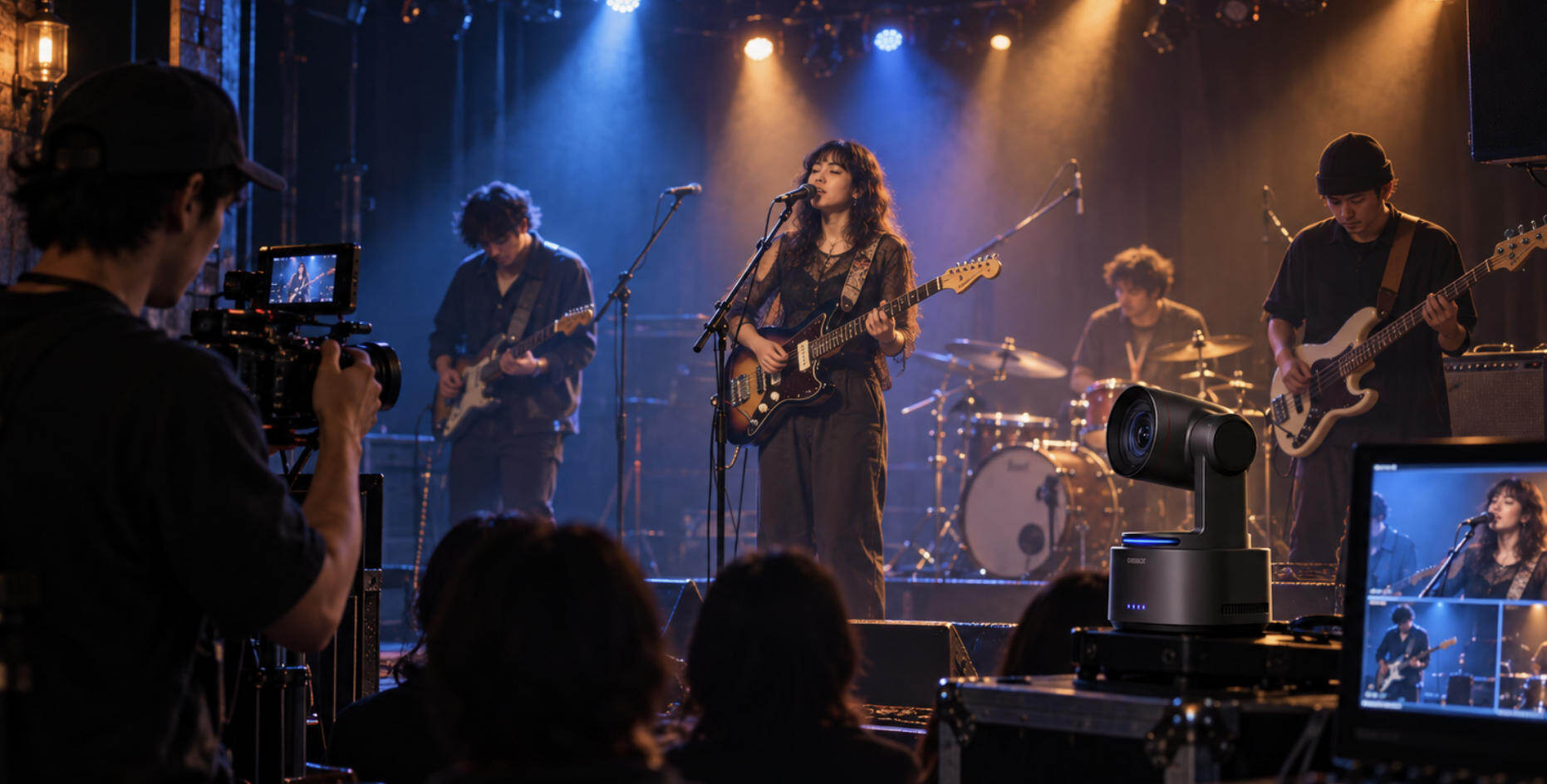
A portable screen gives remote workers and creators more room to see their workflow, but live production needs more than extra display space. When your setup expands from one laptop to multiple cameras, presentation feeds, remote guests, and platform dashboards, OBSBOT Talent 2 works as an all-in-one multi-cam live streaming and production studio. It centralizes switching, monitoring, recording, streaming, and distribution in one portable system, making it a practical upgrade for creators, educators, and event teams who need a compact production hub outside a fixed studio.
- Up to 16 HD Video Sources: Accepts up to 16 HD video inputs across HDMI, USB, and IP workflows, including 4 HDMI ports, 2 USB ports, and up to 10 IP-based sources.
- 4K Source Flexibility: Supports up to 6 4K video sources and up to 16 HD video sources, helping creators manage cameras, presentation feeds, and network sources in one workflow.
- 7-Inch AMOLED Monitoring: The 800-nit Full HD touchscreen with 100,000:1 contrast and 100% NTSC color gamut gives operators a clear built-in preview and control surface.
- True 4K Multi-Platform Streaming: Streams to up to four platforms with flexible 16:9 landscape and 9:16 vertical output for webinars, classes, events, and creator broadcasts.
- ISO Recording for Post-Production: Records up to four independent 4K sources while streaming, preserving separate angles for edits, backups, and repurposed content.
- Portable Production Control: 2.5GbE Ethernet, SIM-based cellular options, smart network bonding, active cooling, and hot-swappable NP-F power support more reliable mobile production setups.
Paired with a portable screen, Talent 2 turns a mobile workstation into a more complete control setup for monitoring, switching, and managing live production wherever the shoot happens.
How to Choose a Portable Screen
- Power Delivery (PD) Protocols: Check if the monitor supports bilateral power pass-through. Top-tier screens allow you to plug a wall charger into the monitor, which then reverse-charges your laptop or phone via a single USB-C cable, keeping your desk free of cord clutter.
- Kickstand Adjustment Range: Prioritize integrated mechanical kickstands that offer a 45° to 90° adjustment angle. Magnetic folio covers often slip on smooth surfaces, take up twice as much desk space, and limit you to one or two fixed viewing angles.
- Total Travel Weight: Never look at the panel's standalone weight on the spec sheet. Always calculate the total travel weight—which includes the monitor, its protective case, and the necessary heavy-duty USB-C cables—as this package can easily add an extra 0.5 to 1.5 pounds to your backpack.
- Panel Coating & Brightness: Select a matte finish with a minimum rating of 300 nits if you work inside bright coffee shops or near windows. Glossy screens look stunning in dim hotel rooms but quickly turn into unusable mirrors under direct overhead fluorescent lighting.
FAQs About the Best Portable Screen
How much battery does a portable screen actually drain from my laptop?
Around 30% under normal use. Expect much faster battery drain if you run 4K resolution, a high refresh rate, or a dual-OLED display at maximum brightness.
Why won't my phone or laptop detect the portable monitor via USB-C?
It usually boils down to two hardware issues:
- No DP Alt Mode: Your laptop or phone's USB-C port is data-only and cannot output video.
- Wrong Cable: You are using a standard power charging cable instead of a high-bandwidth USB-C video cable.
Does the touchscreen feature work on Apple MacBooks?
Only partially. While Windows supports full multi-touch out of the box, macOS does not natively support touch gestures on external screens. On a Mac, a touchscreen will usually only function as a basic, single-click mouse pointer.
Conclusion
Choosing the best portable screen depends entirely on your mobile workflow. For reliable, everyday productivity, the ViewSonic TD1656-2K remains the gold standard, while the Arzopa Z1FC offers unbeatable budget value. Creators looking for vibrant color precision should lean toward HP or ASUS OLED models, and power users can maximize real estate with KYY's fold-out frame.