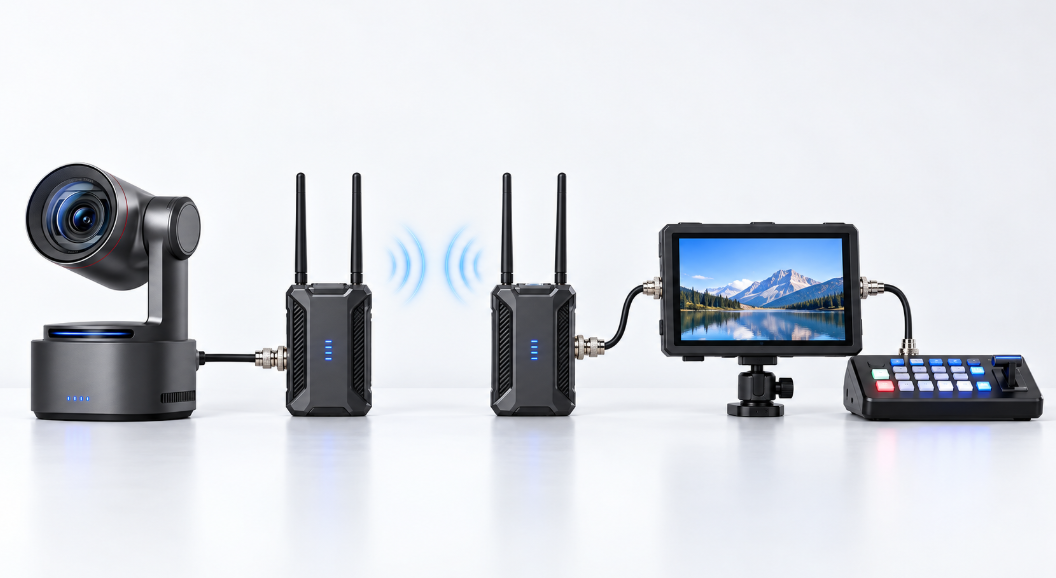
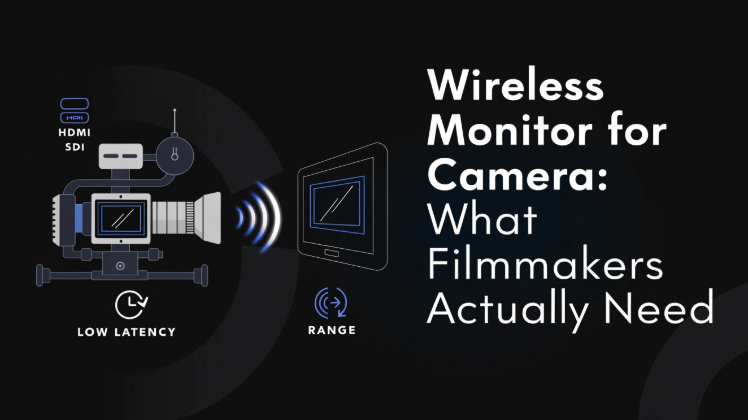
A wireless monitor for camera sends the camera's live picture to another screen without running a long video cable across the set. It helps directors, camera operators, focus pullers, lighting teams, and clients see the shot while the camera moves freely.
This guide focuses on film and video production monitors. It explains the main configurations, compares four practical products, and shows which specifications matter during an actual shoot.
Quick answer: Choose an integrated wireless monitor for a compact crew, a separate transmitter-and-receiver system for flexible professional rigs, or phone monitoring when portability and cost matter most.
What Is a Wireless Monitor for Camera?
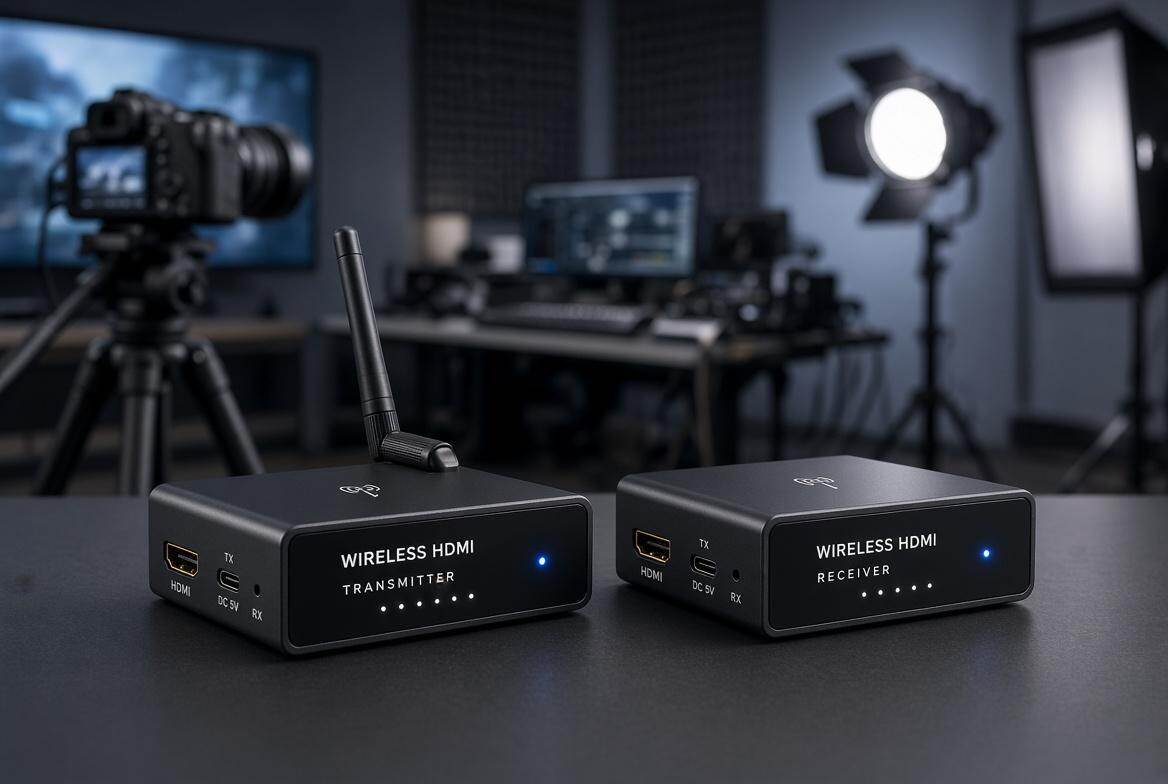
A wireless camera monitoring system sends video from the camera to a nearby monitor over a dedicated wireless connection. The camera normally connects to a transmitter through HDMI or SDI. A receiver then delivers the image to a monitor, or the receiver may already be built into the monitor.
There are three common configurations:
1. Integrated Wireless Monitor
The monitor can work as a wireless receiver, and some models can also act as a transmitter. This keeps a handheld or director-monitor setup compact.
Example: two Mars M1 monitors paired together.
2. Separate Transmitter, Receiver, and Monitor
The transmitter connects to the camera, the receiver sits beside the monitor, and each component can be upgraded independently. This is common on commercial and broadcast productions.
Example: a Teradek receiver feeding a SmallHD monitor.
3. Phone or Tablet Monitoring
A compatible transmitter sends the image to an iOS or Android app. It is inexpensive and portable, although phone brightness, notifications, battery life, and Wi-Fi interference make it less predictable than a dedicated monitor.
Example: HollyView displaying the transmitter feed on a phone.
A wireless camera with monitor may describe any of these configurations. Check whether the package contains both a transmitter and receiver.
4 Wireless Camera Monitors for Video Production
| Product | Screen | Wireless Range | Claimed Latency | Video Connections | Price |
|---|---|---|---|---|---|
| Hollyland Mars M1 Enhanced | 5.5 inches, 1,000 nits | Up to 450 ft / 150 m | About 80 ms | HDMI and 3G-SDI | $399 |
| Accsoon CineView M7 Pro | 7 inches, 1,000 nits | Up to 1,150 ft / 350 m | About 60 ms | HDMI 2.0 and 3G-SDI | $899 |
| Hollyland Pyro 7 | 7 inches, 1,200 nits | Up to 1,300 ft / 400 m | About 60 ms | HDMI and 3G-SDI | $599 |
| DJI High-Bright Remote Monitor | 7 inches, 1,500 nits | Up to 20,000 ft / 6 km | About 68 ms | HDMI input; SDI/HDMI output with expansion accessories | $1,699 |
1. Hollyland Mars M1 Enhanced
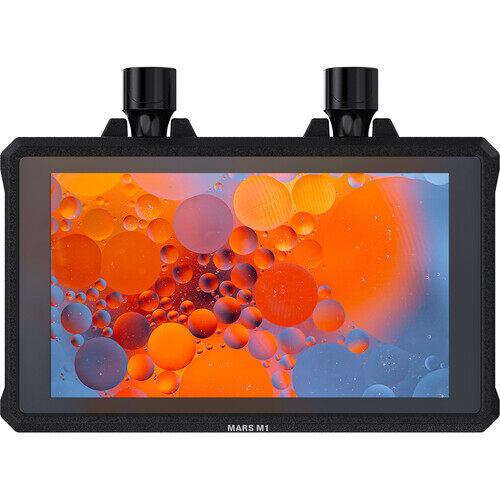
The Mars M1 Enhanced combines a 5.5-inch camera monitor screen with wireless transmitting and receiving. One unit can sit on the camera while a second unit becomes a director monitor, reducing the number of separate boxes and cables on a small production.
Its 1,000-nit screen is comfortable indoors and usable outdoors with a sun hood. Focus peaking, waveform, false color, LUT support, zebras, and frame markers cover the monitoring tools required for interviews, corporate videos, music sessions, and small commercial shoots.
In practice, it simplifies compact rigs and director viewing, though strong sunlight and critical focus remain its weak points.
Best scenarios: Corporate interviews and cameras mounted in difficult positions.
Limitation: Its approximately 80 ms latency is acceptable for framing and director review, but it is less suitable for precise focus pulling during fast movement.
2. Accsoon CineView M7 Pro
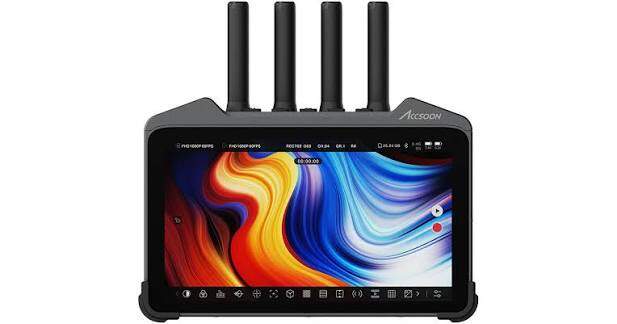
The CineView M7 Pro combines a larger 7-inch display with HDMI, SDI, wireless receiving, recording, streaming, and professional image-analysis tools. The extra screen area makes focus and framing easier to judge than on a typical 5-inch monitor.
Its long wireless range suits productions where the director, camera, and video village cannot remain close together. Support for 4K video input also makes it useful with modern mirrorless and cinema cameras.
People using M7 Pro feel highly versatile after setup, but firmware learning, fan behavior, and focus-pulling latency deserve attention.
Best scenarios: Indoor commercial shoots and small crews needing one adaptable monitor.
Limitation: The 1,000-nit panel may still require a hood in direct midday sun, and its feature-rich interface takes time to configure.
3. Hollyland Pyro 7
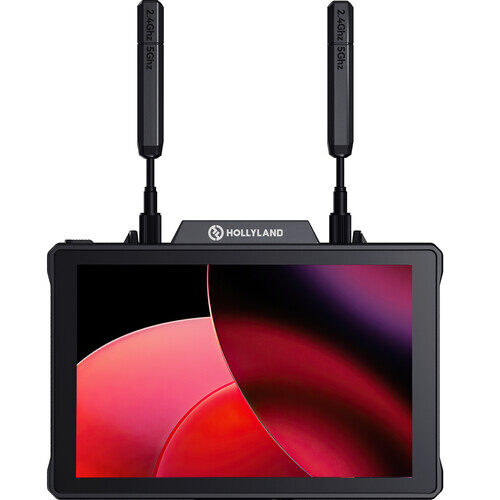
The Pyro 7 is designed for crews that need to distribute one camera feed to several people. Its broadcast mode supports a one-transmitter-to-four-receiver arrangement, allowing the director, focus puller, lighting team, and client to monitor the same camera simultaneously.
The 7-inch, 1,200-nit display is easier to use outdoors than a standard 500-nit monitor. HDMI and SDI connections also make it practical for mirrorless cameras, cinema cameras, switchers, and existing production monitors.
Users praised its stability when using on set, distributing a stable picture to several departments without building separate viewing stations.
Best scenarios: Multi-department sets and outdoor event production.
Limitation: A 7-inch monitor is relatively large for a lightweight mirrorless rig, so it often works better as a director or focus monitor.
4. DJI High-Bright Remote Monitor
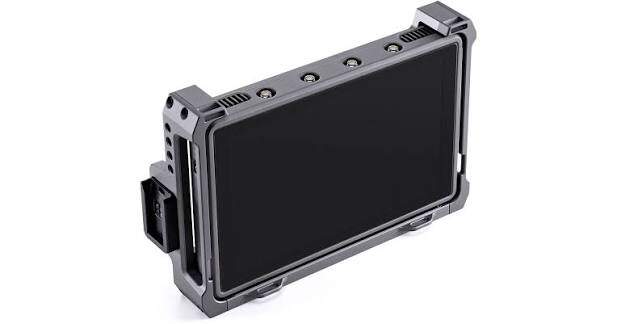
The DJI High-Bright Remote Monitor is part of the DJI Transmission ecosystem. Its 7-inch, 1,500-nit touchscreen combines long-range monitoring with camera, gimbal, and focus-control options supported by compatible DJI equipment.
The High-Bright Remote Monitor works with the DJI Video Transmitter, Ronin 4D Video Transmitter, and Inspire 3. Review the DJI Transmission compatibility FAQ before purchasing, especially if the production also uses Ronin, Master Wheels, or third-party cameras.
In production, the bright screen and integrated control reduce rig clutter, though proprietary accessories raise the total cost.
Best scenarios: Ronin 4D productions and long-range commercial camera operation.
Limitation: The monitor is most valuable inside the DJI production ecosystem. Some output and mounting workflows require additional accessories.
How to Choose a Wireless Camera Monitor
Latency
Latency is the delay between an event happening in front of the camera and appearing on the monitor.
For sports, remote camera movement, or rapidly changing stage action, aim for less than 50 ms of end-to-end latency. Critical focus pulling is better served by a system below 20 ms or one described as near-zero latency. Systems around 60–80 ms remain suitable for framing, lighting checks, interviews, and director review.
Screen Size
- 4–5 inches: Suitable for gimbals, compact cages, handheld rigs, and operators who prioritize low weight.
- 5–5.5 inches: A practical balance for mirrorless cameras, solo operators, and small production rigs.
- 7 inches: Better for directors, focus pullers, field production, and checking detail from a short distance.
- 10–13 inches: Common at video village or client stations, normally using a separate wireless receiver and production monitor.
Brightness
- 500–800 nits: Suitable for indoor studios, controlled lighting, or shaded locations.
- Around 1,000 nits: Usable for general outdoor production, especially with a sun hood.
- 1,500–2,000 nits: A better choice for daylight exteriors, events, sports, and mobile camera crews.
- 2,500–3,000+ nits: Intended for demanding direct-sun monitoring, although higher brightness increases heat and power use.
HDMI or SDI
HDMI is common on mirrorless cameras and lower-cost systems. SDI uses locking connectors, supports long cable runs, and is less likely to disconnect when the camera moves. A monitor with both connections is easier to move between small camera rigs and professional production systems.
Number of Viewers
Start by counting how many people need an independent screen. A commercial set may provide separate feeds for the director, focus puller, lighting department, and client.
For one camera watched by these four departments, plan for one transmitter and four receivers or wireless monitor units—not four complete transmitter-and-receiver pairs. If four cameras must be monitored separately, the production normally needs four transmitters plus receivers, a multiview switcher, or a central video-distribution station.
Monitoring Tools
A useful monitor does more than display the picture. Check which tools are included and where they help:
- Focus peaking: Highlights sharp edges when following moving subjects, using manual lenses, or shooting with shallow depth of field.
- False color: Quickly identifies overexposed highlights, underexposed shadows, and suitable skin-tone exposure during interviews.
- Waveform: Useful when lighting a scene, matching several cameras, or keeping bright windows from clipping.
- LUT preview: Converts a flat Log image into a normal-looking preview for the director and client without changing the recorded file.
- Anamorphic desqueeze: Displays the correct image proportions when shooting with anamorphic lenses.
Power and Mounting
Check battery type, runtime, DC input, USB-C power options, and whether batteries can be changed while the system remains active. Also include the weight of the monitor, receiver, battery, antennas, cage, and mounting arm when judging whether a setup belongs on the camera or at a separate viewing station.
How to Connect a Camera to a Wireless Monitor
- Connect the transmitter to the camera. Use HDMI or SDI, then match the camera's output resolution and frame rate to formats supported by the transmitter.
- Power the transmitter and monitor. Install charged batteries or connect regulated external power.
- Set the monitor to receiver mode. Integrated transceiver monitors may require manually choosing TX or RX mode.
- Pair the transmitter and receiver. Select the same channel or pairing group. Use automatic channel scanning when several wireless systems are working nearby.
- Confirm the image format. Check resolution, frame rate, aspect ratio, color, and whether the monitor is receiving embedded audio.
- Load monitoring tools. Add the correct LUT, set false-color or zebra thresholds, and enable the required frame guide.
- Perform a range and latency test. Walk the planned route, place crew members between the units, and test the system with all production wireless equipment switched on.
- Secure every cable and antenna. Use strain relief on HDMI cables and keep antennas clear of metal cages, batteries, and the operator's body.
Frequently Asked Questions
Do I need both a transmitter and receiver?
Yes, unless one or both functions are built into the equipment. An integrated wireless monitor may contain a receiver, while some transceiver monitors can switch between transmitting and receiving.
Can I use my phone as a wireless camera monitor?
Yes, when the video transmitter supports a compatible monitoring app. For example, HollyView receives feeds from supported Hollyland Mars and Pyro products, while Accsoon SEE works with compatible Accsoon transmitters. Connect the phone to the transmitter's Wi-Fi network, open the matching app, and select the live feed.
Phone monitoring is useful for a client, producer, or secondary viewer. A dedicated monitor remains more dependable for focus, exposure, and long sessions.
Do I need a 4K wireless monitor?
Not necessarily. A 1080p monitoring feed can provide enough detail for framing and focus, even when the camera records in 4K or higher. More important factors include screen resolution, latency, color accuracy, focus tools, and wireless reliability.
Can I use a wireless monitor for focus pulling?
Yes, but choose a system with low end-to-end latency, reliable focus peaking, and enough screen resolution to judge fine detail. For demanding action or shallow-focus cinema work, target less than 20 ms or use a near-zero-latency production system.
Is wireless camera control the same as wireless video monitoring?
No. Wireless control changes camera settings, while wireless video monitoring sends the live image to another screen.
What causes a wireless monitor signal to drop?
Common causes include people blocking the antennas, metal structures, crowded Wi-Fi channels, poor antenna orientation, excessive distance, and several wireless systems using nearby frequencies.
Conclusion
The right wireless monitor for camera depends on who needs to see the image and how quickly they must react. Compact crews benefit from an integrated monitor, commercial sets need reliable multi-receiver distribution, and phone monitoring works well for occasional secondary viewing. Compare real latency, brightness, receiver capacity, monitoring tools, and total rig weight before choosing a system.