6 Best SDI PTZ Cameras for Live Production in 2026
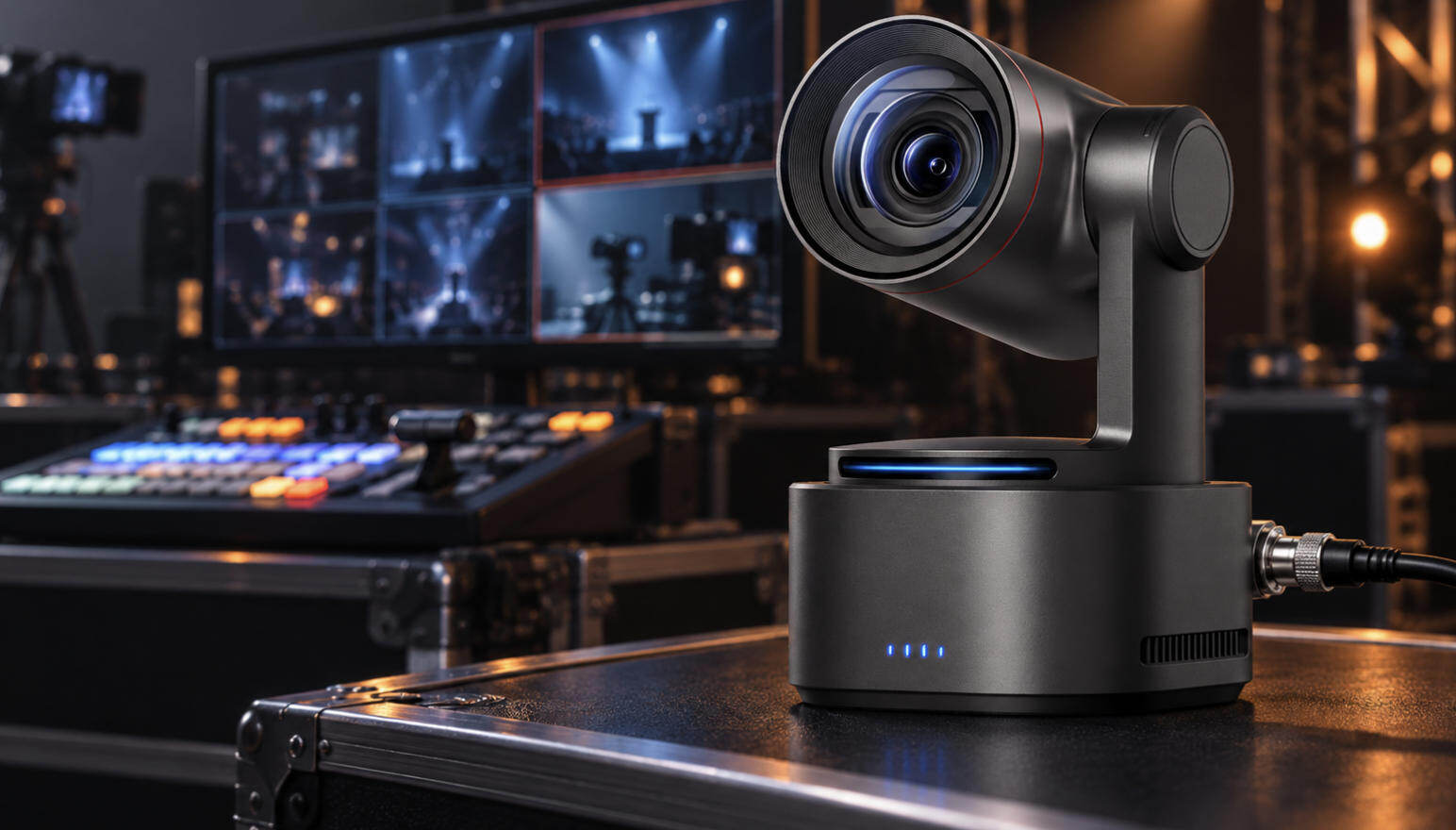
A 4K label on a PTZ camera does not necessarily mean that its SDI port outputs 4K. Some models record or transmit 4K through HDMI and IP while limiting 3G-SDI to 1080p. That detail matters when you are connecting cameras to an SDI switcher, recorder, or capture device.
The right SDI PTZ camera should match your required SDI resolution, shooting distance, lighting, control system, and production budget. This guide compares six current options and explains how to build a dependable workflow around them.
6 Best SDI PTZ Cameras for Live Production in 2026
Start by comparing the output of the SDI port, not only the maximum resolution advertised for the camera. The following table separates maximum SDI output from sensor resolution and other headline specifications.
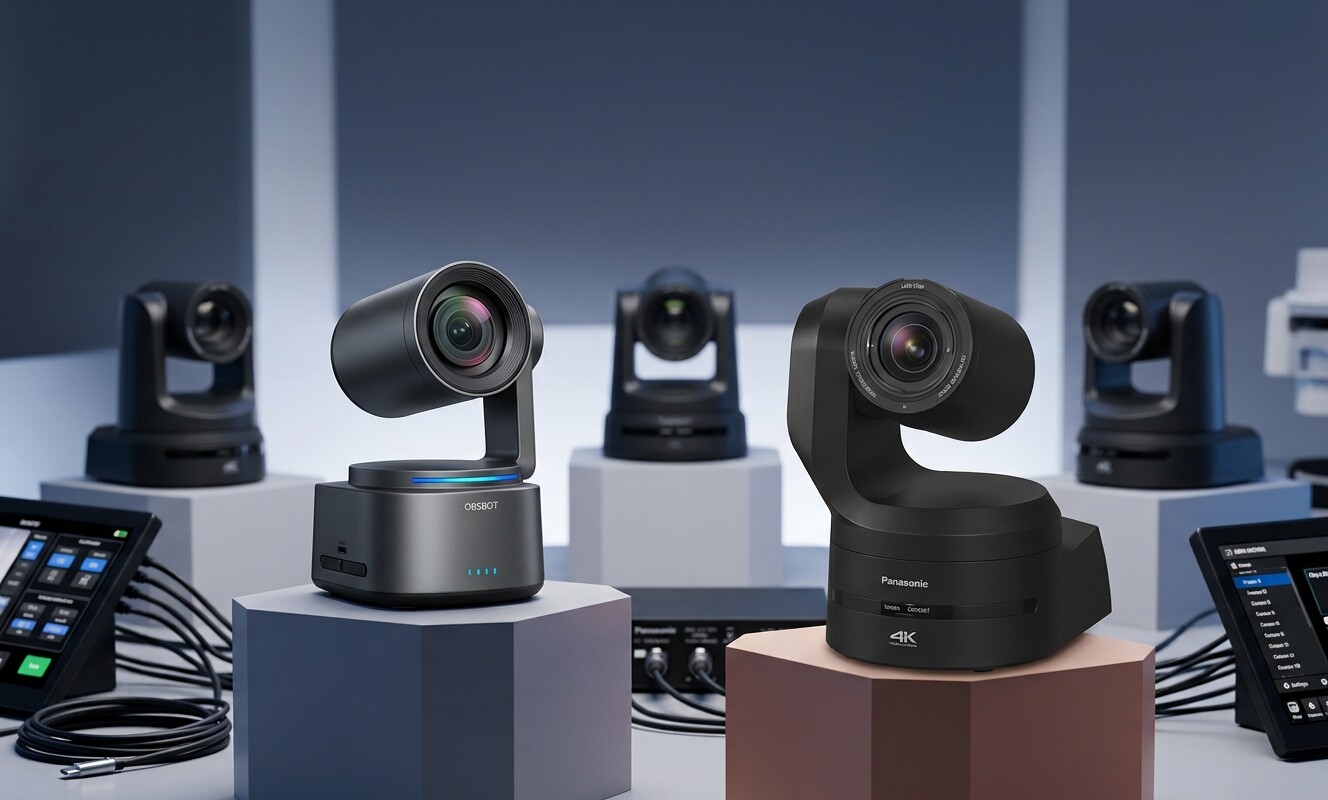
| Product | Maximum SDI Output | Optical Zoom | Sensor | Tracking | Price (Only for reference) |
|---|---|---|---|---|---|
| OBSBOT Tail 2 | 1080p60, 3G-SDI | 5x | 1/1.5-inch CMOS | Built-in AI tracking | $1,199 |
| PTZOptics Move 4K 20X | 1080p60, 3G-SDI | 20x | 1/1.8-inch CMOS | Built-in auto-tracking | $2,349 |
| Canon CR-N300 | 1080p60, 3G-SDI | 20x | 1/2.3-inch CMOS | Auto Tracking Lite | $2,699 |
| Sony SRG-A40 | 1080p60, 3G-SDI | 20x | 1/2.5-inch CMOS | Built-in AI framing | $3,195 |
| AIDA Imaging PTZ-X20-IP | 1080p60, 3G-SDI | 20x | 1/2.5-inch CMOS | No built-in AI tracking | $1,090 |
| Panasonic AW-UE160 | 4K60, 12G-SDI | 20x | 1-inch MOS | Tracking ecosystem available | $12,473 |
1. OBSBOT Tail 2
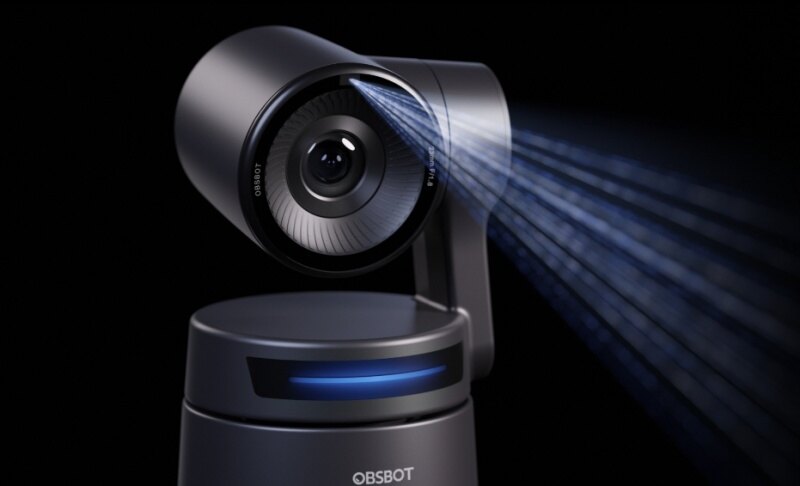
The OBSBOT Tail 2 makes sense for small production teams that want automated subject tracking without giving up a conventional SDI connection. Its 5x optical zoom is better suited to studios, stages, classrooms and medium-distance event positions than to a camera installed at the back of a very large auditorium.
- 3G-SDI output: Sends video at up to 1080p60 to a compatible switcher, recorder or capture device.
- 1/1.5-inch sensor: Provides a useful balance between detail and low-light performance for indoor events and stages.
- 5x optical zoom: Moves from a wide environmental shot to a tighter speaker or performer shot without relying entirely on digital cropping.
- AI Tracking 2.0: Supports people, groups, animals and objects, reducing the amount of manual camera operation required.
- Flexible production connections: Adds HDMI 2.0, Ethernet with PoE+, USB 3.0 and RS-232 alongside SDI.
OBSBOT Tail 2 can capture 4K60 and provide 4K through supported HDMI or IP workflows, but its 3G-SDI output tops out at 1080p60. It also has no integrated microphone, so a complete production still needs an external audio source or mixer.
2. PTZOptics Move 4K 20X
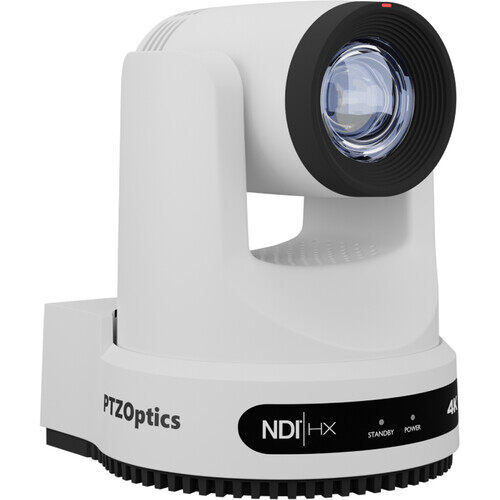
The Move 4K 20X provides the reach that Tail 2 lacks. Its 20x optical zoom can frame a presenter, worship leader or lecturer from farther back in a midsize auditorium while built-in auto-tracking reduces the need for a dedicated operator.
- 1/1.8-inch UHD CMOS sensor
- 20x optical zoom with Presenter-Lock auto-tracking
- HDMI, 3G-SDI, USB, IP and native NDI HX3 connectivity
- PoE+, RS-232 and RS-485 control support
- Browser-based Horizon control and camera automation
The key limitation is again the SDI format: the camera can produce 4K60 through HDMI and IP, but its 3G-SDI output is limited to 1080p60. That is fine for a 1080p hardware switcher, but buyers planning a complete 4K SDI system will need a 12G-SDI model instead.
3. Canon CR-N300
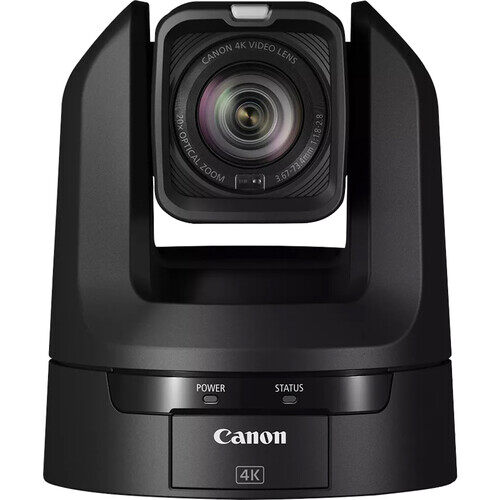
The Canon CR-N300 combines a versatile 20x lens with Canon color processing and Hybrid AF. It fits productions that mix PTZ cameras with other Canon cameras, or environments where reliable focus and natural-looking skin tones matter more than advanced subject-recognition modes.
- 20x optical zoom with optical image stabilization
- Hybrid autofocus combining phase-detection and contrast AF
- 3G-SDI, HDMI, USB, IP, NDI HX2 and SRT support
- PoE+ and RS-422 control
- Built-in Auto Tracking Lite functionality
The CR-N300 captures up to 4K30, but Canon specifies Full HD output for its SDI connection. Selecting 4K HDMI output can also affect simultaneous SDI availability, so integrators should confirm the required output combination before installation. Its 1/2.3-inch sensor is versatile, although demanding low-light stages may benefit from a larger-sensor model.
4. Sony SRG-A40
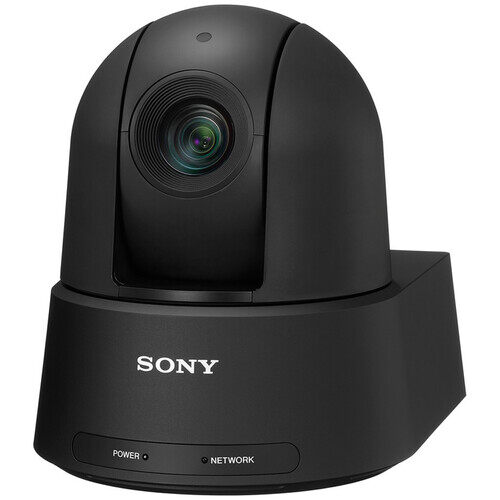
The Sony SRG-A40 is built around automatic framing rather than simple face-following. Full-body, waist and close-up framing modes make it useful for lectures, presentations and corporate events where one person moves across a stage and the production needs consistent compositions.
- 20x optical zoom
- Up to 30x Clear Image Zoom in 4K and 40x in Full HD
- Built-in AI analytics for automatic framing
- HDMI, 3G-SDI and IP output
- VISCA, VISCA over IP and PoE++ support
The camera can output UHD 4K through HDMI and IP, while the 3G-SDI connection reaches 1080p60. It also lacks USB UVC output, so teams that regularly connect a camera directly to a conferencing computer will need an SDI, HDMI or IP capture path.
5. AIDA Imaging PTZ-X20-IP
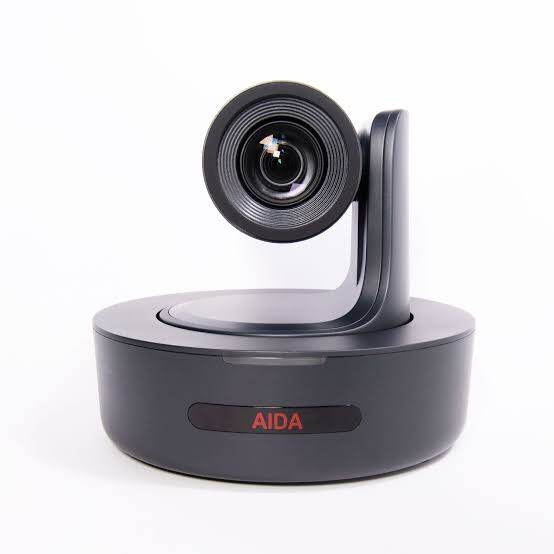
The AIDA Imaging PTZ-X20-IP takes a more traditional approach. It is a practical choice when the production is staying at 1080p and an operator will control framing through presets, software or a joystick. The camera can send simultaneous SDI, HDMI, USB and IP outputs, which helps when one signal goes to a switcher and another is needed for recording or monitoring.
- 1080p60 video over 3G-SDI
- 20x optical zoom
- 4:2:2 10-bit color output
- Up to 128 positions through serial control
- VISCA, RS-232, RTSP and RTMP support
It does not provide the built-in AI subject tracking found on several newer alternatives, and it has no 4K mode. In exchange, it offers a clear Full HD workflow without requiring the buyer to pay for 4K capabilities that a 1080p switcher cannot use.
6. Panasonic AW-UE160
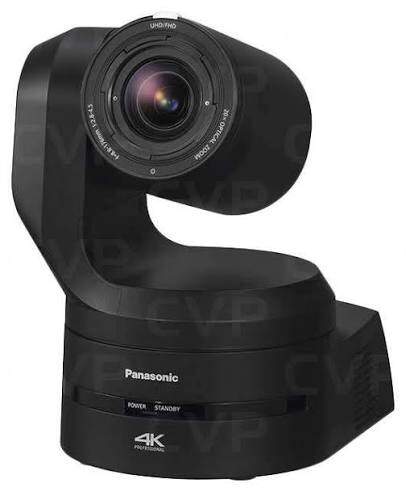
The Panasonic AW-UE160 moves into a different production class. Its 12G-SDI output can carry UHD 4K60 through a single BNC connection, making it suitable for broadcasters, major venues, concert productions and studios building a genuine end-to-end 4K SDI system.
- 1-inch MOS sensor with phase-detection autofocus
- 20x optical zoom and a 75.1-degree wide field of view
- UHD 4K60 output through 12G-SDI
- Additional 3G-SDI, HDMI, optical fiber and IP connections
- High-bandwidth NDI, NDI HX, SRT, RTMP and optional ST 2110 integration
The large sensor and professional connectivity are valuable under difficult stage lighting and in mixed broadcast systems. The tradeoff is cost and complexity: this camera is difficult to justify for a small church, classroom or single-computer stream that will ultimately be delivered at 1080p.
How to Choose an SDI PTZ Camera
The correct camera is determined by the complete signal path. Before comparing extra features, write down the resolution accepted by your switcher, the distance from the camera to the subject and how the camera will be controlled.
Check the Maximum SDI Output
A camera may have a 4K sensor and still provide only Full HD through its SDI connector. This is common on cameras equipped with 3G-SDI. If the production requires 4K60 through a single BNC cable, look for a camera with 12G-SDI and verify that every downstream device also accepts 12G-SDI.
Match Optical Zoom to the Room
Optical zoom should be chosen according to mounting position, not simply by buying the largest number available.
- 5x optical zoom: Suitable for studios, classrooms, small stages and cameras positioned relatively close to the subject.
- 12x optical zoom: A flexible middle ground for conference rooms, lecture spaces and smaller worship venues.
- 20x optical zoom: Useful when the camera sits toward the rear of a midsize auditorium or sanctuary.
- 30x optical zoom: Better suited to large rooms, distant stages and tightly framed shots from rear installations.
A long zoom does not automatically improve the image. At the telephoto end, camera vibration, focus errors, heat shimmer and weak lighting become easier to see. A stable mount and deliberate movement settings are essential.
Consider Sensor Size and Lighting
A larger sensor generally collects more light and can produce a cleaner image under difficult conditions, but lens aperture, processing and exposure settings also matter. Bright classrooms and conference rooms can work well with smaller sensors. Concert stages, dark churches and venues with strong contrast deserve closer attention to low-light performance, HDR and autofocus behavior.
Decide How Much Automation You Need
Built-in tracking can reduce staffing requirements, but different systems solve different problems. A lecturer walking predictably across a stage may only need reliable human tracking. A busy event with several people may require target selection, group framing or the ability to switch quickly between tracking and manual presets.
When possible, check whether the camera can recover after temporary obstruction, ignore other people crossing the frame and hold the selected composition without constant zoom changes.
Plan the Control and Power Connections
In most installations, the SDI cable carries video and embedded audio but does not provide PTZ control or camera power. Control commonly travels through Ethernet, RS-232 or RS-422. Power comes from an adapter or a supported PoE connection.
Before installation, confirm:
- The camera's control protocol matches the joystick or software.
- The network switch supplies the correct PoE class.
- The chosen outputs can operate simultaneously.
- The switcher accepts the camera's resolution and frame rate.
- The mounting location leaves access for power, Ethernet and BNC cabling.
Build a Reliable SDI PTZ Workflow
An SDI camera is only one part of the production chain. The cable, switcher, controller, power system and audio path must be planned together.
Software-Based Livestream
A basic software workflow can use the following path:
SDI PTZ camera → SDI capture device → production computer → streaming software
Connect the camera to the capture device with 75-ohm coaxial cable and locking BNC connectors. Add a separate Ethernet or serial connection for PTZ control. If the camera supports PoE+, Ethernet may also provide power even though the main video travels through SDI.
Hardware Switcher Production
A multi-camera event usually follows this path:
PTZ cameras → SDI switcher → recorder or encoder → streaming platform or venue display
Set every camera and switcher input to compatible frame rates before the event. A 1080p59.94 camera feeding a switcher configured for 1080p29.97 may produce no signal or require conversion. Test every cable at the final format rather than assuming that a cable working at a lower data rate will remain reliable at a higher one.
Hybrid SDI and IP System
A hybrid workflow uses SDI for the primary program feed while Ethernet handles control, PoE and an optional IP or NDI feed. This provides a familiar baseband video connection while preserving network-based flexibility.
For example:
- Send SDI to the main hardware switcher.
- Use Ethernet for PTZ control and power.
- Send an IP stream to a remote monitor or backup recorder.
- Use HDMI locally for setup or confidence monitoring when supported.
When building more than one angle, assign every camera a specific job before wiring the system. The OBSBOT guide to multi-camera live streaming provides additional advice on camera roles, switching and source organization.
Equipment Checklist
- SDI PTZ camera and suitable mounting hardware
- 75-ohm coaxial cable rated for the required SDI format and distance
- BNC connectors or properly terminated SDI cables
- SDI switcher, monitor, recorder or capture device
- Ethernet, RS-232 or RS-422 control connection
- Compatible PTZ controller or control software
- AC power supply or correct PoE network switch
- External microphone, audio mixer or venue audio feed
- Backup cable and tested camera presets
SDI vs. NDI vs. HDMI: Which Connection Should You Use?
Choose the connection according to the infrastructure you already have and the distance the signal must travel. Many current PTZ cameras support more than one connection, so the decision does not always need to be exclusive.
| Connection | Use It When | Main Tradeoff | PTZ Control |
|---|---|---|---|
| SDI | You need locking BNC connections and a dependable feed into a hardware switcher. | Usually requires separate control and power connections. | Normally Ethernet or serial |
| NDI/IP | You want video, control and potentially power on network infrastructure. | Depends on network capacity, configuration and compression. | Through the network |
| HDMI | The camera is close to a display, recorder, capture device or compact switcher. | Standard connectors are less secure and practical cable runs are shorter. | Separate connection |
| Hybrid | You want SDI for the main feed and Ethernet for control, PoE or backup video. | Requires more planning and cable management. | Usually Ethernet or serial |
SDI remains attractive when a venue already owns an SDI switcher and has coaxial cable installed. NDI becomes more appealing when cameras need to be discovered, controlled and routed over a network. If network video is unfamiliar, start with this explanation of how an NDI camera works.
For many productions, the most flexible choice is a camera that supports both SDI and IP. The director can keep the reliable SDI program path while using the network for control, monitoring or a future NDI workflow.
FAQs About SDI PTZ Cameras
Can an SDI PTZ camera output 4K?
Yes, but only when the camera and its SDI connection support an appropriate 4K format such as 12G-SDI. A camera with a 4K sensor and 3G-SDI may limit SDI output to 1080p while providing 4K through HDMI or IP.
What is the difference between 3G-SDI and 12G-SDI?
3G-SDI is commonly used for Full HD formats up to 1080p60. 12G-SDI provides enough bandwidth for formats such as UHD 4K60 through one compatible BNC connection. The camera, cable, switcher and recorder must all support the chosen standard.
Does SDI carry audio?
SDI can carry embedded digital audio together with video. The camera still needs an audio source, such as a microphone input, line-level feed or external mixer. Confirm how many channels the camera and receiving device support.
Can an SDI cable control a PTZ camera?
Not in a typical PTZ installation. Plan to control the camera through Ethernet, RS-232, RS-422 or another supported interface. Some integrated broadcast systems may offer additional functionality, but it should not be assumed.
Can a PTZ camera use SDI and NDI at the same time?
Some models support simultaneous SDI and network outputs, but the available resolution, frame rate and output combinations vary. Check the product manual before designing a workflow around simultaneous feeds.
What optical zoom is suitable for a church or auditorium?
A small venue with a camera near the stage may only need 5x to 12x optical zoom. A rear-mounted camera in a midsize sanctuary often benefits from 20x, while large auditoriums may require 30x or more. Confirm the camera position and desired close-up framing before choosing.
Conclusion
The right SDI PTZ camera depends on what must leave the SDI port, how far the camera sits from the subject and how the production will control it. A 1080p system may gain more from reliable tracking and suitable optical zoom than from a 4K label. A true 4K SDI workflow, however, requires 12G-SDI throughout the signal chain. Verify these details before buying, then select the model that fits the real room and production process.