What Is a PTZ Camera? [Complete Guide]
PTZ stands for pan, tilt, and zoom. A PTZ camera can move horizontally, vertically, and closer to or farther from a subject through remote control or software.
That flexibility matters when one camera needs to cover several views. A classroom may need to show the teacher and whiteboard, while a live stream may need wide, medium, and close-up shots. This guide explains where PTZ cameras are used, how they differ from CCTV and IP cameras, and when their advantages are worth the extra setup.
What Is a PTZ Camera?
A PTZ camera is a remotely controlled camera with three main functions:
| Function | What It Does | When It Matters Most |
|---|---|---|
| Pan | Moves the camera from left to right. | Useful when the subject moves across a stage, classroom, or event space. |
| Tilt | Moves the camera up and down. | Useful when the camera must switch between a standing presenter, audience, stage, or elevated subject. |
| Zoom | Changes the framing to show a wider or closer view. | Important when the camera is installed far from the speaker or performer. |
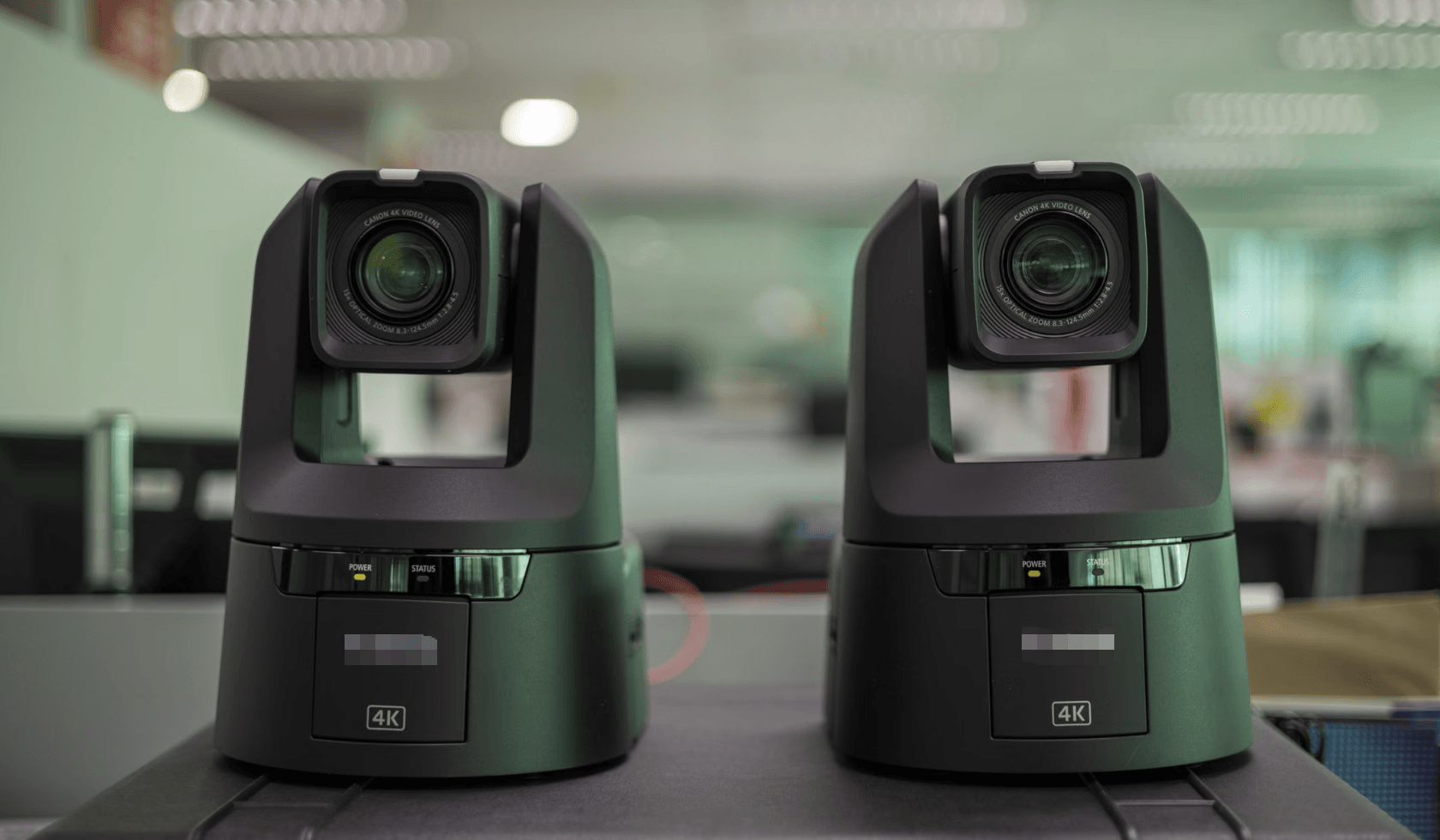
Most mechanical PTZ cameras physically move the camera head and lens. You can control them with a remote, joystick, computer software, network controller, or saved position presets.
For example, a camera operator can save one preset for a wide stage view and another for a speaker close-up. During a live production, switching between those views is faster than manually moving a tripod or repositioning a fixed camera.
Where Are PTZ Cameras Used?
PTZ cameras are most useful when one camera needs to cover several views or operate without a dedicated camera operator.
| Use Case | Why PTZ Helps | What to Prioritize |
|---|---|---|
| Live streaming | One operator can move between wide shots, presenter views, and close-ups. | Tracking, presets, low latency, and streaming outputs. |
| Classrooms | The camera can show a teacher, whiteboard, or guest speaker. | Quiet movement, wide coverage, and reliable autofocus. |
| Churches and events | Presets make recurring stage and speaker shots easier to reproduce. | Optical zoom, low-light performance, and remote control. |
| Corporate production | Remote operation supports presentations, conferences, and hybrid events. | HDMI, SDI, USB, IP control, and integration with the existing system. |
| Security monitoring | The camera can scan a wide area and zoom in on specific activity. | Night vision, weather protection, analytics, and security software support. |
The Best PTZ Camera for Solo Creators and Live Streaming - OBSBOT Tail Air
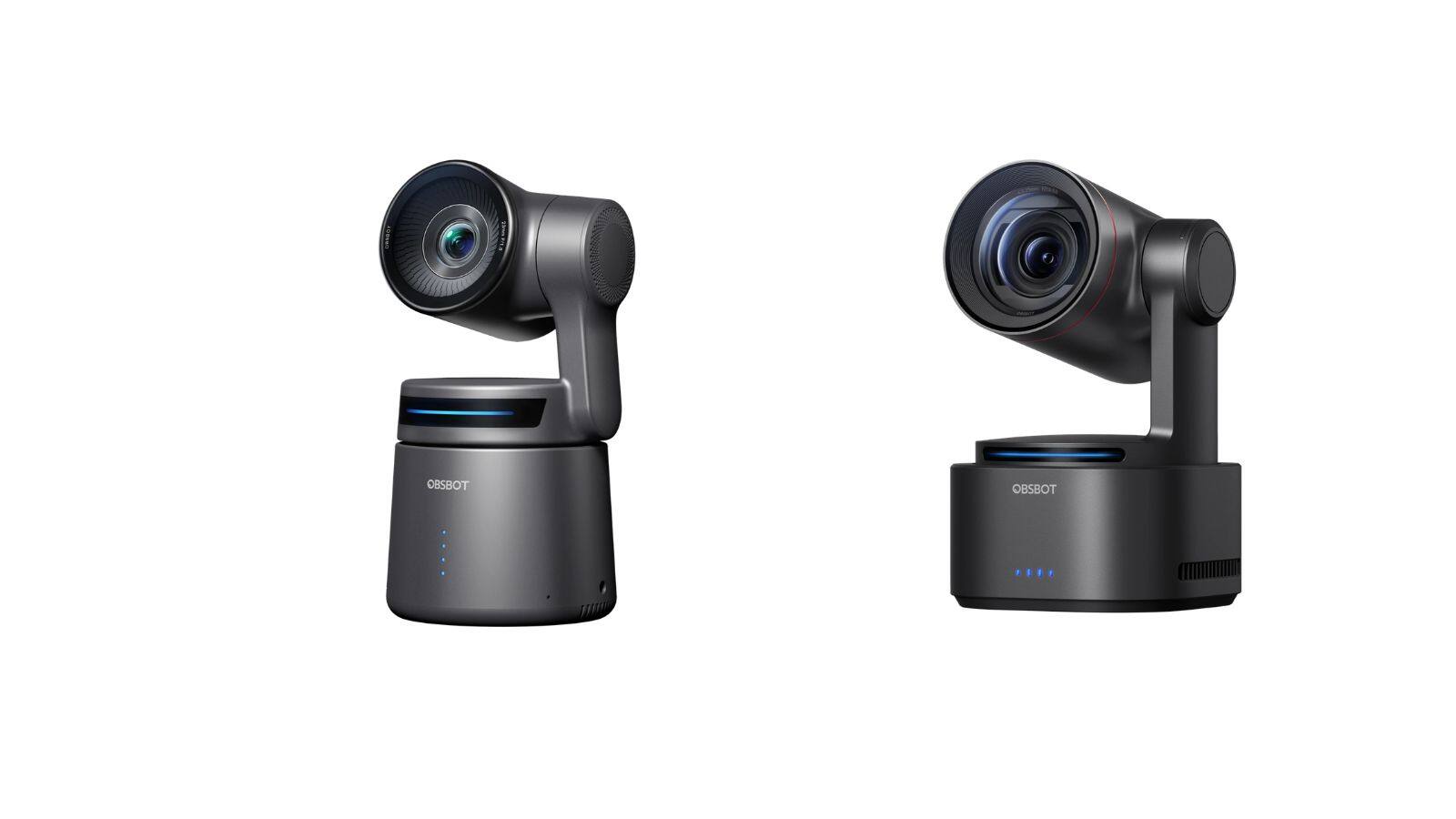
For a solo creator, a PTZ camera can reduce the need for a camera operator during tutorials, interviews, cooking videos, and live streams. The OBSBOT Tail Air combines 4K video, AI tracking, PTZ control, and network streaming features in a portable setup.
It does not guarantee more views or better engagement, but it can make recurring recording and live production easier to manage.
Useful features for creator workflows:
- 4K video: Provides detailed footage for tutorials, interviews, and live streams.
- AI tracking: Keeps a moving presenter or subject in frame.
- PTZ control: Allows wide, medium, and close-up framing from one camera position.
- Network streaming: Supports Wi-Fi, Ethernet with an adapter, NDI, RTMP, and RTSP workflows.
- Multicamera control: Smart Remote can manage up to three Tail Air cameras.
PTZ, CCTV, and IP Cameras: What's the Difference?
PTZ, CCTV, and IP describe different parts of a camera system. They are not always separate camera categories.
- PTZ describes how the camera moves.
- CCTV describes a closed-circuit surveillance system or security use case.
- IP describes how the camera sends video and control data over a network.
| Term | What It Describes | Typical Example |
|---|---|---|
| PTZ camera | A camera that can pan, tilt, and zoom remotely. | A camera that follows a speaker during a presentation. |
| CCTV camera | A camera used in a closed-circuit security or surveillance system. | A camera connected to a security recorder in a store or parking lot. |
| IP camera | A camera that sends video and control data through a network. | A network camera accessed through Ethernet or Wi-Fi. |
These descriptions can overlap. A security system may use an IP PTZ camera, while a production PTZ camera may use IP protocols for live streaming without being a security camera.
For example, if you need to monitor a parking lot, security features such as night vision and motion detection matter more than broadcast outputs. If you need to stream a stage performance, SDI, HDMI, NDI, frame rate, and low-light image quality matter more than security analytics.
Advantages and Disadvantages of PTZ Cameras
Advantages
- Remote framing: Change the camera angle without physically moving the camera, which is useful when it is mounted high or far from the operator.
- Multiple saved views: Presets make it easy to switch between wide, medium, and close-up shots during a presentation or live event.
- Reduced staffing needs: One operator can manage several cameras from a control desk.
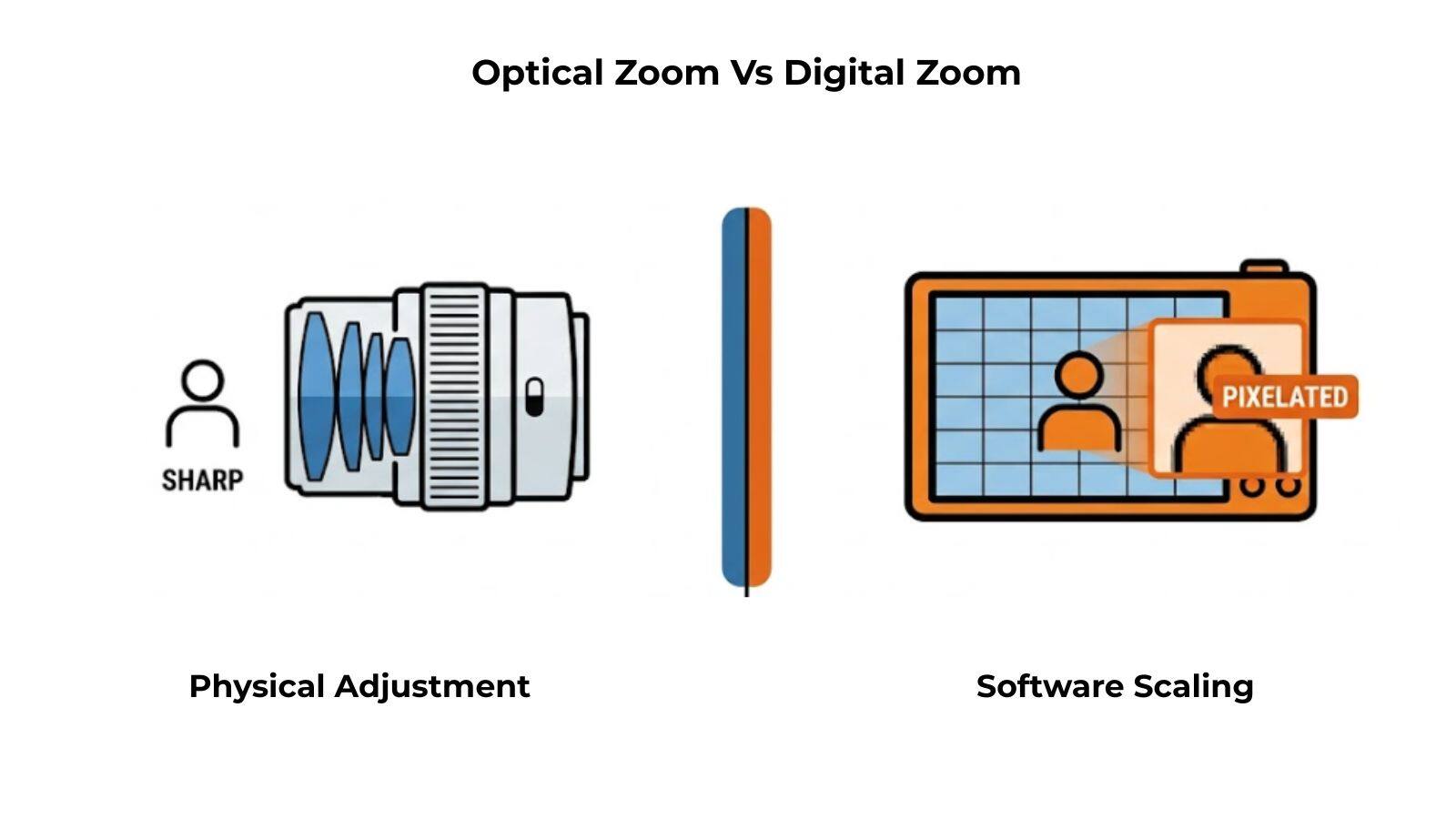
- Optical zoom: Bring distant speakers, performers, or objects closer while preserving more detail than digital zoom.
- Flexible installation: A PTZ camera can cover a large area from one mounting position.
Disadvantages
- Higher setup complexity: The camera may require a controller, network configuration, presets, and compatible production software.
- Higher cost: Models with long optical zoom, professional outputs, tracking, or low-light performance can cost more than fixed cameras.
- One view at a time: A single PTZ camera can move between different angles but cannot show two directions simultaneously.
- Network dependence: IP-based workflows may experience delay or connection problems when the network is unstable.
- Separate audio needs: Some PTZ cameras do not include a built-in microphone, so an external audio setup may be required.
PTZ cameras are most useful when remote control and flexible framing save time or reduce the need for additional camera operators. They may be unnecessary for a simple locked-off shot that never changes angle.
What to Check Before Choosing a PTZ Camera
Resolution and Frame Rate
Choose 4K when you need more detail or want to crop the image during editing. If you are recording sports, stage performances, or fast movement, a higher frame rate may be more useful than maximum resolution.
Optical Zoom
Optical zoom matters when the camera will be installed far from the subject. A shorter zoom range may be enough for a small studio, while a 20x or 30x lens can be more useful in a large auditorium.
Tracking
Tracking is valuable when the subject moves and no camera operator is available. For two seated podcast hosts, fixed framing may be enough. For a solo presenter who walks between a desk and whiteboard, tracking can reduce repeated camera adjustments.
Video Outputs
Choose outputs that match your equipment. HDMI and USB are often convenient for smaller setups, while SDI is useful for long cable runs and professional production. NDI, RTMP, RTSP, and SRT are useful when video travels through a network.
Low-Light Performance
For a stage or church with changing light, sensor size, lens aperture, HDR, and image processing can affect the result more than resolution alone. For a bright studio, connectivity and framing may have a larger effect on daily workflow.
Mounting and Power
Confirm whether the camera will use a tripod, wall mount, ceiling mount, standard power adapter, or PoE connection. A camera with the right specifications can still create problems if the mounting and power plan does not fit the room.
How to Set Up a PTZ Camera
What are the steps to install and configure a PTZ camera for live streaming? A basic setup usually follows this order:
- Mount the camera: Place it on a stable surface, tripod, wall mount, or ceiling mount.
- Connect power: Use the supplied adapter or PoE when supported.
- Connect video: Choose HDMI, SDI, USB, or a network output based on the production system.
- Configure control: Pair the remote, controller, software, or network interface.
- Set presets: Save wide, medium, and close-up positions that match the actual production.
- Connect audio: Add a microphone or mixer when the camera does not include one.
- Test the system: Check movement, zoom, autofocus, tracking, latency, and exposure before going live.
For an NDI workflow, connect the camera and production computer to a stable local network, assign compatible IP settings, enable NDI output, and add the camera as a network source in your production software.
Use wired Ethernet when stability matters more than portability. A wireless setup can be convenient, but network congestion may affect video delay or reliability.
FAQs About PTZ Cameras
Where would a PTZ camera be mostly used?
PTZ cameras are commonly used for live streaming, broadcast production, classrooms, churches, corporate events, conferences, sports, and security monitoring. They are most useful when one camera needs to cover multiple views remotely.
What is the difference between CCTV and PTZ cameras?
CCTV describes a closed-circuit surveillance system, while PTZ describes a camera's ability to pan, tilt, and zoom. A PTZ camera can be part of a CCTV system, but a CCTV camera does not always have PTZ movement.
What are the disadvantages of PTZ cameras?
PTZ cameras can cost more, require additional setup, and need a compatible controller or network configuration. A single PTZ camera also cannot capture two directions at the same time, even though it can move between multiple views.
What is the difference between PTZ and IP cameras?
PTZ describes how a camera moves, while IP describes how it sends video and control data over a network. A camera can be both PTZ and IP, such as a network PTZ camera used for live streaming or surveillance.
Conclusion
A PTZ camera is a remotely controlled camera that can pan, tilt, and zoom. Its value depends on the situation: it is useful when one camera must cover several views, operate from a distance, or follow a moving subject. Before choosing one, match the camera's zoom, tracking, outputs, network support, low-light performance, and mounting requirements to the actual room and workflow.