7 Best Webcams for HP Laptop in 2026

The best webcam for an HP laptop varies by use, but the OBSBOT Meet Flip is a strong all-around choice thanks to its 4K clarity, AI features, and consistent performance. This is important because a nice webcam for HP laptop can make the videos and meetings a better experience. In addition, it helps improve the sound quality. The majority of HP laptops have built-in webcams, but they aren't the clearest out there. In this article, we share 7 of the best options to help you get sharper images with better colors.
Part 1: Why Choose an External Webcam for HP Laptop?
An external webcam for HP laptops delivers significantly better performance than built-in cameras, especially for video calls, streaming, and online meetings.
1. Built-in Webcam Limits
Most HP laptops come with basic built-in webcams, typically limited to 720p resolution. This often results in soft, less detailed video quality, which becomes more noticeable during professional meetings or recordings. In low-light environments, the image can appear grainy and unclear.
2. Higher Video Quality
External webcams usually support 1080p Full HD or even 4K resolution, providing much sharper and more detailed visuals. This makes a noticeable difference in creating a more professional appearance for video conferencing, live streaming, or content creation.
3. Better Audio Quality
Many external webcams include built-in microphones with noise reduction technology. Compared to standard HP laptop microphones, they capture clearer voice input and significantly reduce background noise. This ensures more natural and professional-sounding communication during meetings or calls.
4. Improved Low-Light Performance
Built-in laptop webcams often struggle in dim lighting conditions, resulting in dark or washed-out video. External webcams typically use better sensors and image processing, allowing them to maintain clearer and more balanced image quality even in low-light environments.
5. Flexible Positioning and Framing
Unlike fixed laptop webcams, external webcams can be positioned freely on monitors, desks, or tripods. This allows users to adjust angles and framing for a more natural and professional on-camera presence.
Part 2: 7 Best External Webcams for HP Laptop
We've selected 7 of the best webcams for HP laptops based on performance, compatibility, and overall value. The comparison table will give you a quick overview before we get into the details.
Quick Comparison Table
| Product | Resolution | Sensor | Mic | Mounting Type | FOV | Price |
|---|---|---|---|---|---|---|
| OBSBOT Meet Flip | 4K@30fps / 1080p@60fps | 1/2" CMOS sensor | Intelligent Dual-Mic System | Plug and Play&Unibody Adjustable Stand | 79.1° | $119 |
| Insta360 Link 2 Pro | 4K@30fps / 1080p@60fps | 1/1.3" CMOS sensor | Dual beamforming AI microphones | Magnetic PTZ gimbal mount | 83.9° / 79.5° | $249 |
| AnkerWork C310 | 1080p@60fps | 1/2.5" CMOS sensor | Dual AI noise-canceling mics | Clip mount + adjustable stand | 78° / 90° / 115° | $99.99 |
| Elgato Facecam Neo | 1080p@60fps | 1/2.9" CMOS sensor | No built-in microphone | Monitor clip mount | 77°–78° | $59.99 |
| NexiGo HelloCam Pro | 1080p@60fps | CMOS + IR sensor | Dual noise-canceling mics | Clip mount | 78° | $89.99 |
| EMEET SmartCam C950 | 1080p@30fps | 1/2.7" CMOS sensor | Single omnidirectional mic | Clip + flat placement | 70° | $23.99 |
| HP 625 FHD Webcam | 1080p@30fps | CMOS sensor | Dual noise-reducing microphones | 360° swivel + tilt mount | 66° / 78° / 92° | $219 |
1. The Best Overall – OBSBOT Meet Flip Foldable 4K Webcam
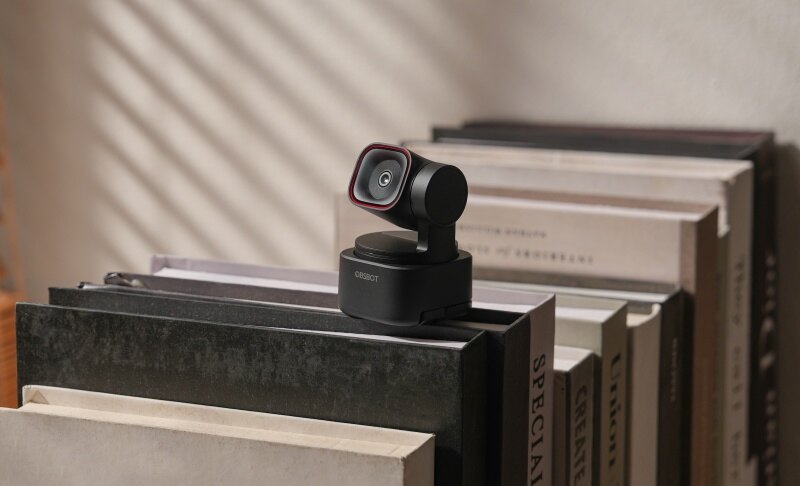
The OBSBOT Meet Flip is a compact yet powerful webcam designed for modern HP laptop users. It delivers smooth 4K video with smart AI features that improve framing and usability. Its small cube design makes it portable, while still providing a strong performance for video calls, streaming, and content creation. So, it's a good external webcam for HP laptop.
Key Features:
- Great Video Resolution: Supports ultra-clear 4K@30fps and smoother 1080p@60fps, giving HP laptop users flexibility between quality and motion performance.
- AI Auto Framing Technology: Uses built-in AI to automatically adjust the frame for close-up or upper-body shots, improving presentation during calls.
- Good Viewing Angle: 79° field of view offers a balanced viewing angle that keeps the subject centered without too much background for professional meetings.
- Exceptional Sound Quality: Features an omnidirectional microphone and a directional microphone to capture sound while reducing background noise, ensuring clear voice pickup on an HP laptop.
- Operating System Compatibility: Supports Windows 10 or later and macOS 11 or later, ensuring smooth performance with most HP laptops and software environments.
2. Best for Presentations and Movement – Insta360 Link 2 Pro

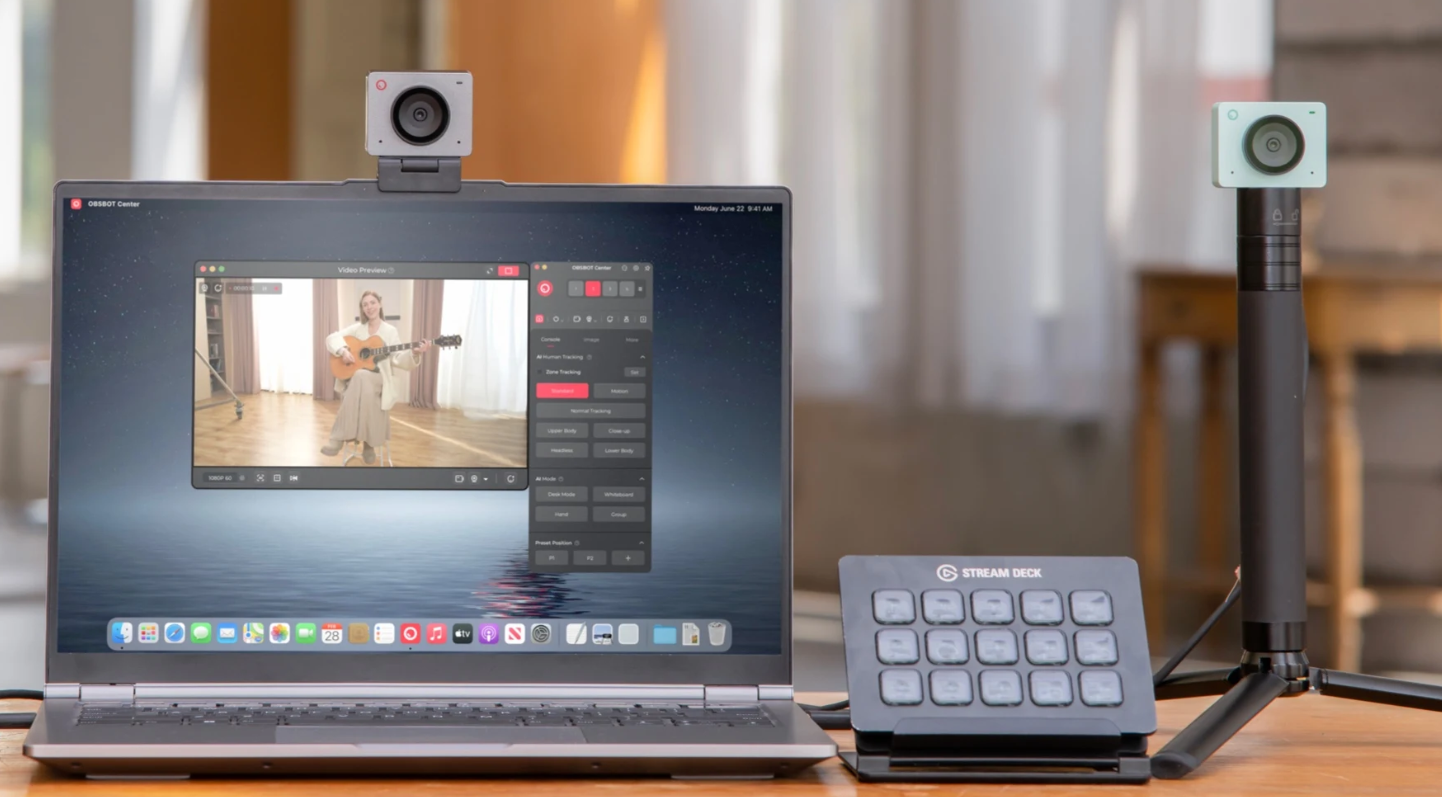
The Insta360 Link 2 Pro suits HP laptop users who move during calls, teach online, or present from a desk. Its PTZ design and smart controls make it more dynamic than a standard fixed webcam. This camera on HP laptop also fits advanced workflows well, especially for creators who want faster in-call control options.
Key Features:
- PTZ design follows the movement during presentations smoothly
- Whiteboard Mode makes written lessons easier to present
- DeskView Mode shows your workspace without repositioning manually
- Stream Deck support speeds up switching modes mid-session
- Smartphone control adds flexible remote adjustments during calls
- Privacy Mode tilts the camera down when idle
3. Best for High-Speed Streaming Workflows – AnkerWork C310

The AnkerWork C310 is designed for HP laptop users who want fast, stable video performance during live streaming or heavy multitasking. This is the best webcam for HP laptop as its hardware supports high data transfer and efficient encoding, making it suitable for users running multiple apps like OBS, Zoom, or Teams without lag or delay issues.
Key Features:
- USB 3.0 interface supports high-bandwidth video data transfer
- YUV encoding reduces compression artifacts during live streaming
- 12MP sensor captures more image data per frame
- f/2.0 aperture improves light intake for clearer visuals
- 1/2.5-inch sensor enhances depth and image processing accuracy
- Built-in shutter enables instant physical privacy protection
4. Best for Hassle-Free Daily Calls – Elgato Facecam Neo

The Elgato Facecam Neo is built for HP laptop users who want a dependable webcam without dealing with complex settings or extra software. It focuses on quick usability and consistent performance, unlike the built-in HP computer webcam, making it ideal for students and professionals who need a reliable camera for everyday communication and streaming.
Key Features:
- Fixed-focus optical system prevents continuous refocusing delays
- CMOS imaging sensor ensures consistent frame processing output
- USB-C interface provides stable power and data delivery
- Camera Hub software allows manual exposure and color control
- Integrated privacy shutter physically blocks the lens when inactive
- Low-profile mounting system maintains stable screen positioning
5. Best for Secure Login & Privacy – NexiGo HelloCam Pro

The NexiGo HelloCam Pro is a strong option for HP laptop users who want added security along with everyday webcam use. This webcam for HP computer stands out with built-in facial recognition for Windows Hello and automatic privacy protection, making it ideal for users who care about quick login access and data safety during daily use.
Key Features:
- Windows Hello enables instant biometric authentication access
- Infrared sensor supports accurate facial depth recognition scanning
- The automatic privacy shutter activates when the camera is not used
- Face AE algorithm dynamically adjusts exposure based on detection
- 3D noise reduction enhances real-time image signal processing
- Dedicated onboard processing improves response
6. Best Budget Portable Option – EMEET SmartCam C950

The EMEET SmartCam C950 is ideal for HP laptop users who need a lightweight and affordable webcam for basic daily use. Its compact size and simple functionality make it easy to carry and set up anywhere, especially for students or users who frequently switch between different workspaces and replace the built-in HP laptop front camera.
Key Features:
- USB 2.0 interface ensures stable universal device connectivity
- YUY2 and MJPEG codecs support efficient video data encoding
- 1/2.7-inch CMOS sensor improves image signal processing accuracy
- 4.4mm optical focal length maintains consistent subject framing
- UVC 1.0–1.5 protocol enables driver-free system integration
- 75.9g lightweight body enhances portability for mobile setups
7. Best for Native HP Integration – HP 625 FHD

The HP 625 FHD Webcam is designed specifically for HP laptop users who want seamless compatibility and enterprise-level control. This HP camera for PC integrates well with HP systems and business tools, making it a strong option for professionals who need secure access, software customization, and flexible positioning during meetings or presentations.
Key Features:
- Windows Hello support enables secure biometric login authentication
- Poly Lens software allows advanced image parameter customization
- Digital zoom function enables flexible framing without repositioning
- The activity indicator light clearly shows when the camera is active
- Background adjustment features optimize the on-screen presentation appearance
- Zoom certification ensures stable performance in professional meetings
Part 3: How to Choose a Webcam for HP Laptop?
To pick the right webcam, focus on features that affect real use on your HP laptop, like video clarity, sound, and positioning.
1. Resolution
Resolution decides how clear your video looks. For online classes or meetings, 1080p is a solid choice and works well on most HP laptops. If you create content or want sharper detail, 2K or 4K is better, but it also needs a good internet speed.
2. Microphone Quality
Many webcams include built-in microphones, but their quality can vary. If you often sit in a noisy room, choose a webcam with noise reduction. This helps your voice sound clear during meetings without needing a separate mic.
3. Low-Light Performance
HP laptops are often used indoors, where lighting is not ideal. A webcam with good low-light correction will automatically adjust brightness so your face stays visible instead of dark or grainy.
4. Mounting and Stability
A good webcam should sit securely on your HP laptop screen. Some clips are weak and can slip, especially on thin displays. Webcams with adjustable clips or tripod support give better stability and viewing angles.
5. Field of View (FOV)
The field of view controls how much area the camera shows. A narrow FOV (around 70°) is better for personal calls, while a wider FOV (85°–90°) is useful if you want to show more background or include multiple people.
Part 4: FAQs About Webcam for HP Laptop
1. Can I use any webcam with an HP laptop?
Yes, most external webcams work with HP laptops because they use USB connections. These webcams are usually plug-and-play, meaning you do not need to install extra software. However, it is still important to check compatibility with your operating system, like Windows 10 or 11. Some advanced webcams may need special apps to unlock full features.
2. Why is my HP laptop webcam blurry?
Your HP laptop webcam may look blurry because built-in cameras are often low quality, usually 720p. Poor lighting can also make the image worse. Dust on the lens or outdated drivers can also affect clarity. Using an external webcam with better resolution and proper lighting can greatly improve video quality.
3. Do I need a 4K webcam for my HP laptop?
A 4K webcam is not necessary for everyone. If you only attend meetings or classes, a 1080p webcam is enough. However, if you create videos, stream, or want very sharp image quality, then a 4K webcam is a better choice. It depends on your usage and budget.
4. How do I connect an external webcam to my HP laptop?
Connecting a webcam is simple. You just plug it into a USB port on your HP laptop. Most webcams are automatically detected by the system. After that, you can select it in your video apps like Zoom or Skype. Some webcams also come with software for extra settings.
5. Which is better: built-in or external webcam?
External webcams are usually better than built-in ones. They offer higher resolution, better color, and more features like autofocus and noise reduction. Built-in webcams are convenient but often lack quality. If you want a clear and professional-looking video, an external webcam is the better option.
Conclusion
Choosing the right webcam for HP laptop can make a big difference in how you appear online. Whether you are attending classes, working from home, or creating content, a high-quality webcam improves both video and audio clarity. External webcams offer better resolution, useful features, and more flexibility compared to built-in options. By understanding your needs and comparing different models, you can easily find the perfect match. Investing in a reliable webcam is not just about better visuals; it also helps you communicate more clearly and confidently in today's digital world. All these factors will make your daily meetings a better experience.