What is a Codec and What Does it Do?

Every digital file you stream, watch, or listen to relies on compression technology. But what is a codec? Put simply, codecs reduce file sizes while maintaining acceptable quality, allowing platforms like YouTube, Twitch, and streaming services to deliver smooth playback. Understanding how codecs work can help creators choose the right formats for streaming, recording, and editing while balancing video quality, file size, and device compatibility.
Part 1: What Is a Codec?
A codec is a technology that encodes and decodes digital media data. When you record a video, capture audio, or save an image, the original file contains a large amount of uncompressed data. A codec processes this data and converts it into a smaller file that is easier to store or transfer.
For example:
- A camera captures raw 4K video.
- A video codec such as H.264 or HEVC compresses the footage.
- The compressed video is saved as a smaller file.
- A media player decodes the file when you watch it.
Without codecs, streaming high-quality video would require extremely high bandwidth, making smooth playback nearly impossible.
Part 2: How Does a Codec Work?
A codec works through two main processes: encoding and decoding.
Encoding
Encoding happens when media is created or exported. The codec analyzes the original data and removes unnecessary information to reduce file size. Some codecs use lossy compression, which removes data that is less noticeable to human eyes or ears. Others use lossless compression, which preserves all original information.
For example:
- H.264 compresses video by reducing repeated visual information between frames.
- AAC reduces audio file size by removing frequencies that are less noticeable to human hearing.
Decoding
Decoding happens when you open or stream a media file. The codec converts compressed data back into a format your device can display or play.
For example, when watching a livestream, the platform sends compressed video data to your device, and your device decodes it in real time for playback.
👍Tip: Choosing a codec depends on your goal. For live streaming, compatibility is usually more important than using the newest codec available.
Part 3: What Is a Video Codec?
A video codec is a type of codec designed to compress and decompress video files.
Unlike images, videos contain multiple frames displayed continuously. Compressing video requires more advanced methods because codecs need to analyze not only individual frames but also the differences between frames.
For example, if a person is talking in front of a fixed background, most areas of the image remain unchanged. A codec can store the unchanged parts once and only update the moving areas, significantly reducing file size.
Video codecs are important for:
- Video recording
- Live streaming
- Video editing
- Online video platforms
Popular Video Codec Examples:
Popular Video Codec Examples
| Video Codec | Key Features | Common Uses |
|---|---|---|
| H.264 (AVC) | Widely supported; offers a good balance between video quality, compression, and compatibility. | Live streaming, YouTube videos, video conferencing, camera recording |
| HEVC (H.265) | Provides better compression efficiency than H.264; supports 4K/8K video and HDR with smaller file sizes. | 4K video recording, modern cameras, streaming services, mobile devices |
| AV1 / VP9 | Open-source codecs with high compression efficiency; optimized for web streaming and lower bandwidth usage. | YouTube streaming, online video platforms, modern browsers |
| ProRes / DNxHD | Professional codecs designed for high-quality video editing and post-production workflows. | Filmmaking, professional editing, post-production |
Part 4: What Is an Audio and Image Codec?
Audio Codec
An audio codec compresses and decompresses digital audio files. It reduces file size while maintaining sound quality, making audio easier to store, share, and stream.
Different audio codecs focus on different goals, such as smaller file sizes for streaming or preserving original sound quality for professional use.
Popular Audio Codec Examples:
| Audio Codec | Compression Type | Common Uses |
|---|---|---|
| AAC | Lossy | YouTube videos, music streaming, video calls |
| MP3 | Lossy | Music storage, online audio sharing |
| FLAC | Lossless | High-fidelity music, audio archiving |
| ALAC | Lossless | Apple Music, professional audio workflows |
| Opus | Lossy | Voice calls, gaming chat, live streaming |
👍Tip: For live streaming and online video, AAC and Opus are commonly used because they provide a good balance between audio quality and bandwidth efficiency.
Image Codec
Image codecs compress image data to reduce file size while maintaining visual quality. They are widely used for websites, digital cameras, and mobile devices.
Different image codecs use different compression methods. Some prioritize smaller file sizes, while others focus on preserving image details.
Popular Image Codec Examples:
| Image Codec | Compression Type | Common Uses |
|---|---|---|
| JPEG | Lossy | Photos, websites, digital cameras |
| PNG | Lossless | Logos, graphics, screenshots |
| WebP | Lossy/Lossless | Modern websites, online images |
| HEIC | Lossy/Lossless | Smartphone photography, image storage |
| AVIF | Lossy/Lossless | Web optimization, next-generation image delivery |
👍Tip: For websites, WebP and AVIF are often preferred because they can reduce image size while maintaining image quality and improving page loading speed.
Part 5: Codec Examples and How to Choose the Right Codec
Selecting from common codec examples depends entirely on your target platform, hardware support, and bandwidth budget.
| Codec | Type | Primary Strengths | Best Use Case |
|---|---|---|---|
| H.264 (AVC) | Video | Universal compatibility, low CPU overhead | Live streaming (OBS, Twitch) & general playback |
| HEVC (H.265) | Video | High compression efficiency, 4K/8K support | 4K media playback, mobile recording, action cameras |
| AV1 | Video | Royalty-free, ultra-high compression efficiency | High-volume VOD, modern web streaming platforms |
| ProRes | Video | Uncompressed individual frames, smooth editing | Professional video editing & post-production |
| AAC | Audio | Broad support, high fidelity at low bitrates | General audio streaming, video soundtracks |
| FLAC | Audio | Zero quality loss, broad audio player support | Archival music storage & audiophile listening |
👍Tip: For most live streaming scenarios, H.264 is still the safest choice because it offers the widest compatibility across platforms and devices. HEVC and AV1 can provide better compression but may require newer hardware or platform support.
Bonus: Choosing the Right Webcam for Streaming Setup with OBSBOT Tiny 3 Lite 4K PTZ Webcam
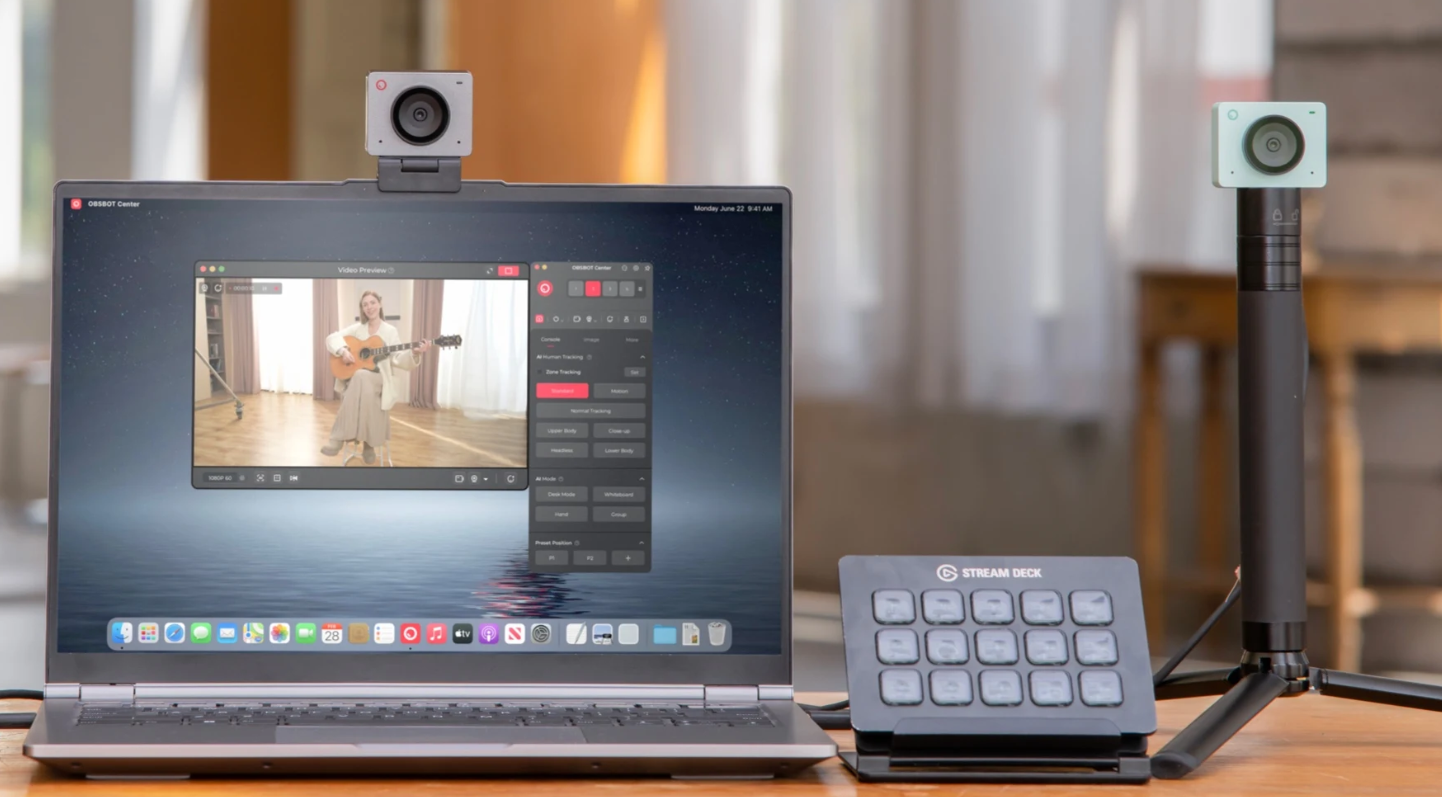
While codec compatibility is important, your webcam is the starting point of the video workflow. Look for features such as high-resolution video, autofocus, HDR, and reliable framing to ensure that the footage you send to your streaming software is clear and consistent. OBSBOT Tiny 3 Lite hits all these marks, delivering 4K video, HDR, autofocus, and AI-powered auto-framing in a sleek, compact form factor.
Key Features:
- 4K Video Capture: Up to 4K@30fps provides a detailed video source for streaming, recording, and post-production, giving codecs more visual information to process.
- HDR Imaging: HDR helps preserve details in both bright and dark areas, delivering a more balanced video source for streaming and recording.
- Fast Autofocus: PDAF autofocus quickly locks onto moving subjects, helping maintain clear footage during livestreams, video calls, and recordings.
- AI Tracking & Auto Framing: AI Tracking 2.0 keeps the subject centered as they move, providing consistent framing without constant manual camera adjustments.
- Intelligent Microphone System:The intelligent directional mic system combines omnidirectional and directional microphones to capture clear voice while reducing unwanted background noise.
Part 6: FAQs About What Is a Codec
1. What is a Codec and Why Does It Matter in Streaming?
A codec compresses video and audio data before streaming, reducing file size and bandwidth requirements. Without codecs, high-quality livestreams would require much more bandwidth and could cause buffering issues. Efficient codecs help deliver smooth, high-resolution streams.
2. What is the difference between H.264 and HEVC?
HEVC provides better compression than H.264, delivering similar quality with a smaller file size or lower bitrate. However, H.264 has wider compatibility and works with more devices and platforms, while HEVC requires newer hardware support.
3. What codec should I use for streaming?
For most live streaming platforms like Twitch and YouTube, H.264 is the recommended choice because of its broad compatibility. HEVC and AV1 can provide better compression and quality but may have limited support depending on the platform and hardware.
Conclusion
Knowing what is a codec gives you clear control over media quality, file sizes, and streaming performance. Whether managing video playback, setting up a live broadcast, or saving high-resolution photos, choosing the correct video, audio, or image codec makes all the difference. As media technology shifts toward higher resolutions and bandwidth-demanding platforms, leveraging efficient standards like HEVC, AV1, and AAC ensures your content streams smoothly across every device without consuming unnecessary storage or data.