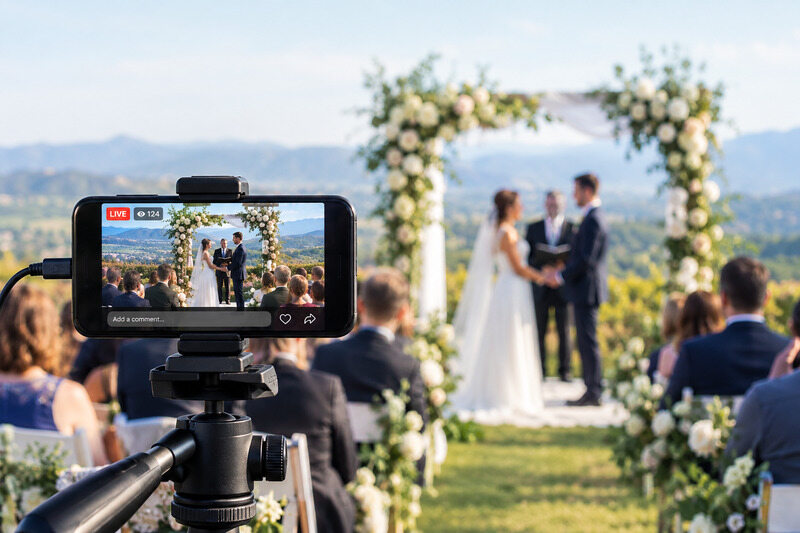
Your Grandma in Ohio can't fly out for the wedding? Does half your partner's college friends live in different time zones? Or are your relatives not tech-savvy?
Someone's going to ask about streaming the ceremony, the best way to live-stream wedding celebrations depends on who's watching and how much hassle you are willing to take on.
This guide covers the platforms, the gear, the setup, and the stuff that tends to go wrong. Let's get started to make your day be witnessed at its best.
Which Wedding Live Stream Option Is Best for You?
Pick the simplest option first. Only add more gear or more steps if something specific demands it, like letting guests chat during the ceremony, or getting better audio than a phone mic can manage.
This is a quick table for you to compare your options at a glance:
| Option | Best For | Guest Access | Interaction | Privacy | Setup Difficulty | Quality Potential | Recording/Replay | Typical Cost |
|---|---|---|---|---|---|---|---|---|
| Dedicated wedding app | Private, one-click viewing | No login needed | Chat, reactions | High (private link) | Low | Good | Usually automatic recording which can be replayed later | Free–$100 |
| YouTube / Facebook Live | Familiar, low-cost broadcast | YouTube: no login for unlisted links; Facebook: login required for private groups. | Comments | Medium | Low–Medium | Good–High | Yes, there are settings to record and replay | Free |
| Zoom Meeting / Webinar | Two-way or controlled viewing | Link or password | High (meeting) / Low (webinar) | High with waiting room | Medium | Medium | Yes, record to the cloud or your device. Replay later. | Free–$16/mo |
| Professional livestream service | Multi-camera, polished production | Private link | Minimal | High | None (they handle it) | High | Yes. And can get professionally edited video | $300-1,500+ |
Dedicated Wedding Livestream App
There are apps like Lovecast and EventLive that give a private event page. Guests just need to click a link to watch. No login required, no app store, nothing to install.
What you usually get in these applications:
- reminders sent out beforehand
- a chat or guestbook
- automatic recording
- a page with your names and date on it.
Lovecast's free plan covers the basics. Pay around $100, and you get extras like guaranteed storage for the recording.
EventLive works differently. There's no free plan for the stream itself, but you can run a free test before the big day. Then you pay once per event, around $69 to $99. It covers unlimited guests in a 24-hour streaming window with an option to pause and resume on the same link.
Steps to Use Wedding Livestream App to Stream
Using Lovecast as the example:
- You can easily download the application and create your event with the date and names.
- Find an option to add a cover photo here.
- Now, share the private link generated with guests.
- On the day, open the link on your phone or laptop, set up the camera, and hit the Start Live button to begin streaming. Guests can click the link and watch.
The tradeoff? You give up control. There's no easy way to run three cameras or switch angles mid-ceremony. For most couples, that's a fine trade.
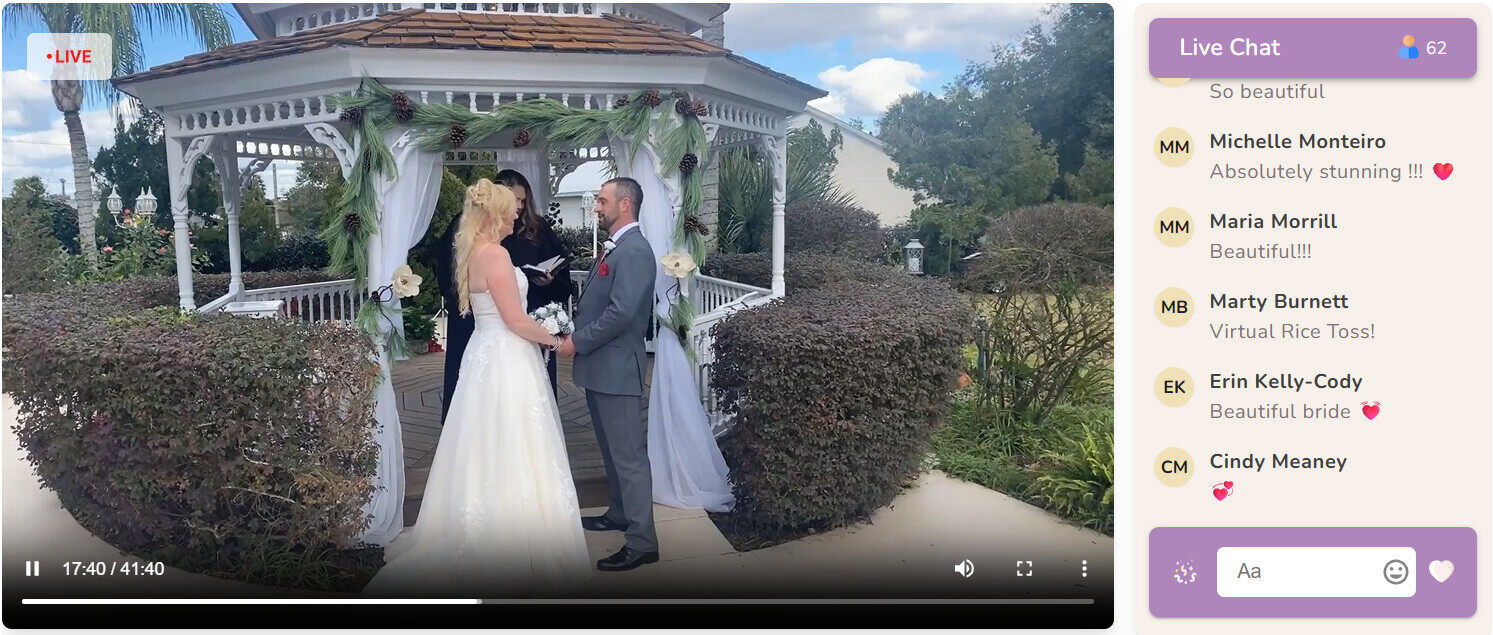
YouTube Live or Facebook Live
Everyone has used YouTube, and that's the whole appeal here.
To create a YouTube Wedding Live Streaming:
- Simply open the verified channel, click on the Create button, and choose Go Live.
- Pick the Stream option and select your device for the camera and microphone.
- Add the details for the ceremony live, like the title and timings.
- Copy the link after finishing up and send it to the guests.
You can set your stream to unlisted and only people with the link can find it. You can go private and only specific invited accounts can watch.
But there's a catch: your channel has to be verified, and it can't have had certain restrictions in the last 90 days. It is advised to figure this out weeks ahead, not the morning of.
Another risk with YouTube is that it scans live audio for copyrighted music automatically. Play the wrong song during your ceremony and the stream can get muted or cut off, right in the middle of your vows. It has happened to real couples.
Facebook is a good choice if your family already hangs out in a shared wedding group there. Just double-check the group's privacy settings first. Facebook tweaks these more often than you would think.
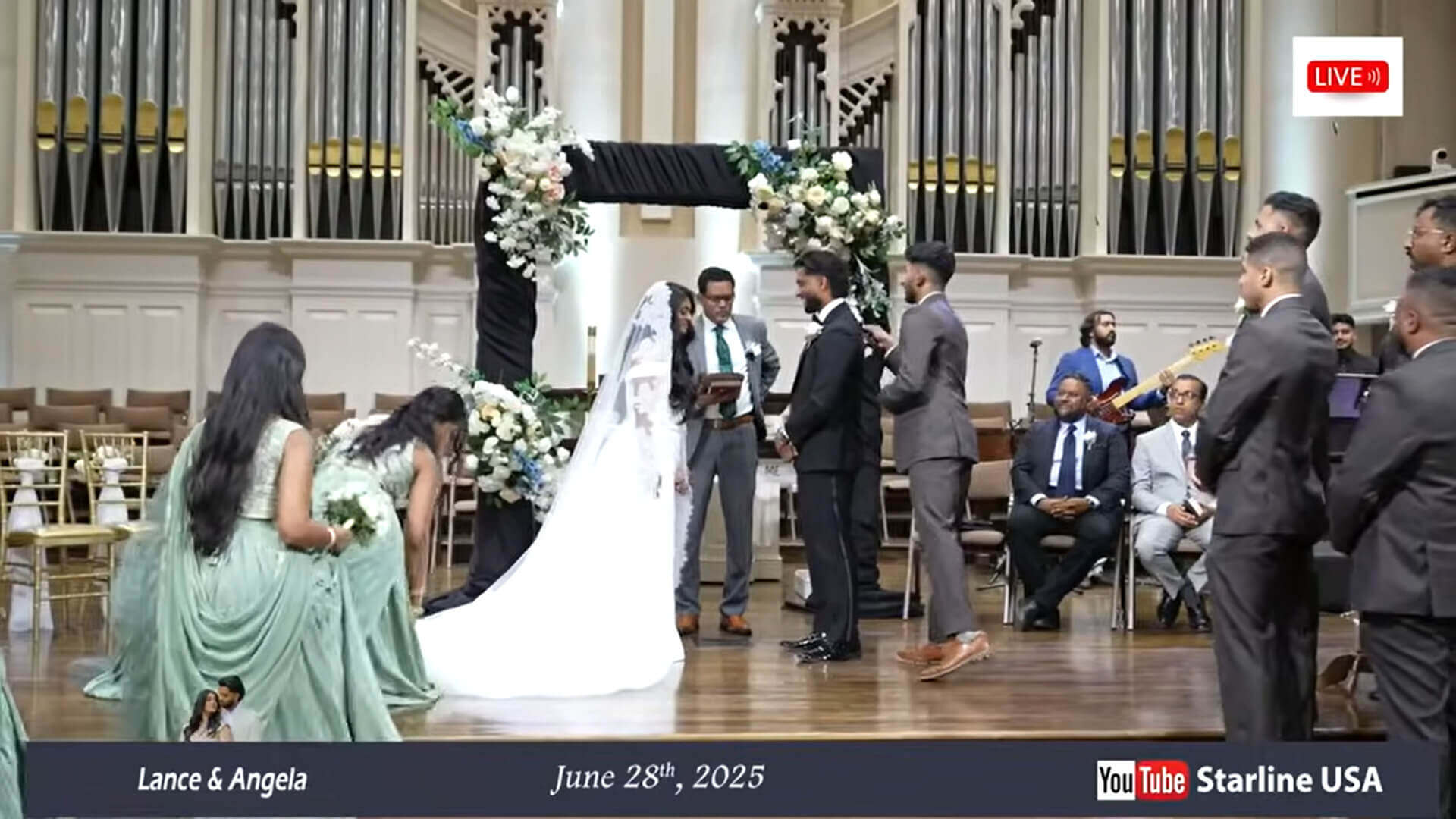
Zoom Meeting or Webinar
A regular Zoom Meeting lets anyone unmute and start talking. So, it may be fun for the rehearsal dinner, but not great for a wedding.
To fix this, there is a feature called a webinar. Guests just watch and listen. They can't unmute themselves. Only you and whoever you add as a panelist can speak.
One of the better Zoom wedding tips is: Use a Webinar for the ceremony itself, then switch back to a normal Meeting for the reception so people can actually talk.
Note: Remember to check out your plan ahead of time. Free Zoom accounts cut group calls off at 40 minutes. The paid version supports up to 30 hours, and the price is $15.99/month.
Zoom Workplace Pro costs $13.32 per user per month on annual billing or $15.99 per month on monthly billing. It also allows meetings of up to 30 hours.
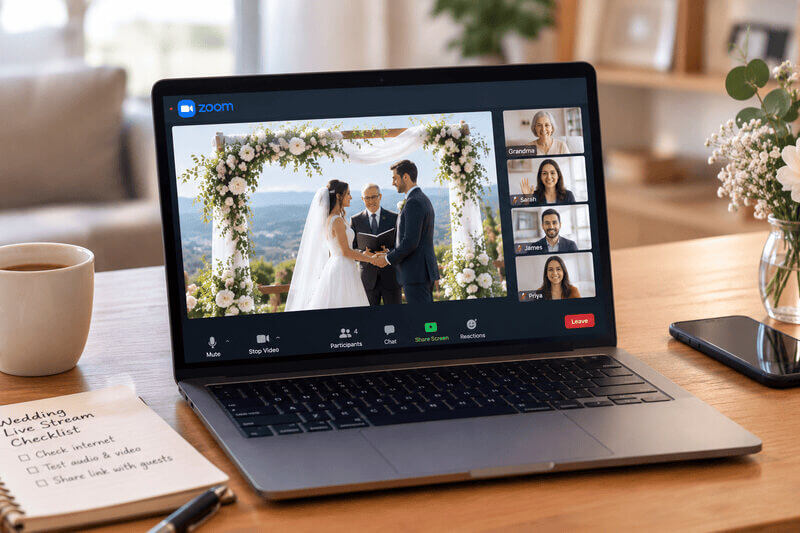
Professional Wedding Livestream Service
These are people who stream weddings for a living. They host multiple cameras, real audio equipment, and a professional to manage the stream for the day. You can easily find one by searching, "wedding live streaming service near me." Wedding sites like WeddingWire and The Knot list streaming vendors too. Get two or three quotes before you book.
What you are really paying for is not having to think about any of this yourself. Multiple angles cut together live. Clean audio. You can opt for an edited recording afterward instead of one raw file too.
It costs more. Expect to pay $300 to $1,500+, depending on the number of cameras and the length of the event. You also have to book in advance in most cases. This proves to be a good deal if you are already paying for a videographer and want streaming bundled in.
What Equipment Do You Need to Live Stream a Wedding?
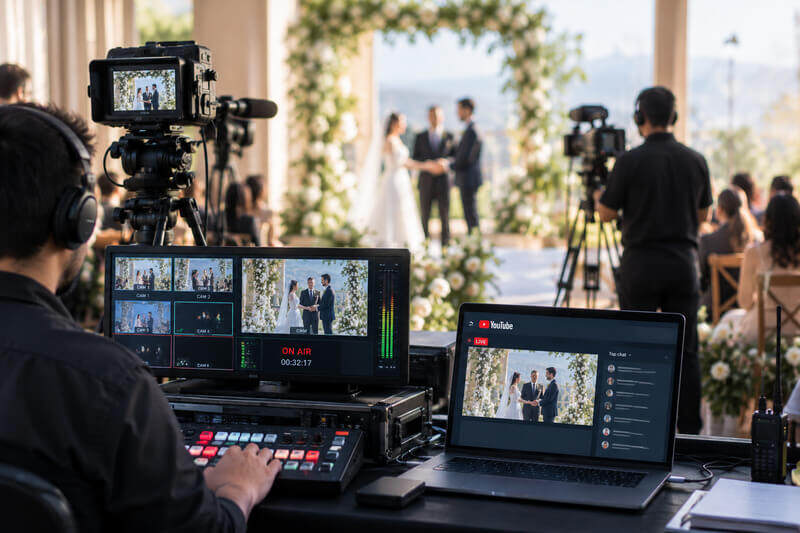
Below is the list of various equipment you need for live streaming, all put in one place for your convenience.
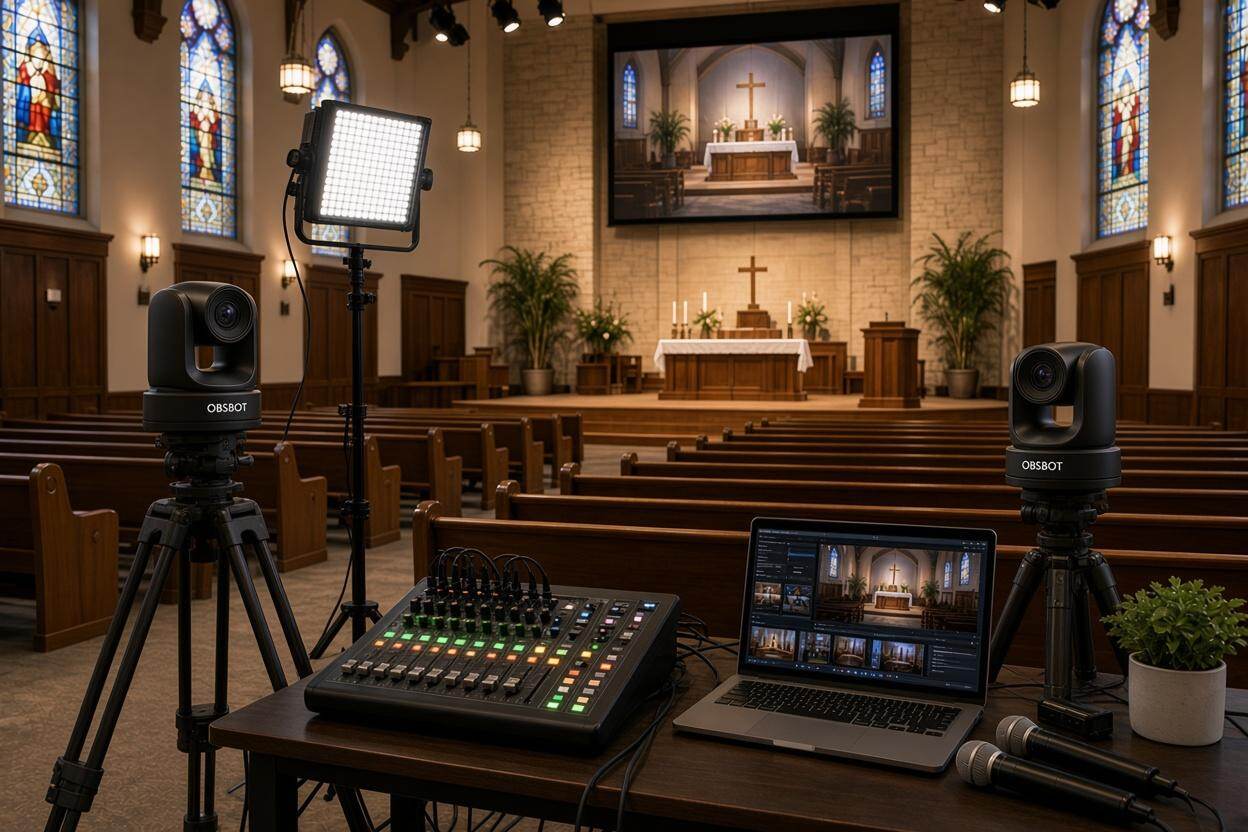
- Smartphone, camera, or PTZ camera. A phone is free and works fine for a basic, fixed shot. A real camera like Sony ZV-E10 II or Canon EOS R50 handles low light better. A PTZ camera like OBSBOT Tail 2 can pan, tilt, and zoom on its own, so nobody has to stand behind it adjusting the shot all ceremony.
- Tripod or secure camera mount. It is recommended to get a tripod for wedding streaming. Here are a few good ones:
- Joby GorillaPod 3K Kit ($40-50): It comes with bendable legs. You can wrap it around a pillar or chair. Good for phones and small cameras.
- Manfrotto Compact Action ($75): It is light and compact. Easy to carry to the venue.
- Manfrotto Compact Advanced ($99): This one has sturdier legs and a ball head. Better for heavier cameras.
- External microphone or venue audio feed. Audio matters more than people think. You can clip a lapel mic on the officiant, or grab a feed straight from the venue's sound system if they have one. Here are some lapel mics to consider:
- Boya BY-M1 (~$20): Wired. Works if the phone sits close to the officiant.
- Hollyland Lark M2S (~$139): Wireless, with two transmitters. A good budget pick.
- DJI Mic 2 (~$299): Wireless, with two transmitters. Better build and features.
- Internet connection and backup connection. There is a possibility that the venue Wi-Fi might fail. So, you need to bring a phone as a backup hotspot. It has really saved multiple wedding crises.
- Power bank, charger, and extension cables. Another completely avoidable possibility is a dead battery in between the ceremony. Make sure you have charged everything the night before.
- Optional extras: capture device, switcher, encoder, monitor. You can skip these things if you are running more than one camera and actually need to cut between them live.
A phone setup is fine if you just need something fixed and simple.
If you want the camera to follow the couple automatically, or you would rather run the whole stream solo without a dedicated operator, the OBSBOT Tail 2 is worth a look.
Tail 2 comes with the following features that make it useful for a wedding stream:
- AI Tracking 2.0: The camera follows the couple on its own, so nobody has to stand behind it adjusting the shot for hours.
- Group Tracking: When the wedding party moves around, it keeps everyone in the frame. If someone steps out and comes back, it picks them up again.
- Zoom: With 5x optical and 12x hybrid zoom, it can capture a close shot of the vows, even from the back row.
- 4K at 60fps: Guests watching from far away get sharp, smooth video.
- Low light: Is the venue dim? Its AI noise reduction cleans up the picture.
- Battery and connections: It runs for about 5 hours, which covers a long ceremony. You can connect it through HDMI, USB, Ethernet, Wi-Fi 6, or NDI.
For more options in that space, this guide to PTZ cameras for live streaming covers the wider field.
How to Live Stream a Wedding Step by Step
Follow the steps below to stream any wedding event successfully:
- Check the venue's internet and restrictions. You can call them and ask directly if the Wi-Fi gets overloaded on busy weekends. Also, ask if there are rules about tripods near the altar. Better to know now than find out while setting up.
- Choose the platform and create the private event. Do this a week out at minimum. You will have fair time to catch a broken link or a wrong privacy setting before it's too late to fix.
- Assign a dedicated stream operator. You should have a person who knows this stuff prepared to manage the stream. Preferably, they should not be someone enjoying the party along with streaming or someone going to read a poem later.
- Run a full test at the venue. You should do the test during the rehearsal, at the same time of day the actual ceremony happens. Light looks completely different at 2 PM versus 5 PM.
- Start the stream early, monitor it, and save the recording. Go live a few minutes before you need to. You can check in on it quietly during the ceremony. It is a must to confirm the recording is saved before you walk away.
How to Prevent Common Wedding Livestream Problems
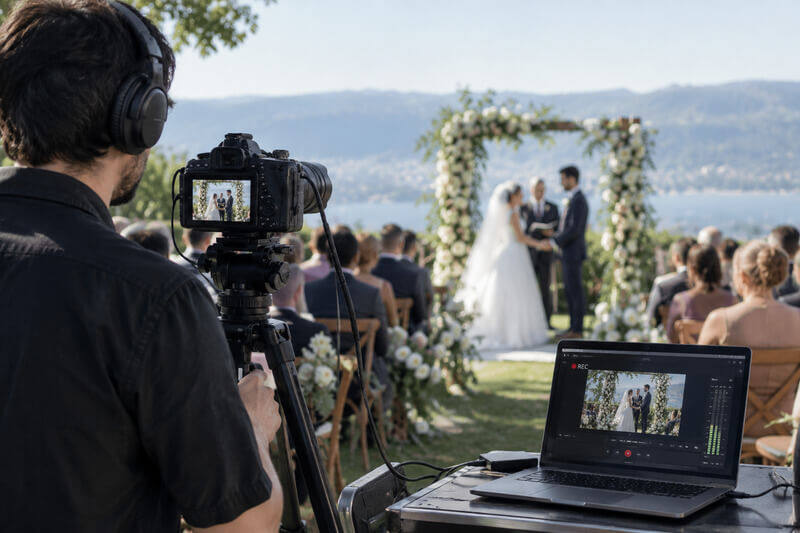
Things go wrong even with good planning. Here are the top last-minute accidents; read them carefully and see what to watch for.
| Problem | Why It Happens | How to Prevent It | Backup Plan |
|---|---|---|---|
| Guests can't hear the vows | Mic too far from the couple | Use a lapel mic or venue feed | Have the officiant repeat louder |
| Venue Wi-Fi becomes unstable | Shared bandwidth, old infrastructure | Test it days ahead, bring a hotspot | Switch to mobile data |
| Camera battery runs out | Long ceremony, cold weather | Charge fully, keep a spare ready | Swap it during a pause |
| Stream link or privacy setting is wrong | Rushed setup, last-minute change | Test the real link a day ahead | Text a corrected link right away |
| Guests interrupt a Zoom ceremony | Standard Meeting lets everyone unmute | Use a Webinar, or lock the settings | Mute everyone manually |
| Copyrighted music triggers a restriction | Platform scans audio live | Use royalty-free ceremony music | Switch to a backup platform |
| Operator forgets to hit record | Nobody's clearly in charge of it | Assign one person, confirm it out loud | Ask a guest to screen-record |
| Wind, sun, or rain mess with the stream | Outdoor gear, exposed to weather | Windscreen on the mic, avoid glare | Move under cover if it gets bad |
FAQs About Wedding Live Stream
A few questions come up constantly. Below we have answered them.
Can I live stream a wedding with just a phone?
Yes, you can live stream a wedding with just a phone. A phone on a tripod with decent Wi-Fi will handle most ceremonies fine. Get an external mic too, if you can. The built-in one struggles once you are more than a few feet away.
Is Zoom or YouTube better for a wedding?
Zoom gives you more control over who can talk and who's on camera. YouTube's better if you just want a simple broadcast to a big, casual crowd who's happy to watch quietly.
How much internet speed is needed?
Around 5 to 10 Mbps upload should keep an HD stream stable. Venues usually advertise download speed, not upload, so ask directly or just test it yourself.
How much does it cost to live stream a wedding?
It is free if you are using a phone and a basic app. It can go up to $1,500+ for a full professional crew. Most people land somewhere in between, often under $100.
Can wedding guests watch without creating an account?
Yes, usually wedding guests can watch without creating an account. Some dedicated wedding apps and YouTube's unlisted links don't require one to create an account to watch the stream. Other platforms like Zoom and Facebook sometimes do require log in, so check beforehand if your guest list isn't very tech-savvy.
Can I record the wedding while live streaming?
Yes, and you should. Zoom, YouTube, and most wedding apps can save a recording automatically. Just double-check that setting's turned on before the ceremony starts.
Final Thoughts
A perfect wedding streaming demands clear sound, a steady camera, quality video, and one person who owns the setup. The simplest way is just to choose whatever your guests find easiest, test it at the venue, and pack a backup hotspot. Then the people who couldn't travel will still be there when you say yes.