What Is NDI? A Plain-English Guide to Network Video
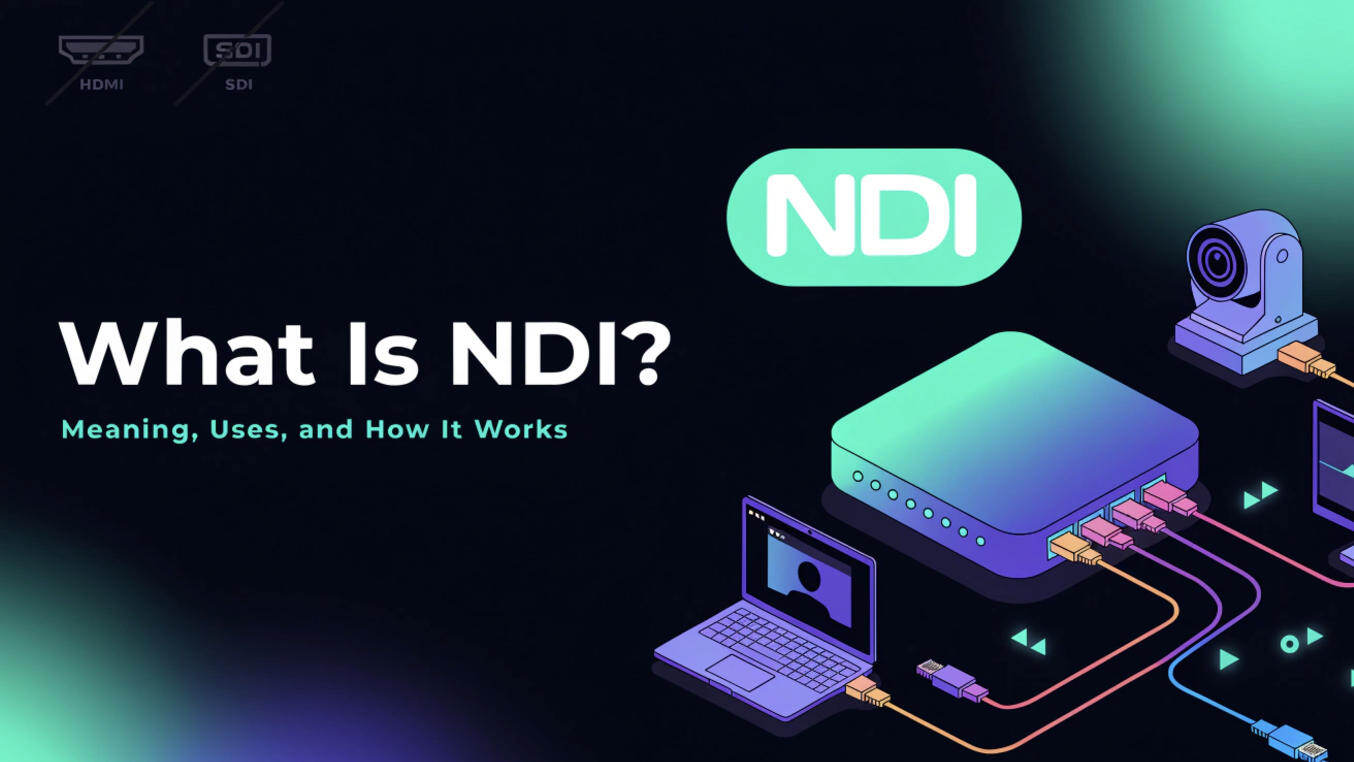
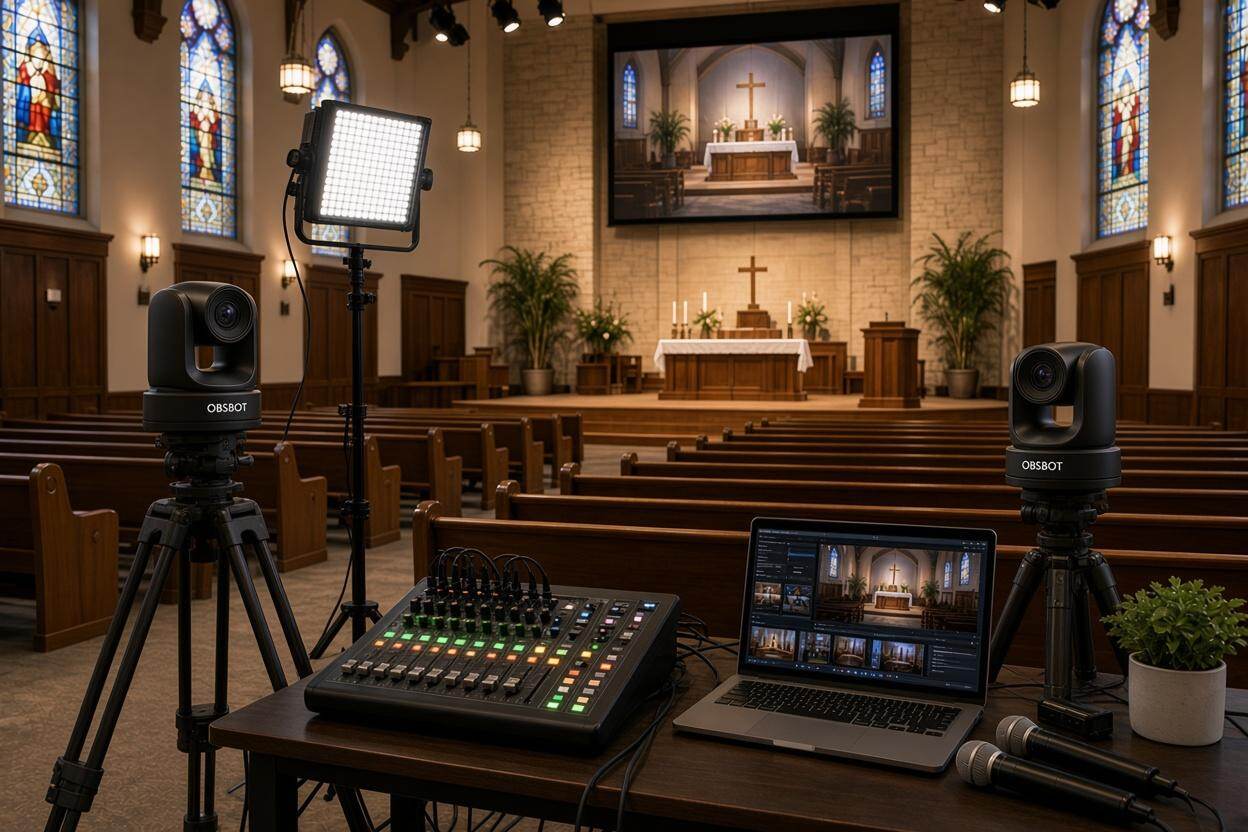
A church livestreamer on Reddit had just bought a PTZ camera. Someone suggested using NDI to improve the setup, but the explanations they found did not make clear what NDI actually did. You may also have encountered this. Question what's is NDI? Does it carry the video? Control the camera? Replace a cable? If you have asked the same questions, this guide starts with a familiar camera-to-computer example, then explains when NDI is worth using.
What Is NDI?
NDI stands for Network Device Interface. It lets compatible devices send and receive live video and audio over a computer network. NDI is not a camera, a cable, or an app you use to edit footage. Its main job is to get a live picture from one place in your production setup to another.
Picture a camera at the back of a church, aimed at the stage. Instead of running an HDMI cable across the room to the production desk, you connect the camera to the building's network. A compatible computer on that network receives its picture, and the operator can use it alongside other camera angles. The computer might record the service or combine those angles into a livestream. NDI handles the journey from the camera to the production system; the production system decides what to do with the picture next.
What is NDI streaming? Think of it as sending a live camera picture around your own venue or studio. Sending the finished church service to viewers on YouTube is a separate step. A simple path looks like this: camera → local network → production computer → YouTube. NDI can handle the middle journey without being the service that broadcasts to viewers.
How Does NDI Work in a Real Setup?
You need something that sends an NDI picture, a network that carries it, and something that receives it. Here is the process without the technical shorthand:
- The camera sends its picture. An NDI-capable camera turns what it sees into a feed that compatible devices can receive.
- The network carries the feed. The camera and production computer connect to the same suitable network, usually through Ethernet for a dependable live setup.
- The computer finds the camera. Compatible production software shows the camera as an available source. The operator selects it to bring the picture into the show.
- The operator uses the picture. They can switch to it, record it, or include it in a livestream.
What is an NDI camera? It is simply a camera that can send its video using an NDI format. Examples include the Canon CR-N300, which supports NDI HX2; the Panasonic AW-UE80, which supports NDI High Bandwidth and NDI HX2; and the OBSBOT Tail 2, which supports NDI HX3. They are different cameras, but all can provide a network-based video feed to a compatible receiver. For more on choosing one, see our NDI camera guide.
An NDI Camera in Practice: OBSBOT Tail 2
- NDI HX3: Sends the camera feed to compatible production equipment over a network.
- Ethernet and PoE+: Support a wired connection and, with suitable network equipment, power through the Ethernet cable.
- AI tracking: Keeps a moving presenter in frame without continuous manual camera movement.
- 5x optical zoom: Helps frame a speaker more closely when the camera must stay farther from the stage.
- HDMI and SDI outputs: Give you direct video-connection options if NDI is not the right fit for a particular setup.
You will notice that those cameras do not all list the same NDI format. NDI High Bandwidth, NDI HX2, and NDI HX3 are three ways of carrying an NDI feed—not three unrelated technologies:
- NDI High Bandwidth sends a less heavily compressed picture. It uses considerably more network capacity, but it is well suited to a strong wired production network where low delay matters.
- NDI HX2 compresses the picture more so the feed uses much less network capacity. The tradeoff is that compressing and unpacking it can add some delay.
- NDI HX3 also compresses the picture, but generally uses more network capacity than HX2 in exchange for lower delay. It can be a useful middle option when your camera and receiver support it.
You do not need to choose a format before you understand your setup. First check what your camera can send and what your receiving software can accept. Then consider whether your network can carry the feed reliably. That brings us to the more useful question: would NDI make your particular production easier?
When Should You Use NDI?
NDI is worth considering when the camera is far from your production desk, or when several cameras need to feed the same production setup. It may save you from planning a separate direct video connection for every camera. If you have one camera sitting beside your computer, a direct USB or HDMI connection may be simpler.
- Use NDI when your cameras and production computer can connect to a suitable network and you want the flexibility to add or move video sources.
- Use HDMI when a nearby camera can connect directly to a capture device or switcher without making the setup awkward.
- Use SDI when your production already uses SDI cameras, cabling, and a video switcher.
Return to the church example: the camera is at the back of the room, while the operator works near the front. That distance makes a network feed useful. If the speaker also moves across the stage, an NDI camera like OBSBOT Tail 2 can track the speaker and send an NDI HX3 feed to a compatible production system. Tracking helps keep the speaker in frame; NDI carries the resulting picture to the operator. They solve two different problems. Check whether your unit's NDI function is active before building a workflow around it: OBSBOT's NDI activation update distinguishes pre-activated NDI Edition models from standard units that require activation.
If this resembles your setup, test one camera first. Connect it and the receiving computer to the network, confirm that the computer can see its feed, then watch and listen long enough to spot interruptions or audio problems. Only add the other cameras after that first connection works. Our NDI streaming setup guide covers the next steps in more detail.
FAQs About NDI
Does NDI need an internet connection?
No. A camera can send an NDI feed to a computer on a suitable local network without an internet connection. You need internet access if you also want to broadcast the finished program to an online platform.
Can NDI work over Wi-Fi?
Yes, but Wi-Fi performance can change as signal strength and network traffic change. For an important livestream, start with Ethernet where possible and test the full setup in the actual venue.
Does NDI control a PTZ camera?
Do not assume that receiving the camera’s NDI picture also gives you every pan, tilt, or zoom control. Available controls depend on the camera, the receiving software, and their supported control features. Check that combination before the event.
Does NDI power the camera?
No. NDI carries the media feed, not electrical power. Some cameras can receive power through Power over Ethernet (PoE), but that is a separate feature that both the camera and network equipment must support.
Conclusion
NDI moves a live picture from a compatible source to production equipment over a network. It is most useful when a direct camera-to-computer cable becomes inconvenient or you want to build a multi-camera setup. Start with one camera and one receiver: once you can see a stable feed, you will know whether NDI solves a real problem in your production.