How to Start a Video Podcast: A Step-by-Step Guide for Beginners
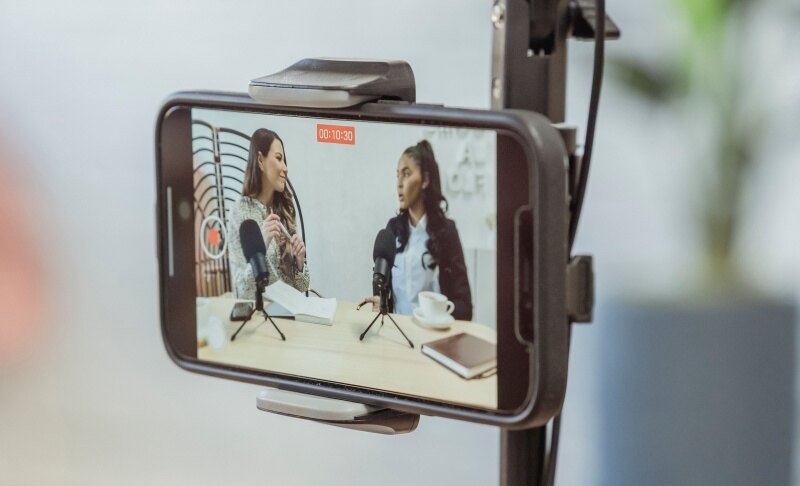
To start a video podcast, choose a format, set up a camera and microphone, record, edit, and publish to YouTube plus a podcast audio feed. You don't need a studio or a big budget. A smartphone, a decent mic, and good light are enough for episode one.
This guide shows how to make a video podcast from scratch in seven steps, followed by promotion tips and quick answers to common questions.
Part 1: How to Start a Video Podcast in 7 Steps
Step 1: Choose Your Topic, Audience, and Format
Define your show in one sentence: "I help [audience] achieve [result]." Then pick the format that matches your topic and the effort you can sustain.
| Format | Best for | Effort |
|---|---|---|
| Solo | Expertise, commentary | Low |
| Co-hosted | Chemistry and banter | Medium |
| Interview | Networking, authority | Medium |
| Panel | Roundtable debates | High |
| Screen-share | Tutorials, demos | Low |
Keep early episodes to 20–40 minutes, choose a weekly or biweekly schedule, and outline 3–5 episodes before you launch.
Step 2: Decide Where You'll Publish
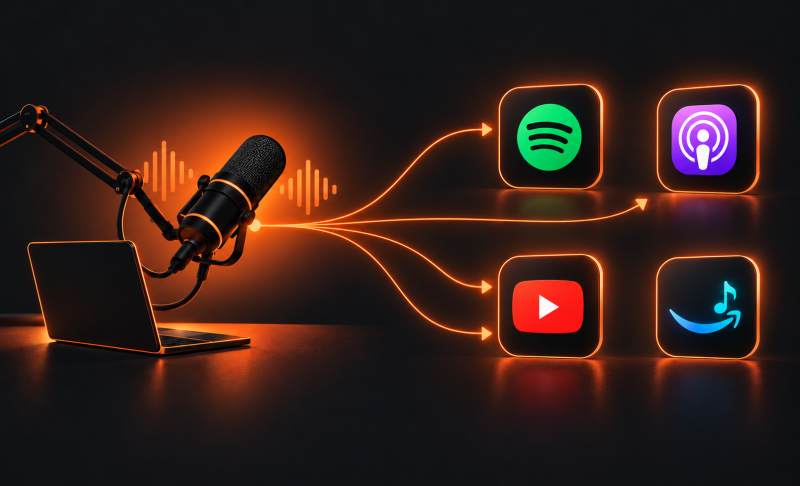
If you want to know how to make a podcast with video that reaches both viewers and listeners, plan two feeds from day one:
- Video feed: YouTube and Spotify
- Audio feed: an RSS feed through a podcast host, sent to Apple Podcasts and other directories
This choice affects your export settings and hosting platform, so make it before you record. Shoot in 16:9 for YouTube, then cut vertical clips for social media.
Step 3: Get Your Equipment
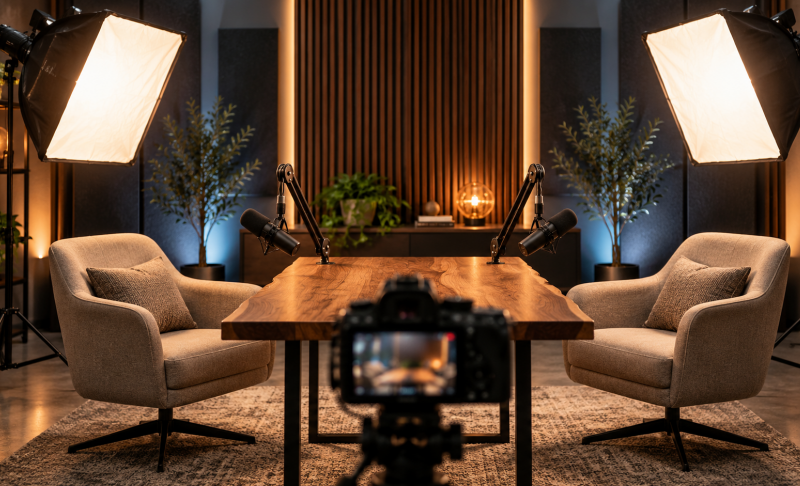
A good podcast camera setup is simpler than most beginners think. Audio matters more than picture quality, so spend on your microphone first.
- Camera: a recent smartphone, a webcam, or an entry-level mirrorless camera. 1080p is enough; 4K is optional. Mount it on a tripod at eye level.
- Microphone: a USB or XLR dynamic mic with a pop filter, plus headphones to prevent echo.
- Lighting: one soft light in front of you, or sit facing a window. Never place a window behind you.
- Background: keep it tidy and uncluttered.
| Tier | Typical setup | Approx. cost |
|---|---|---|
| Starter | Smartphone, USB mic, window light | $50–$100 |
| Mid-range | Webcam or mirrorless camera, quality mic, two LED lights | $300–$800 |
| Pro | Multiple cameras, XLR mics with interface, softbox lights | $1,500+ |
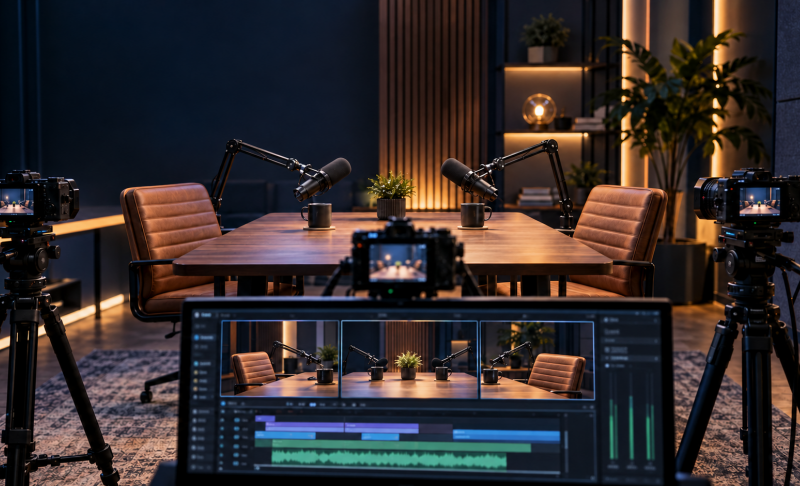
To set up a video podcast with two hosts, add a second camera so you can switch between a wide shot and close-ups.
Bonus: An AI-Tracking 4K Camera for Hands-Free Recording - OBSBOT Tail Air Streaming Camera
Hosts who stand, move around, or demo products often drift out of frame. The OBSBOT Tail Air follows you automatically, so you can focus on the conversation instead of the camera. It also works as a USB webcam, so it drops easily into your existing podcast camera setup.
Key Features:
- 4K video with a 1/1.8" CMOS sensor and 4x zoom
- AI tracking for people, animals, and objects keeps you centered in frame
- Gesture control for hands-free tracking and zoom adjustments
- 2-axis gimbal with 6-axis gyro for smooth pan and tilt movement
- Connects through USB, HDMI, or NDI|HX3 (optional license)
- Records to a microSD card, even while streaming
Step 4: Choose Your Recording Software
Pick tools based on whether your guests are in the room or remote. Look for separate tracks for each speaker, local recording that doesn't depend on your internet connection, and 1080p export.
Wondering how to record a podcast for free? Use your phone's camera app for in-person shows, OBS Studio for webcam and screen capture, or the free tier of a browser-based recording studio for remote guests. Ask remote guests to wear headphones and use a stable connection.
Step 5: Record Your First Episode
Run this checklist before you press record:
- Test mic levels at your normal speaking volume.
- Check framing: your eyes should sit about one-third from the top of the frame.
- Silence your phone and notifications.
- Record a 30-second test and play it back.
- Look at the lens, not the screen, when you speak.
If you stumble, pause and repeat the line; it's easy to cut later. When using multiple cameras, clap once at the start so you can sync the footage.
Step 6: Edit Your Video Podcast
Editing turns raw footage into a watchable episode. Focus on these essentials:
- Trim the start and end, and cut long pauses and filler words
- Switch camera angles to keep the pace lively
- Add an intro, name titles, and captions
- Reduce background noise and normalize loudness to around -16 LUFS
Beginners can use free editors like DaVinci Resolve or CapCut, or text-based editors that cut video by editing the transcript. Export an MP4 for video platforms and a separate MP3 for your audio feed.
Step 7: Publish and Distribute
Here is how to create a video podcast that appears on every major platform: upload the video to YouTube, add it to Spotify, and send the audio file to your podcast host.
- YouTube: write a keyword-focused title, add chapters, design a clear thumbnail, and organize episodes in a playlist.
- Podcast host: upload the audio version and submit the RSS feed to Apple Podcasts, Spotify, and other directories.
- Before publishing: finalize show notes, cover art, and a transcript or captions.
Launch with 2–3 episodes so new viewers have something to binge.
Part 2: How to Promote Your New Video Podcast
Promotion is where most new shows stall, so keep it simple:
- Repurpose every episode into 3–5 short vertical clips with captions for YouTube Shorts, Instagram Reels, and TikTok.
- Embed episodes on your website with the transcript.
- Swap promotion with guests and similar shows.
- Stay consistent, since a regular schedule builds viewer habits.
Monetization (sponsorships, YouTube Partner Program, memberships) usually comes after you've built an audience, so focus on growth first.
Part 3: Common Mistakes to Avoid When Starting a Video Podcast
- Weak audio: viewers leave bad sound faster than average video. Fix it with a better mic and a quiet room.
- Overbuying gear: prove your concept before upgrading.
- Poor lighting: use a soft front light instead of overhead or backlighting.
- Overlong, unedited episodes: cut the dead air and keep it tight.
- No audio feed: publishing only on YouTube means missing podcast app listeners.
Part 4: FAQs About How to Start a Video Podcast
1. Do I need a camera to start a video podcast?
No, a modern smartphone is enough. Mount it on a tripod at eye level and pair it with an external mic for better sound.
2. How much does it cost to start a video podcast?
You can start for $50–$100 with a phone, USB mic, and window light. A mid-range setup runs $300–$800.
3. Should I start with audio or video?
Start with video if you want faster growth on YouTube and easy clips. Choose audio-only if you want the lowest effort, and add video later.
4. Do I have to be on camera the whole time?
No. You can use a static image, screen share, or slides, though on-camera shows usually build stronger connection.
5. Can I start a podcast with video on my phone?
Yes. Use the rear camera, record in landscape, place the phone at eye level, and plug in an external microphone.
6. Where should I upload my video podcast?
Upload to YouTube and Spotify, then send the audio version through a podcast host to Apple Podcasts and other directories.
7. How long should an episode be?
Aim for 20–40 minutes at first. Shorter, consistent episodes beat long ones you can't keep up with.
8. Can I make a video podcast for free?
Yes. Use your phone, OBS Studio, a free editor, and free hosting tiers, though paid tools save time and add features.
Conclusion
Now you know how to start a video podcast: choose a format, get simple gear, record clean audio and video, edit tightly, and publish to YouTube plus an audio feed. Don't wait for perfect equipment. Record a 5-minute test episode this week, review it, and improve from there.