vMix vs OBS: A Practical Live Production Comparison
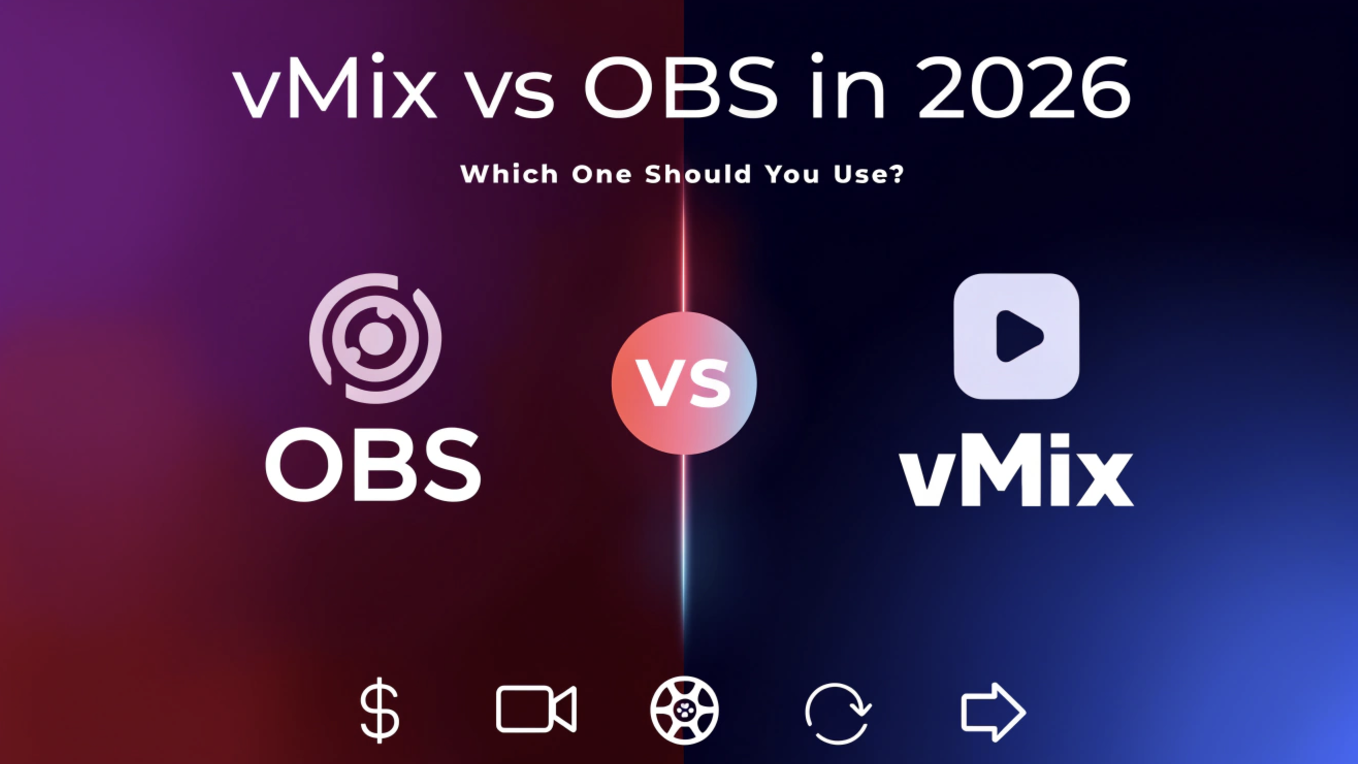
OBS and vMix can both switch cameras, mix audio, record, and send a program to a streaming platform. The real difference appears when the production becomes complicated. OBS is usually the better starting point for creators and small teams. vMix starts to justify its price when one show needs remote guests, isolated camera recordings, replay, separate outputs, or several operators.
This comparison focuses on that decision. Instead of asking which application has the longer feature list, ask which one can run your actual show without creating unnecessary cost or a fragile chain of workarounds.
vMix vs OBS: The Quick Verdict
OBS Studio is free, open-source recording and streaming software for Windows, macOS, and Linux. vMix is paid, Windows-only live production software designed more like a broadcast control room.
Choose OBS if you…
- Run the stream alone or with a small team.
- Produce tutorials, podcasts, gaming, or a simple multicamera show.
- Use Windows, macOS, or Linux.
- Prefer a free, customizable setup built around scenes and plugins.
Choose vMix if you…
- Run a Windows-based event or broadcast production.
- Need native remote guests and mix-minus audio.
- Need ISO recording or live sports replay.
- Need separate outputs, audio mixes, or clearly divided operator roles.
A simple decision rule
Start with OBS unless you can name a vMix-only workflow you need now. "We may become more professional later" is not a requirement. "We need four remote guests, ISO recordings, and a replay operator next month" is.
vMix vs OBS at a Glance
| Feature | OBS Studio | vMix |
|---|---|---|
| Price | Free and open source | $60–$1,200 lifetime, or MAX at $50/month |
| Operating system | Windows, macOS, Linux | Windows only |
| Remote guests | Usually through another service or plugin | Native vMix Call for 1, 4, or 8 callers by edition |
| ISO recording | Normally needs a plugin, separate instance, or in-camera recording | MultiCorder in 4K, Pro, and MAX |
| Instant replay | Basic program replay buffer | 1 camera in 4K; up to 8 in Pro and MAX |
| Audio and control | Filters, VST, recording tracks, hotkeys, plugins | Up to 8 audio mixes, overlays, triggers, scripts, web control |
The short version: OBS gives most creators everything they need. vMix earns its price when the production, not just the stream, becomes complicated.
Where OBS Is the Better Choice
Imagine you run a three-camera podcast alone. You need a wide shot, two close-ups, a microphone mix, a screen-share scene, and a clean recording. OBS can already handle that without adding a software bill. Scenes are easy to understand, Studio Mode gives you preview and program windows, and hotkeys or a control pad can handle the switching.
OBS keeps the cost of experimentation low. A creator can learn switching, browser graphics, audio filters, and recording without choosing a license first. It also runs on macOS and Linux, while vMix does not.
Its flexibility is a real advantage. Plugins and scripts can add NDI, source recording, captions, remote control, and automation. OBS can also record up to six audio tracks, so a podcast might keep the full mix on track 1 and place microphones, music, and system audio on separate tracks for editing. Check more details about OBS setup.
The catch is maintenance. Plugins are helpful until a weekly show depends on six of them and only one person knows which versions work together. If your OBS setup is stable, documented, and easy to recover, there is no prize for replacing it. If every update requires a rehearsal, the free system may already be costing the team time.

Where vMix Starts to Earn Its Price
vMix is not better simply because it has more features. It becomes valuable when several production jobs need to work together inside one repeatable system.
Remote guests stop feeling like a workaround
Remote interviews are where vMix begins to feel less like streaming software and more like a control room. vMix Call brings a guest into the production through a browser and supports mix-minus audio, so the caller hears the show without hearing a delayed copy of their own voice. The HD edition supports one caller, 4K supports four, and Pro or MAX supports eight.
If you host one occasional interview, OBS plus a browser guest service may be enough. If remote contributors appear every week, the integrated workflow is easier to document and hand to another operator.
ISO recording and replay are built into the plan
MultiCorder records selected camera or NDI inputs separately while the main program is recorded. That matters when the live cut must go out immediately but an editor will rebuild the show later. For sports, vMix 4K provides one-camera replay, while Pro and MAX support as many as eight replay cameras.
One limitation is easy to miss: vMix documents MultiCorder and Instant Replay as mutually exclusive. Decide whether isolated recordings or replay matter more before the event, not while it is already live.
One show can feed several destinations
A conference may need a clean feed for venue screens, a branded program for the livestream, a confidence monitor for the presenter, and a multiview for the director. The audio may also differ between the room, stream, remote guests, and recording. vMix is designed around these separate outputs, audio buses, overlays, shortcuts, triggers, and operator roles.
OBS can recreate many individual pieces. vMix makes them easier to operate as one system. That difference becomes important when volunteers or rotating crew members must run the same show every week.
Which vMix edition do you actually need?
- Basic HD: A small 1080p show with no more than four inputs and no vMix Call.
- HD: Larger 1080p productions that need eight overlays and one remote caller.
- 4K: The entry point for 4K, four callers, MultiCorder, advanced titles, or one-camera replay.
- Pro: Most relevant when the show needs eight callers or multicamera replay.
- MAX: The high-end feature set under a $50 monthly subscription.

Which One Fits Your Production?
Solo Creator or Podcast
Start with OBS. It is usually enough for a host, screen share, media playback, several cameras, and separate recording tracks.
Church, School, or Conference
Match the crew. OBS works for a simple one-operator show. vMix makes more sense when the room and stream need different feeds or several people share control.
Live Sports
Look closely at vMix. Choose 4K for one replay camera or Pro/MAX when the replay operator needs several angles.
Playlist or Scheduled Channel
OBS handles straightforward playback. vMix becomes useful when playlists must interact with graphics, automation, multiple outputs, and live cues.
Mac or Linux Production
Choose OBS. vMix is Windows-only, so adopting it would also mean moving the production to a Windows system.
Before deciding, sketch your complete multicamera workflow: cameras, guest feeds, graphics, audio mixes, recordings, monitors, and streaming destinations. This makes missing requirements easier to see.
Bonus: Reduce Camera Work While You Run the Show
If you are operating vMix or OBS while a presenter, performer, or coach moves around the set, OBSBOT Tail 2 can take one job off your hands. Its AI tracking, 5x optical zoom, and HDMI, SDI, USB, Ethernet, and NDI connections help keep the subject framed while you manage scenes, graphics, audio, and the stream.
Test Both Before You Decide
Do not choose from feature tables alone. vMix offers a 60-day trial, so rebuild one representative show in both programs and run the busiest part of it.
Load the real inputs. Add every camera, guest, browser source, graphic, video, and audio device the show requires.
Match the output. Use the same resolution, frame rate, bitrate, encoder, and recording load.
Rehearse the busiest five minutes. Switch quickly, roll media, show graphics, bring in a guest, and operate any required recording or replay.
Hand it to the actual operator. Watch for dropped frames, audio drift, slow controls, confusing recovery steps, and anything only one technical person understands.
Choose the cheaper system only after including setup and maintenance time. Choose the more powerful system only after proving that its extra features remove a real production problem.
FAQs About vMix vs OBS
What's better than vMix?
No application is better for every workflow. OBS is stronger when you need free, cross-platform, customizable streaming. Wirecast may suit teams wanting commercial software on Windows or macOS, while ProPresenter is often considered for presentation-heavy church and event workflows.
Is OBS still the best in 2026?
OBS remains one of the best free tools for recording and streaming. It is flexible, cross-platform, and supported by a large community. It is less suitable when a production needs integrated remote calls, multicamera sports replay, or several independent output and audio mixes.
Is there anything better than OBS for streaming?
vMix can be better for Windows-based events that need native remote guests, ISO recording, replay, audio buses, and several operator-controlled outputs. For a solo creator, podcast, tutorial, or simple multicamera stream, those features may add cost without improving the final program.
How much does a vMix subscription cost?
vMix MAX costs $50 per month. Lifetime licenses are also available: Basic HD is $60, HD is $350, 4K is $700, and Pro is $1,200 at the time of writing. Perpetual editions include version updates for the first 12 months.
Conclusion
OBS is the better starting point for most creators and small teams. It is free, flexible, and capable of serious work. vMix becomes worth paying for when remote guests, isolated recordings, replay, multiple outputs, or divided crew roles replace a growing collection of workarounds. Pick the tool that fits the show you run now, then verify the choice in a full rehearsal.