Vertical Streaming: What It Is and How to Set It Up
Vertical streaming uses a 9:16 portrait format for mobile-first live content. It is supported across platforms including TikTok, Instagram, YouTube, and Twitch. This guide covers what you need for a vertical stream, how to set it up in OBS, and how to stream vertically on different platforms. You will also find recommended settings and answers to common questions about vertical live streaming.
Part 1: What Is Vertical Streaming?
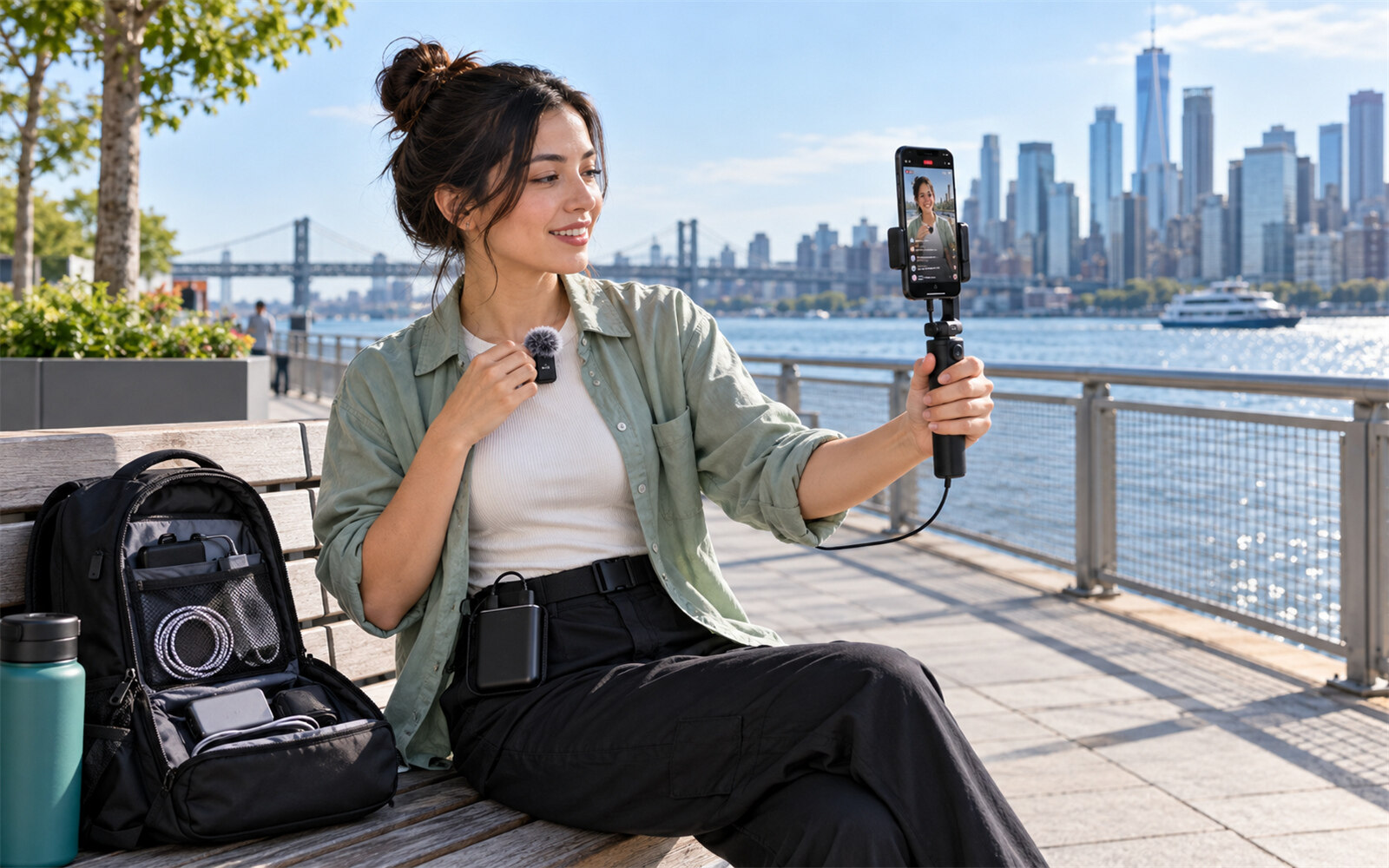
Vertical streaming means broadcasting live video in a portrait-oriented 9:16 aspect ratio, such as 1080 × 1920. Instead of cropping a horizontal stream after production, a vertical stream uses a dedicated layout designed for a tall screen.
Pros of Vertical Streaming
- Mobile-friendly: Fills a smartphone screen without requiring viewers to rotate their phones.
- Better portrait framing: Works well for talking heads, products, tutorials, and close-up content.
- Platform support: Suitable for TikTok, Instagram, YouTube, and Twitch.
- Flexible workflows: You can create separate vertical and horizontal layouts for different platforms.
Limitations of Vertical Streaming
Vertical streaming is less suitable for wide content such as large gameplay scenes or presentations. Horizontal sources may need to be cropped or reframed, while overlays and graphics often need to be redesigned for the narrower canvas.
Part 2: What Do You Need for a Vertical Stream?
You need a portrait-ready camera setup, streaming software (or just a phone), a stable upload connection, and an account with live features enabled. Here is the checklist:
- Hardware: you can use a smartphone or a PC with a webcam or external camera. For dual format on Twitch, use an NVIDIA GTX 900 series or newer, AMD RX 5500+, or Apple M1+.
- Internet: run a speed test. Twitch's dual-format guide cites about 12.5 Mbps upload for 1080p.
- Software: OBS Studio, plus Aitum Vertical or the Restream Vertical plugin for dual output. TikTok LIVE Studio is a simpler platform tool.
- Accounts: Requirements differ by platform and change over time, so verify each:
- YouTube: Verify your channel and enable live streaming. First-time activation can take up to 24 hours.
- Instagram: External production workflows require an eligible professional account, such as a Business or Creator account.
- TikTok: Check the current LIVE eligibility requirements for your account and region.
- Twitch: Check your Creator Dashboard and current Dual Format requirements.
- Portrait gear: a tripod or vertical mount, front lighting, and a mic. Center your face in the frame.
Bonus: Best Streaming Camera - OBSBOT Tail Air Streaming Camera
If you plan to stream regularly, the OBSBOT Tail Air gives you a more flexible way to build and run your livestream setup. With AI Tracking, PTZ control, 4K video, and support for major streaming platforms, it helps you frame, follow, and manage your shots with less manual adjustment, so you can focus more on your content and audience.
Key Features:
- AI Tracking: Keeps you in frame automatically, making it easier to move naturally during a livestream without constantly adjusting the camera.
- 4K Video: Delivers sharp, detailed footage for livestreams and content creation.
- PTZ Control: Pan, tilt, and zoom the camera remotely to quickly adjust your framing without interrupting your stream.
- Flexible Connections: Supports USB-C, HDMI, and IP-based streaming workflows, giving you more options for integrating the camera into your setup.
- Multi-Camera Streaming: Use multiple Tail Air cameras to capture different angles and switch between shots for a more dynamic livestream.
Part 3: How to Set Up Vertical Streaming on Different Platforms
Create a 9:16 canvas, build a portrait layout, and connect the output to your target platform.
How to Set Up Vertical Streaming in OBS
- Open Settings > Video in OBS.
- Set the Base (Canvas) Resolution to 1080 × 1920.
- Set the output resolution to 1080 × 1920 when your hardware and connection can handle it.
- Add your camera as a Video Capture Device.
- Resize, crop, and reposition the source for the portrait frame.
- Add gameplay, screen capture, text, alerts, or other sources.
- Check your audio and encoding settings.
- Preview the complete scene before going live.
Do not simply squeeze a 16:9 camera feed into a 9:16 canvas. Crop and reposition the source so the subject remains clear.
How to Do Vertical Streaming on TikTok
TikTok is designed around portrait-first content, making 9:16 a natural format for LIVE.
- Open TikTok LIVE Studio or the available LIVE workflow.
- Create a portrait scene.
- Set the video canvas to 9:16.
- Add and position your camera and other sources.
- Check the preview and audio.
- Start the LIVE when everything is ready.
TikTok's current LIVE requirements can vary by account and region, so check the latest eligibility rules before streaming.
How to Do Vertical Streaming on Instagram Live
For an external production workflow, use an eligible professional Instagram account and the available Instagram Live production tools.
- Prepare a 9:16 scene in your streaming software.
- Connect the supported Instagram Live workflow.
- Enter the required stream information.
- Check the portrait preview.
- Start the live stream.
Keep important graphics and the main subject away from the extreme top and bottom of the frame, where platform interface elements may overlap the content.
How to Do Vertical Streaming on YouTube Shorts
YouTube supports vertical live streams in its mobile app, where viewers can browse vertical live content through a dedicated experience.
To stream vertically:
- Enable live streaming on your YouTube channel.
- Create a live stream in YouTube Studio.
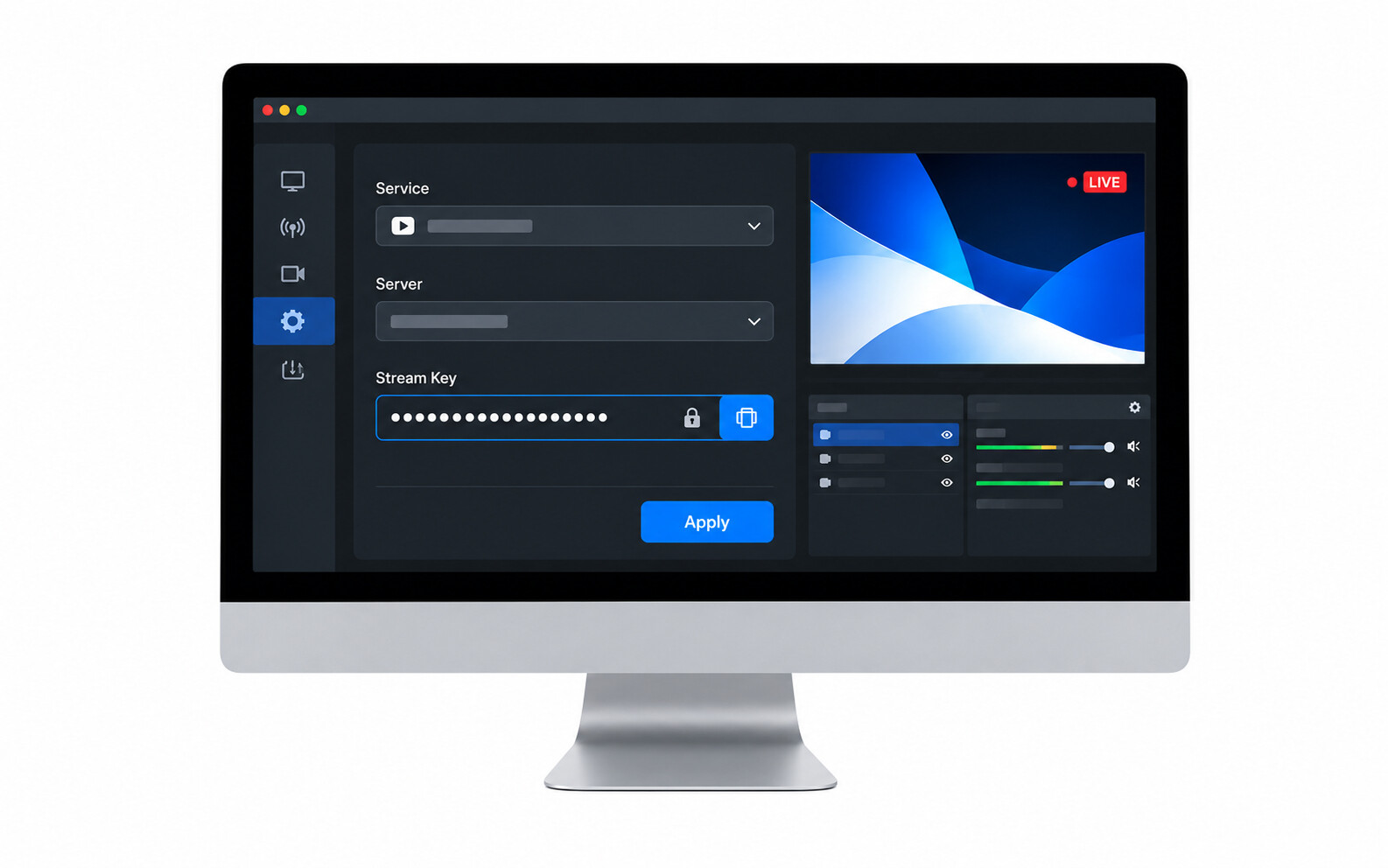
- Connect your encoder, such as OBS.
- Configure the output as 9:16.
- Connect your stream key.
- Preview and start the stream.
YouTube also supports horizontal and vertical delivery for eligible workflows.
Part 4: Recommended Vertical Streaming Settings
Use these as practical starting points. Actual platform limits and recommendations may vary.
| Platform | Aspect Ratio | Resolution | Frame Rate | Notes |
|---|---|---|---|---|
| TikTok | 9:16 | 1080 × 1920 | 30/60 fps | Design specifically for mobile viewing |
| Instagram Live | 9:16 | 1080 × 1920 | 30 fps | Keep important content within the central safe area |
| YouTube | 9:16 | 1080 × 1920 | 30/60 fps | Suitable for the vertical live experience |
| Twitch | 9:16 | 1080 × 1920 | 30/60 fps | Supports Dual Format streaming |
1080 × 1920 is a practical starting resolution for most vertical streams. If bandwidth or system resources are limited, a lower resolution such as 720 × 1280 may be more suitable.
Part 5: FAQs About Vertical Streaming
1. How to Stream Vertical and Horizontal at the Same Time?
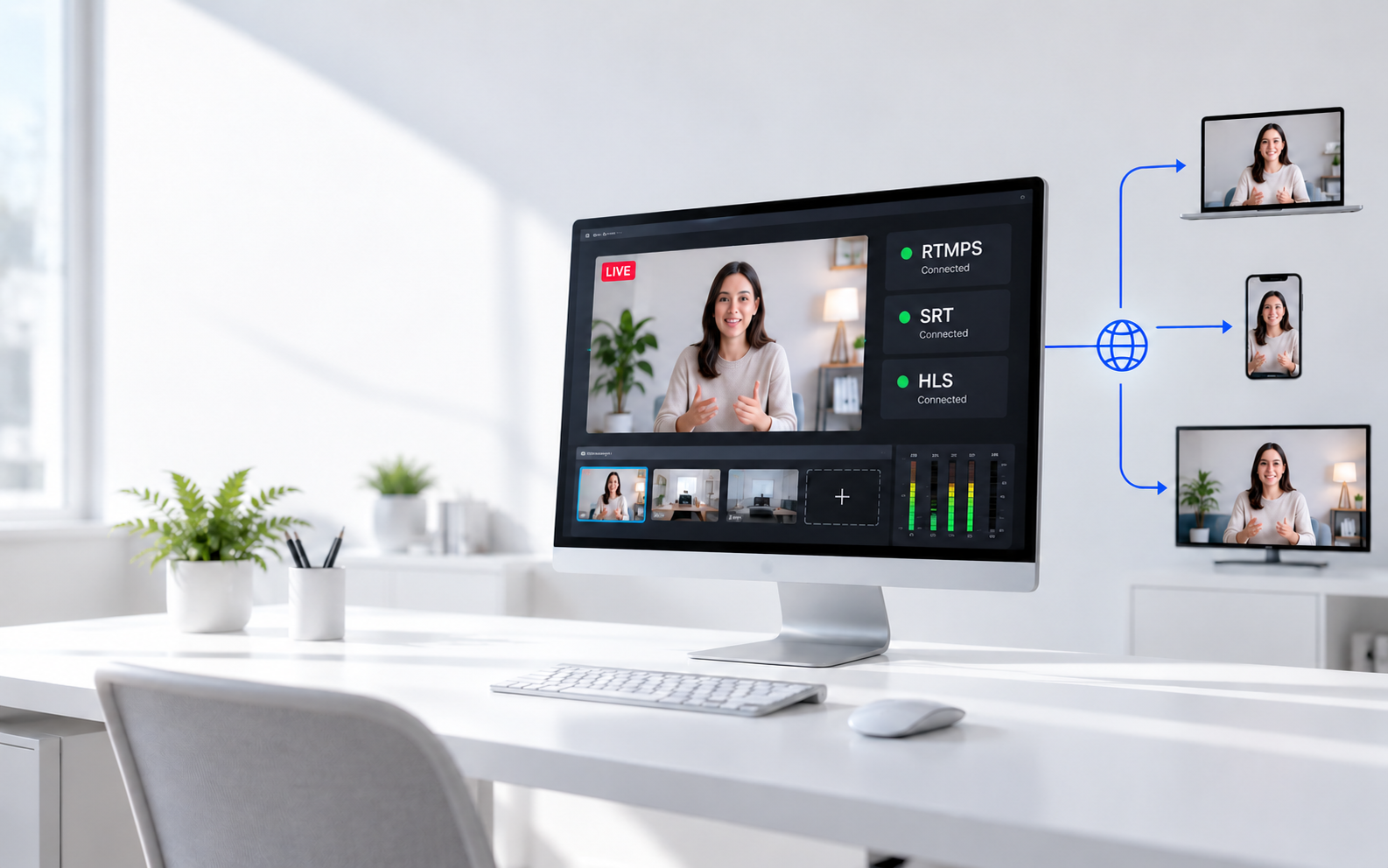
Yes, you can Stream vertical and horizontal at the same time by creating separate 9:16 and 16:9 layouts.
In OBS, tools such as Aitum Vertical or the Restream Vertical plugin can provide a separate portrait canvas. This lets you create different compositions for each format instead of simply cropping one layout. Keep in mind that running multiple outputs can increase GPU, CPU, and encoder requirements.
2. Does Twitch Support Vertical Streaming?
Yes. Twitch introduced Dual Format Streaming in June 2026, allowing eligible streams to be delivered in both horizontal and vertical formats. Mobile viewers can receive a portrait-oriented experience while desktop viewers can continue watching the horizontal version.
This creates the current Vertical Twitch workflow without requiring creators to choose only one orientation.
3. Is It Better to Stream Vertical or Horizontal on YouTube?
It depends on your content and audience.
Vertical works well for mobile-first content and subjects that naturally fit a portrait frame. Horizontal provides more space for wide gameplay, presentations, and desktop-oriented content.
If you want to reach both audiences, YouTube supports workflows that can provide horizontal and vertical versions of a live stream.
4. What Is the Best Aspect Ratio for Vertical Live Streaming?
9:16 is the standard aspect ratio for vertical live streaming. A common Full HD resolution is 1080 × 1920 pixels. The key is to design the entire composition around the portrait frame. Avoid simply placing a complete 16:9 stream inside a 9:16 canvas, as this can create excessive empty space or make important content too small.
Conclusion
Vertical streaming is a straightforward way to deliver live content in a mobile-friendly 9:16 format. Start with a suitable camera, stable internet connection, streaming software, and a dedicated portrait layout. OBS provides a flexible workflow, while TikTok, Instagram, YouTube, and Twitch each offer different ways to support vertical live content. If you need both formats, separate vertical and horizontal layouts can help you adapt the same production to different viewing environments. Most importantly, frame and design the content specifically for vertical viewing instead of simply cropping a horizontal stream.