Top 8 Budget Webcams for Streaming (2026 Ranked)
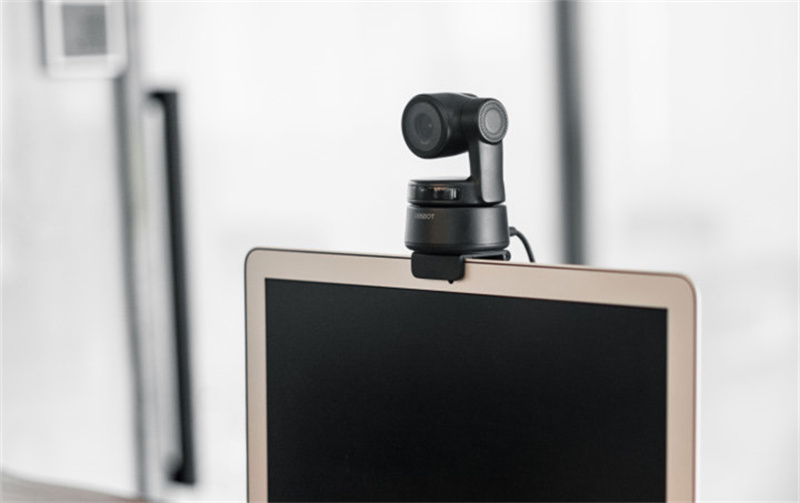
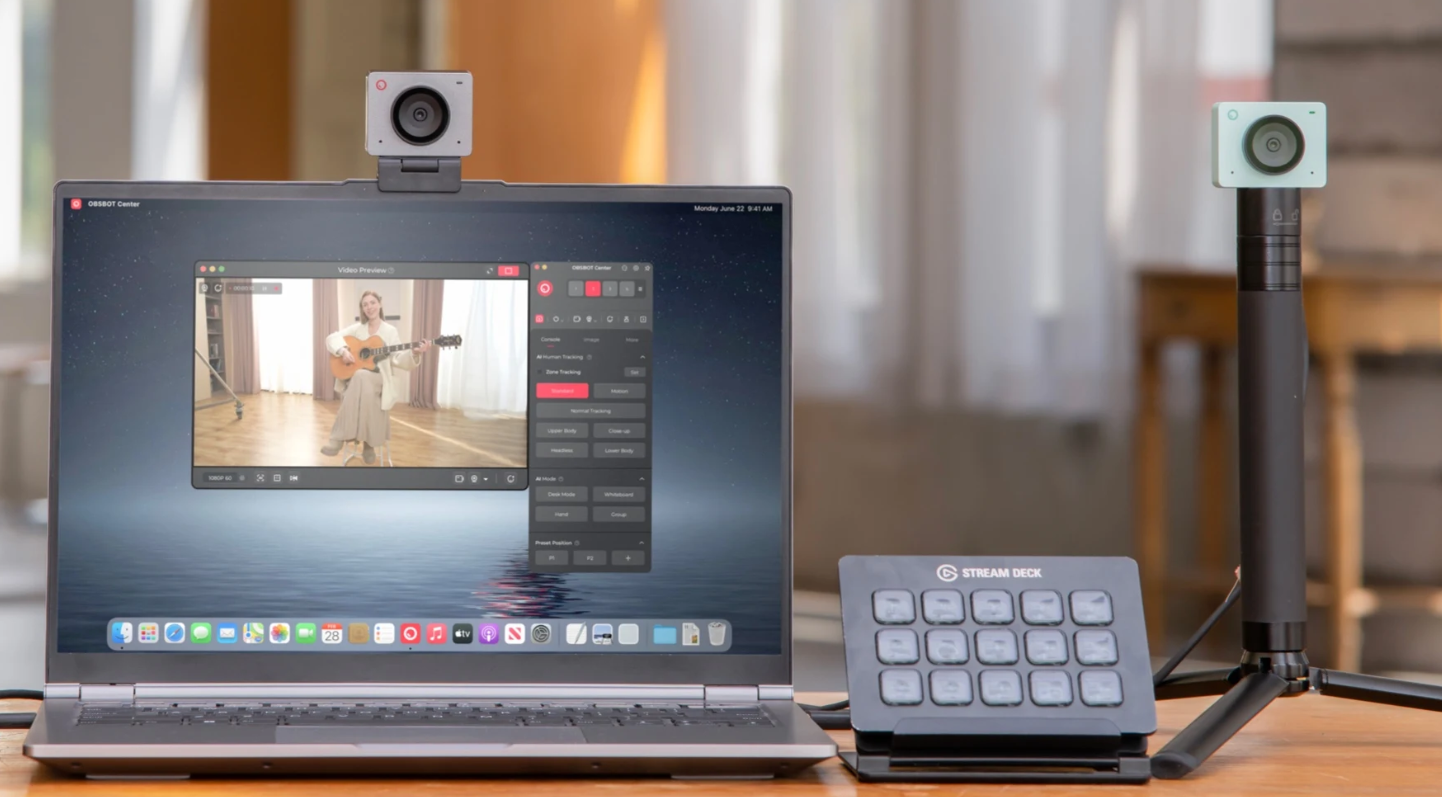
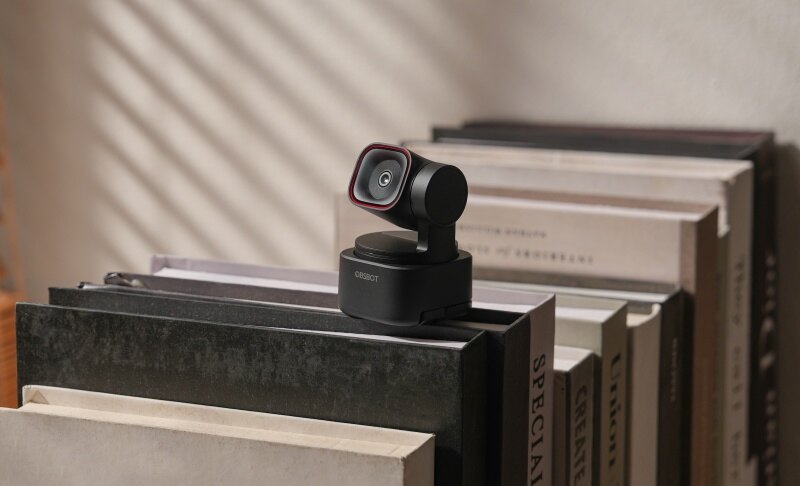
The best budget webcams for streaming, like OBSBOT Meet Flip, Logitech MX Brio 705, AnkerWork PowerConf C200, and EMeet Piko, are perfect for people who need to stream without breaking their bank. Now, you no longer need a $1,000 DSLR setup to look like a pro. While high-end gear costs a fortune, these carefully selected options prove that "affordable" doesn't mean "average." With this article, we've tested the top 8 contenders that deliver elite 4K clarity, AI-driven features, and studio-grade performance, all while keeping your startup costs at a minimum.
Part 1: How to Choose a Budget Webcam for Streaming
When picking the best budget webcam, focus on resolution, frame rate, autofocus, low-light performance, and connectivity features.
1. Resolution
Resolution shows how clear your video will look. Most budget webcams offer 1080p Full HD, which is enough for streaming on platforms like Twitch or YouTube. Some newer models even support 4K resolution, but they may downscale to 1080p during live streaming. A higher resolution sensor (like 8MP or more) gives sharper images and better detail, especially when zooming or cropping.
2. Frame Rate
Frame rate affects how smooth your video appears. The best budget webcam for streaming should support at least 30 frames per second (fps), but 60 fps is better for gaming or fast movement. Webcams with higher fps reduce motion blur and create a more professional look, especially for live action or tutorials.
3. Low-Light Performance
Streaming often happens indoors, so good low-light performance is important. Webcams with larger sensors and wider apertures (like f/1.8 or f/2.0) capture more light. This reduces noise and improves image quality without needing expensive lighting setups.
4. Connectivity and Compatibility
Make sure the camera works easily with your computer. USB plug-and-play webcams are the easiest to use. Some models support HDMI output or Wi-Fi streaming. Also, check compatibility with software like OBS, Zoom, or Streamlabs for a smooth streaming experience.
Part 2: Best 8 Budget Webcams for Streaming
Below, we review 8 budget webcams for streaming based on performance, features, and value to help you compare and choose the best option.
Quick Comparison Table
|
Webcam |
Resolution | Low-Light Sensor | The "Budget" Edge | Price |
|---|---|---|---|---|
|
OBSBOT Meet Flip |
4K@30fps 1080p@60fps |
1/2" stacked CMOS sensor | AI-Powered All-in-One Webcam at an Affordable Price | $119 |
| OBSBOT Tiny 2 Lite | 4K@30fps 1080p@60fps |
1/2" CMOS |
AI Tracking replaces a human camera operator |
$179 |
| Insta360 Link 2 | 4K@30fps 1080p@60fps |
1/2" sensor |
Integrated gimbal for cinematic shots |
$199.99 |
| MX Brio 705 | 4K@30fps 1080p@60fps 720p@60fps |
Sony STARVIS sensor |
Enterprise-grade sensor for professional skin tones |
$199.99 |
| Anker PowerConf C200 | 2K@30fps | CMOS sensor |
Lowest entry price; Includes physical privacy shutter |
$59.99 |
| EMEET Piko | 4K@30fps | 1/2.55'' Sony sensor |
Dual-camera system for professional angles at <$70 |
$69.99 |
| NexiGo HelloCam Pro | 1080p@60fps | CMOS sensor |
Windows Hello login + physical security cover |
$89.99 |
| Streamplify CAM PRO | 4K@30fps 1080p@60fps |
8.5mp Sony CMOS sensor |
Ultrawide 105° lens; no need for wide-angle adapters |
$89.99 |
1. Best Overall Budget Webcam for Streaming - OBSBOT Meet Flip Foldable 4K Webcam
The OBSBOT Meet Flip is a versatile streaming webcam that delivers professional-quality video and audio without requiring a complicated setup. With 4K resolution, AI-powered features, and a compact foldable design, it is an excellent choice for streamers who want a reliable camera for gaming, Just Chatting, tutorials, and content creation.
Key Features:
- 4K Video for Professional-Looking Streams: Supports 4K@30fps and 1080p@60fps, delivering sharp visuals and smooth motion for livestreaming, gaming content, and creator videos.
- AI Auto Framing for Better Stream Composition: Automatically adjusts framing to keep you properly positioned, helping maintain a polished on-camera appearance during live broadcasts.
- Intelligent Dual-Mic System for Clear Voice: Built-in microphones enhance voice pickup for livestream commentary, tutorials, and interactive content without requiring a separate microphone.
- Flexible Streaming Setup: The adjustable stand and USB-C plug-and-play connection make it easy to set up with laptops, desktops, and different streaming environments.
- Compact Foldable Design with Privacy Protection: The lightweight foldable structure is easy to carry, while the physical lens cover provides instant privacy when the webcam is not in use.
2. Best PTZ Budget Webcam for Streaming – OBSBOT Tiny 2 Lite
If your streaming content involves moving, whether you're a fitness coach or a hands-on tech reviewer, you usually need a cameraman or a $500 PTZ setup. The Tiny 2 Lite eliminates that overhead. This best cheap webcam for streaming combines smart automation with strong image quality, making it perfect for live streaming, teaching, and content creation with minimal manual control and maximum efficiency.
Key Features:
- 4K Video with Flexible Frame Rates: Supports 4K@30fps and 1080p@60fps, giving streamers the option of ultra-clear visuals or smoother motion.
- AI Tracking with Auto Zoom: Tracks your movement in real time and automatically adjusts zoom levels, so streamers stay properly framed even if you move around.
- Gesture Control 2.0: Supports three gestures: raise your hand to start/stop AI tracking, use a hand signal to zoom in, and another to zoom out, making live streaming smoother.
- Preset Modes for Faster Workflow: Save PTZ (pan, tilt, zoom) positions and camera settings in advance for quick switching between angles during streaming.
- Great Sound Quality: Includes dual omnidirectional microphones with adjustable noise cancellation levels for clear voice audio even in noisy environments.
User review:

3. Best Smart AI Webcam for Streaming Control – Insta360 Link 2

The Insta360 Link 2 is a feature-rich webcam that offers intelligent control and professional presentation tools. This cheap streaming camera stands out with advanced AI tracking, smart framing, and creative modes that improve live streaming quality. Its versatile design makes it suitable for content creators, educators, and interactive streamers.
Key Features:
- Two-axis gimbal enables cinematic real-time movement tracking
- AI tracking keeps the subject framed during active streaming
- DeskView mode supports seamless overhead content demonstrations
- Whiteboard mode enhances readability for educational live streams
- Gesture control triggers tracking and zoom without interruption
- Software presets allow quick scene switching mid-stream efficiently
User review:

4. Best Premium Business Webcam for Professional Streaming – Logitech MX Brio 705

The MX Brio 705 for Business is a premium webcam that provides reliable performance and polished visuals. It combines smart AI enhancements with strong hardware design, making this cheap camera for streaming ideal for streamers who focus on presentations, meetings, and a clean on-camera appearance with minimal manual adjustments.
Key Features:
- Closed-loop autofocus maintains sharp focus during movement
- Adjustable field of view enables precise scene framing control
- RightLight HDR balances exposure in dynamic lighting conditions
- RightSight auto-framing keeps the subject centered during streaming
- Show Mode enables quick switching to desk presentation views
- Dual beamforming microphones isolate the voice from the background noise
User review:

5. Best Affordable Webcam for Streaming – Anker PowerConf C200

The Anker PowerConf C200 is an affordable webcam with solid video quality and simple controls. It offers flexible framing, good audio pickup, and easy software customization. This makes it a strong choice for beginners or casual streamers building the best and cheap webcam setup.
Key Features:
- Adjustable 65°, 78°, 95° field of view options
- Built-in privacy cover ensures secure camera usage anytime
- AI dual microphones enhance voice clarity during streaming
- Custom audio modes allow directional or omnidirectional pickup
- AnkerWork software enables manual control of camera settings
- A wide aperture lens improves brightness without extra lighting
User review:

6. Best Dual-Camera Webcam for Streaming – EMEET Piko

Traditional dual-camera streaming usually requires two separate devices, two cables, and a complex setup. The EMEET Piko simplifies this by integrating a dual-camera system into one budget-friendly unit. It combines AI-powered imaging, flexible software tools, and multi-camera support, making it ideal for dynamic streaming, switching angles, and improving production quality on the best affordable webcam setup.
Key Features:
- The dual-camera system combines a 4K sensor and an AI lens
- Sony sensor enhances color accuracy and signal processing
- AI-assisted exposure adjusts brightness and contrast dynamically
- Multi-camera switching is supported through the EMEETSTUDIO software platform
- Custom hotkeys enable quick switching between streaming scenarios
- AI audio modes optimize sound using environment detection algorithms
User review:

7. Best Secure Webcam for Streaming – NexiGo HelloCam Pro

The NexiGo HelloCam Pro is a feature-packed webcam combining security, smooth performance, and reliable video quality. With facial recognition and privacy-focused features, it stands out as a smart choice for users who value both convenience and protection in a best budget streaming webcam setup.
Key Features:
- Windows Hello facial recognition enables instant, secure login
- Automatic privacy cover physically blocks the lens when inactive
- Built-in IR sensor supports accurate depth-based face detection
- Autofocus with face AE maintains exposure on the subject
- 3D noise reduction improves image clarity in low light
- Dual microphones with noise cancellation enhance voice clarity
User review:

8. Best Wide-Angle Budget Webcam for Streaming – Streamplify CAM PRO

Trying to fit two people or a wide background into a standard 78° webcam frame often leads to a cramped, low-quality look. The CAM PRO solves the "space crunch" with its 105° ultra-wide lens. You don't need to move your desk back or buy wide-angle lens attachments; it captures the whole scene clearly, making it the most cost-effective way to host a duo-stream or a podcast.
Key Features:
- 105° wide-angle lens captures broader streaming backgrounds clearly
- 5x digital zoom helps highlight details during live sessions
- Rotating shutter ensures quick privacy and mic control
- Adjustable head enables flexible camera angles for framing
- Dual omnidirectional microphones deliver a clearer voice for audiences
- Auto light enhancement keeps video bright in low-light setups
User review:

Part 3: FAQs About Budget Webcam for Streaming
1. What is the best resolution for streaming cameras?
The best resolution for streaming is usually 1080p Full HD. It provides a clear and sharp image without using too much internet bandwidth. While 4K cameras are available, most streaming platforms like Twitch and YouTube still mainly support 1080p. The best cheap streaming webcam with 1080p and good image processing is often enough for high-quality content.
2. Do I need 60 fps for streaming?
60 fps is not required, but it makes your video smoother, especially for gaming or fast movement. If you are doing tutorials or talking videos, 30 fps is fine. However, many streamers prefer 60 fps because it gives a more professional look and improves viewer experience.
3. Can I use a webcam for professional streaming?
Yes, many modern webcams offer excellent quality for professional streaming. Cameras like Logitech StreamCam and OBSBOT Meet Flip provide high resolution, autofocus, and good microphones. A good budget camera for streaming can deliver professional results when combined with proper lighting and audio setup.
4. Is low-light performance important for streaming?
Yes, low-light performance is very important because many people stream indoors. Cameras with better sensors and wider apertures produce clearer images in dim conditions. Without good low-light support, your video may look grainy or blurry, which can reduce viewer engagement.
5. Do I need special software for streaming cameras?
Most cameras work with basic software like OBS Studio, Zoom, or Streamlabs. These programs allow you to adjust video settings, add overlays, and manage your stream. A good budget camera for streaming should be compatible with popular software and require minimal setup.
Conclusion
If you have less than $100, the Anker C200 or Streamplify CAM PRO are your best bets for reliability. However, if you can stretch to $119, the OBSBOT Meet Flip offers the best long-term ROI by providing 4K quality and AI-Powered features that grow with your channel. A reliable budget webcam for streaming helps you create better content, connect with your audience, and grow your channel over time.