8 Best Webcams for Streaming in 2026 (Tested & Ranked)
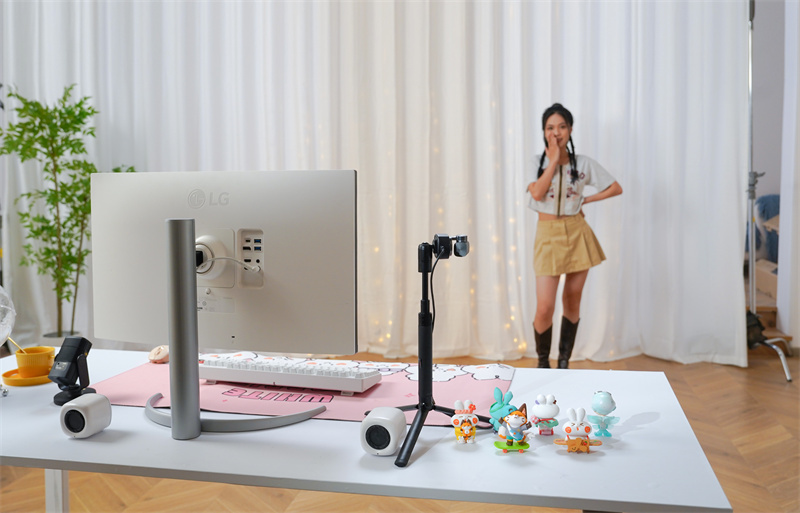
First impressions are central to streaming, and your camera significantly contributes to how your content is perceived. Even excellent content may lose credibility due to poor video quality. Choosing the right webcam is key to establishing a professional image.
With so many models and features available, it is easy to get lost when choosing the right webcam. This guide will help you choose the best webcams for streaming. These eight options are carefully selected based on video quality, low-light performance, autofocus speed, and overall value. These recommendations cover a range of needs, from budget users to those willing to invest in high-performance equipment.
Part 1: How to Choose the Best Webcam for Streaming
Not every streamer is the best with one particular webcam. Your room, content, and your budget determine the right choice. Here is what actually matters before you buy.
Resolution: 1080p vs 4K
Most live streamers require a 1080p webcam to stream. Twitch limits streams to 1080p. A 4K webcam for streaming becomes useful when you also record content for YouTube.The editing allows you to crop and zoom without loss of sharpness. But in pure live streaming, 1080p 60fps beats 4K 30fps in nearly all cases.
Frame Rate: 30fps vs 60fps
This matters more than most beginners expect. 30fps is fine for a slow, static talking head setup. But the moment you move quickly or gesture with your hands, 30fps creates blur. Full HD 60fps webcam maintains a clean motion and a sharp face. Assuming you can afford it, you should always use 60fps.
Autofocus
Slow autofocus is painful to watch. A constant search by the camera back and forth in an attempt to focus on someone distracts your viewers. Find phase-detection autofocus because it is quicker and more dependable than the more outdated contrast-detect autofocus. There are also webcams that allow you to configure face-priority mode so that the lens is always on you, even when your hand comes between the lens and you.
Low-Light Performance
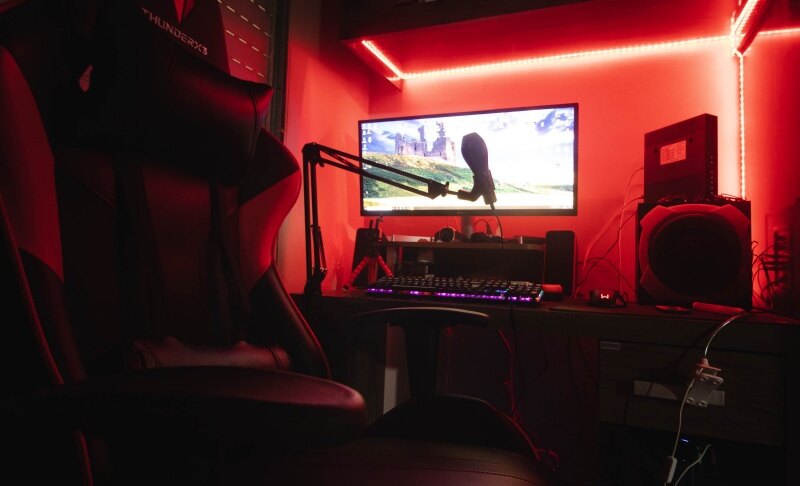
Most streaming rooms are not perfectly lit. A larger picture sensor captures a larger amount of light and provides you with a sharper picture in the dark. A bigger aperture of f/1.8 or less is also helpful. In case you stream at night or even in a dark gaming room, this spec is more important than resolution. This is among the primary reasons why the OBSBOT Tiny 3 is so widely popular among individuals who want to have a good camera for streaming without purchasing studio lights.
AI Features
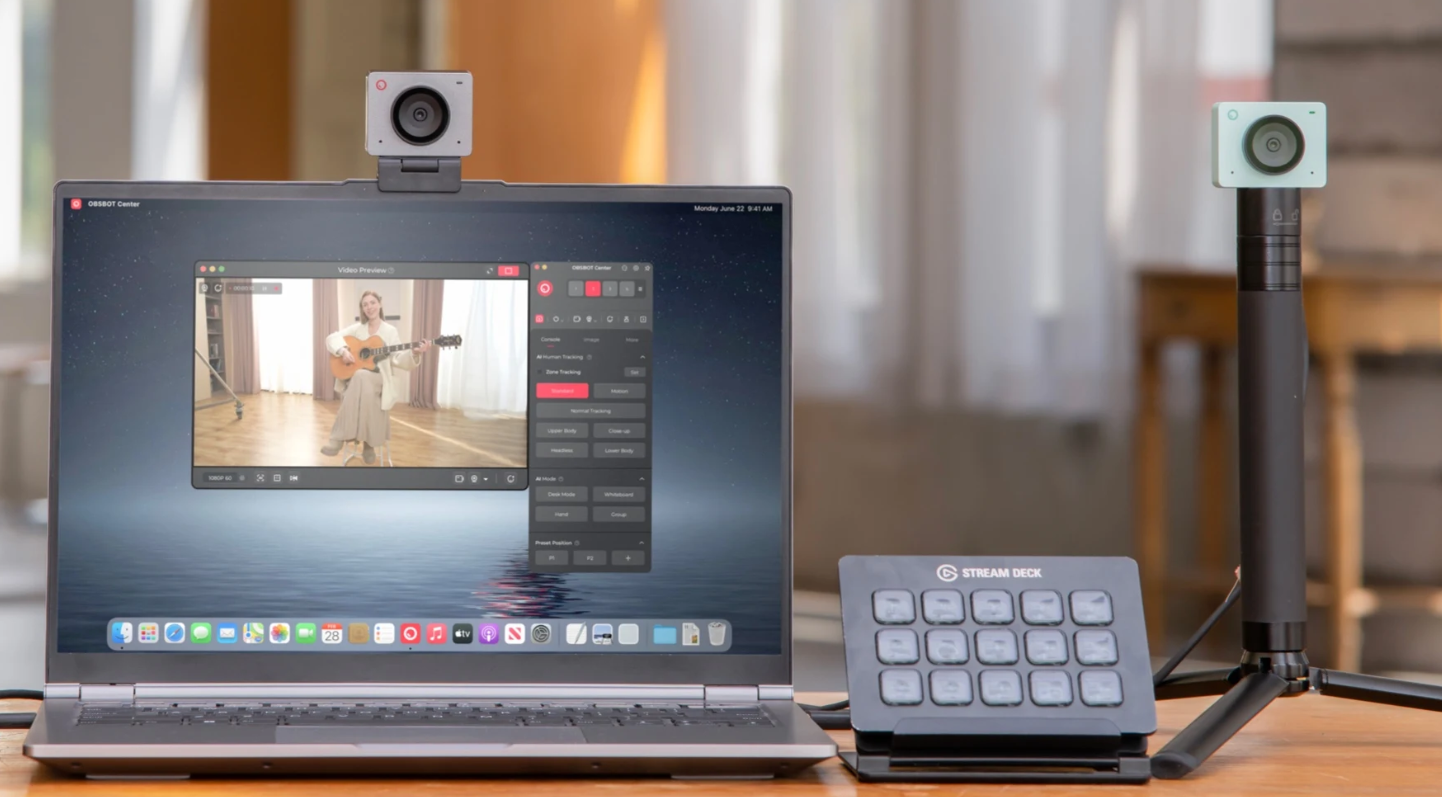
Modern webcams are not just about hardware. Built-in AI features like auto tracking keep you in frame as you move, while background blur and auto exposure help maintain a clean, professional look. Webcam software also lets you adjust settings like field of view, brightness, and color to fit your setup.
Field of View
A narrow field of view, around 65 degrees, keeps the focus on your face. A wide field of view at 90 degrees or more pulls in your background, which is great if you have a nice streaming setup behind you. There are cameras where the field of view can be digitally adjusted, and this offers the greatest level of flexibility.
Budget
It does not take a large budget to create a high-quality stream. Affordable webcams under $100 can deliver solid performance, while popular options like the OBSBOT Meet 2 provide reliable video quality in well-lit environments at an accessible price point.
As the budget increases to around $150, many cameras begin offering smoother 60fps video and improved sensors. Models priced above $250 often include advanced features such as AI tracking, higher resolutions, and enhanced audio capabilities. Start with what fits the current budget—upgrading later is always an option.
Part 2: 8 Best Webcams for Streaming (Tested & Ranked)
Quick Comparison Table
| Webcam | Resolution | Low-Light Performance | AI Features | Ideal Use Case | Price |
|---|---|---|---|---|---|
| OBSBOT Tiny 3 | 4K@30fps / 1080p@120fps | 1/1.28" CMOS sensor | Voice locator, AI tracking 2.0, Auto framing, Gesture and Voice control | Creators who need AI tracking and motion | $349 |
| Elgato Facecam MK.2 | 1080p@60fps | 1/2.5" CMOS sensor | Face tracking, eye-contact | Best overall 1080p streaming | $199.99 |
| Razer Kiyo Pro Ultra | 4K@30fps / 1080p@60fps | Ultra-large 1/1.2″ Sensor | Face tracking, autofocus, auto-exposure | Streaming in low-light environments | $299.99 |
| Logitech MX Brio | 4K@30fps / 1080p@60fps | Sony Starvis sensor | Face-Based enhancement, auto-framing | Professional content creation and meetings | $199.99 |
| Insta360 Link 2 | 4K@30fps | 1/2" sensor | AI tracking, gesture control, auto-framing | Interactive streaming & teaching | $199.99 |
| Elgato Facecam 4K | 4K@60fps | 1/1.8" Sony® sensor | Advanced image processing, manual control | Creator streaming with full control | $199.99 |
| Logitech C920x | 1080p@30fps | CMOS sensor | Auto light correction, autofocus | Beginner streaming (budget setup) | $69.99 |
| Logitech StreamCam | 1080p@60fps | Standard CMOS | Face tracking, auto exposure, stabilization | Smooth 60fps streaming (entry–mid level) | $169.99 |
1. Best Overall: OBSBOT Tiny 3 4K PTZ Webcam
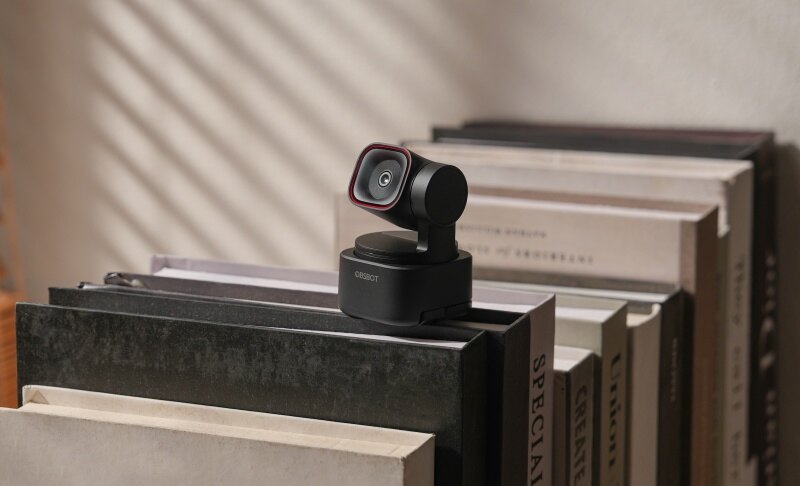
If you are tired of being trapped in a rigid, frozen frame while interacting with your live chat, the OBSBOT Tiny 3 completely smashes the boundaries of traditional webcams. It operates like a personal, automated camera crew sitting right on top of your monitor, making it the most versatile tool for high-tier PC streaming setups. Beyond its visuals, it eliminates the need for bulky extra gear with its powerhouse audio system, featuring triple-microphone spatial audio, an AI voice locator, and intelligent noise cancellation that lets you skip an expensive standalone mic entirely.
Key Features:
-
Next-Gen Low-Light Clarity: The massive 1/1.28" CMOS sensor eliminates muddy pixelation in dark gaming rooms, capturing vibrant colors without requiring blinding studio lights.
-
True Hands-Free Control: You can adjust framing, change tracking targets, or zoom in up to 4x using intuitive hand gestures or simple voice commands mid-stream.
-
Studio-Grade Audio: The triple-microphone spatial audio setup features AI noise reduction, allowing you to bypass purchasing an expensive standalone microphone when starting out.
Why it stands out: Unlike static cameras that lose sharpness when you zoom in digitally, the Tiny 3 utilizes a physical 2-axis motorized gimbal combined with AI Tracking 2.0. It physically tracks your body movements smoothly, ensuring you stay dead-center even during high-energy moments.
2. Best Autofocus Webcam: Elgato Facecam MK 2

Gamers who require fluid, uncompressed 1080p video without the lag or artifacting of heavy digital processing will find their perfect match here. This device eliminates the frustration of blurry focus dips when you lean into the screen during intense gameplay.
Key Features:
-
Instant Phase-Detection Focus: Locks onto your face in milliseconds and prevents the annoying "lens hunting" effect when objects cross the frame.
-
Seamless HDR Integration: Prevents bright windows or background RGB neon strip lights from completely blowing out your face details.
Why it stands out: The standout feature is Elgato's legendary Camera Hub software, which saves your precise exposure, ISO, and white balance settings directly onto the webcam's onboard hardware. Your calibrated look remains identical whether you swap from OBS Studio to Discord.
3. Best Low-Light Webcam: Razer Kiyo Pro Ultra

For late-night streamers operating out of dim gaming dens lit only by keyboard backlight and monitor glow, standard webcams produce nothing but grain. This massive optics system is designed specifically to capture DSLR-like depth of field and clean visuals under near-pitch-black conditions.
-
Natural Background Bokeh: The huge sensor creates a genuine hardware-level blurry background, isolating your silhouette beautifully without relying on glitchy software AI background filters.
-
High-Bitrate Customization: Converts raw data into uncompressed 4K@30fps or 1080p@60fps streams directly into your streaming software with zero compression artifacting.
Why it stands out: It packs a mind-blowing 1/1.2-inch Sony STARVIS 2 sensor paired with a custom f/1.7 ultra-large aperture. This hardware combo pulls in nearly four times more light than traditional competitors, delivering raw, low-noise video.
4. Best AI Webcam: Logitech MX Brio

Content creators who split their day between high-stakes business meetings and evening live streams need a camera that adapts instantly to changing environments. It focuses heavily on intelligent, automated lighting adjustments so you never look washed out or ghost-white.
Key Features:
- RightLight 5 Auto-Exposure: AI-driven face-based image enhancement adjusts skin tones dynamically, even if your room lighting changes from natural afternoon sun to artificial evening lamps.
- Crisp Dual-Beam Mics: Suppresses background typing clacks and PC fan whines to keep your voice clear during live commentary.
Why it stands out: Its innovative "Show Mode" automatically flips the orientation when you tilt the camera down, instantly providing a perfectly aligned overhead view of your desk for unboxings, drawing, or hardware tutorials.
5. Best Wide-Angle Webcam: Insta360 Link 2

Just Webcasting or reacting from a desk doesn't cover everyone; fitness coaches, artists, and interactive educational streamers need a lens that captures the whole room. This advanced gimbal camera solves the restriction of narrow fields of view.
Key Features:
- Gimbal-Driven Stability: The physical 3-axis gimbal delivers cinematic camera panning that keeps your presentation looking professional, avoiding jerky digital frame-cropping.
- AI Privacy Shield: Automatically tilts the lens straight down into its mount the second your stream software closes, guaranteeing absolute privacy.
Why it stands out: It features dedicated interactive modes like Whiteboard Recognition and Smart Overhead views, allowing you to seamlessly transition your stream from a talking-head reaction to a full physical demonstration.
6. Best 4K Webcam: Elgato Facecam 4K

Most mainstream 4K webcams force you to compromise by dropping down to a choppy 30fps. This camera shatters that limitation for creators who refuse to sacrifice smoothness for crisp resolution.
Key Features:
-
Pro-Grade Studio Lens: An anti-reflective multi-element glass lens minimizes chromatic aberrations and peripheral distortion across a wide 90-degree field of view.
-
Stream Deck ecosystem: Allows you to adjust zoom levels, manual shutter speeds, and brightness settings on-the-fly using physical macro keys mid-broadcast.
Why it stands out: It stands as a rare consumer webcam capable of pumping out true, uncompressed 4K resolution at a buttery-smooth 60 frames per second, making it the ultimate tool for multi-platform creators archiving footage for YouTube shorts.
7. Best Budget Pick: Logitech C920x HD Pro

Launching a brand new stream can be incredibly intimidating when looking at hardware costs. This legendary workhorse remains the undisputed champion for giving beginners a clean, professional start without breaking the bank.
Key Features:
-
Dependable 1080p Visuals: Delivers a sharp, color-accurate image under standard room lighting that easily surpasses any built-in laptop camera.
-
Rock-Solid Value: Saves you budget that can be better allocated toward upgrading your internet bandwidth or gaming components early on.
- Compativility: Fits with all OBS, Streamlabs, Twitch, YouTube, and Zoom.
Why it stands out: Its ultimate selling point is its universal plug-and-play stability. It has been the industry benchmark for so long that every major software, from OBS Studio to Streamlabs, automatically configures the perfect settings the second it’s plugged in.
8. Best Plug-and-Play Webcam: Logitech StreamCam

With the massive explosion of mobile-first content on TikTok Live and YouTube Shorts, traditional landscape webcams leave vertical creators constantly cropping out half their video quality. This unit built its entire architecture around modern multi-platform broadcasting.
Key Features:
-
High-Speed USB-C Connection: Utilizes a direct Type-C connection to transmit uncompressed 1080p 60fps data stream with virtually non-existent audio-to-video sync delay.
-
Smart Auto-Framing: Subtly shifts the lens tracking digitally to keep you perfectly positioned in the center of tight 9:16 frames if you lean sideways.
Why it stands out: You can physically rotate the camera inside its mount 90 degrees to switch instantly from standard widescreen view to a native 9:16 portrait mode, preserving every single pixel for mobile viewing feeds.
Part 3: FAQs About Best Webcams for Streaming
1. Is a 4K webcam worth it for live streaming?
Not always. Twitch fails to offer 4K to the majority of streamers. However, a 4K streaming webcam will still provide you with helpful cropping flexibility. You are then able to zoom digitally and still be able to produce a clean 1080p signal. YouTube recordings, too, are worth the cost of 4K. In pure live streaming on Twitch, one can consider 1080p 60fps as a wiser choice.
2. Do I need a ring light if I have a good webcam?
A better camera helps, but it cannot create light that is not there. The Razer Kiyo Pro Ultra gets the closest to solving this problem on its own. Its sensor is genuinely impressive in very dark conditions. That said, even a basic $30 key light will improve any webcam’s image. Think of good lighting as the thing that makes an already decent camera look great.
3. How do I set up a professional webcam stream for online content?
Position the camera at eye level with bright, soft front lighting, connect a dedicated USB microphone for clear audio, and route the feed through broadcasting software like OBS Studio to optimize your resolution and frame rate.
4. What are some popular platforms for sharing webcam footage?
For live broadcasting, Twitch and YouTube Live are the industry standards for gaming and talk shows, while TikTok Live dominates short-form vertical streaming, and platforms like Zoom or Teams handle professional presentations and remote teaching.
5. How can I improve the quality of my webcam videos?
To instantly improve your webcam quality, place a soft light source directly behind your camera to fully illuminate your face, and lock your camera's exposure and white balance in its software settings so the image stays crisp and stops shifting colors when you move.
Conclusion
The choice of the best webcams for streaming actually depends on what you need at the moment. When your budget is low,w you can begin with Logitech C920x. Elgato Facecam MK.2 is the best choice if you desire clean 1080p with easy access to software. When you are streaming in the dark, the Razer Kiyo Pro Ultra will just be worth every single dollar.
OBSBOT Tiny 3 is a better option when you are interested in the complete package, which includes AI tracking and a built-in audio. Whatever camera you use, proper lighting and a consistent internet connection will give your stream a better performance than any hardware upgrade. Begin with what you can afford now and develop it.